Let’s Make a Steampunk Father’s Day Card with Metallic Brilliance Inks

By Kathi Rerek

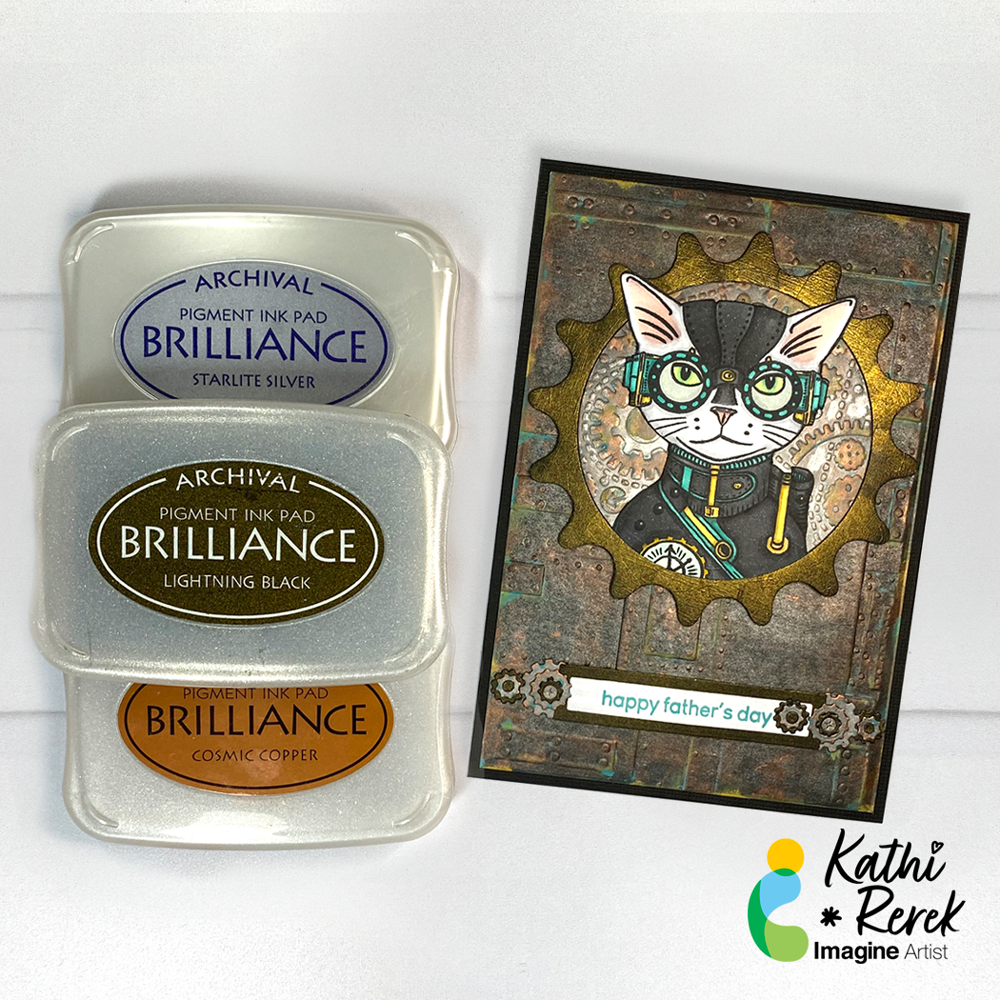
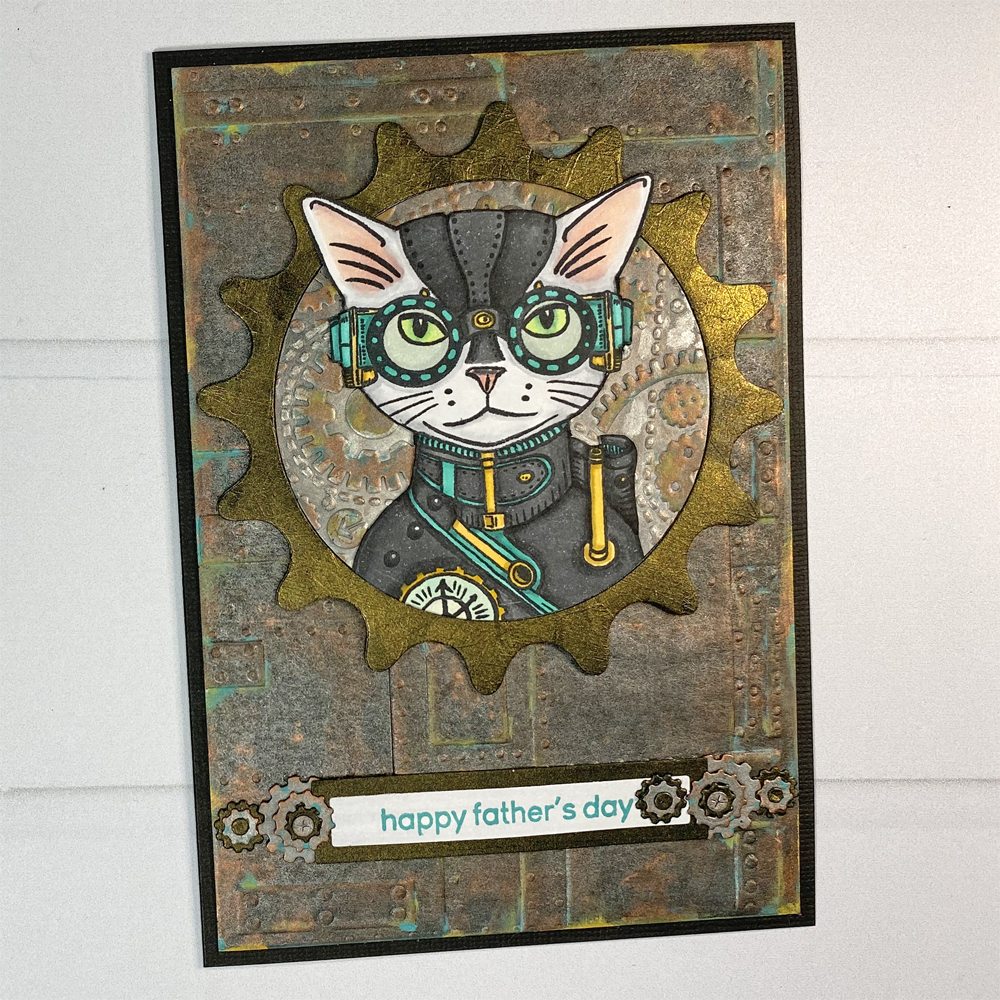
I’m continuing my experimentation with Metallic Brilliance Inks with this Father’s Day card using two of my favorite themes – cats and Steampunk!

Skill Level: Advanced
Time: 2.5 Hours

Directions:
Step 1:
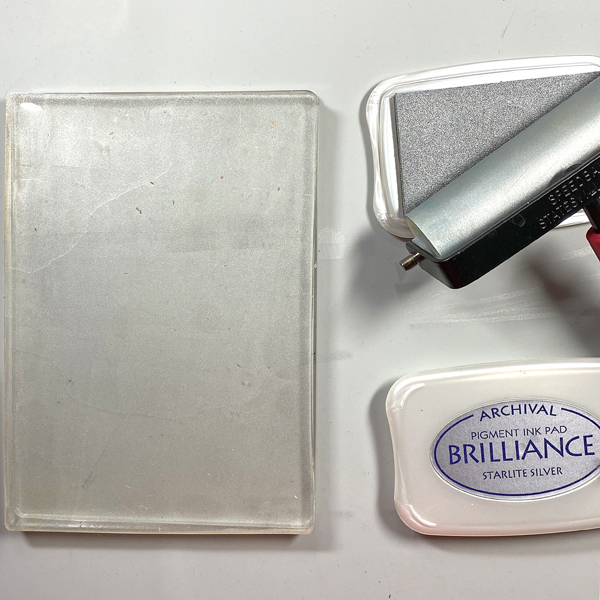
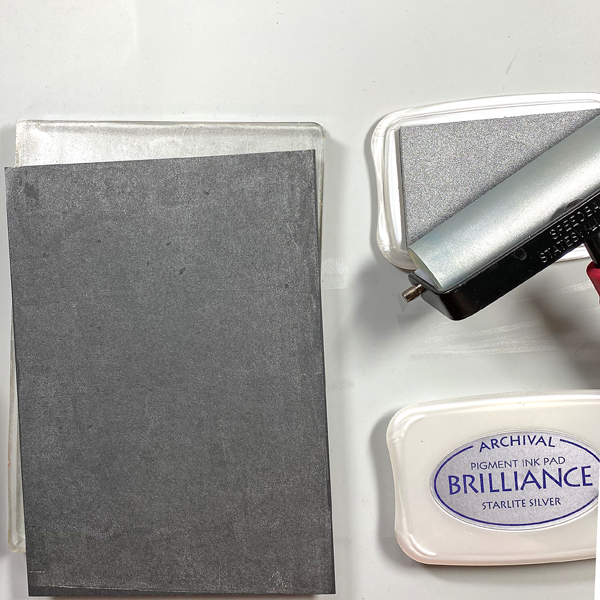
Use a brayer to apply Starlite Silver Brilliance Ink to a 5” x 7” Gel Press. Place a piece of black mixed media paper onto the Gel Press. Smooth the back of the paper to transfer the in and pull a print.
Step 2:
Repeat Step 1 to enhance the coverage.
Step 3:
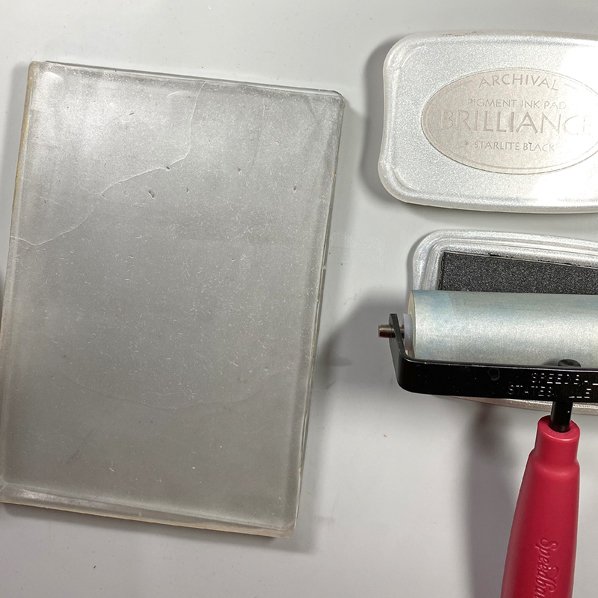
Clean the brayer, then use it to apply Starlite Black Brilliance ink to the Gel Press. Place the print back onto the Gel Press inked side down. Smooth the back of the paper, then pull the print. Heat set the inked paper, then clean the brayer and the Gel Press.
Step 4:
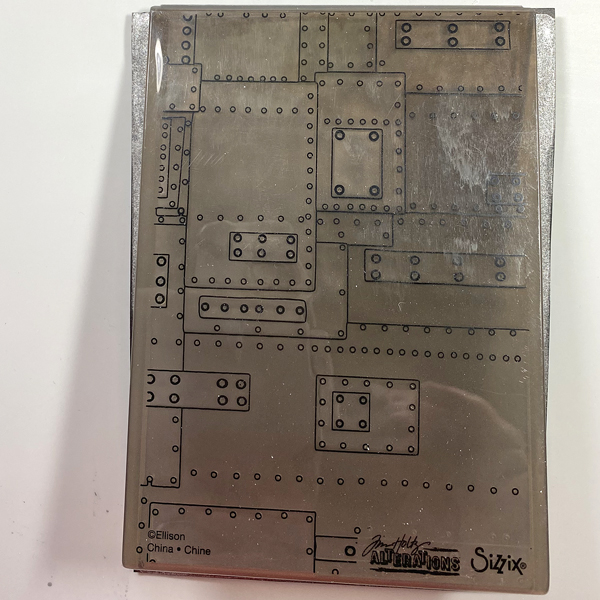
Place the inked black mixed media paper into the Foundry 3D Alterations Embossing Folder. Spritz the back of the paper with water. Close the folder and run it through a die-cut machine.
Step 5:
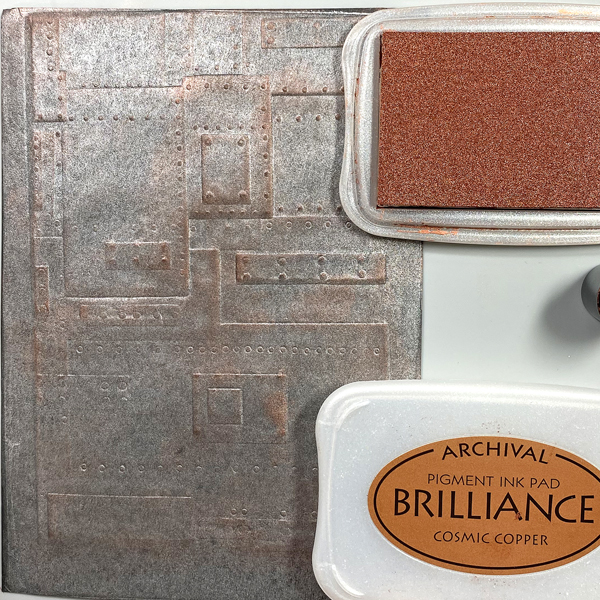
Use a Sponge Dauber to apply Cosmic Copper Brilliance Ink to the high points of the embossed paper. Heat set.
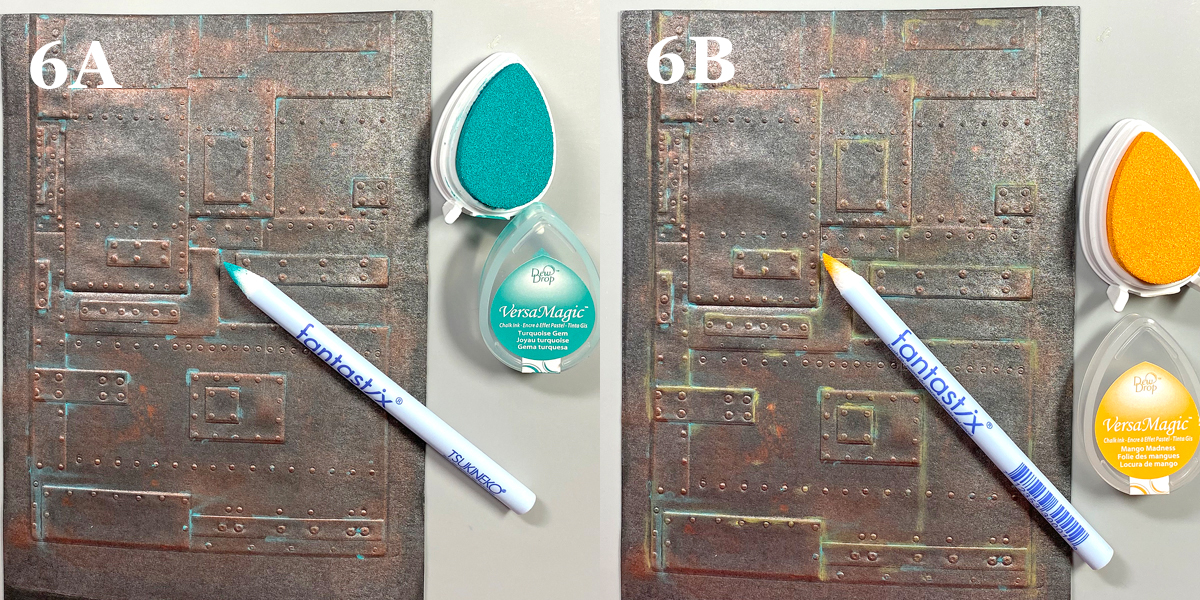
Steps 6A and 6B:
Use Fantastix to apply Turquoise Gem VersaMagic Ink randomly to the high points of the embossed paper (6A). VersaMagic Ink has a matte chalk finish which comes out when it’s heat embossed.

Use another Fantastix to Apply Mango Madness VersaMagic Ink randomly to the high points of the embossed paper (6B). Heat set the panel and set aside.
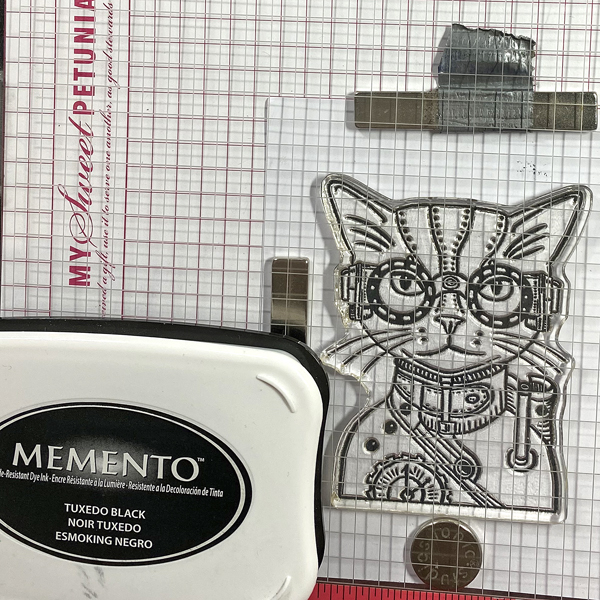
Step 7:
Use Tuxedo Black Memento Ink to stamp the cat from the Steampunk Pets Clear Stamp Set onto white cardstock.

Step 8:
Fussy-cut the image and use Copic markers to color it. Use a dark marker to edge the cut image. Set aside.
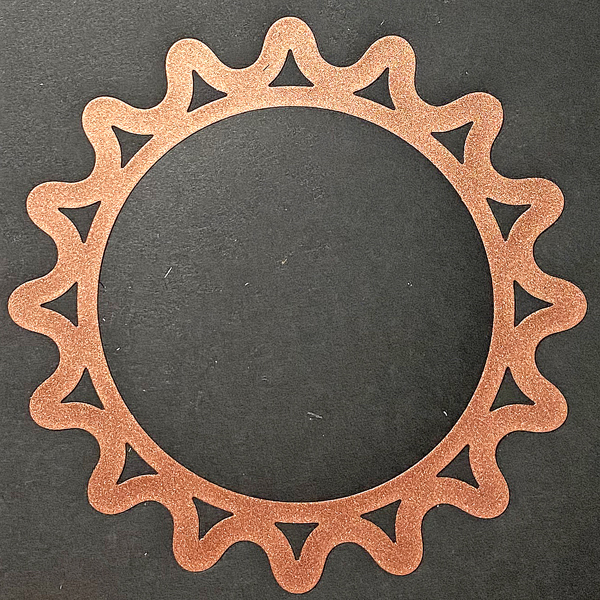
Step 9:
Use the largest die from the Sprightly Sprockets Shapeabilities Die Set to cut black mixed media cardstock two times. You will end up with two cogs and two circles.
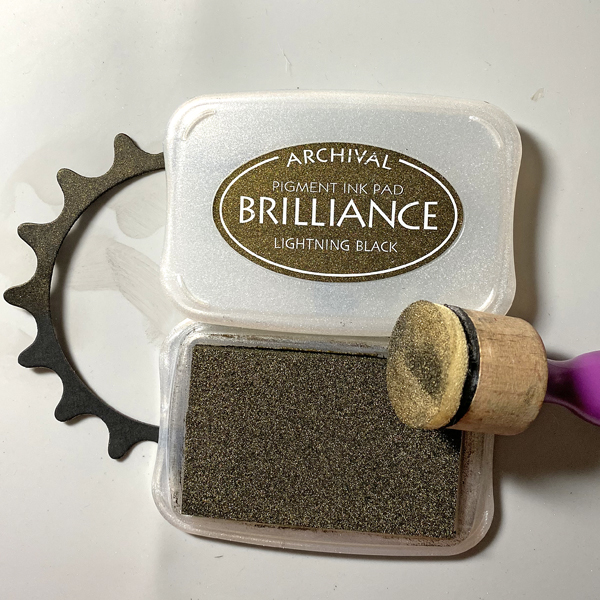
Step 10:
Sponge Lightning Black Brilliance Ink over one of the cog die-cuts and one of the circles. Heat set both.
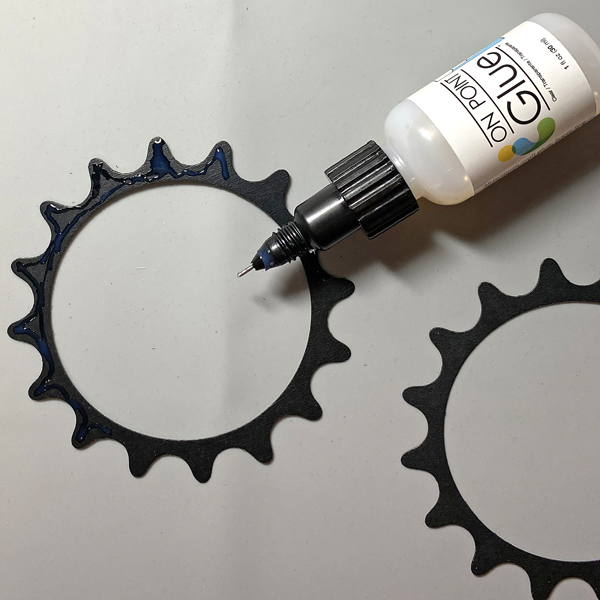
Step 11:
Use On-Point Glue to adhere the inked cog atop the other one.
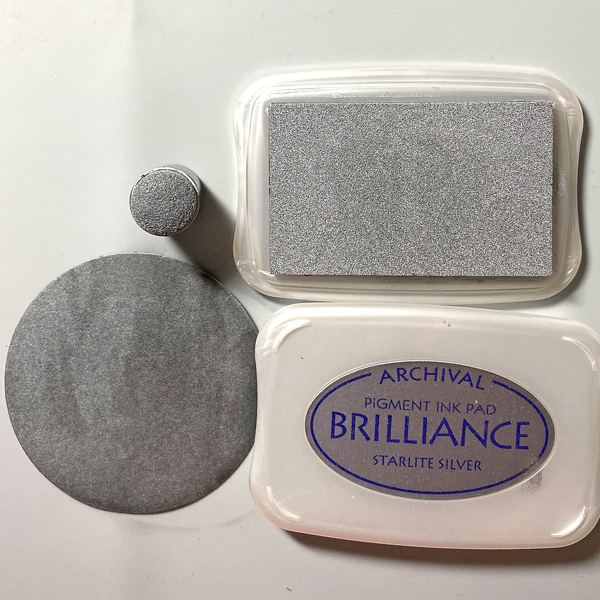
Step 12:
Use a Sponge Dauber to apply Starlite Silver Brilliance ink to one of the circles from Step 9. Heat set.
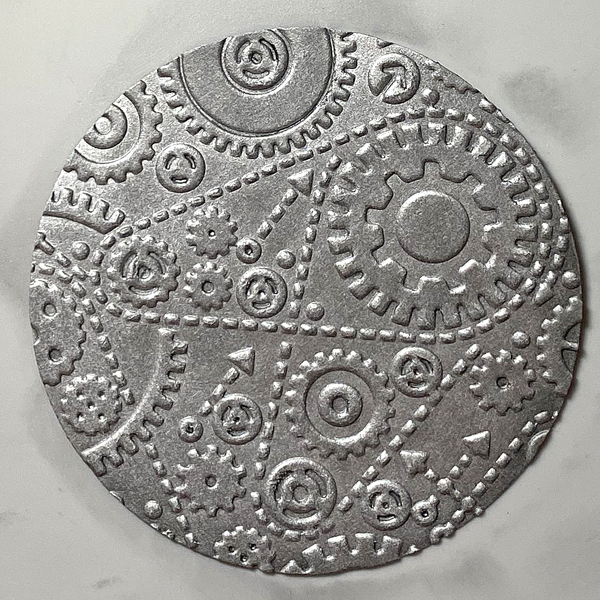
Step 13:
Place the silver-inked circle into the Gears Alterations Folder and run it through a die-cut machine.
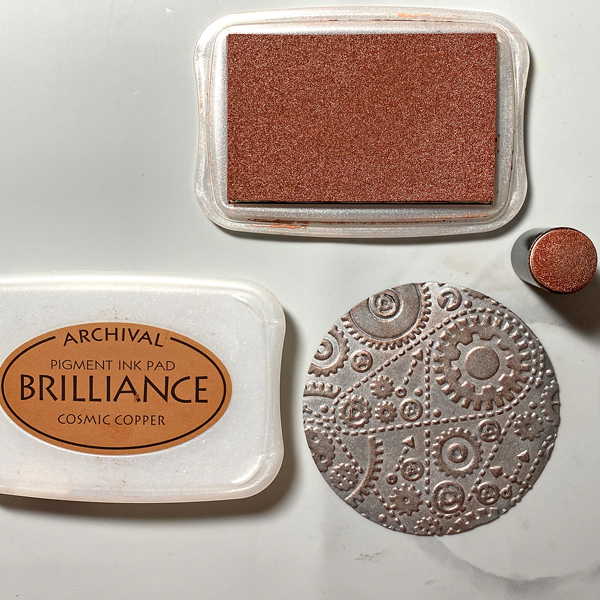
Step 14:
Use a Sponge Dauber to apply Cosmic Copper Brilliance Ink to the high points of the embossed circle. Heat set.
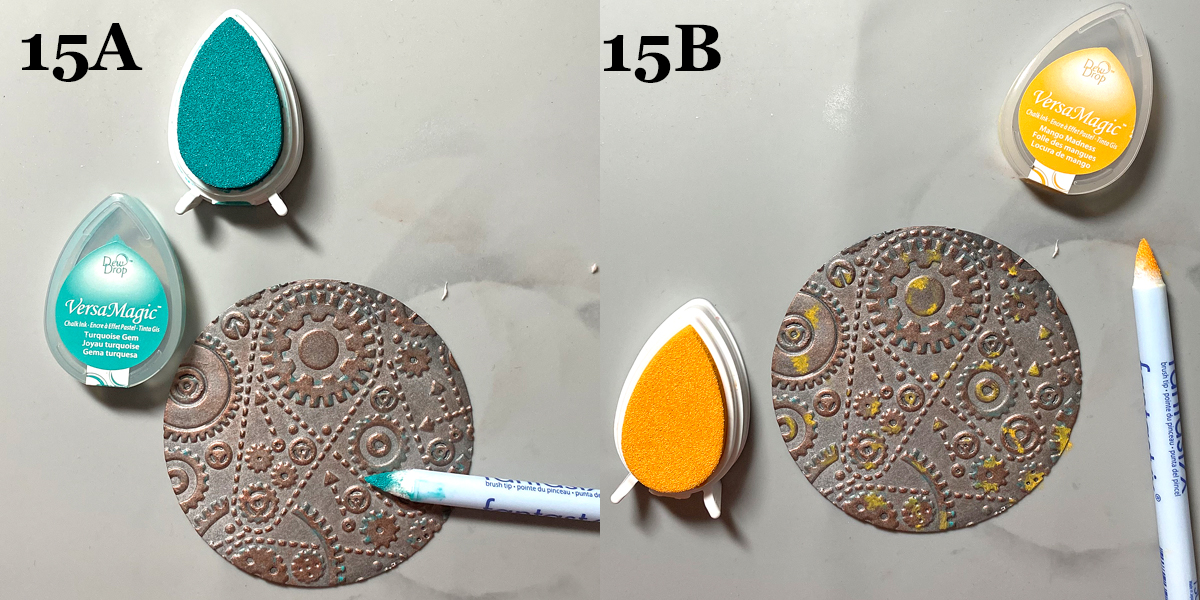
Steps 15A and 15B:
Use Fantastix to apply Turquoise Gem VersaMagic Ink randomly to the high points of the embossed paper (15A).

Use another Fantastix to Apply Mango Madness VersaMagic Ink randomly to the high points of the embossed paper (15B).
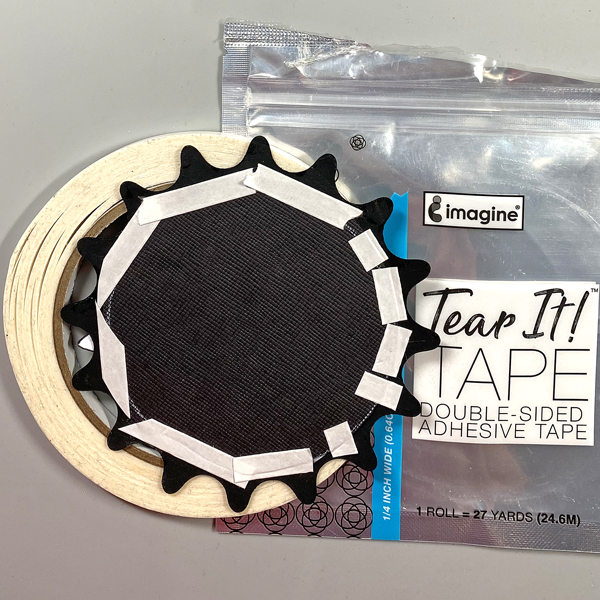
Step 16:
Use Tear It! Tape to adhere a slightly larger circle to the back of the stacked cog die-cuts.
Step 17:
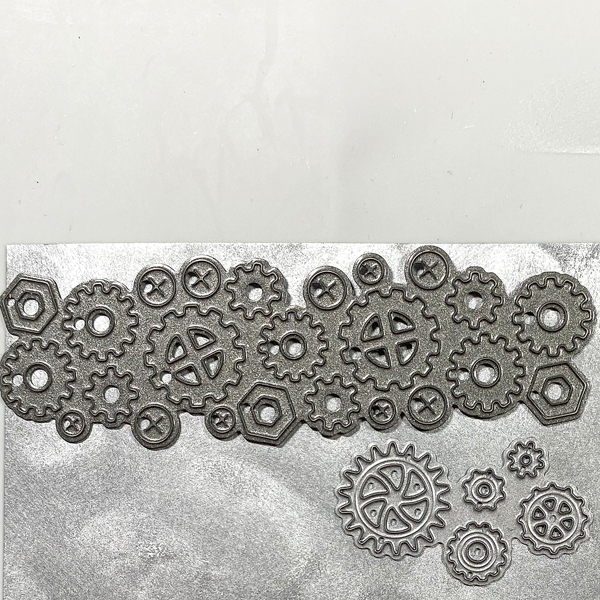
Use a Sponge Dauber to apply Starlite Silver Brilliance Ink to a strip black mixed media paper. Sorry that there’s no photo. Use cog dies to cut the silver-inked black paper.
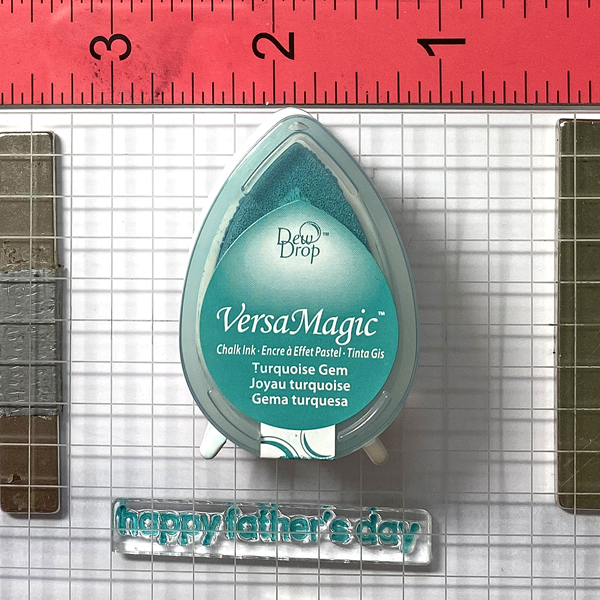
Step 18:
Use a C2 Copic marker to color a piece of white cardstock. Use magnets to secure the colored cardstock onto a stamping platform. Place the “Happy Father’s Day” sentiment stamp facedown on the colored cardstock. Ink the stamp with Turquoise Gem VersaMagic Ink and stamp. Repeat inking and stamping if necessary to attain a good impression. Remove the stamped cardstock from the stamping platform and heat set the ink.

Step 19:
Use a rectangle die to cut the sentiment. Use the matching nameplate die to cut the Lightning Black circle. Adhere the sentiment die-cut atop the nameplate die. Sorry that there’s no photo.
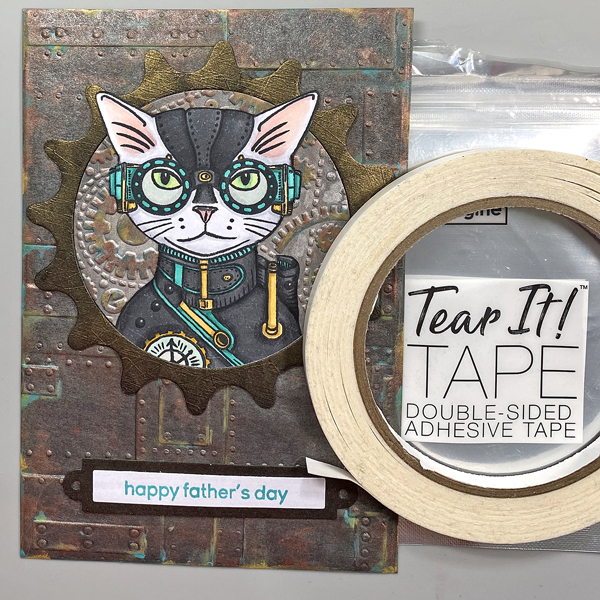
Step 20:
Use Tear-It! Tape to adhere the embossed circle and the Steampunk Cat onto the cog die-cut. Use the tape to adhere the sentiment as shown.
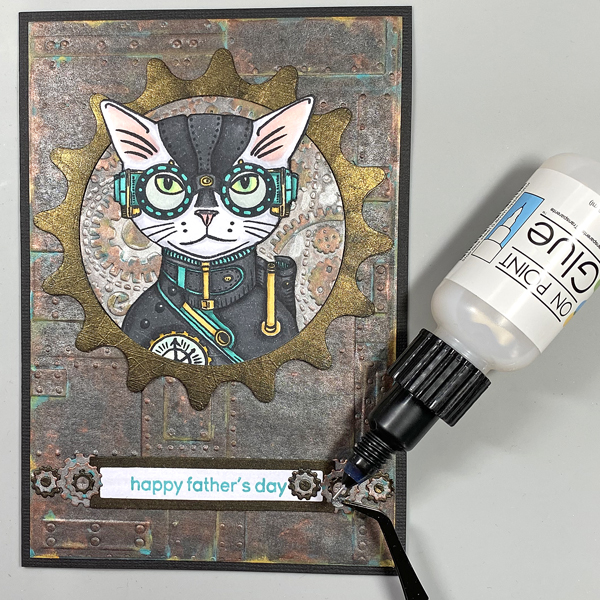
Step 21:
Use On Point Glue to adhere the gears, cogs, and screws to the sentiment die-cut.
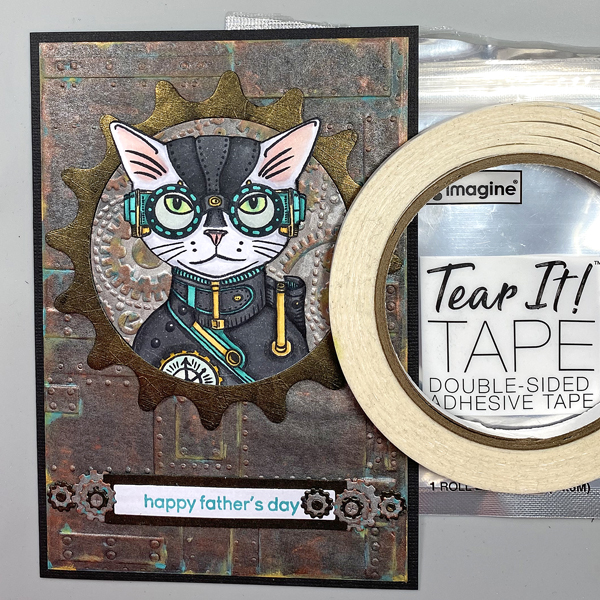
Step 22:
Cut black cardstock to 10” x 7”. Score at 5” and fold to form a 5” x 7” card. Use Tear-It! Tape to adhere the image panel to the front of the card.

Finished Card
Crafts Supplies:

Imagine:

Other Supplies:

  • 140 lb. Black Mixed Media Paper by Strathmore
  • Raven Cardstock by Bazzill Basics
  • Solar White Classic Crest Cardstock by Neenah Designs
  • 5” x 7” Gel Press
  • 4” Brayer by Speedball
  • Foundry 3D Alterations Foundry Embossing Folder by Tim Holtz for Sizzix
  • Gears Alterations Embossing Folder by Tim Holtz for Sizzix
  • Sprightly Sprockets Shapeabilities Die Set
  • Nuts and Bolts Craftables Punch Die by Marianne Designs
  • Mini Gears Die Set by Memory Box
  • Premier Ink Blending Tools by Hunkydory Crafts
  • Premier Ink Blending Sponges by Hunkydory Crafts
  • Steampunk Pets Clear Stamp Set by Funky Fossil Designs
  • Classic Sentiments Clear Stamp Set by Hefty Doodle
  • Copic Markers
  • Spray Mister
  • Curved Craft Scissors by Fiskar’s
  • Heat Gun

Misti Stamping Platform by My Swe

Make a Graduation Gift Card Holder

By Jessica Lin

Hi everyone! It’s graduation season. Do you have a gift card, a ticket, or even a polaroid photo you would like to send to someone who is graduating? Today I’m sharing my favorite way to send a gift card. It’s super easy and versatile; if you are interested, keep reading!

Skill: Advanced
Time: 1 hour

Directions:

Step 1:
Stamp the images with any waterproof ink. Many Tsukineko ink pads are waterproof when the ink dries; I am using VersaFine Nocturne today. Also, can we talk about how adorable these images are?! They are from It’s a Science stamp set and they’re totally perfect for any science majors. I thought they would look so cute for a graduation card.

Step 2:
Watercolor with dew drop ink pads. I love to watercolor with my dew drop ink pads. You can choose from the VersaMagic (pigment ink), Brilliance (pigment ink) or Memento (dye ink) lines and they all work great! I smooshed some ink onto my craft mat and colored away!

Step 3:
Fussy cut the images with scissors. If the stamp set has a coordinating die set, you could use that too!

Step 4:
Stamp images with VersaMark ink pad to create details for the background panel.

Step 5:
I actually decided to create a light up card by adding a LED light to the microscope image. If you are interested in seeing a video tutorial, you could follow my YouTube channel: Craft with Jessica V. Lin or search for “Interactive Gift Card Holder that Lights Up”. I’ll edit the video and post it soon.

Step 6:
This is what the LED light looks like when the circuit is finished. It’s really not that complicated, and the result is so worth it!

Step 7:
Finally, for the gift card holder, simply score an A2 card base at 4.5’’, 5.5’’ and 6.5’’. Adhere the bottom edge with Tear-It! Tape (make sure you don’t adhere the entire flap closed). Then, create a gift card opening by die-cutting along the edge of the middle flap. If you don’t have a die that works, you could also cut the opening with scissors.

And the gift card holder card is completed! I love this design since it’s super easy and you could easily swap the gift card with tickets (like the Disneyland ticket shown in step 7) or even a polaroid photo if you decided to keep it as a card instead. I hope you give it a try, thanks so much for stopping by!

Supplies Used:

Imagine Supplies:

Other Supplies:

  • Stampin’ Up! – Stamps – It’s a Science
  • Spellbinders – Dies – Labels 17
  • We R – Tool – Precision Press
  • Stampin’ Up! – Tool – Paper Snips
  • Water brush
  • Chibitronics – Tool – LED sticker

Graduation Gift Card Holder

By Helen Gullett

Hello crafty friends! The Month of May is the month for graduation. It is time to celebrate those who made it through their education journey. Today, I would like to share a way to celebrate and congratulate them with this handmade graduation gift card holder.

Skill: Intermediate
Time: 30-45 minutes


Direction:

Step 1
Cut all the pieces from the gift card holder die set using the pattern cardstock and plain cardstock of your choice. I chose the school colors for my project.

Step 2
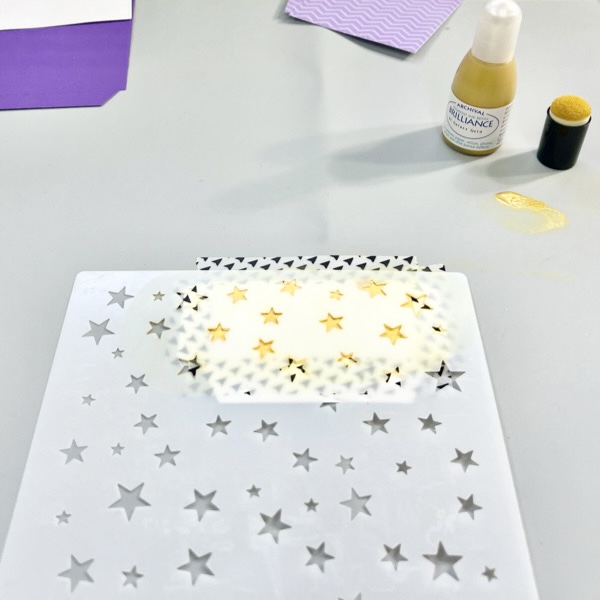
Add a small amount of the Brilliance Inker Galaxy Gold on the Imagine Craft Mat.

Use the sponge dauber to add the ink on the cardstock cut out.

Let it dry for a few minutes, then add more ink to it for more color, if needed.

Remove the stencil carefully and let it sit to dry completely or use a craft heat gun to speed up the drying time.

Step 3
On the front piece cut out, stamp the graduation hat and diploma images randomly using VersaFine Clair Nocturne ink pad.

Set aside to dry or use a craft heat gun to speed up the drying time.

Step 4
When all the pieces that need stamping or/and stenciling done, you can put together the cut out pieces following the instruction.

Use a bone folder to fold the pieces.

Use On Point Glue and Tear It! Double-Sided Adhesive Tape to put each piece together.

Step 5
On a white piece of white cardstock, stamp the sentiment using VersaFine Clair Nocturne ink pad and stamping acrylic block.

Cut it with the tag die.

Add the tag to the gift card holder handle with a piece of twine.

Here’s how it looks when it is close. Isn’t that cute little gift card holder?

Hopefully this project will give you an idea for a handmade gift project and you give it a try.
Thanks so much for stopping by our blog today. Have a wonderful day!

Craft Supplies

Imagine Crafts:

Others:

  • Dare 2B Artzy – Purse Gift Card Holder Die Set
  • Dare 2B Artzy – Rectangle Framelits Die
  • Close To My Heart – Diploma Day Stamp Set
  • Close To My Heart – Smarty Pants Stamp Set
  • Sweet ‘n Sassy Stamps – Starry Night Stencil
  • Pattern Cardstock
  • White Cardstock 100 lb
  • Solid Color Cardstock
  • Glitter Cardstock
  • Twine
  • Washi Tape
  • Bone Folder
  • Craft Tweezers
  • Embossing/Diecutting machine
  • MISTI stamping tool

Password Memo Book

By Kathi Rerek

Intro: Do you have passwords that continually need to be updated AND have problems remembering them? Do you write those letter-number-symbols somewhere, then end up with an overwritten mess?

Get an inexpensive memo book and use your inks, stamps, stencils, and dies to decorate it!

Skill Level: Intermediate
Time: 1.5 hours

Instructions:

Step 1:
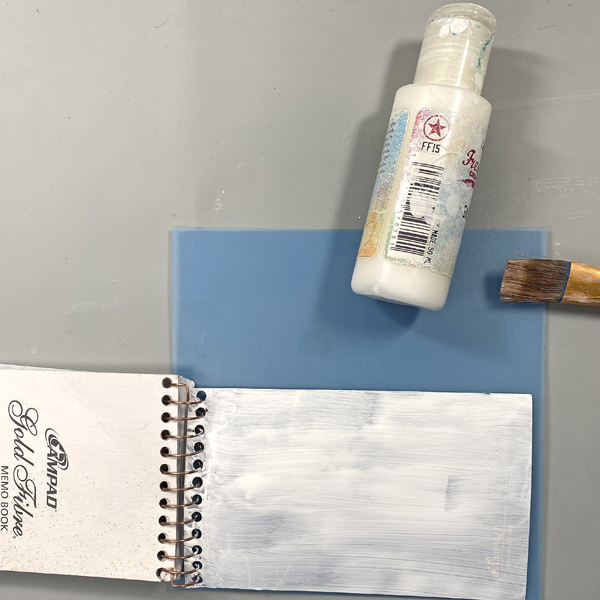
Use a paintbrush and Snowflake Fresco Finish Chalk Acrylic Paint to paint the front and back covers of the memo pad. You don’t have to be neat as brush strokes will only add texture to the project. You might need a second coat to cover the print on the back cover. Let dry, though this paint dries really quickly!

Step 2:
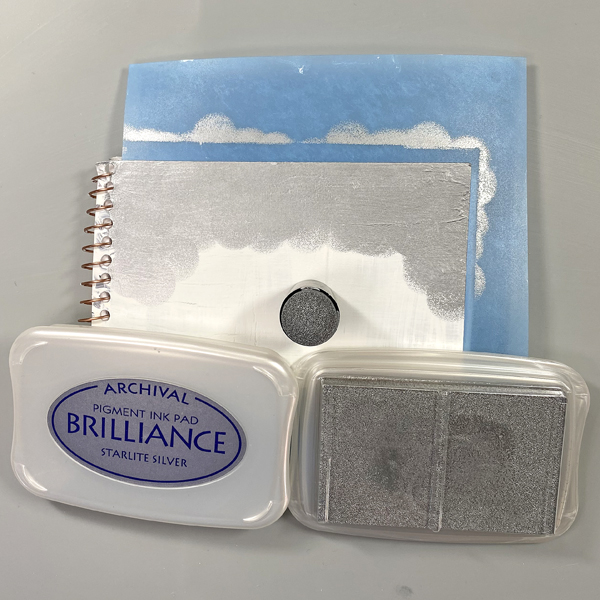
Use a Sponge Dauber to apply a Starlite Silver Brilliance ink to both the covers. Heat set.

Step 3:
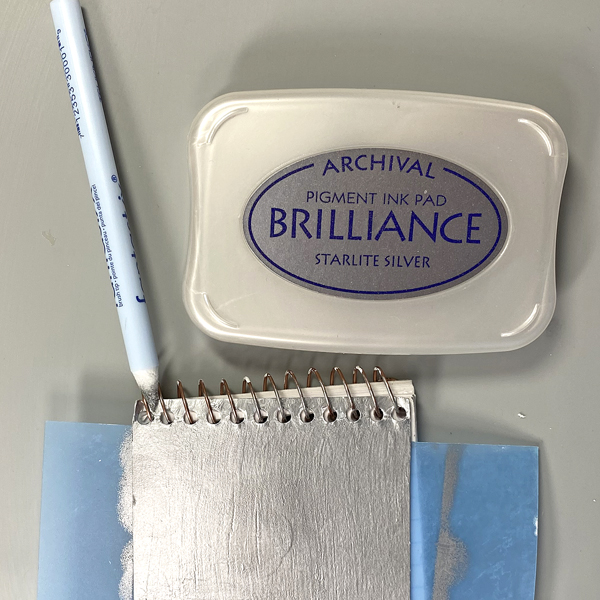
Use a Fantastix to apply Starlite Silver Brilliance ink around the binding rings of the pad.

Step 4:
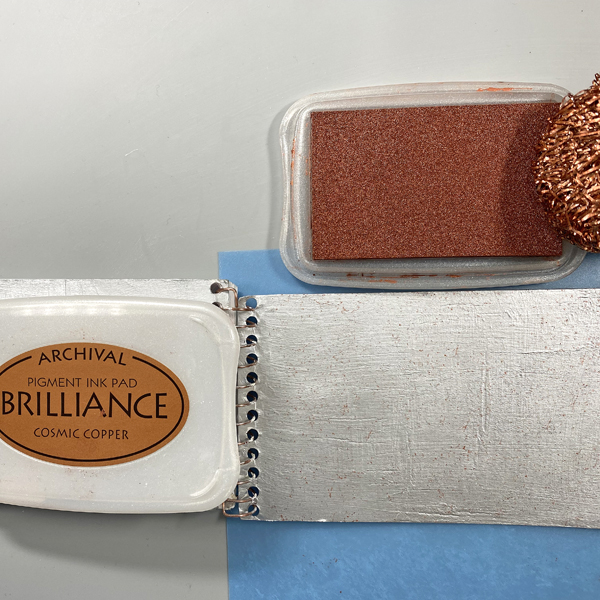
Use copper or steel wool pads to pounce Cosmic Copper Brilliance Ink spots and marks to both covers the pad. Heat set.

Step 5:
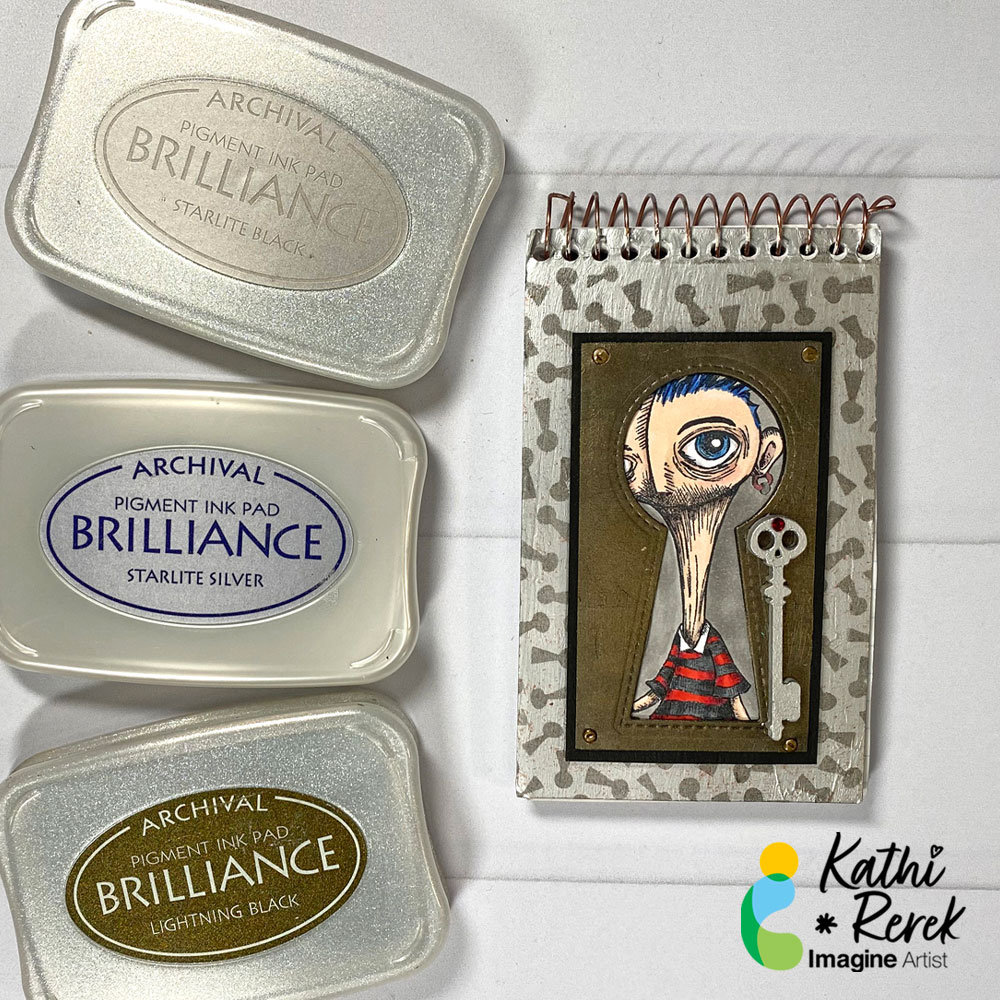
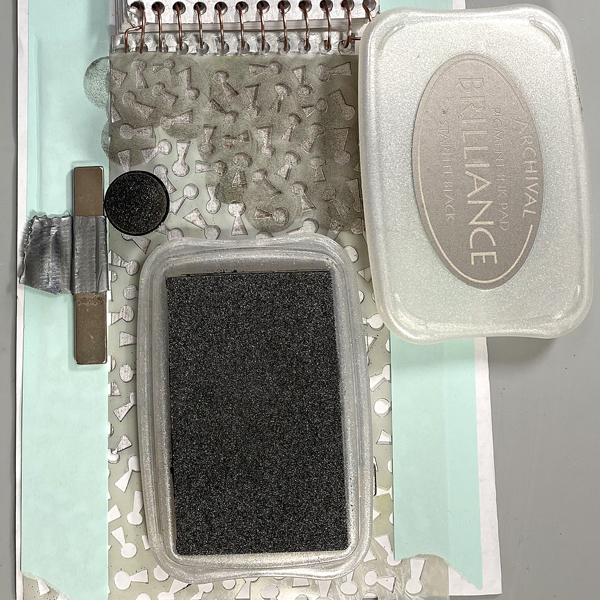
Place a magnet sheet under a piece of paper and set the pad’s front cover onto the paper. Place the Keyhole stencil over the notebook. Secure with magnets and/or low-tack tape. Use a Sponge Dauber to apply Starlite Black Brilliance Ink over the stencil onto the pad’s cover. Let sit for a few minutes and repeat the Ink stenciling. Remove the stencil and heat set the pad’s cover.

Step 6:
Use a Sponge Dauber to apply Starlite Silver Brilliance Ink to a small piece of black cardstock. Heat Set. Use the Keyhole Cutting Die to cut the inked cardstock. Sorry that there’s no photo.

Steps 7A and 7B:
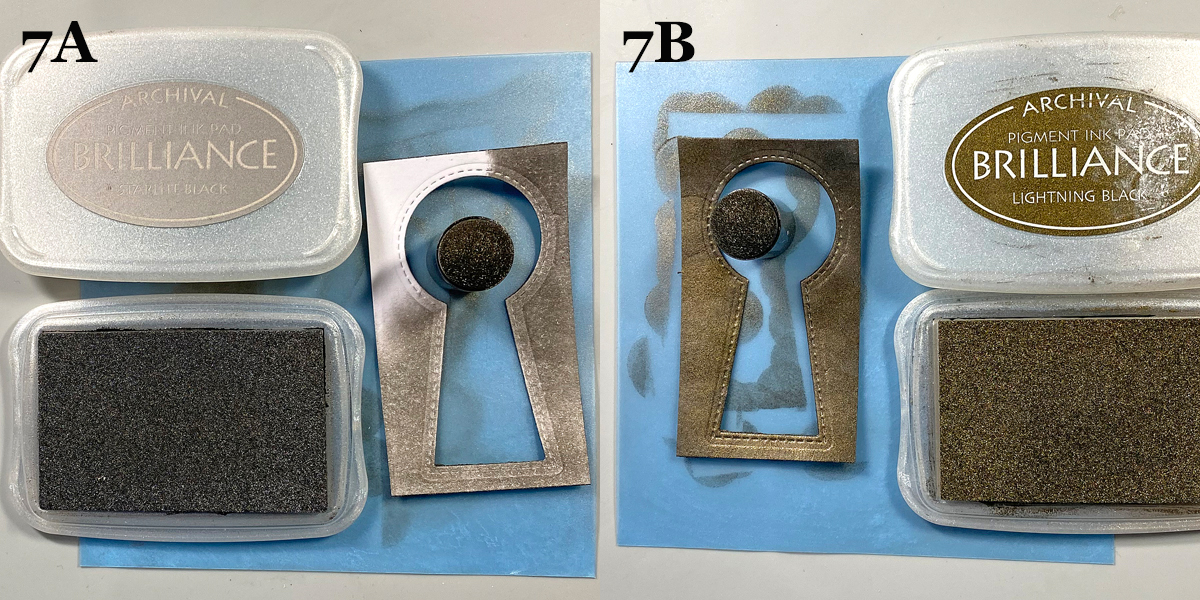
Use Starlite Black Brilliance Ink (7A) to add depth to the silver keyhole. Repeat with Lightning Black Brilliance Ink (7B).

Step 8:
Use Tuxedo Black Memento Ink to stamp the Big Head/Big Eye image from the Humanoids Stamp Unmounted Rubber Stamp Set onto white cardstock.

Step 9:
Color the image panel with Copic markers. Sorry that there’s no photo!

Step 10:
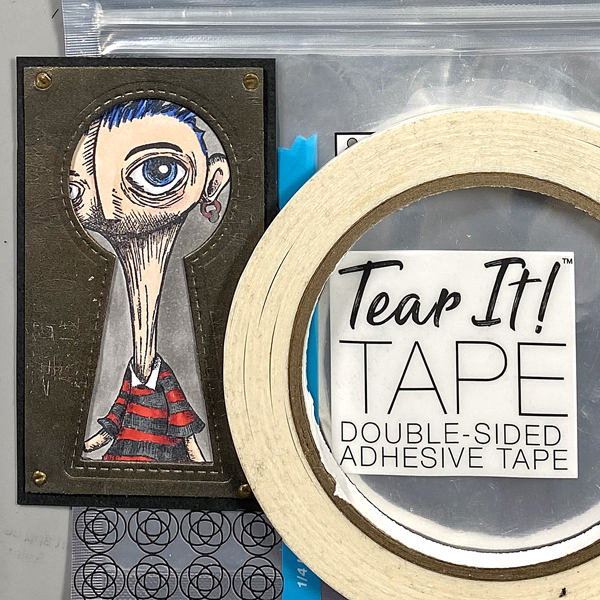
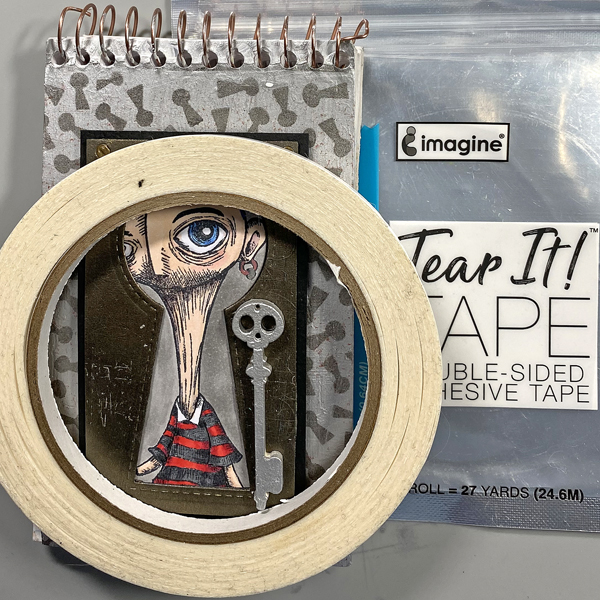
Use Tear It! Tape to adhere the colored image panel behind the opening in the keyhole. Add tiny screw-top brads to the each corner, then mat the keyhole rectangular image panel with black cardstock, cut slightly larger than the keyhole panel.

Step 11:
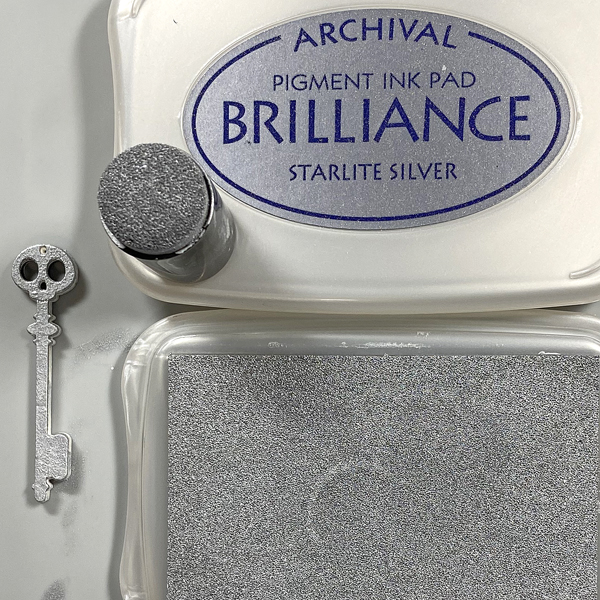
Use Snowflake Fresco Finish Chalk Acrylic Paint to paint the Skull Skeleton masonite key. Let dry, then use a Sponge Dauber to apply Starlite Silver Brilliance Ink to the key. Heat set.

Step 12:
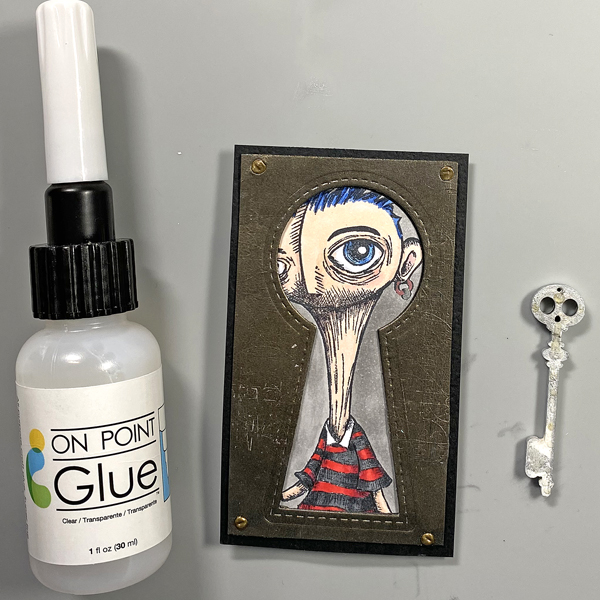
Use On Point Glue to adhere the key to the front of the keyhole image panel.

Step 13:
Use Tear-It! Tape to adhere the keyhole image panel to the front of the Password memo pad.

Imagine Crafts Supplies:

Other Supplies:

  • 140 lb. Mixed Media Paper by Strathmore
  • 140 lb. Black Mixed Media Paper by Strathmore
  • Snowflake Fresco Finish Chalk Acrylic Paint by PaperArtsy
  • Keyhole Stencil – Source Unknown
  • Lock and Key Die Die-namics Set by My Favorite Things
  • Humanoids KTZ223 Red Rubber Unmounted Stamp Set by Katzelkraft
  • Copic Markers
  • Metallic Markers by Spectrum Noir
  • Skull Skeleton Key Masonite Cut Outs by Coffee Break Designs/Retro Cafe Art
  • Red Gemstone: Source Unknown
  • Heat Gun
  • Stamping Platform by Tonic Studios

Nautical Quote Wall Hanging

By Kathi Rerek

Use your paper crafting projects to make home decor, such as this wall hanging. It’s quick, easy, and fun to do. Best of all, these projects make great gives that are hand-crafted with love.

Skill Level: Intermediate
Time: 1 hour

Instructions

Step 1:
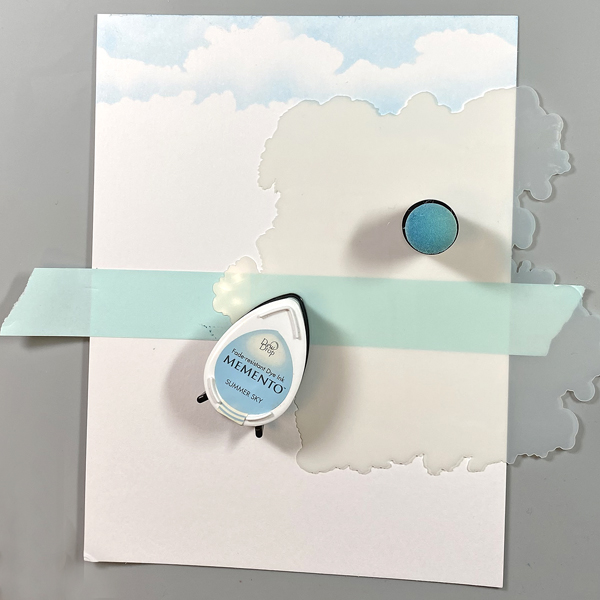
Place a piece of low-tack tape horizontally across a piece of Mixed Media paper. Place the Cloud Edger stencil slightly below the top of the paper. Use a Sponge Dauber to apply Summer Sky Memento Ink over the top of the stencil. Move the stencil downwards and rotate it, then apply Summer Sky Memento ink over the top. Repeat until the cloudy sky is complete.

Step 2:
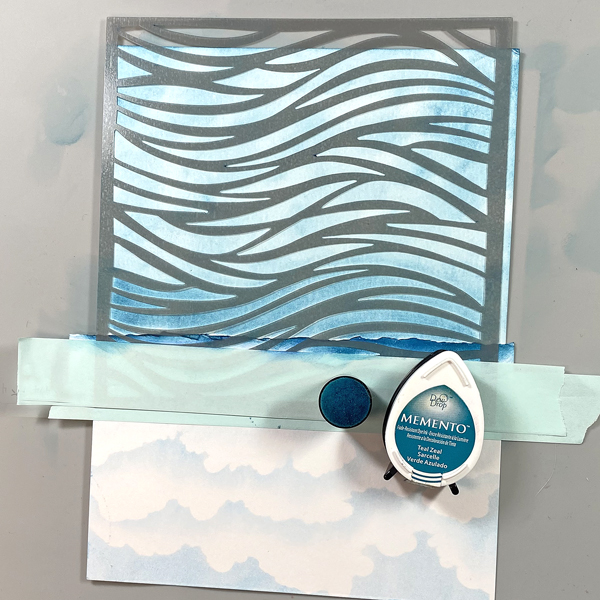
Tear a piece of scrap cardstock and place the torn edge horizontally under the cloudy sky, secured with low-tack tape. Flip the panel 180°. Use a Sponge Dauber to apply a light layer of Teal Zeal Memento Ink to cover the bottom portion of the panel.

Step 3:
Place the Water Ripples stencil over the sponged teal area and secure with low-tack tape. Use the Sponge Dauber to apply Teal Zeal Memento Inks over the stencil onto the image panel. Trim the panel to 5.25” x 7.75”.

Step 4:
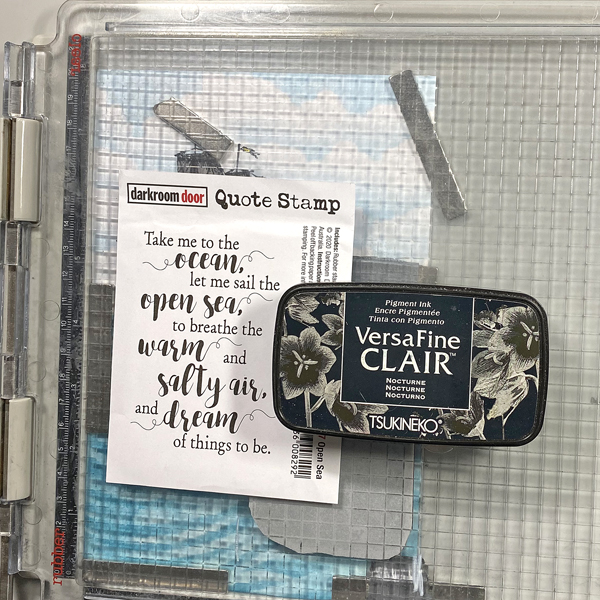
Secure the image panel to the base of a stamping platform. Position the Caravelle stamp facedown on the top left of the image panel so that the bit of ocean at the bottom of the stamp is even with the top of the sponged sea. Ink the stamp with Nocturne VersaFine Clair Ink and stamp. Re-ink and stamp again if necessary to attain a good impression. Remove the stamp from the platform.

Step 5:
Position the Open Sea Quote Stamp facedown on the lower right part of the image panel. Ink the stamp with Nocturne VersaFine Clair Ink and stamp. Re-ink and stamp again if necessary. Remove the stamp and the image panel from the platform. Heat set the image panel.

Step 6:
Use pens to color the Caravelle. Sorry that there are no photos.

Step 7:
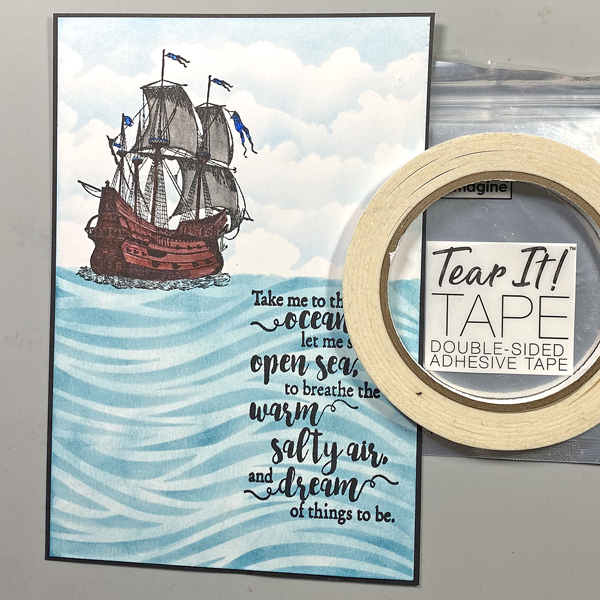
Use Tear-It! Tape to adhere the image panel to a piece of 5.5” x 8” black chipboard or heavy weight cardstock.

Step 8:
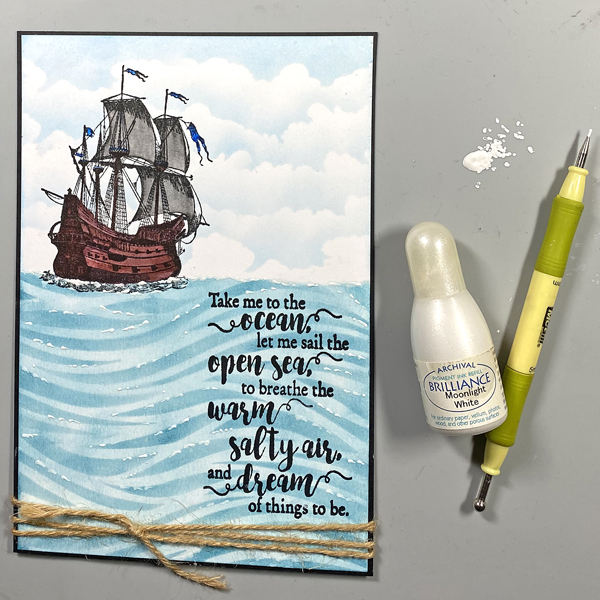
Wrap twine twice around the base of the piece and tie a knot.

Step 9:
I decided that the sea looked kind of “blah”. I squeezed a few drops of Moonlight White Re-inker onto my craft mat and used a stylus to apply the re-inker to the sea to look like white caps.

Products Used

Imagine Supplies:

Other Supplies:

  • 140 lb. Mixed Media Paper by Strathmore
  • 140 lb. Black Mixed Media Paper by Strathmore
  • Cloud Edger Stencil by A Colorful Life
  • Water Ripples Stencil by La-La Land Crafts
  • Caravelle Unmounted Mini 018 Red Rubber Stamp by Katzelkraft
  • Open Sea Quote Stamp by Darkroom Door
  • Brown, Mocha Brown, Dark Grey, and Cool Grey Zig Clean Color Brush Markers by Kuretake
  • Blue Triplus Fineliner by Staedtler
  • Heat Gun
  • Stamping Platform by Tonic Studios

Inking Stamps with Memento Markers for Watercolor Effect

By Jessica Lin

Have you ever tried inking stamps with markers instead of ink pads? It has been a long time since I used this technique, so I decided to revisit it again today. To blend the colors and achieve a watercolor look, you can spritz on the stamp before stamping. I love the result and I hope you do, too!

Skill: Intermediate
Time: 45 minutes

Step 1:
Color the stamps with Memento markers (tip: use the broader tip of the marker to easily cover a large area). I used three sets of colors today: Green House, Juicy Purples, and the light pink marker from Girl’s Night Out. The floral stamp is from Stampin’ Up!’s Good Morning Magnolia set. It’s a red rubber stamp and the colors may not be fully visible after you color, so I would recommend starting with the lighter shades and adding the bolder colors afterwards.

Step 2:
Spritze Sheer Shimmer Sparkle spray onto the stamp before stamping onto your card. This would blend the colors together to create a watercolor look.

Step 3:
Stamp onto the card. For the flower image, I may have used too much purple so it’s harder to see the transition from purple to pink. The leaves turned out perfectly; I really like the faux watercolor effect.

Step 4:
Use a pair of paper snips to cut along the edge of the magnolia flower. I then added a piece of Fresh Freesia cardstock to the inside of the card. The Fresh Freesia cardstock peeks through the bottom cutout edge and complements purple flower nicely.

Step 5:
Stamp a “Happy Mother’s Day” sentiment with Brilliance Purple pigment ink. I also die cut a vellum decorative strip to embellish the simple sentiment but it’s totally optional. And that completes the card! I hope you enjoy this simple technique and would give these Memento markers a try!

Products Used:

Imagine Supplies:

Other Supplies: