Make a Fun Christmas Cat Card

By Alison Heikkila

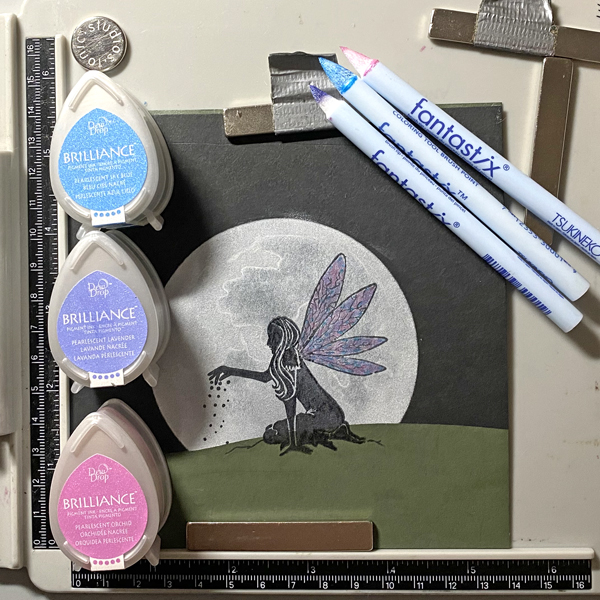
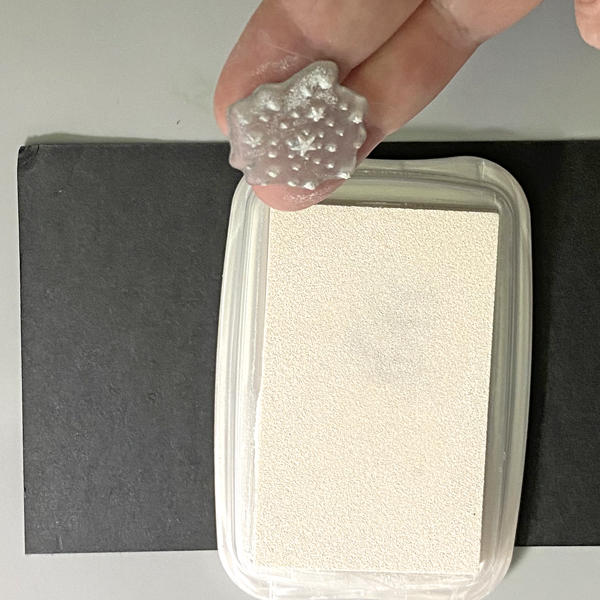
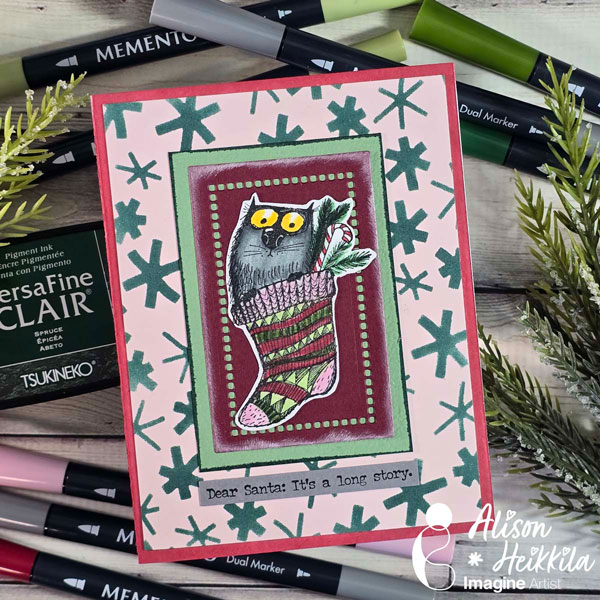
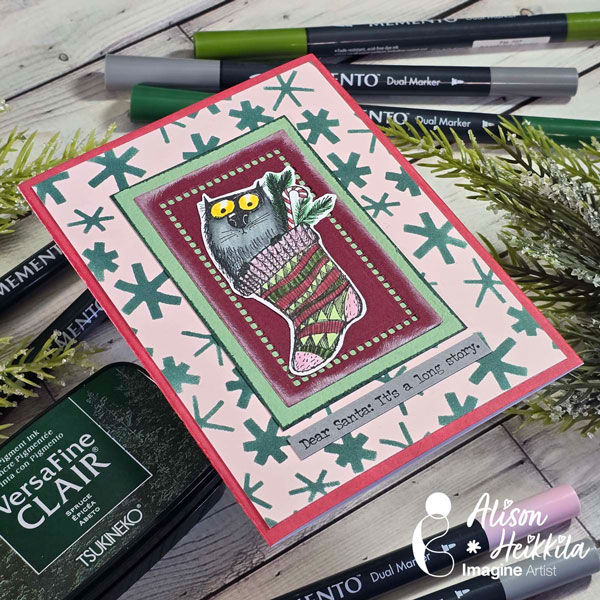
Hello! Alison Heikkila here. It’s time for my latest video for Imagine and I thought it would be fun to show a variety of simple techniques to make a fun cat-themed Christmas card. Plus, we’ll be using Memento Markers. If you’re already a fan of Memento Inks, you’ll want to check these markers out.

Skill Level: Beginner
Time to Complete: 20-30 Minutes

*Some affiliate links are used in this post. That means that if you shop through these links, I may receive a small compensation, at no cost to you.

Supplies:
Imagine:
Memento Markers: London Fog, Gray Flannel, Lady Bug, Cottage Ivy, Angel Pink, New Sprout, Rhubarb Stalk, Bamboo Leaves, Dandelion
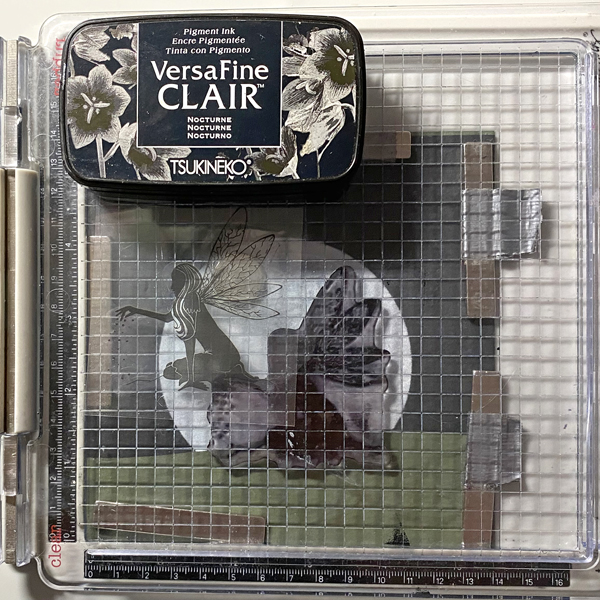
VersaFine Clair: Nocturne
VersaFine Clair: Spruce
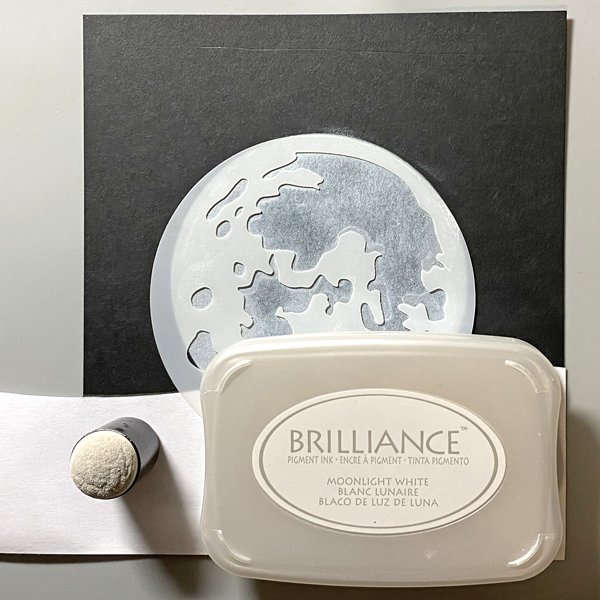
Brilliance Ink: Moonlight White
Memento Ink: Rhubarb Stalk
Sponge Dauber

Other:
Stampers Anonymous/Tim Holtz: Stamptember 2020 (link is to a similar set)
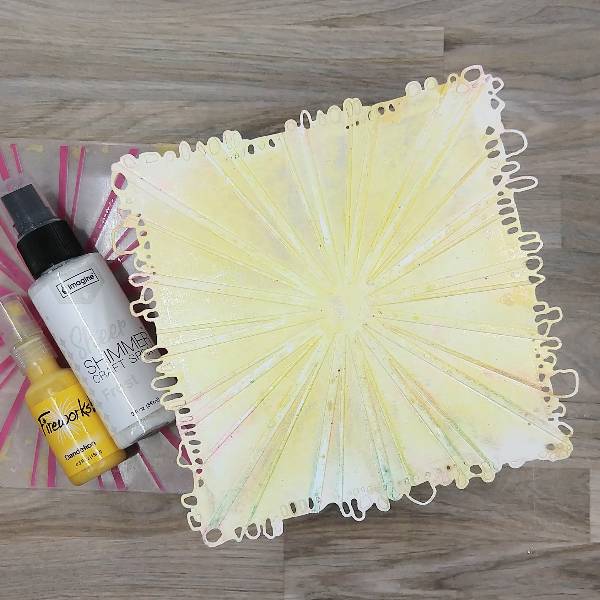
A Colorful Life Designs: Flurries Stencil
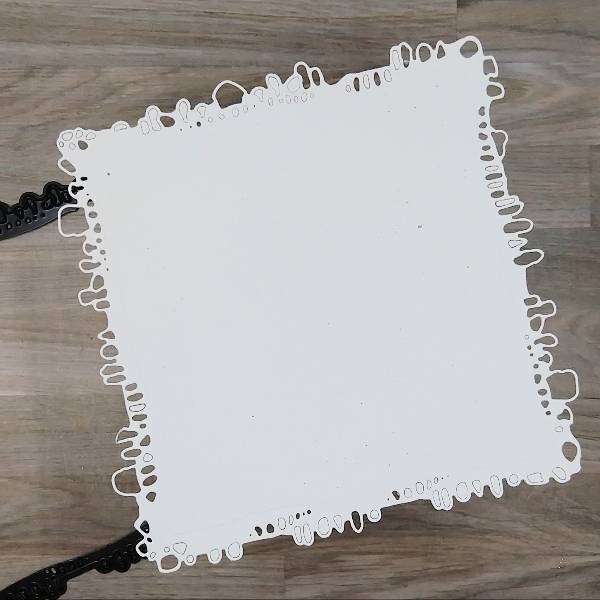
Spellbinders: Hemstitch Rectangle Dies
Spellbinders: Pink Sand Cardstock
Spellbinders: Crimson Cardstock
Strathmore: Smooth Bristol Cardstock
Accent Opaque: 100lb. White Cardstock
Scrapbook.com: Artis Craft Glue
Mint Cardstock
Gray Cardstock

None of these techniques are difficult, but when you combine them you get to use a lot of items that are in your stash to make a really fun and festive card. I hope you’ll give these techniques a try. Thanks so much for stopping by. Have an inspiring day!

Design a CAS Christmas Poinsettia Card

By Helen Gullet

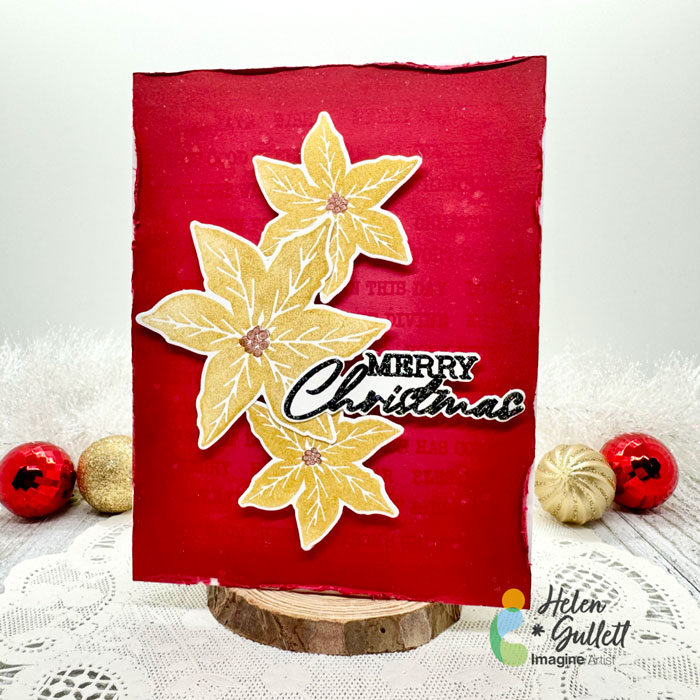
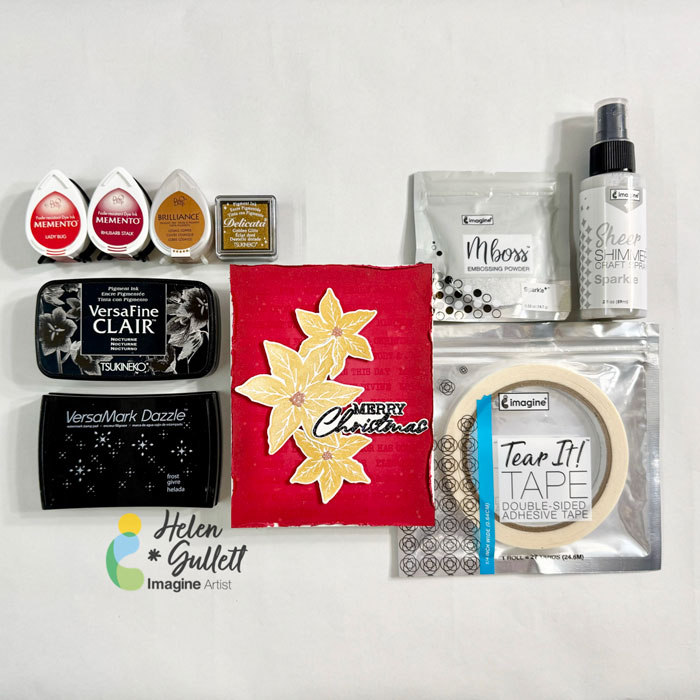
Hello crafty friends! It’s the time of the year to start making some Holiday projects. As for me, I love making and sending handmade Christmas cards. Today, I wanna share how to make this CAS Christmas Poinsettia Card.

Let’s get crafting!

Skill: Intermediate
Time: 15-20 minutes

Direction:

Step 1

Cut out a piece of any color cardstock into 4.25 inch x 5.5 inch that you want to use as your background panel.

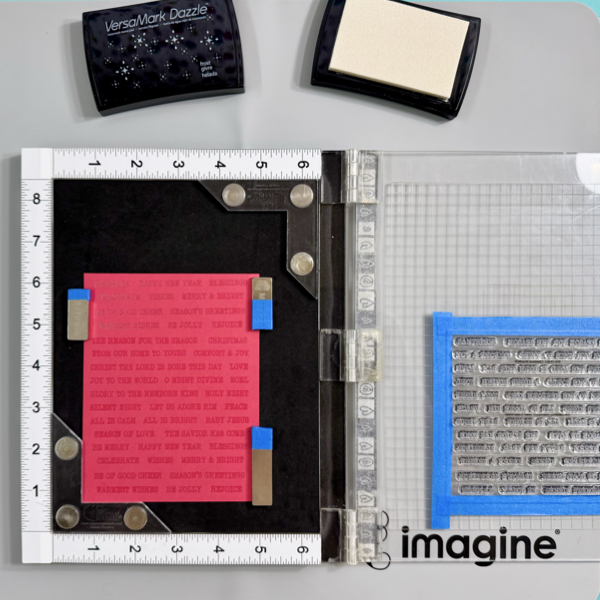
I used all the words on the stamp set I used so I taped the whole sheet on the stamping tool lid instead of taking it out one by one. You can use any word stamp set you have to create a similar background pattern.

Stamp the words on the cardstock using VersaMark Dazzle. Make sure to cover the whole panel.

Step 2

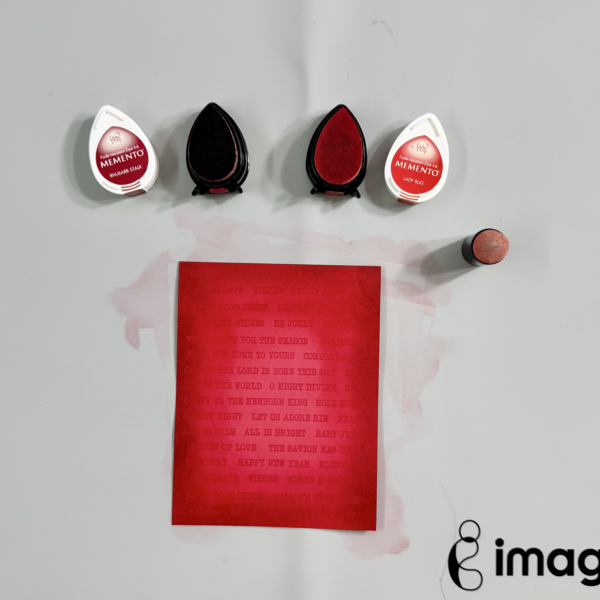
Add some darker shadow to the edges of the background panel using Memento Dew Drop ink pads and finger sponge dauber.

First, add the Lady Bug ink on the panel, then add the Rhubarb Stalk ink, and then add the Lady Bug ink again to blend them together.

Step 3

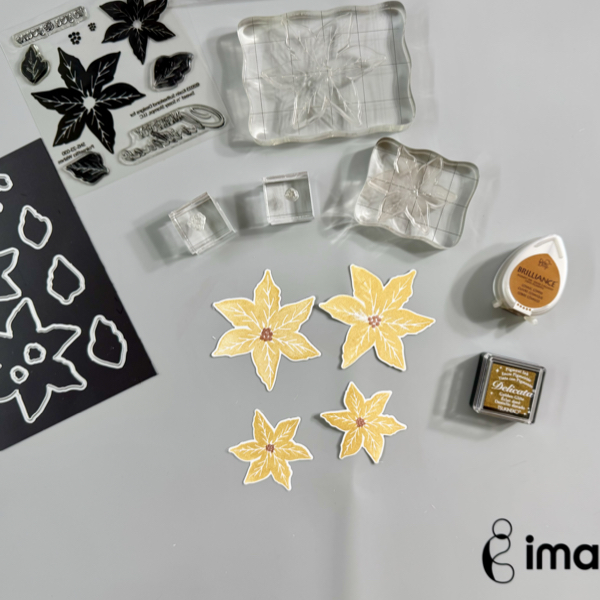
Stamp each layer of the poinsettia flower with the Delicata Golden Glitz ink.

Stamp the middle buds part of the poinsettia with the Brilliance Cosmic Copper ink. Dry the stamped images with a craft heat gun.

Cut each of the images with their matching dies, or you can fussy cut them if you don’t have the matching dies.

Step 4

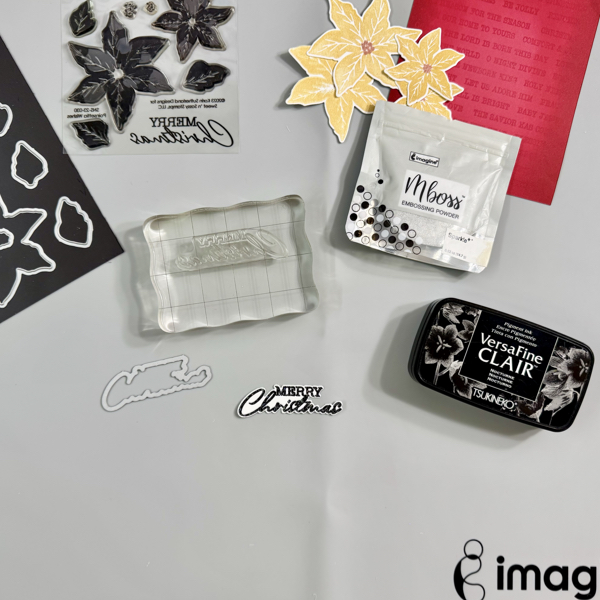
On a piece of white cardstock, stamp the sentiment with VersaFine Clair Nocturne, and then add some of the Sparkle Mboss Embossing Powder, then heat set it with a craft heat gun.

Cut the sentiment with the matching die set, or you can fussy cut it with scissors if you don’t have a matching die.

Step 5

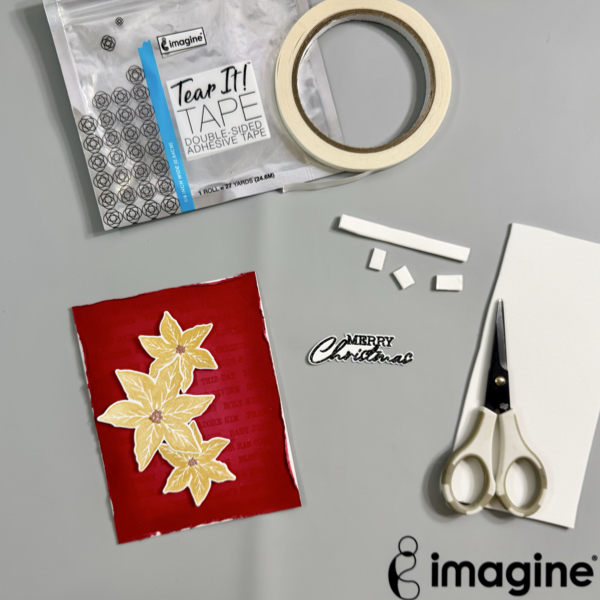
Distress all edges of the background panel with distresser tool or scissors. Add the background panel to the card base with some of the Tear It! Tape.

Add the poinsettia flowers and the sentiment to the card with some of the fun foam and Tear It! Tape for some dimension.

Step 6

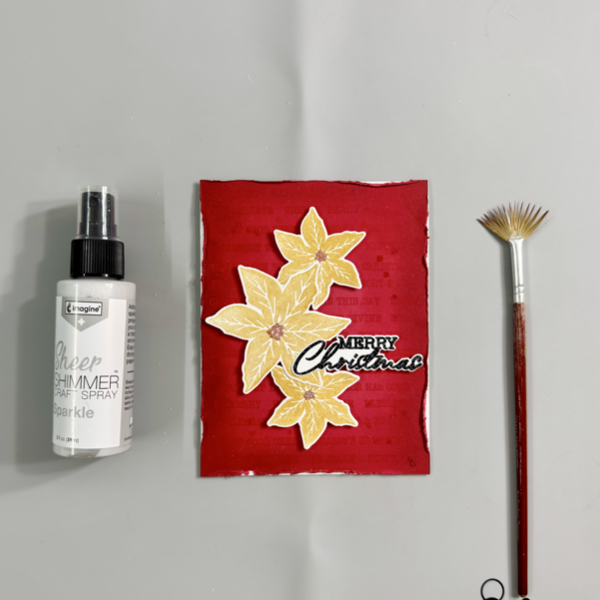
For more extra sparkle to the Christmas card, add some splatters of the Sheer Shimmer Craft Spray using a fan brush.

Use the craft heat gun to dry the splatters.

Hope this Christmas card gives you an idea to start your Holiday projects. Thank you for stopping by our blog today. Have a fabulous day!

Craft Supplies

Imagine:

  • Memento (Rhubarb Stalk, Lady Bug)

Others:

  • Poinsettia Wishes Stamp & Die Bundle (Creative Worship Stamps)
  • Neenah Solar White Cardstock 80 lb
  • Neenah Cardstock Multi colors
  • Fan brush
  • MISTI stamping tool
  • Stamping Blocks
  • Micro-tip scissors
  • Craft heat gun
  • Paper trimmer
  • Die cutting Machine

Watercolor with VersaMagic, Brilliance and Delicata Ink Pads

By Jessica Lin

Skill: Beginner
Time: 45 minutes

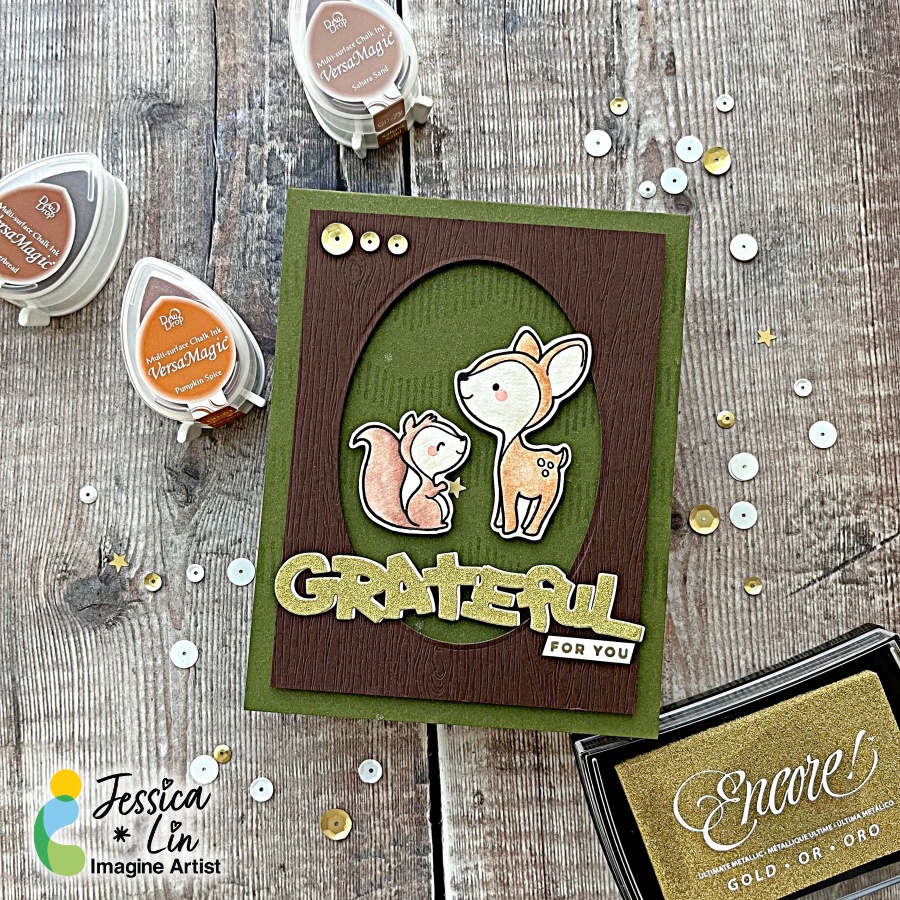
Hi everyone! It’s Jessica here and welcome back to another card tutorial. Thanksgiving is coming up and I love to make cards to express my gratitude! Today I’m also watercoloring with various ink pads from the VersaMagic, Brilliance and Delicata ink lines. Let’s begin!

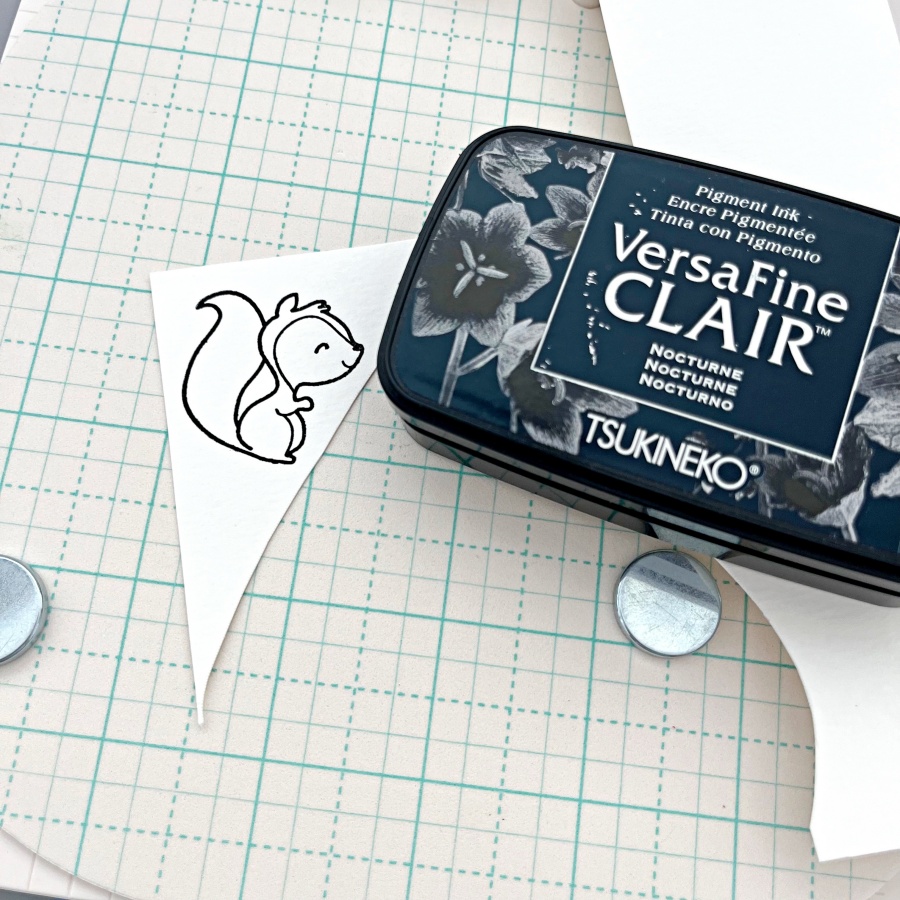
Step 1: Stamp the critter images from The Greeting Farm Wood Friends stamp set with VersaFine Clair Nocturne ink. This is my favorite black ink for stamping and it’s perfect for watercoloring.

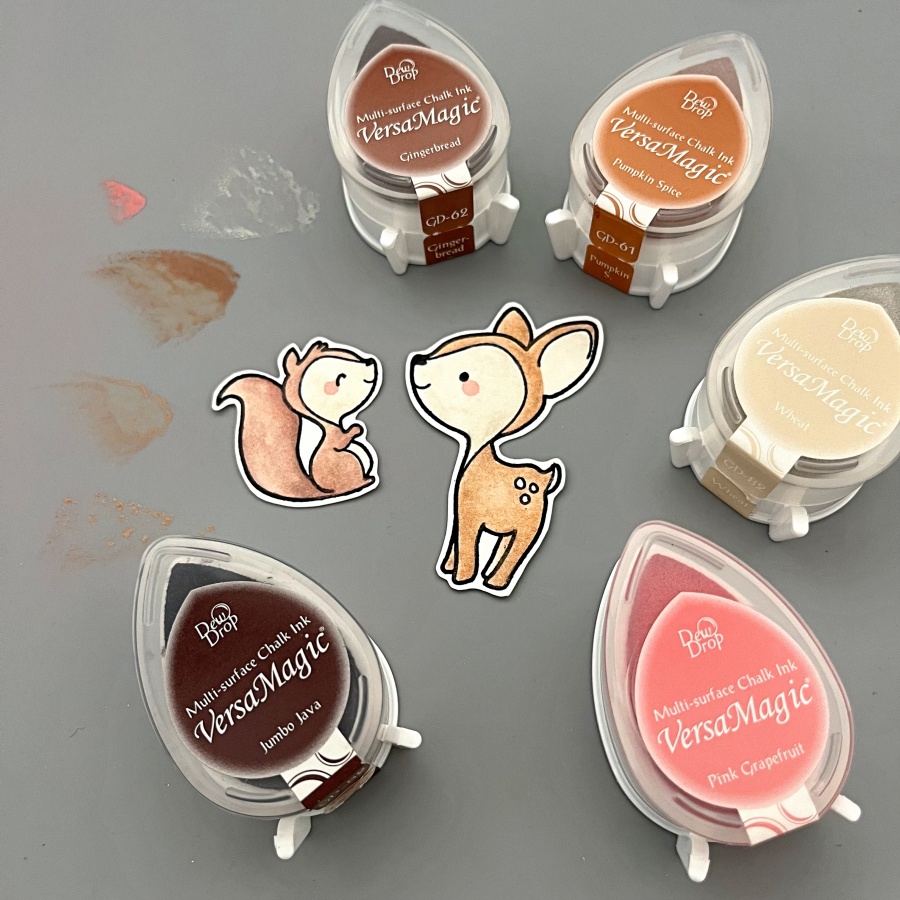
Step 2: Color the images with VersaMagic inks. I used Gingerbread, Pumpkin Spice and Wheat for the deer, and to add some shimmer and shine, I watercolored a layer of Celestial Copper from the Delicata ink line. For the squirrel, I used Sahara Sand and Jumbo Java as the base color and added Cosmic Copper Brilliance ink as an accent. VersaMagic, Delicata, and Brilliance ink pads are all pigment inks and I love that you can mix and match the colors for maximum creativity. For the final touch, I added small amounts of Pink Grapefruit to create their rosy cheeks.

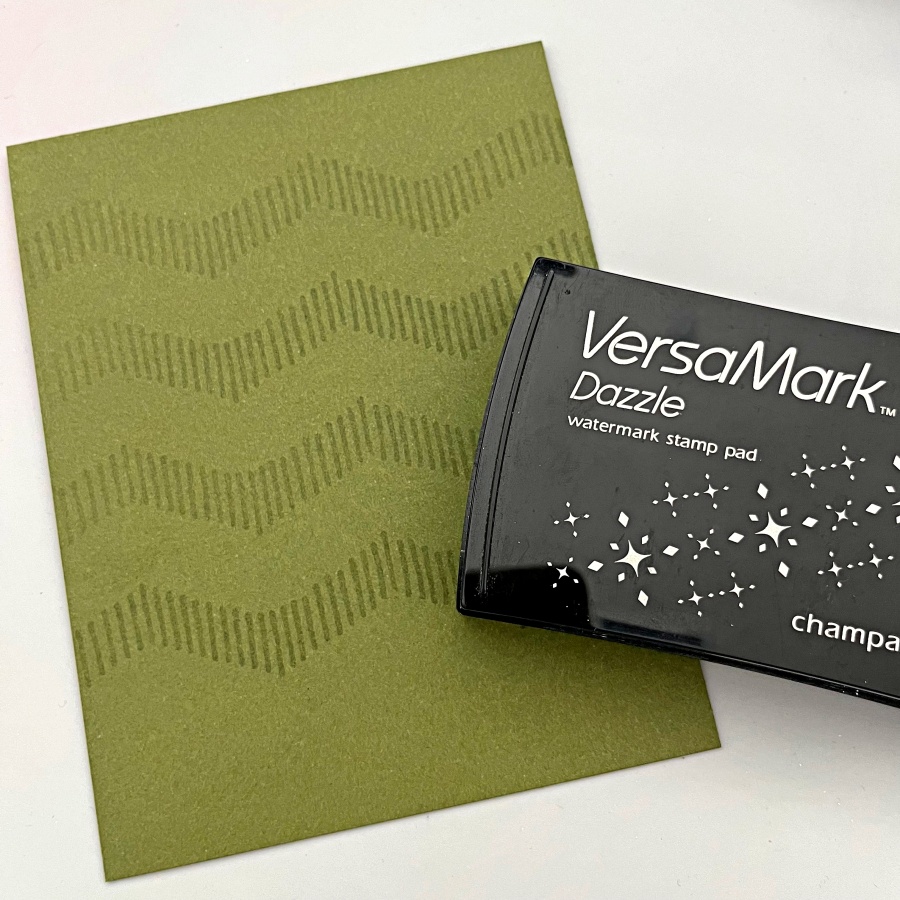
Step 3: I decided to use Stampin’ Up!’s Mossy Meadow cardstock as the cardbase since it’s a nice foresty color. I also stamped some geometric striped pattern with my VersaMark ink pad. Did you know that you could stamp with VersaMark as well? It’s known for being the best ink for heat embossing, but I also stamp with it quite often to create additional interest to the background.

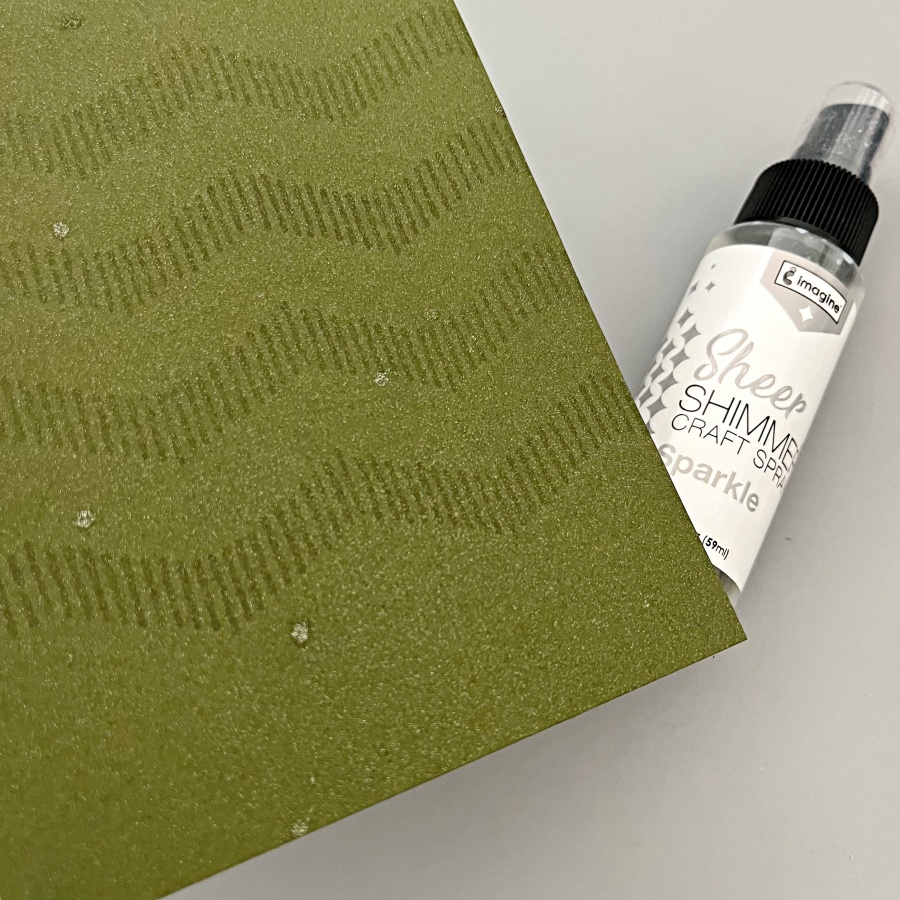
Step 4: Then I spritzed on a layer of Sheer Shimmer Spray in Sparkle. I wish you could see the shimmer in real life! The photo does not do its justice. The shimmer is just so beautiful and it truly transformed this simple card base.

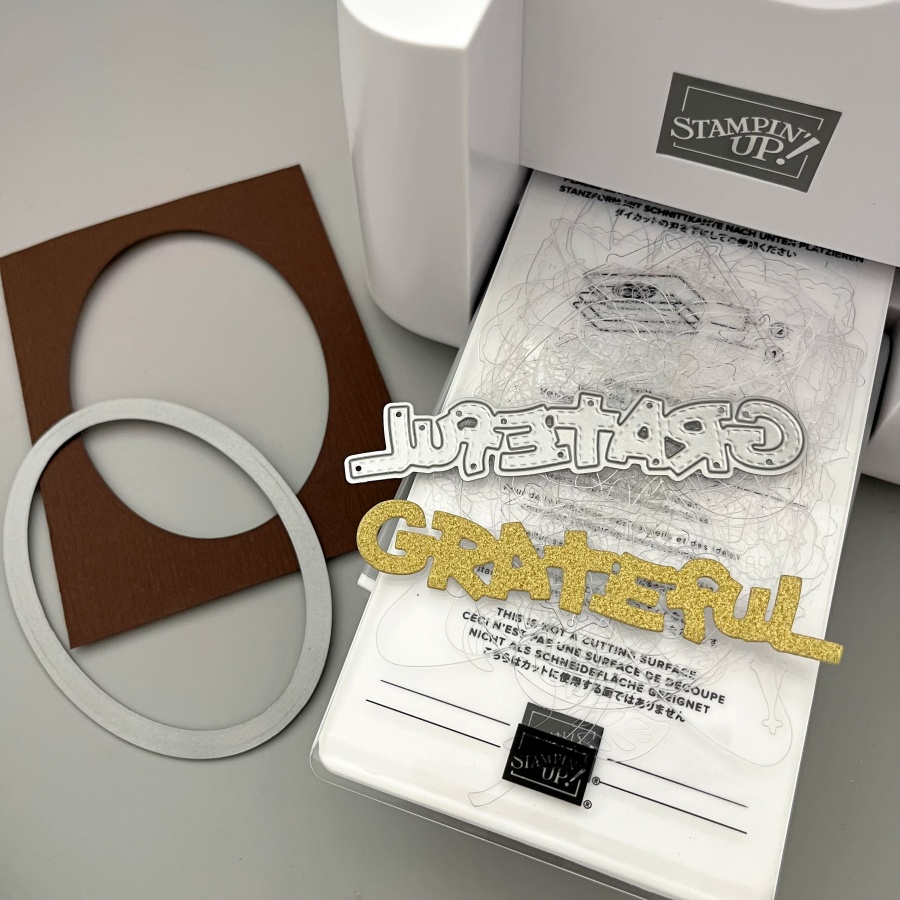
Step 5: Next, I die cut an oval panel as a frame for the little critters, and I die cut the Grateful sentiment from gold glitter cardstock as well.

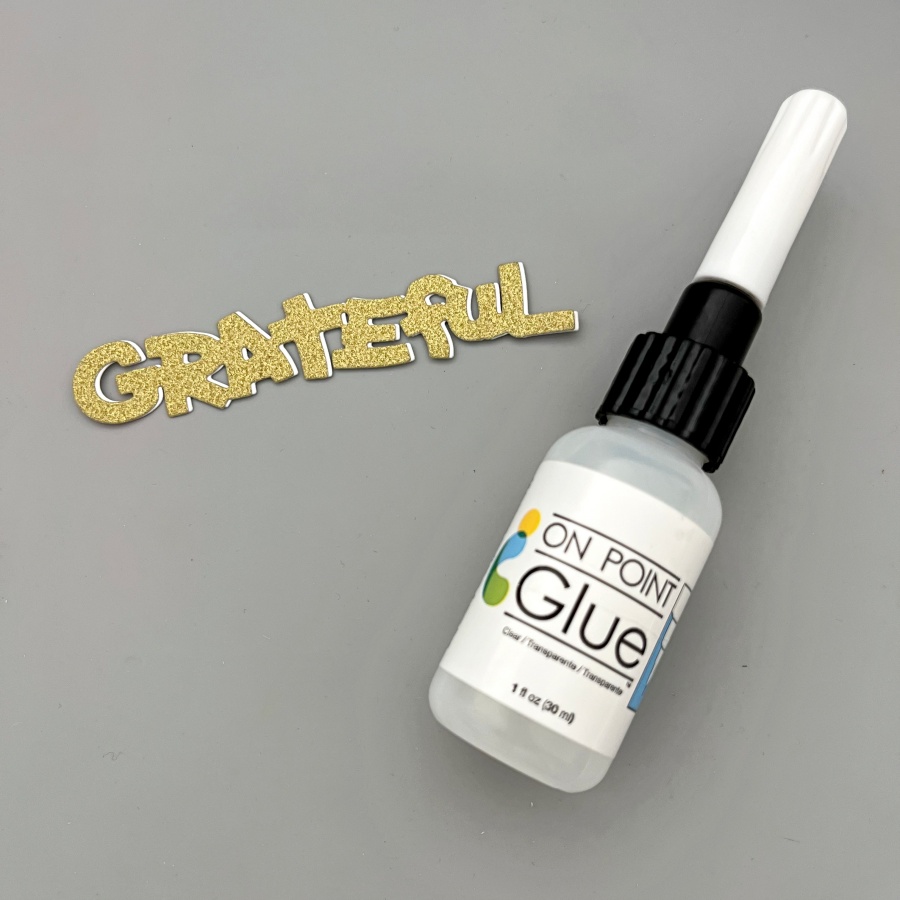
Step 6: To make the sentiment stand out a little bit more, I die cut again using white cardstock and layered it underneath the gold one. This creates a subtle shadow effect. The On Point Glue has a fine tip nozzle that makes applying small amounts of glue so easy. If you work with intricate dies all the time, I recommend having this glue in your stash!
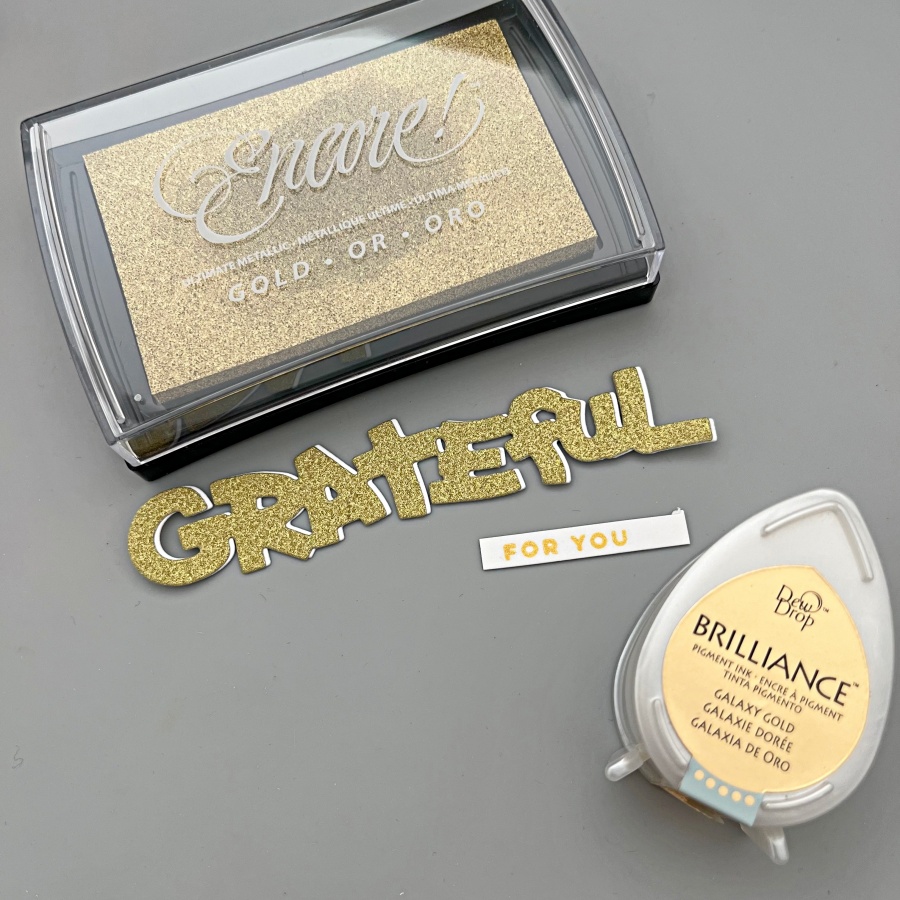
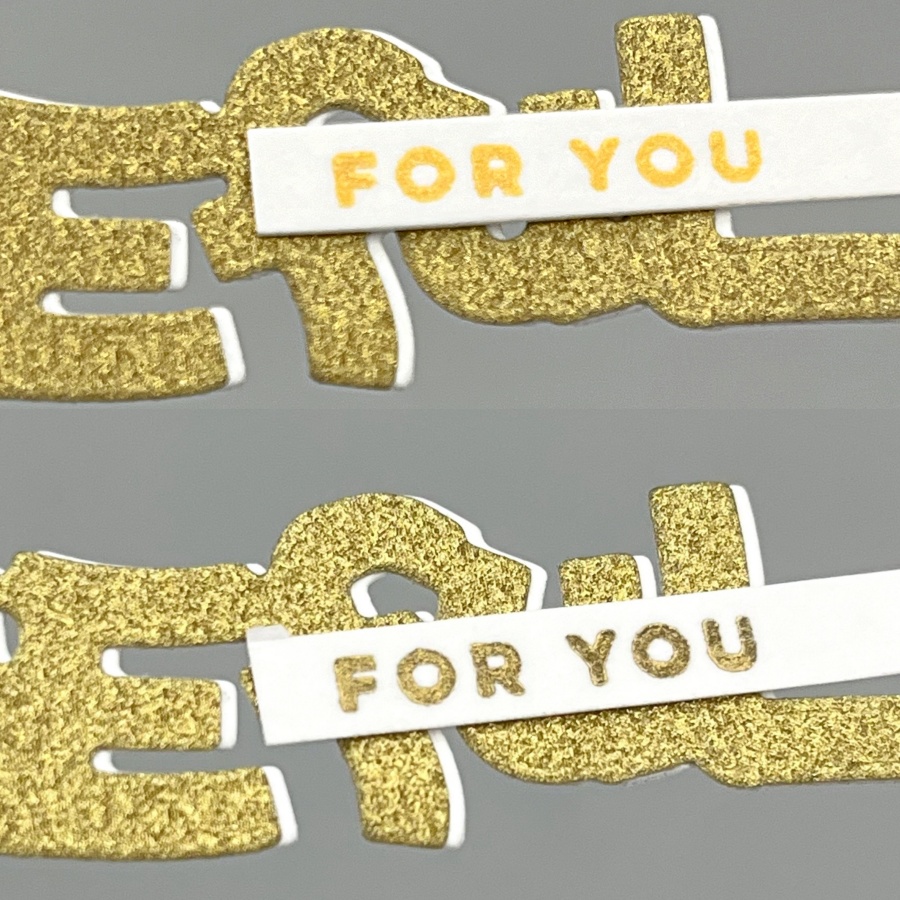
Step 7: Finally, I stamped the “For You” stamp in gold as well to complete the sentiment. Initially I picked the Brilliance Galaxy Gold ink pad as it is my go-to gold ink, but I realized that the tone is slightly too warm compared to the gold glitter cardstock I used. So I
re-stamped with Gold Encore ink instead. I have a close-up comparison below as well.

The picture on the top used Brilliance Galaxy Gold and the one below used Encore Gold. Brilliance Galaxy Gold is a really yellow, sunny kind of gold while Encore Gold shows a cooler tone. The finish is different between the two as well! Brilliance ink pads are shimmery and the Encore line is metallic.

Craft Supplies

Imagine Supplies:

Other Supplies:

  • The Greeting Farm – Stamps – Wood Friends
  • Lawn Fawn – Dies – Stitched Oval
  • Stamplorations – Dies – Grateful
  • Stampin’ Up! – Cardstock – Mossy Meadow
  • We R – Tool – Precision Press
  • DCVW – Cardstock – Gold Glitter
  • White and Watercolor cardstock

Create a Monochrome White & Gold Winter Wedding Card

By Jessica Lin

Skill: Intermediate
Time: 30 minutes

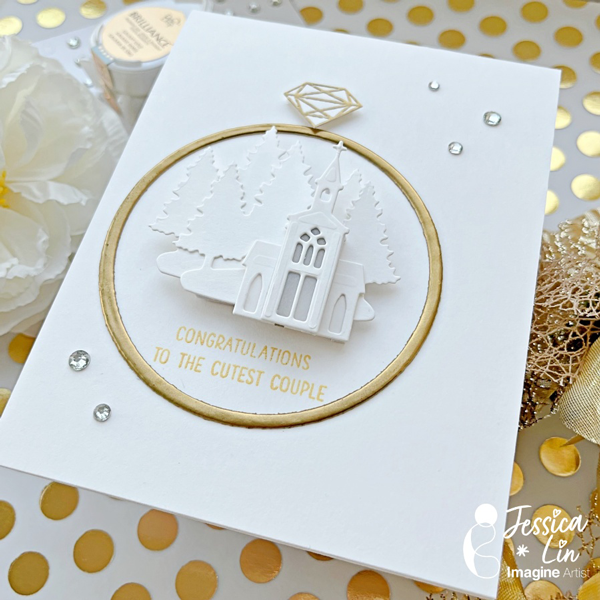
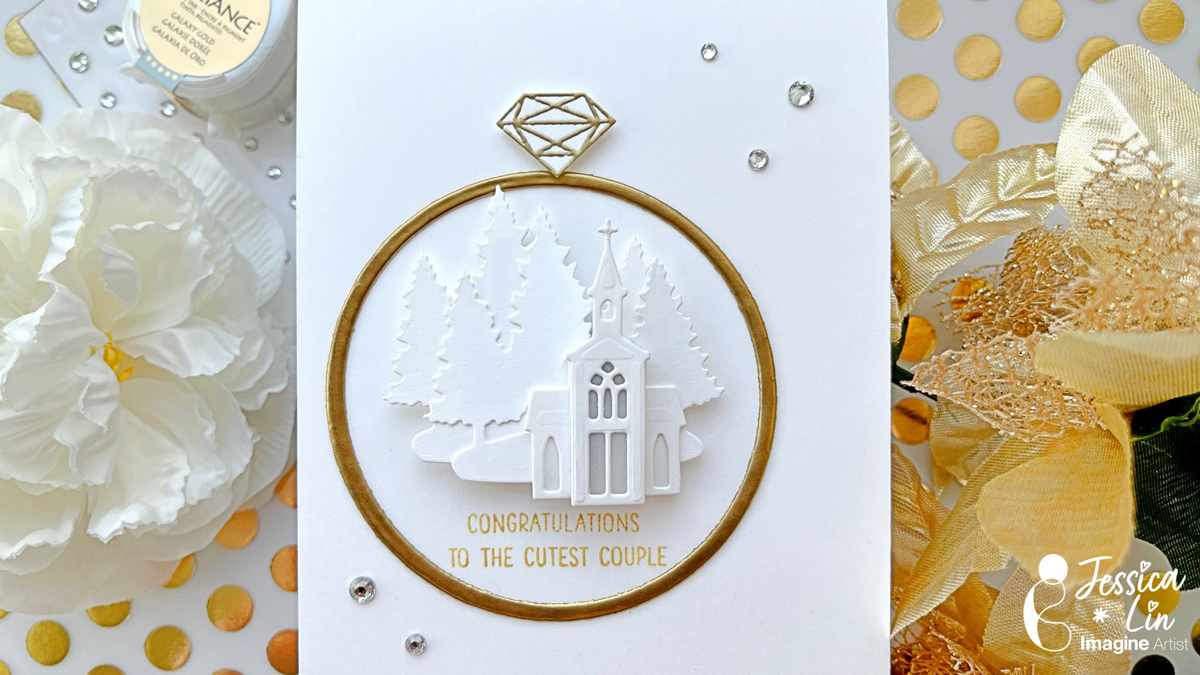
Hi everyone! It’s Jessica here and I’m excited to share this elegant winter wedding card with you today. If you enjoy simple, monochromatic cards, this is the perfect card for you!

Step 1:
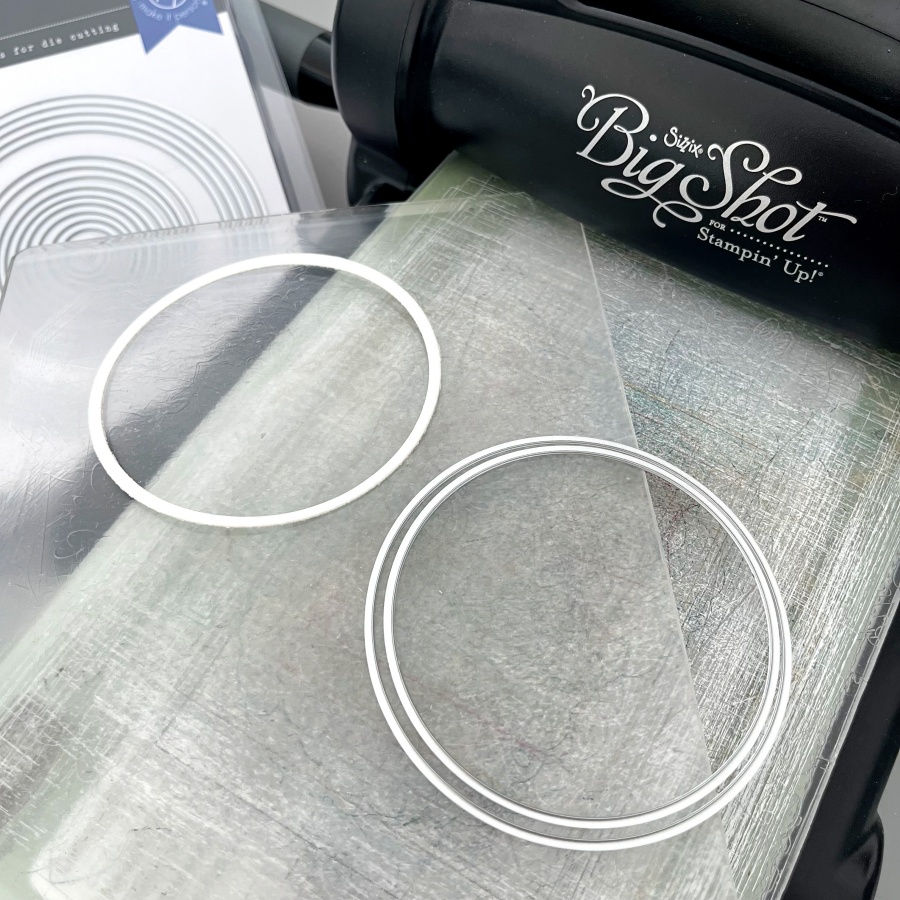
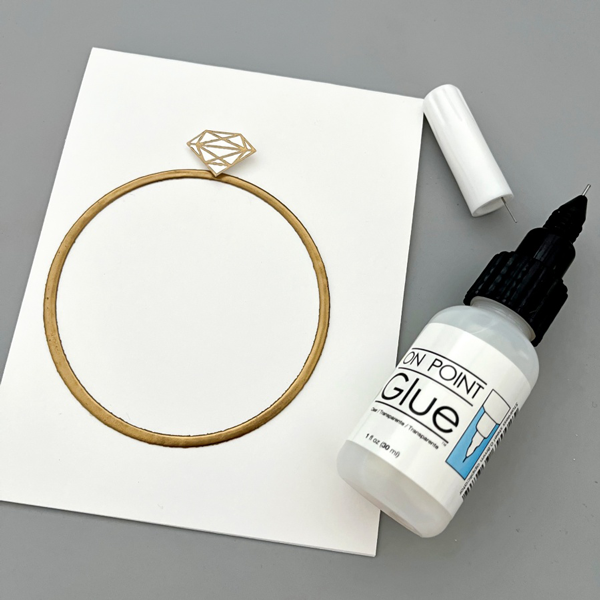
The idea for this card is to create a winter wedding church scene inside a wedding ring. I started off by die cutting a narrow circle that will be the base of the wedding band. A trick here is to use layering dies to customize any die cut size you may need.

Step 2:
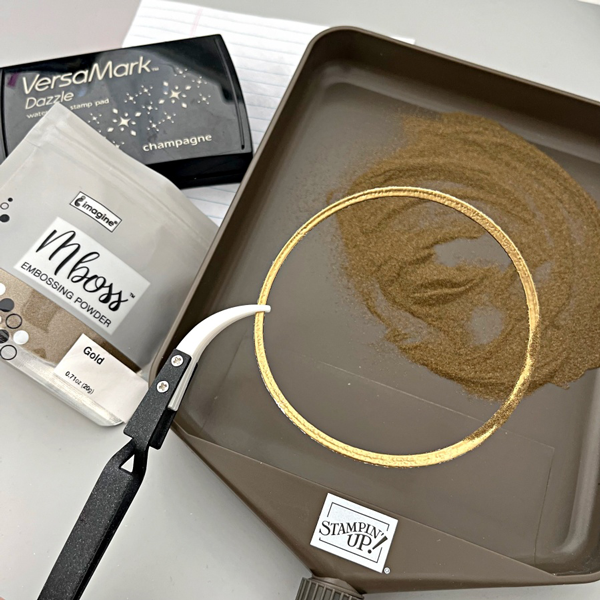
Then I took my VersaMark ink pad and “stamped” it directly onto the circle die cut piece. After that, I applied a generous coat of gold embossing powder and heat set it with a heat tool. For a smoother finish, I repeated these steps again. After two coats of embossing, the gold embossed surface is shiny and smooth, which really mimics a gold wedding ring.

Step 3:
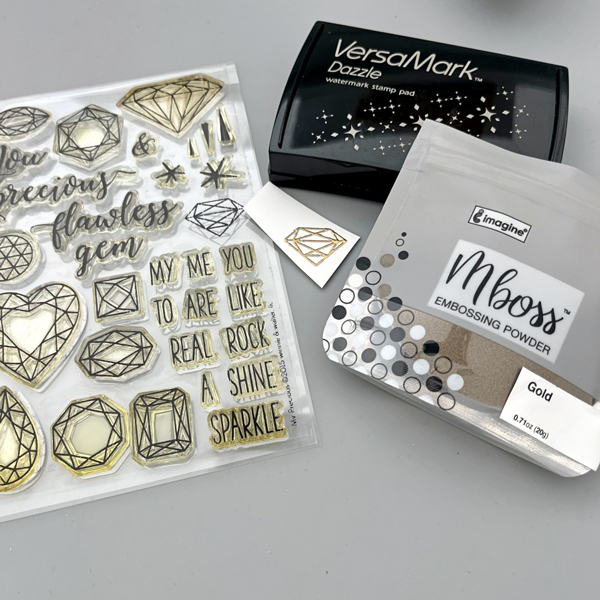
The Winnie & Walter My Precious stamp set is my favorite for any diamond and gems images. I heat embossed the smaller diamond with gold Mboss powder.

Step 4:
After fussy cutting the embossed diamond image, I adhered both of the wedding ring elements with On Point Glue.

Step 5:
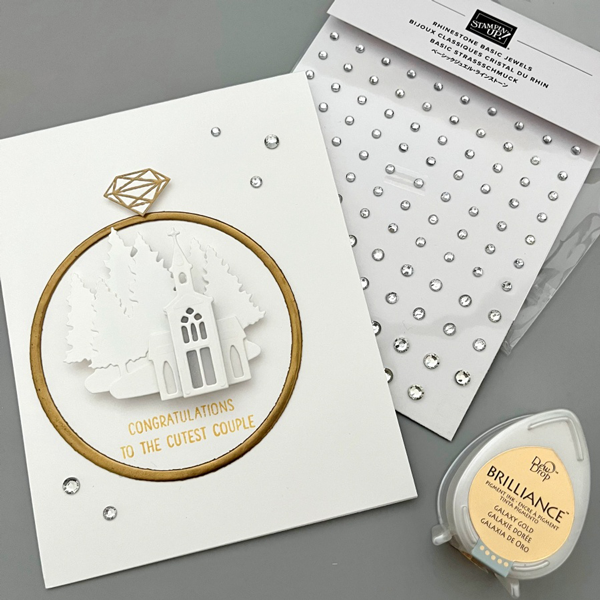
For the wedding church scene, I used the dies from Stampin’ Up!’s Snowglobe Scenes set. I die cut two pieces of the forest backgrounds and layered the church buildings with foam tape. I even added a tiny piece of vellum behind the first church die cut to create the illusion of glass windows. For the sentiment, I stamped this really adorable greeting using Brilliance Galaxy Gold ink pad.

Craft Supplies:

Imagine Supplies:

Other Supplies:

  • Winnie & Walter – Stamps – My Precious
  • Hero Arts – Dies – Infinity Circle
  • Stampin’ Up! – Dies – Snowglobe Scenes
  • Mama Elephant – Stamps – Oh Happy Day (for the greeting)
  • We R – Tool – Precision Press
  • Heat Tool
  • Rhinestones
  • White cardstock

Zombie Graveyard Halloween Card with VersaMagic Inks

By Kathi Rerek

I might be an introvert, but I do love to make scenes — in card form. Here’s a Halloween card created with VersaMagic and VersaFine Clair inks, stamping, and some die-cuts.

Skill Level: Intermediate
Time: 1.5 hours

Instructions:

Step 1:
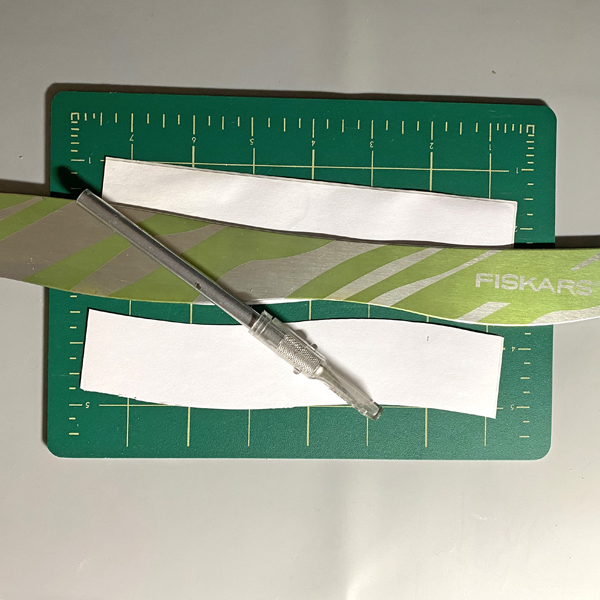
Cut a piece of Bristol paper to 4.75” x 6.75”. Use the Boneyard Edgers die to cut removable sticker paper and place along the bottom of the image panel. Place low tack tape below it.

Use the 1” circle punch to punch the sticker paper and adhere it to the upper left hand side as shown.

Step 2:
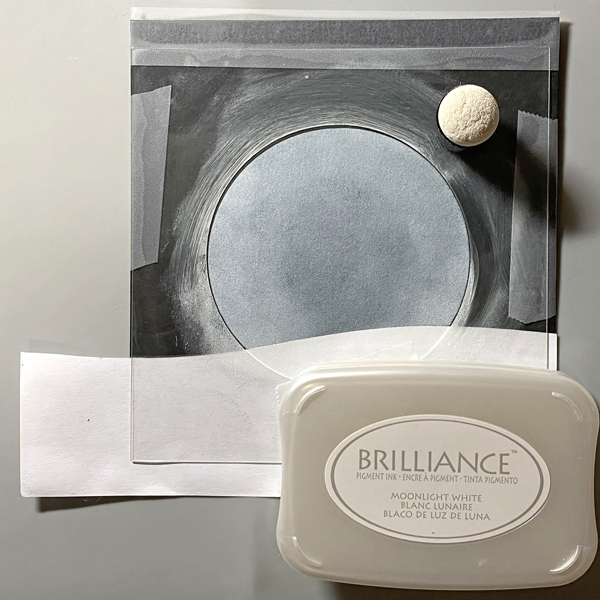
Use a Sponge Dauber to apply Night Sky VersaMagic Ink over the masked images onto the background. Heat set.

Step 3:
Spray a little water into a small container. Squeeze a few drops of Moonlight White VersaMagic Re-inker into the pot. Use a paint brush to mix the water and the ink. Tap the inky paintbrush over the night sky background to add splatter to look like stars.

Step 4:
Remove the sticker masks from the moon and from the cemetery.Smoosh the Jumbo Java VersaMagic Dewdrop Inkpad onto a piece of acetate. Lightly mist with water. Use a paintbrush to paint the tree in the graveyard. Heat set. Clean and dry the acetate.

Steps 5A and 5B:
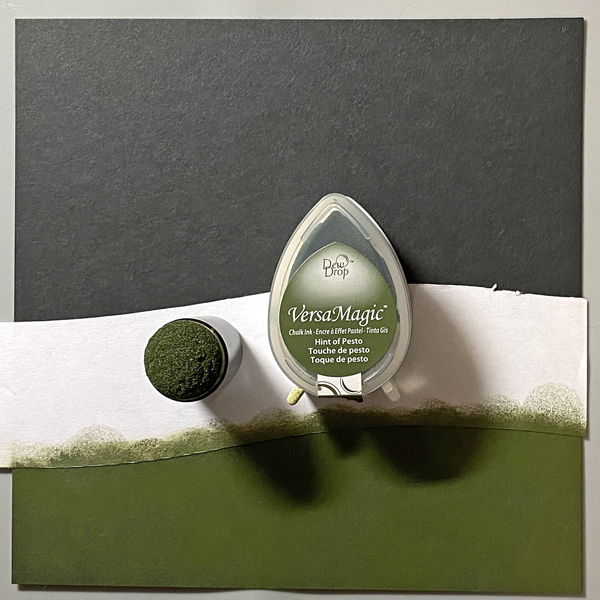
Smoosh the Hint of Pesto VersaMagic Dewdrop Inkpad onto the cleaned piece of acetate. Lightly mist with water. Use a clean paintbrush to apply green ink at the top of the hill below the tombstones, crosses, gate, and tree (5A). Use a Fantastix to apply Spanish Olive VersaMagic Ink to blend this lighter ink below the ink applied in Step 5A. Continue apply the Spanish Olive Versa Magic Ink horizontally to fill in the base of the card and create the cemetery lawn. Heat set the image panel.

Step 6:
Place the image panel onto the base of a stamping platform secured with magnets and low-tack tape.

Position the clear Zombie stamps from the Zombie Party Clear Stamp Set facedown as desired on the cemetery lawn. Position the Bat Colony Clear Stamp facedown over the moon and sky.

Press the platform’s base onto the back of the stamps. Lift. Ink the stamps with Nocturne VersaFine Clair Ink and stamp. Re-ink and stamp if necessary to attain solid black images. Heat set the panel.

Step 7:
Trim the image panel to 4.625” x 6.625”. Use Nocturne VersaFine Clair Ink to edge the image panel. Cut a piece of orange cardstock to 4.75” x 6.75”. Sorry that there’s no photo.

Step 8:
Apply Tear It! Tape to cover the reverse of a piece of orange cardstock. Use the “Happy Halloween” sentiment dies to cut orange cardstock. Remove the tape’s backing and adhere the sentiment as shown.

Step 9:
Use Tear It! Tape to adhere the layers of the card.

Imagine Crafts Supplies:

Other Supplies:

  • Bristol Paper by Strathmore
  • Carrot Textured Cardstock by Bazzill Basics
  • Raven Textured Cardstock by Bazzill Basics
  • Boneyard Edgers Dies by Frantic Stamper
  • Happy Halloween Dies by Top Dog Dies (defunct)
  • Zombie Party Clear Stamp Set by Whimsy Stamps
  • Bat Colony Clear Polymer Stamp by Lavinia Stamps
  • Low-Tack Tape
  • Misti  Stamping Platform by My Sweet Petunia

VersaMagic Inks are Great for Stamp Layering

By Jessica Lin

Hi everyone! It’s Jessica here and I’m excited to share a patterned paper trick with you today. If you like to save scraps of pretty paper, but are unsure how to use them, I highly recommend trying out today’s technique!

Skill: Intermediate
Time: 30 minutes

Step 1:
The focal image of today’s card is this butterfly stamp from Watercolor Wings. It’s one of my favorite layering stamp sets of all time. I used Brilliance Sunflower Yellow for the base layer. Then I stamped the second and third layers with VersaMagic Mango Madness and Pumpkin Spice. I did add a fourth layer using Brilliance Galaxy Gold as well (not pictured). 

Step 2:
Die cut the butterfly images with Bold Butterfly dies. Then adhere the tips of the butterfly die cuts with On Point Glue. This would create a string of butterflies for a surprise pop up mechanism inside the card (next photo).

Step 3:
To make the patterned paper background for the card front, trim your patterned paper scraps to 1 x 6’’. Then cut each piece diagonally to create long, triangular shapes. I used Stick It adhesive to cover the entire background panel and adhered the patterned paper pieces on top. However, you could use whichever adhesive you prefer. Once the entire panel is covered, trim off the hanging pieces on the edges.

Step 4:
Lastly, adhere the last butterfly along with any additional foliage die cuts. And the card is complete!

Imagine Supplies:

Other Supplies:

  • Stampin’ Up! – Stamps – Watercolor Wings
  • Stampin’ Up! – Dies – Bold Butterfly, Flourish
  • We R – Tool – Precision Press
  • Foam Tape
  • Stampin’ Up! – Cardstock – Mint Macaron
  • DCWV – Pattern Paper – Floral Flair
  • White cardstock