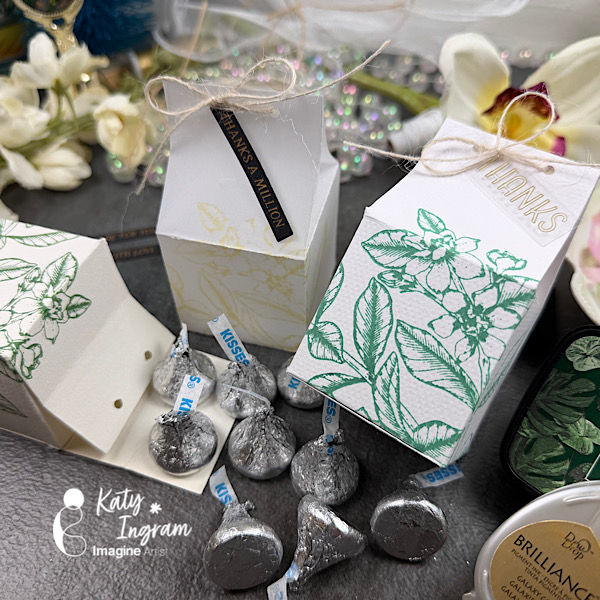
~ Hello Friends! Katy here with my latest video using Brilliance Metallic Ink and a couple VersaFine Clair inks while showing you how to create the perfect box for stamping. Video has all the details. Thanks for watching.
Other Products Used Watercolor Paper, Cardstock or Vellum Hole Punch – I used 1/8th inch Score board Reversible Tweezers (optional, but helpful) Adhesive Bone Folder or Scoring Tool of choice I used BetterPress System, but any stamps will do.
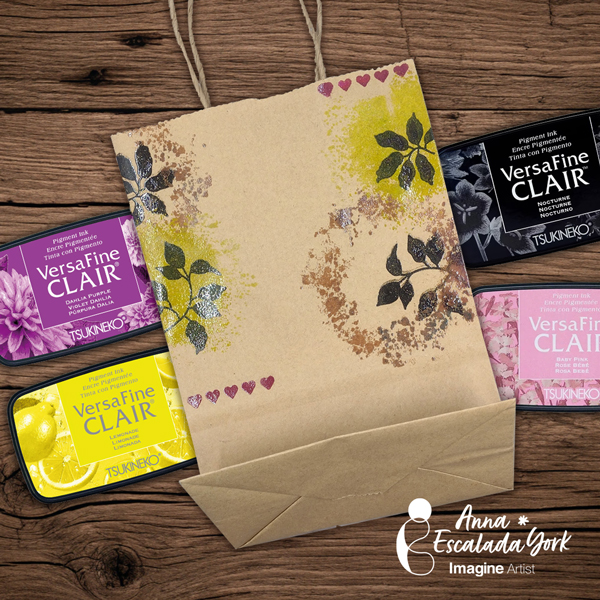
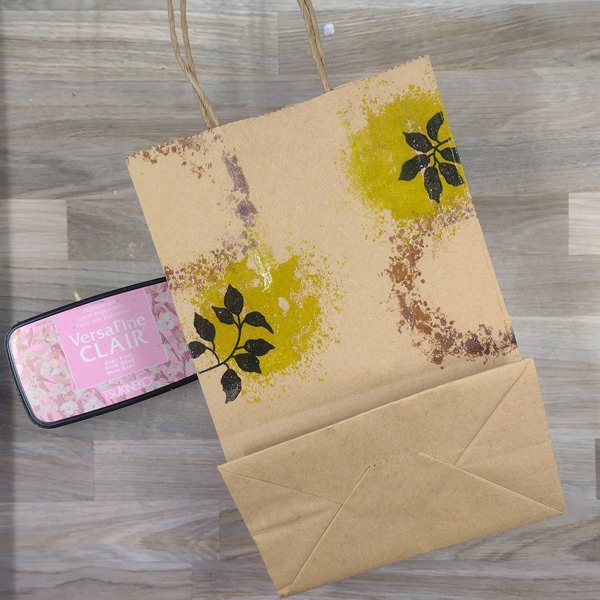
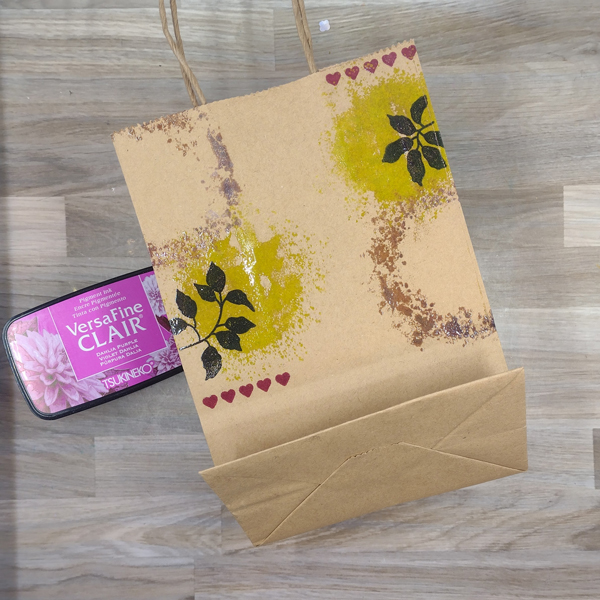
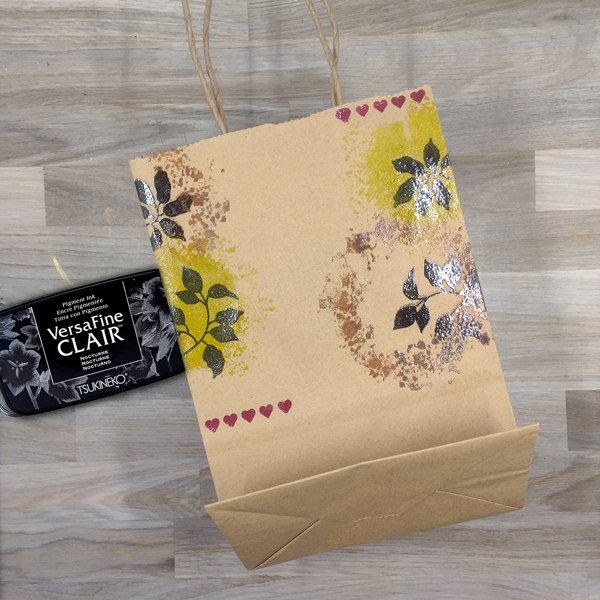
– I wanted to decorate a small brown bag before reusing it as a gift bag for a coworker’s gift. This card was quick and easy but looks really pretty and features VersaFine Clair Inks.
Skill: Beginner Time: 1 hour
Directions
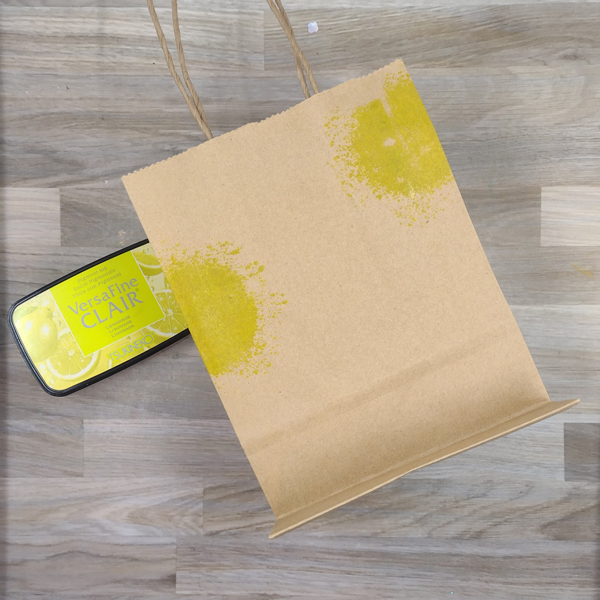
Step 1: Stamp a solid organic circle shape with Lemonade VersaFine Clair Ink on the edges of a small brown paper bag. Repeat on the back of the bag.
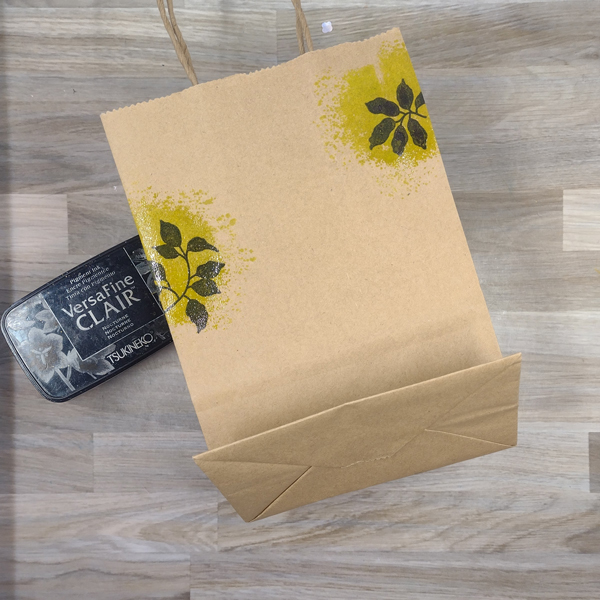
Step 2: Quickly stamp two different solid leaf stamps with Nocturne VersaFine Clair Ink over the two Lemonade circles. Add clear embossing powder over both the Lemonade-colored circles and the black leaves and heat emboss them. Repeat the process on the back of the bag.
Step 3: Stamp the splatter wreath twice on the bag with Baby Pink VersaFine Clair Ink–once on the upper right corner of the bag and once on the central right part of the bag. Then heat emboss with more clear embossing powder. Repeat on the other side of the bag.
Step 4: Stamp a row of small hearts on the bag twice with Dahlia Purple VersaFine Clair Ink. Heat emboss with more clear embossing powder. Repeat on the back of the bag.
Step 5: Stamp the same solid leaf stamps from step 2 with Nocturne VersaFine Clair Ink inside the splatter leaf stamps. Heat emboss with more clear embossing powder. Repeat on the back side of the bag.
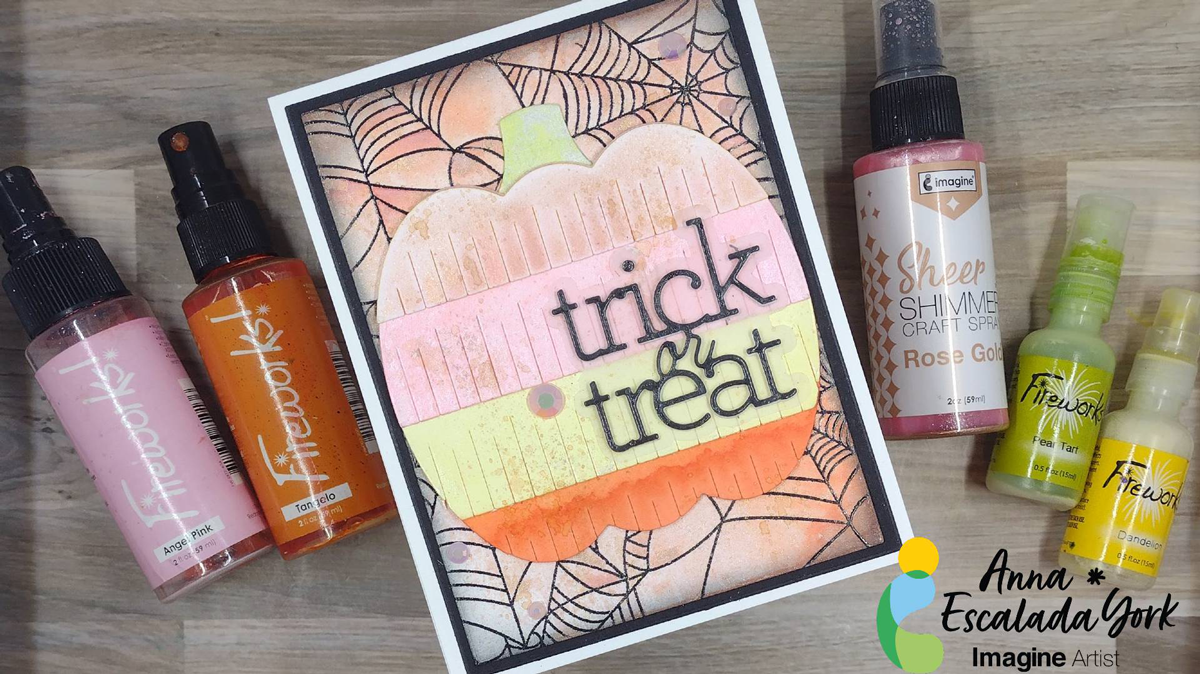
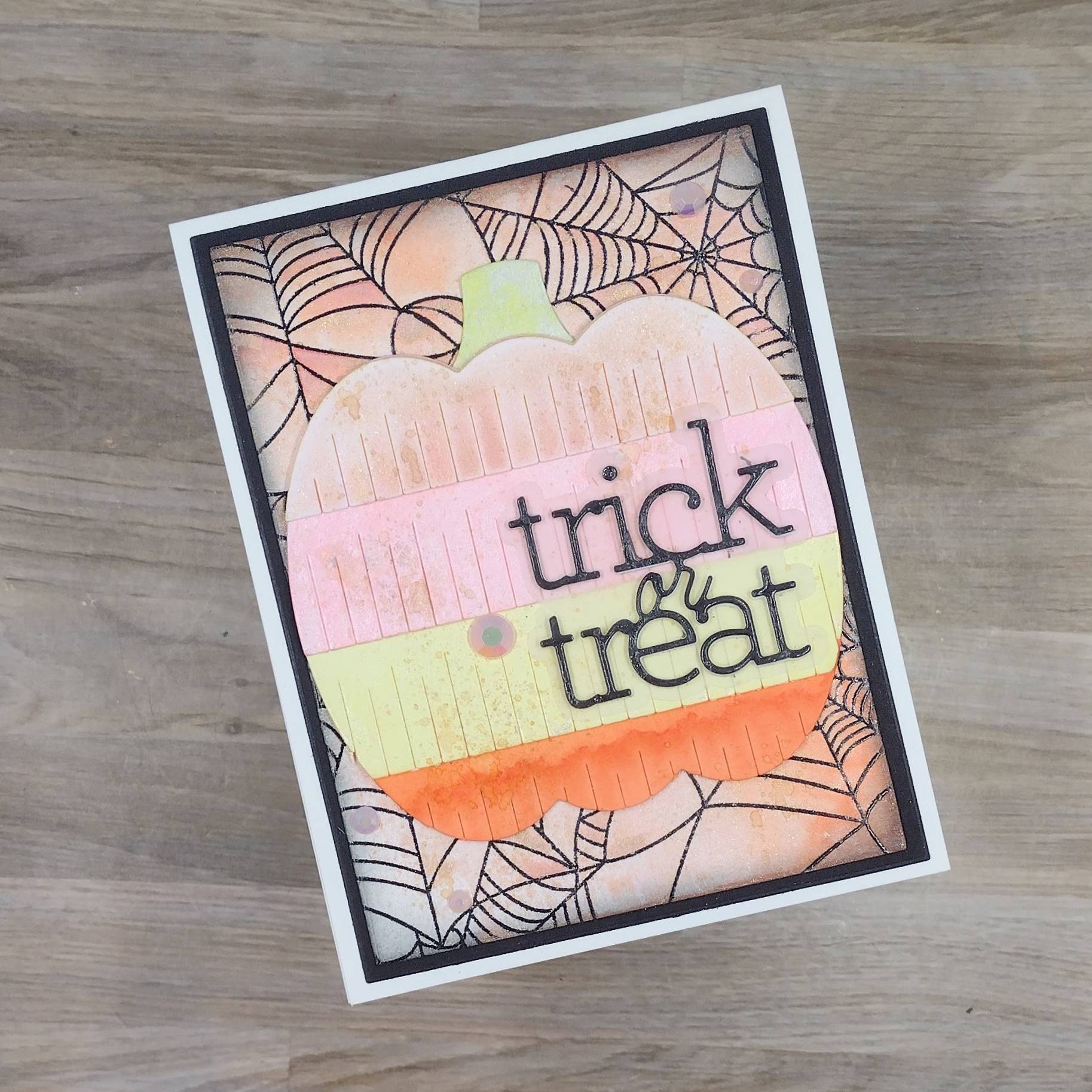
Fall is here! I have been really enjoying making Halloween cards, especially those with non-traditional colors. This card features a pastel color scheme.
Skill: Intermediate Time: 1.5 hours
Directions:
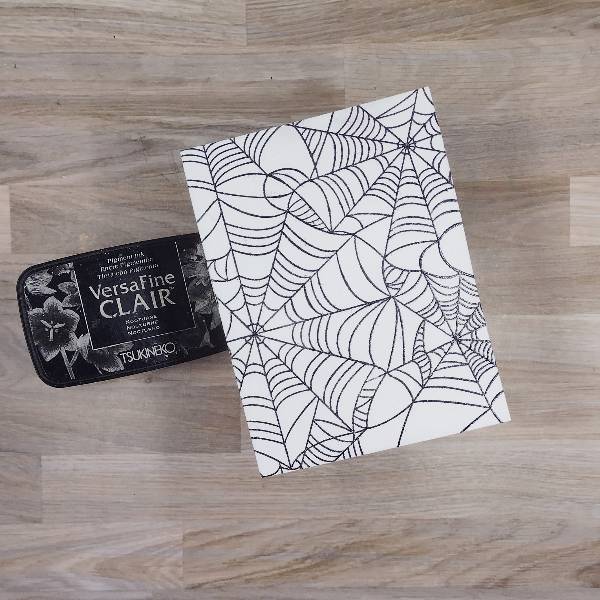
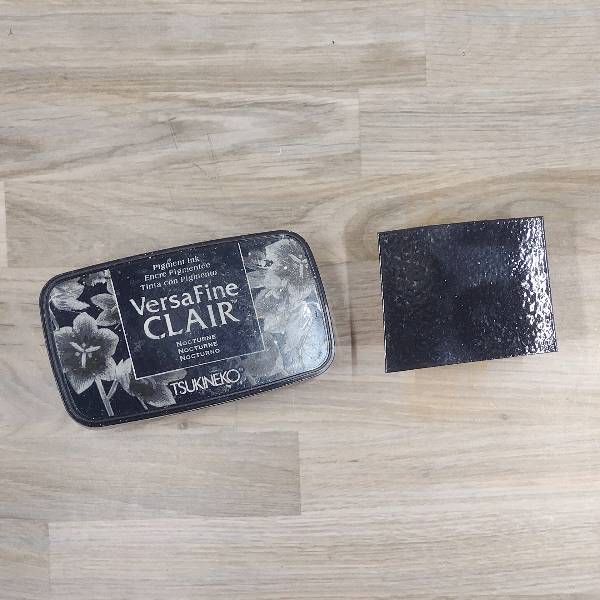
Step 1: Stamp the spiderweb background stamp on watercolor paper with Nocturne VersaFine Clair Ink. If desired, heat emboss with clear embossing powder.
Die cut the panel with a mid-sized A2 nesting die.
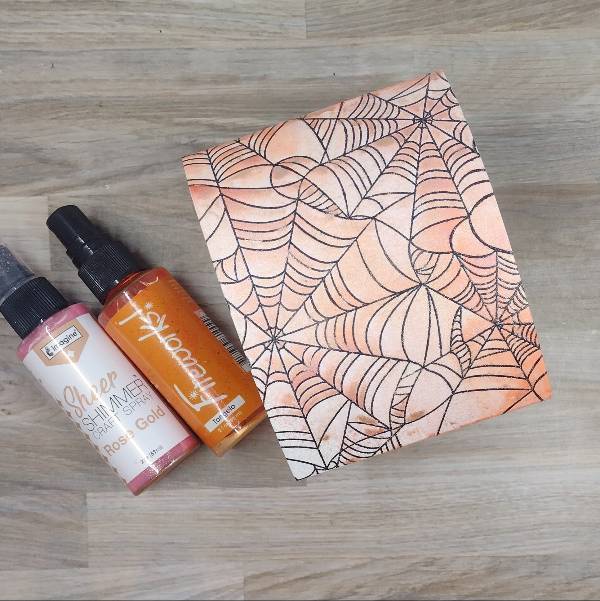
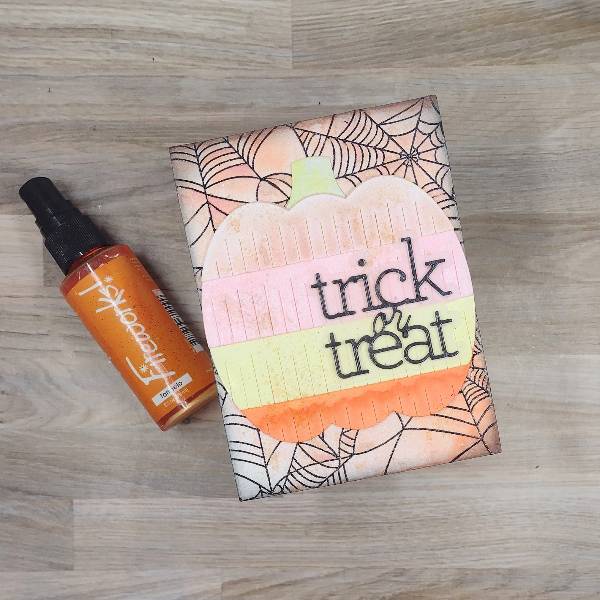
Step 2: Spray the panel with Rose Gold Sheer Shimmer Craft Spray and Tangelo Fireworks! Craft Spray. Make sure that the sprays overlap to blend the two colors together. Allow the panel to dry.
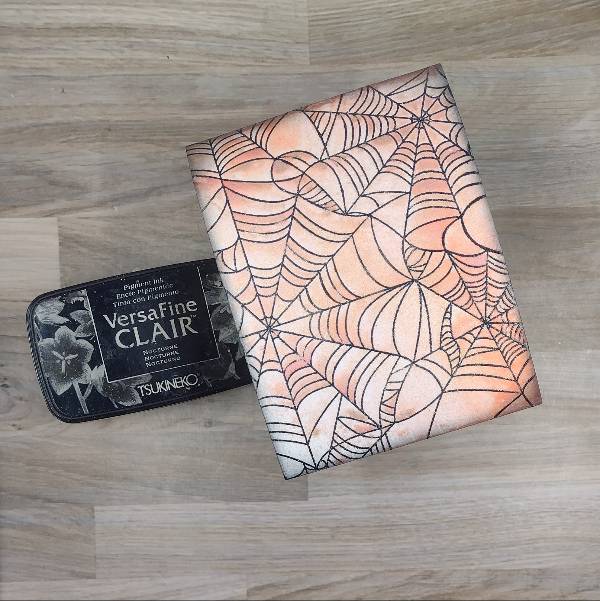
Step 3: Ink blend the edges of the panel with Nocturne VersaFine Clair Ink.
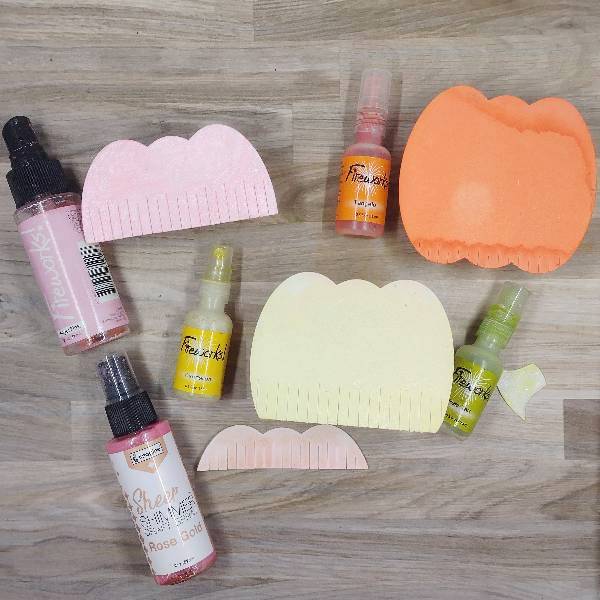
Step 4: Die cut they layers of the pumpkin die cuts out of watercolor paper and spray each piece with different colored sprays:
Stem with Pear Tart Fireworks! Spray
Top layer of the pumpkin with Rose Gold Sheer Shimmer Craft Spray
Second layer with Angel Pink Fireworks! Spray
Third layer with Dandelion Fireworks! Spray
Bottom layer with Tangelo Fireworks! Spray
Step 5: Stamp a piece of watercolor paper with Nocturne VersaFine Clair Ink and heat emboss with clear embossing powder.
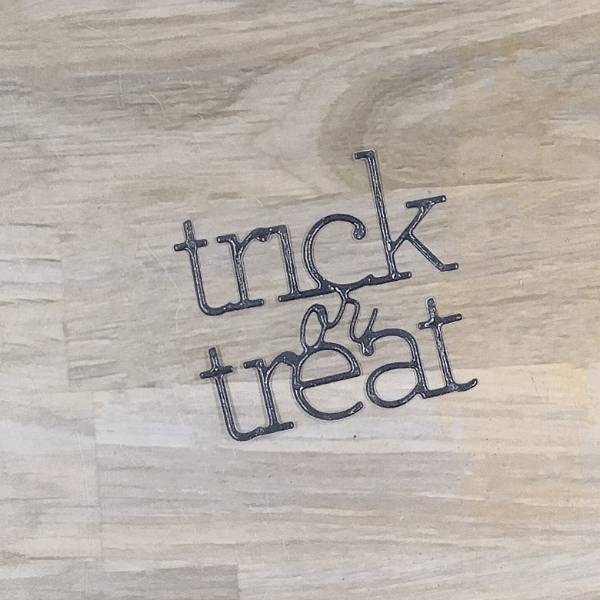
Step 6: Die cut the colored and embossed piece of watercolor paper from step 5 to create the sentiment. Die cut two small pieces of scrap watercolor paper or cardstock to glue behind the black stamped layer to create dimension.
Not pictured: Die cut the sentiment’s shadow layer out of vellum and glue behind the sentiment.
Step 7: Assemble the die cut pumpkin layers and glue them together. Then glue the sentiment onto the die cut pumpkin layers. Glue the pumpkin (and sentiment) onto the spiderweb background panel. Then splatter Tangelo Fireworks! Craft Spray across the panel and pumpkin. Set aside to dry.
Step 8: Die cut a piece of black watercolor paper with the next-largest die from the A2-sized nesting die set. Glue the spiderweb panel onto the black matte layer. Glue light pink embellishments on the lower left and upper right parts of the panel. To finish the card, glue it onto an A2-sized white card base.
Pretty Pink Posh – die set – Fringe Pumpkin Simon Says Stamp and CZ Design – die set – Trick or Treat 2 Taylored Expressions – stamp set – Spiderweb Cling and Clear Combo Trinity Stamps – embellishment mix – Rose Tinted Glasses Waffle Flower – die set – A2 Layers Clear Embossing Powder Heat tool Glue Watercolor paper Black watercolor paper
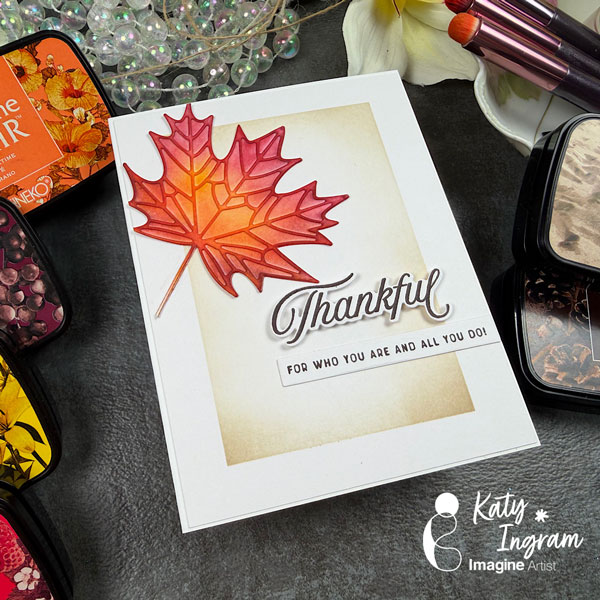
Hello Friends! Katy here with my latest video showcasing VersaFine Clair inks once again to create a Fall inspired card. Video has all the details. Thanks for watching.
Other Products Used -Watercolor Paper -Blending Brushes -Masking Tape -The Greetery Thanks All The Way Stamp and Die Set -Layering Leaf Die Cut- any will work, I used the Maple Leaf from Honey Bee Stamps
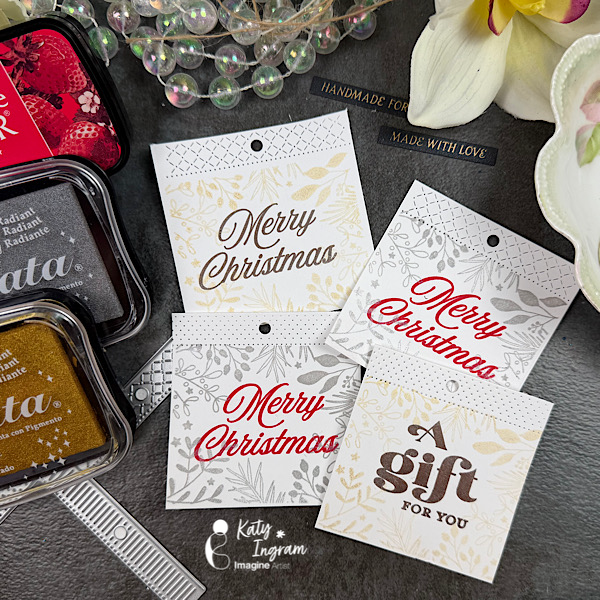
– Hello Friends! Katy here with my latest video showcasing Delicata Inks to create quick and easy gift tags. Video has all the details. Thanks for watching.
Hi everyone! It’s Jessica here. I want to share one of my favorite ways to create a gift card holder today. It’s super simple and quick to put together. I picked a Christmas theme but you could easily change it to a birthday or wedding gift card holder.
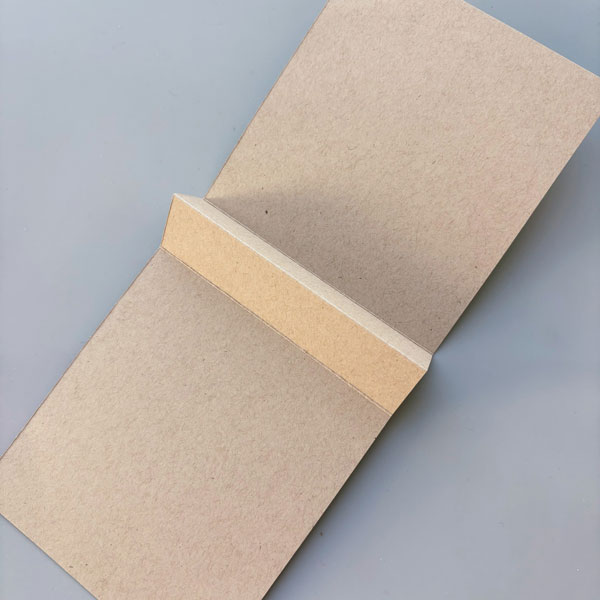
Step 1: Let’s start by creating the base of the gift card holder. Using Environment Desert Storm cardstock, cut it in half to create a standard A2 card base (4 ¼’’ x 5 ½’’), and score at 4 ½’’, 5 ½’’ and 6 ½’’. Fold along the crease to create a peak just like the one in the photo.
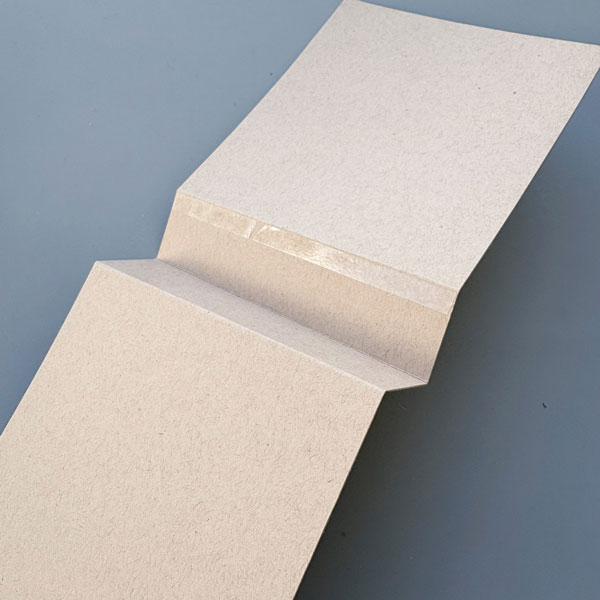
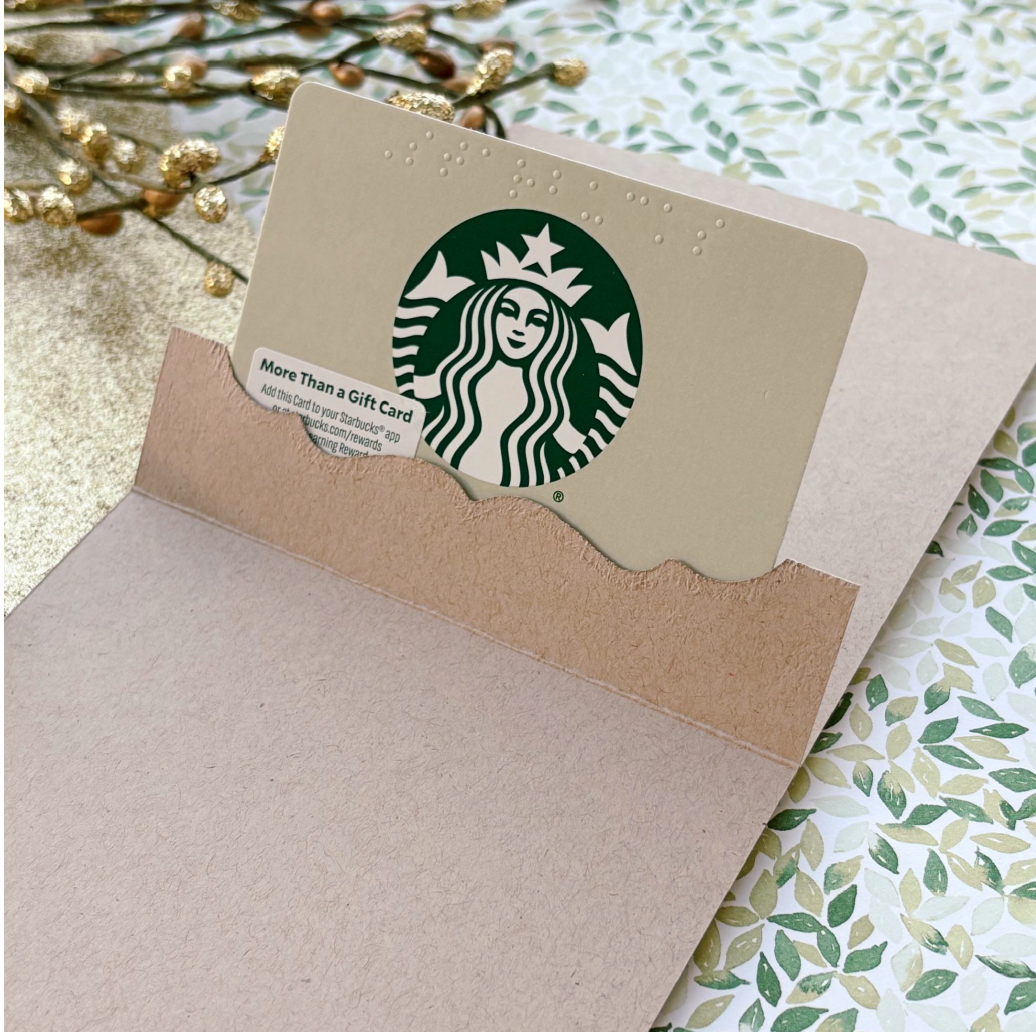
Step 2: Next, flip the card base around and apply Tear-It! Tape to the top edge of the scored line. Notice how the “peak” from earlier has turned into a “valley”. You want to avoid adding adhesive to the center of the “valley” since that will become the opening for the gift card holder.
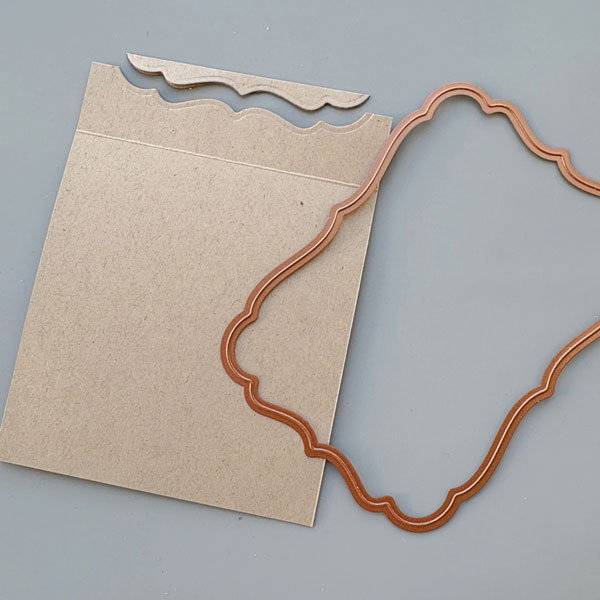
Step 3: Once the middle portion of the card base is adhered together, you will have a new card base that is 4 ¼’’ x 5’’ with an inner flap. Now, we are ready to create the opening for the gift card. Place the largest frame die from Spellbinders Labels Seventeen set to die cut the gift card opening. The trick is to die cut as little cardstock as possible so that there is a large flap area to hold your gift card.
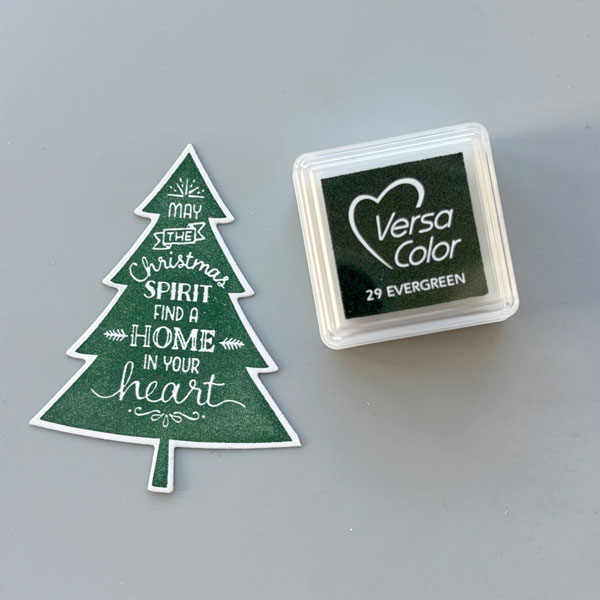
Step 4: Let’s decorate the front of the gift card holder next. I stamped this Christmas tree image on Classic Crest Solar White cardstock with VersaColor Evergreen ink pad and die cut the image with the coordinating die.
Step 5: Then, I stamped another Christmas tree design with VersaMagic Tea Leaves ink pad. Both of these stamps are from Stampin Up’s Peaceful Pines set.
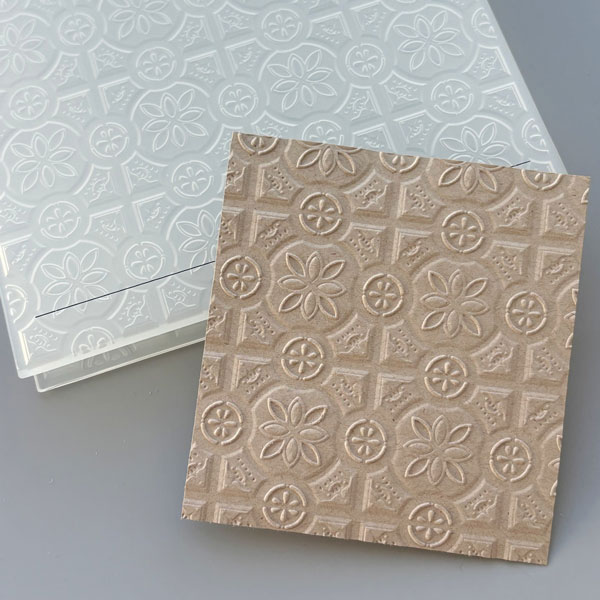
Step 6: I decided to add an embossed panel to add some interest to the background. I trimmed a piece of Environment Desert Storm cardstock to 3 ¾’’ x 4 ½’’ and embossed it with Stampin’ Up’s Tin Tile embossing folder. The details really pop on this kraft colored cardstock, don’t you think?
Step 7: For the sentiment, I picked this scripty “Christmas” die from Ellen Hutson’s Merry & Bright set and die cut it with DCS Gold Glitter Heavyweight 12 x 12. This gold glitter cardstock is becoming a staple in my craft room – it’s easy to die cut with and does not shed any glitter (no glitter mess!).
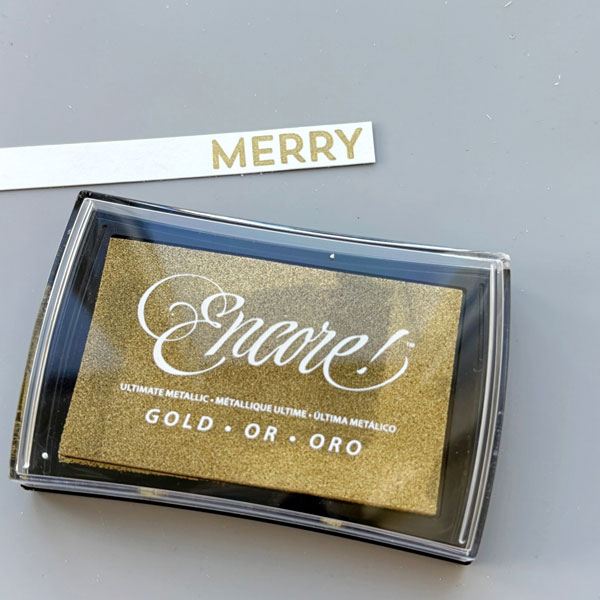
Step 8: Finally, I stamped “Merry” with Encore! Gold ink pad to complete the sentiment. I picked this color since it matches the DCS Gold Glitter Heavyweight cardstock really well.
Step 9: This is what the gift card holder looks like with a gift card inserted. I really like this gift card holder since it’s super easy to assemble and there’s space to write a personal message as well. I hope you enjoyed today’s tutorial, and thanks for stopping by!