Winter Wishes Card on Kraft Cardstock

By Kathi Rerek

Skill Level: Beginner to Intermediate
Time: 1 hour
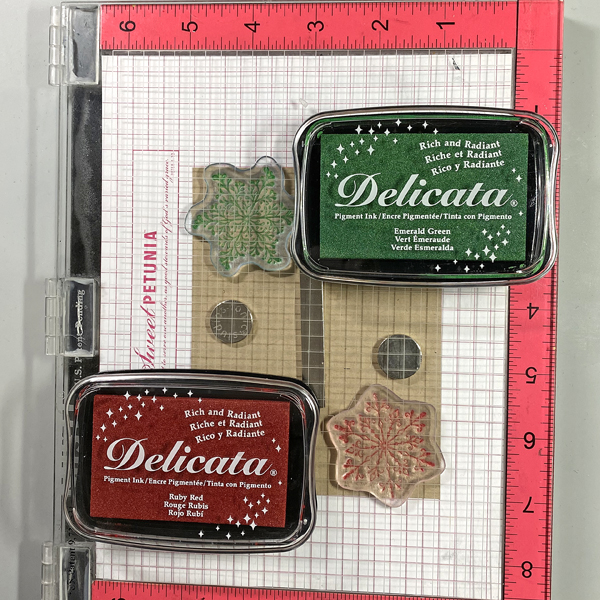
Step 1:
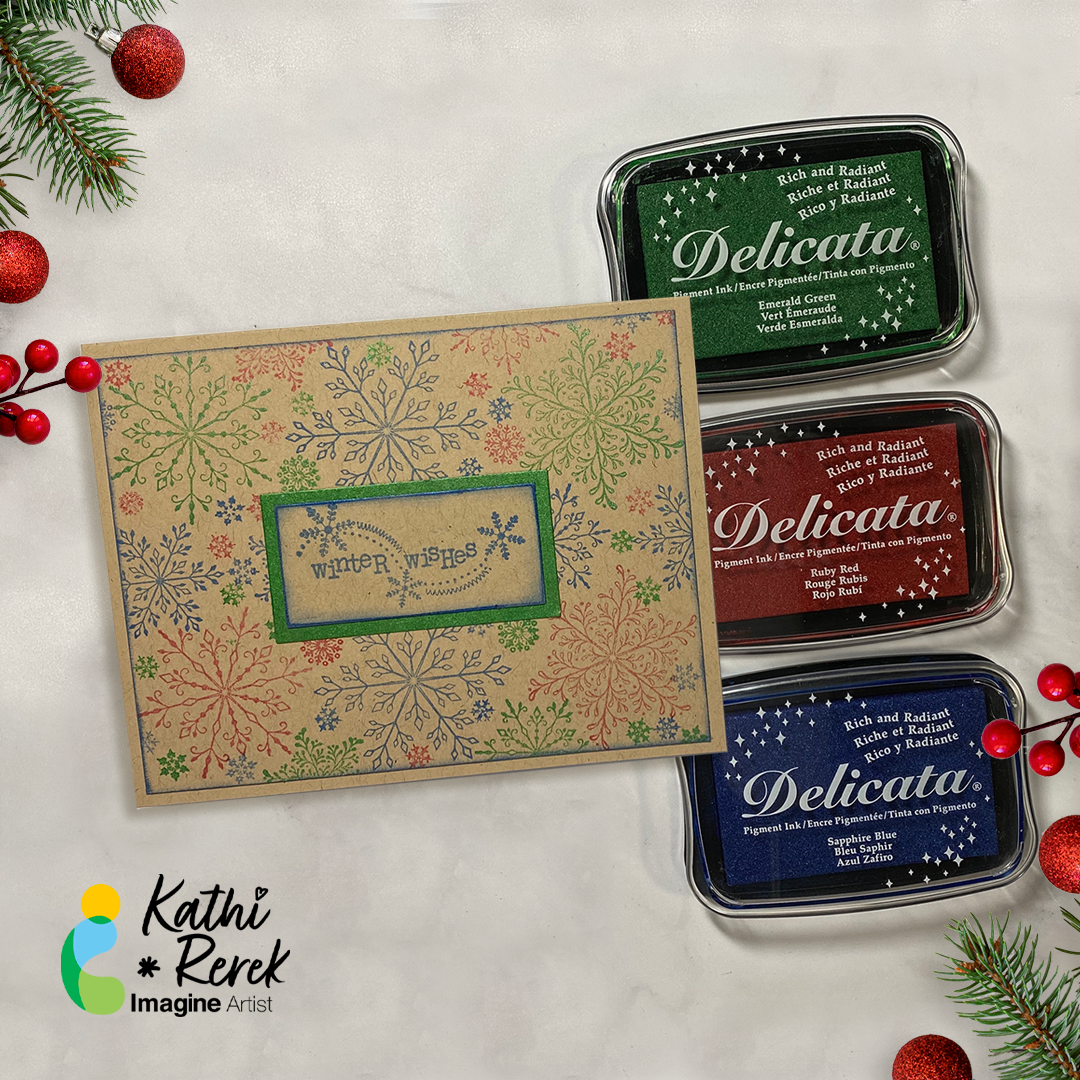
Use magnets to secure a 4” x 5.25” piece of Kraft cardstock onto the base of a stamping platform.

Position two snowflakes from the Snowflakes Large Clear Polymer Stamp Set so that one is facedown at the top left of the image panel and the other one is at the bottom right of the image panel. Ink the snowflake stamps with Emerald Green and Ruby Red Delicata Ink and stamp. Re-ink and stamp again if necessary to create good images. Clean and dry both stamps.

Step 2:
Position the third snowflake stamp from the stamp set facedown between the stamped snowflakes on the image panel. Ink the stamp with Sapphire Blue Delicata Ink and stamp. Re-ink and stamp again if necessary to create a good impression. Clean and dry the stamp. Reposition the same stamp facedown on the other side of the image. Ink the stamp with Sapphire Blue Delicata Ink. Clean and dry the stamp.
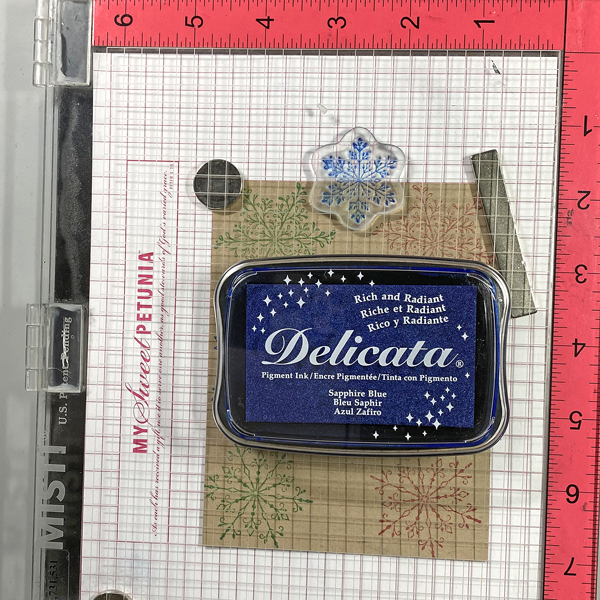
Step 3:
Position one of the snowflake stamps from the Snowflakes Small Clear Polymer Stamp Set facedown in the center top of the image panel. ink the stamp with Sapphire Blue Delicata Ink and stamp. Re-ink and stamp again if necessary to create a good impression. Clean and dry the stamp.

Continue the process of stamping snowflakes from the Snowflakes Small and the Snowflakes Clear Stamp sets with all three colors of Delicata Inks, taking care to clean and dry the stamps between colors. Heat set the image panel.
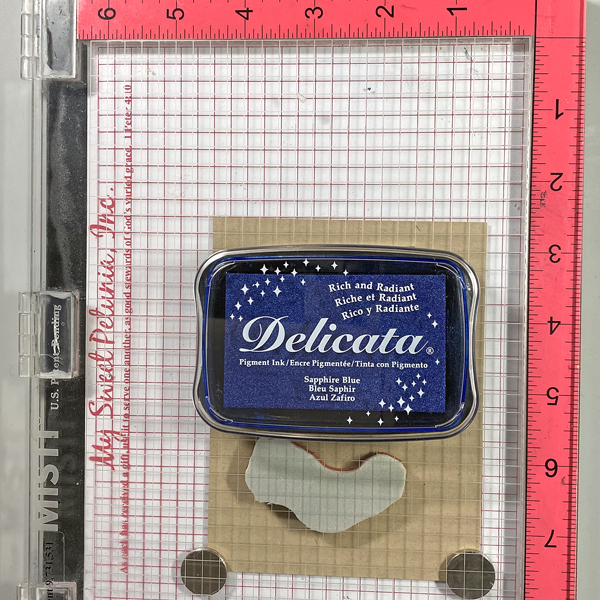
Step 4:
Ink the sentiment stamp with Sapphire Blue Delicata ink and stamp onto a piece of Kraft cardstock.
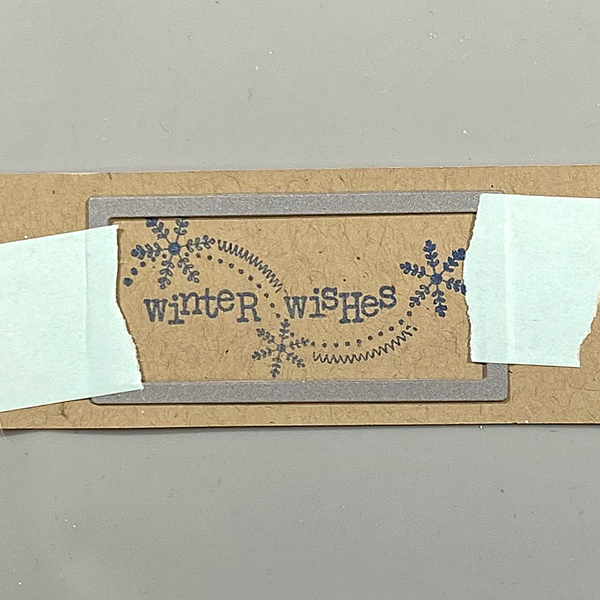
Step 5:
Use low-tack tape to secure a rectangle die to the sentiment strip. Run the sentiment strip through a die-cutting machine. Use a slightly larger rectangle die to cut a Kraft cardstock.
Step 6:
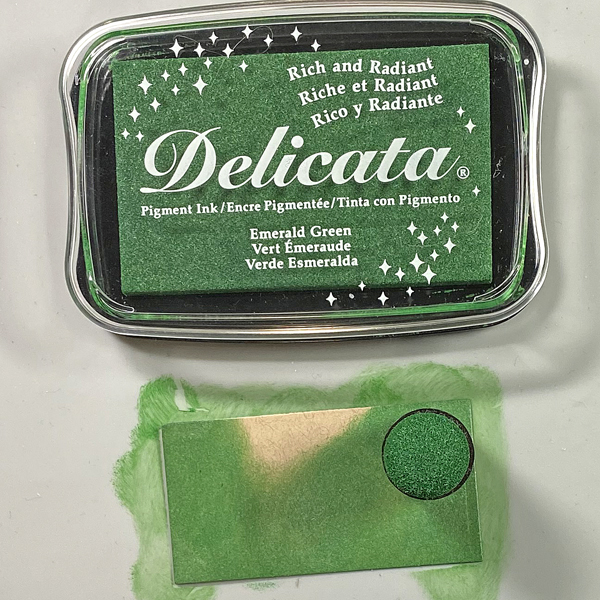
Use a sponge dauber to apply Emerald Green Delicata Ink to the die-cut. Heat set.
Step 7:
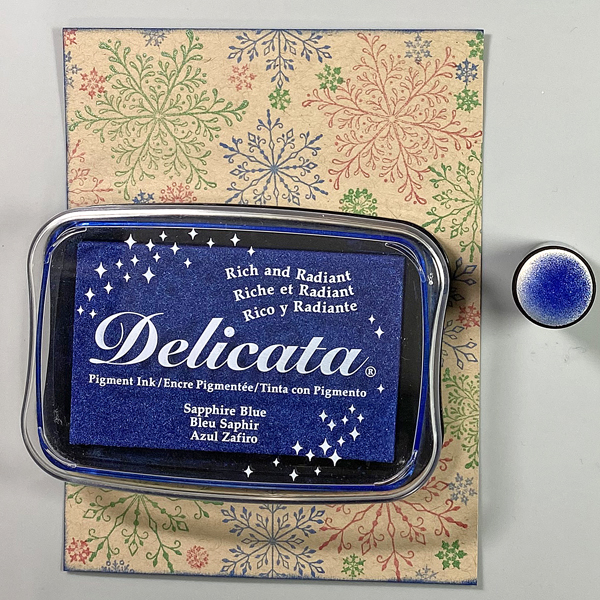
Use a Sponge Dauber to edge the snowflake stamped image panel. Heat set.
Step 8:
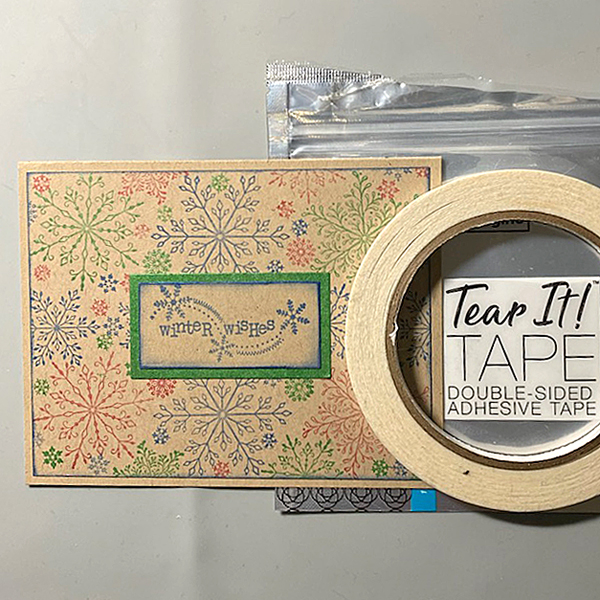
Use Tear It! Tape to adhere the image panel to a Kraft A2 Card. Use Tear-It Tape to adhere the sentiment to finish the card.

Imagine Crafts Supplies:

Other Supplies:

  • Kraft Cardstock by Bazzill Basics
  • Snowflakes Clear Polymer Stamp Set by Lavinia Stamps
  • Snowflakes Large Clear Polymer Stamp Set by Lavinia Stamps
  • Snowflakes Small Clear Polymer Stamp Set by Lavinia Stamps
  • Sentiment Stamp (Retired) by Unity Stamps
  • Circles Die Set by QuicKutz
  • Rectangles Nestabilities by Spellbinders
  • Heat Gun by EK Success
  • Big Shot
Create a Quick and Easy Holiday Card

By Kathi Rerek

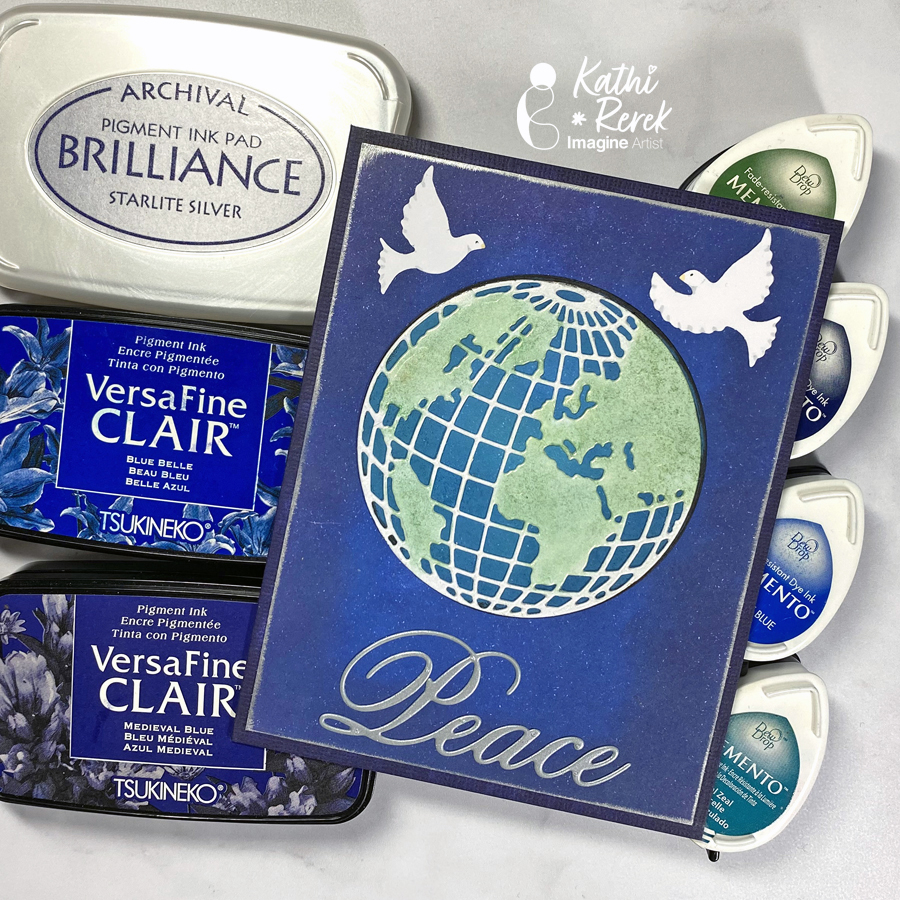
Here’s a dramatic, yet quick and easy Season’s Greeting’s Card

Skill Level: Beginner to Intermediate
Time: 1 hour

Step 1.
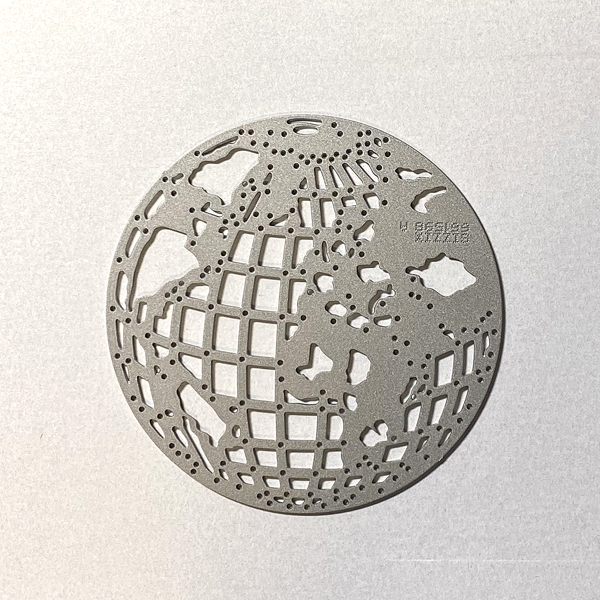
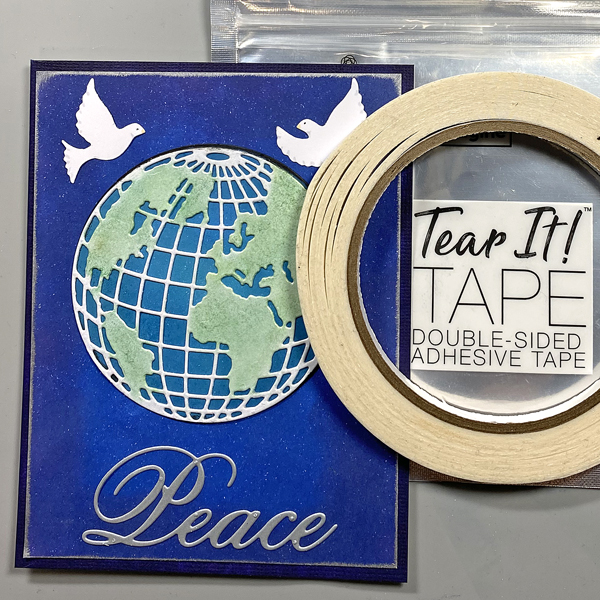
Use the Mini Globe Thinlits cutting die to cut white metallic cardstock.

Step 2:
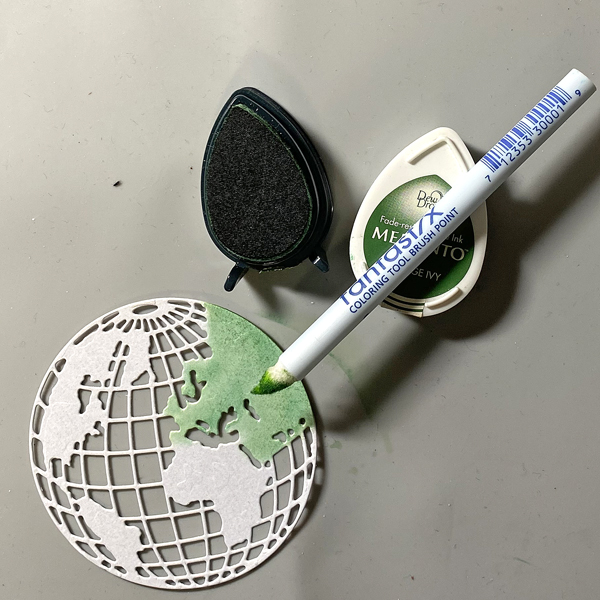
Use a Fantastix to apply Cottage Ivy Memento ink to the land areas of the globe.

Step 3:
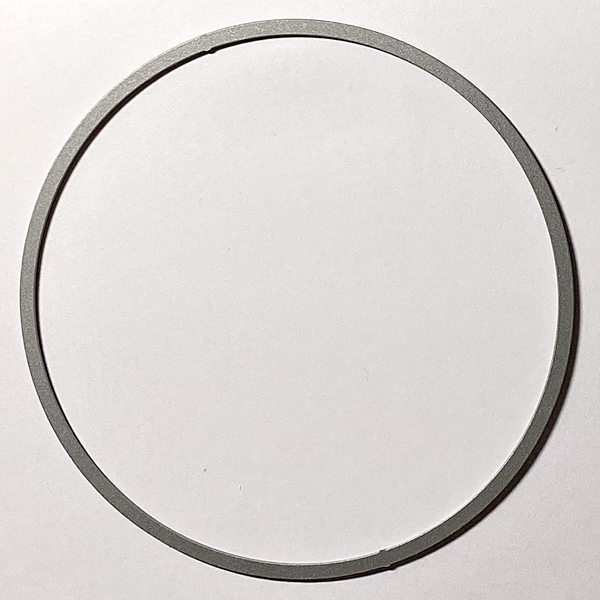
Use a circle die to cut white cardstock.

Step 4:
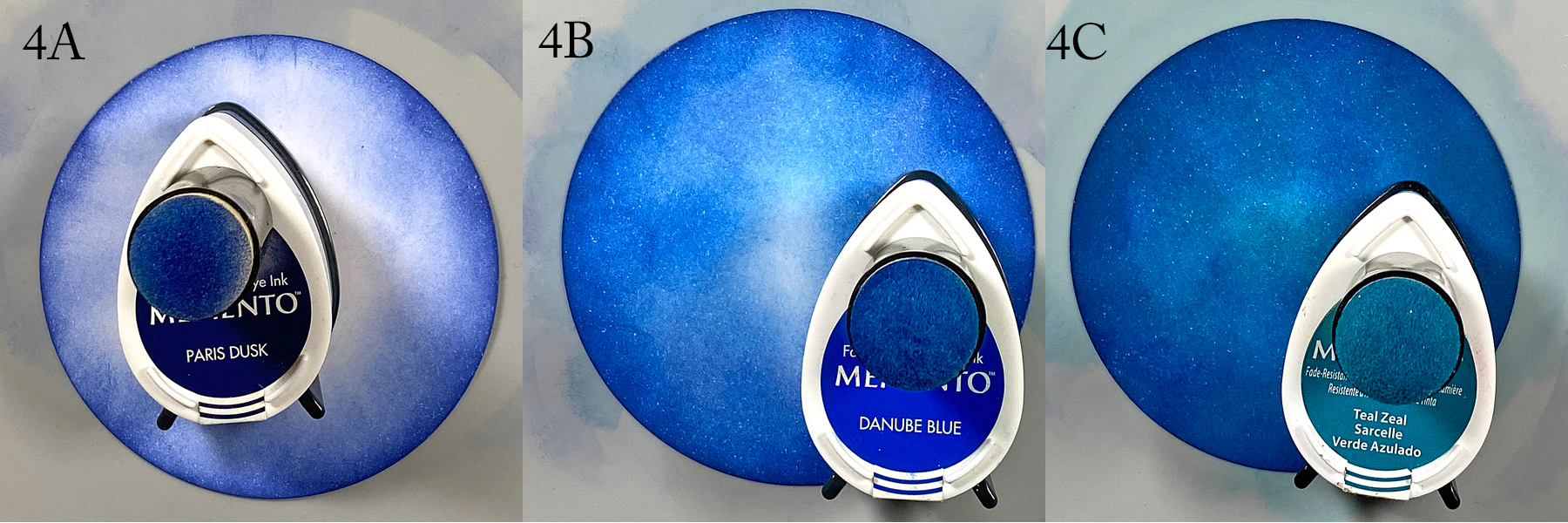
Use a sponge dauber to apply Paris Dusk Memento Ink around the outside of the white circle die-cut. Use another sponge dauber to apply Danube Blue Memento Ink from the outside of the circle die-cut blending inwards. Use a third sponge dauber to apply Teal Zeal to the center of the die-cut, taking care to blend the inks together.

Step 5:
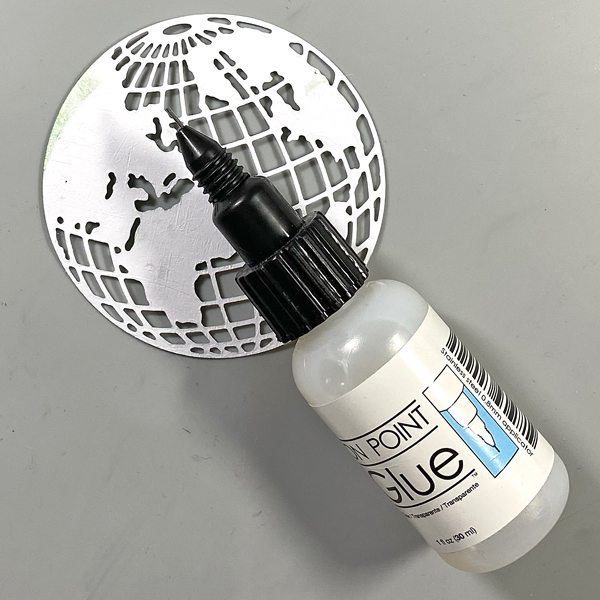
Apply On Point Glue to the reverse of the glove, spread the glue with your finger, then adhere the globe to the inked circle. Set aside.

Step 6:
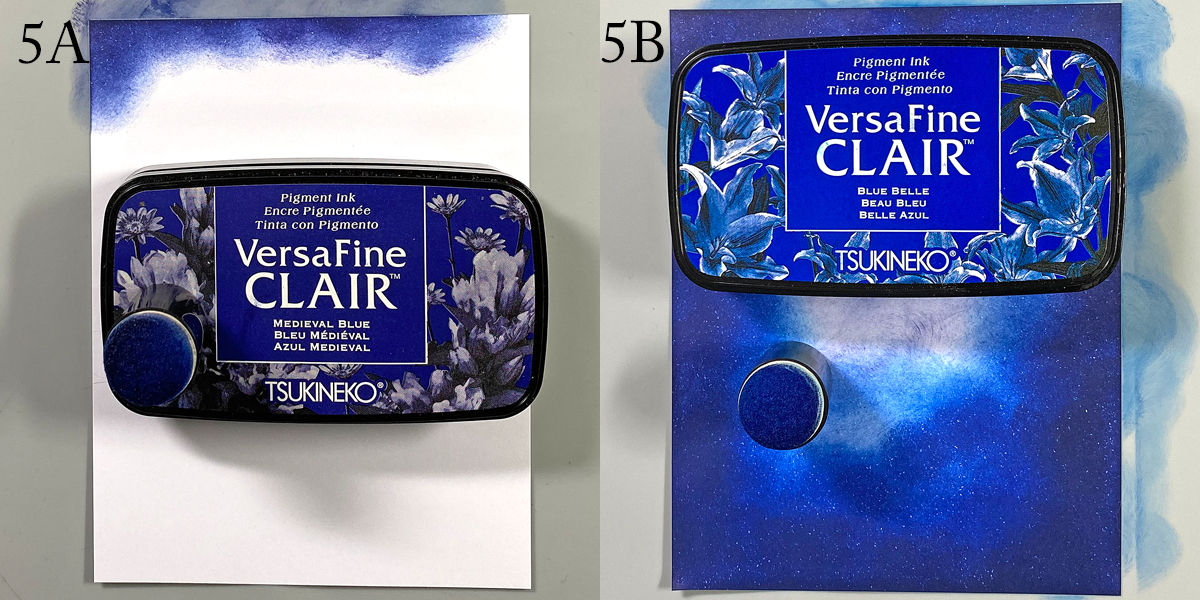
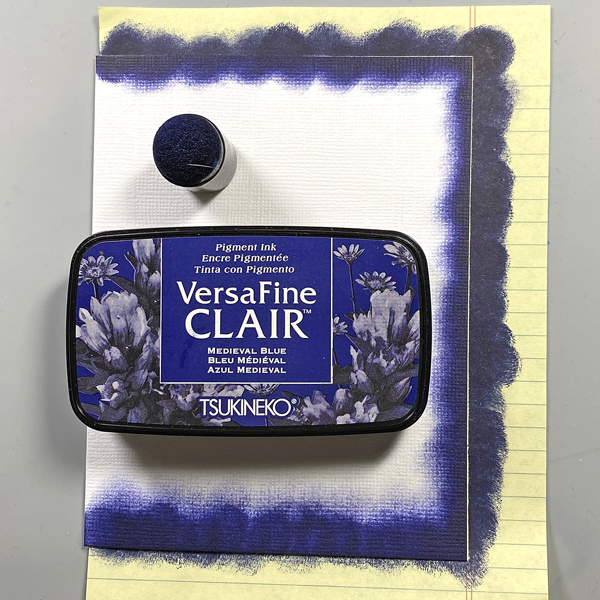
Use a sponge dauber to apply Medieval Blue VersaFine Clair ink around the edges of a piece of 4” x 5.25” cardstock to create the image panel. Use a sponge dauber to apply Blue Belle VersaFine Clair ink from the center of the inked cardstock to the outside, taking care to blend the inks together. Heat set.

Step 7:
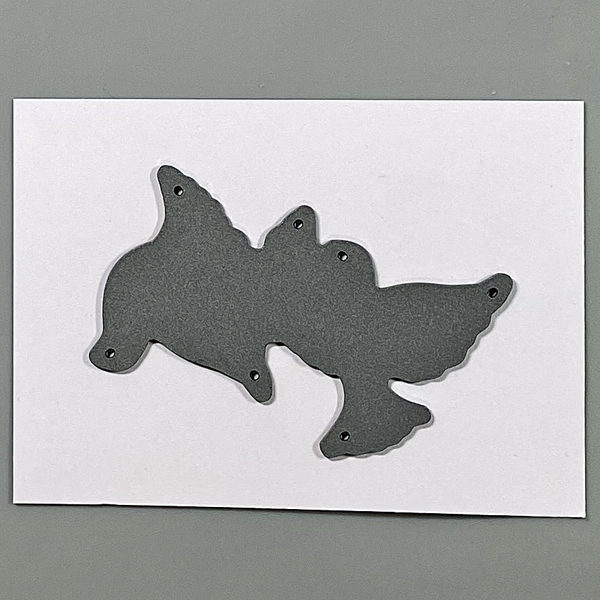
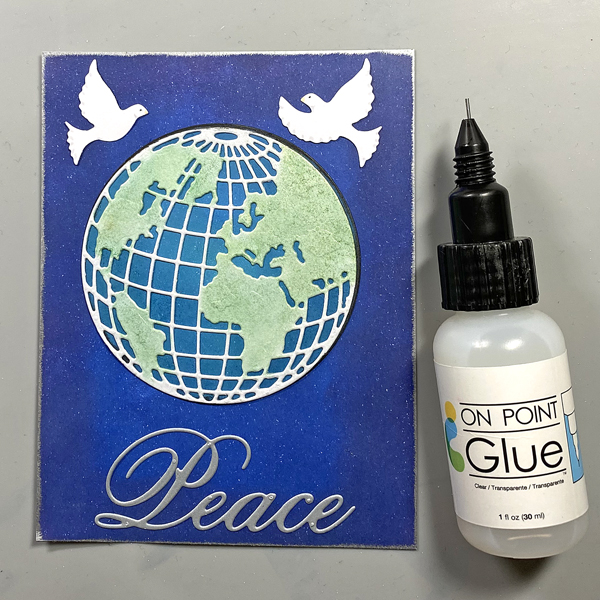
Use the doves die to cut white cardstock. Use Copic markers to add details to the doves.

Step 8:
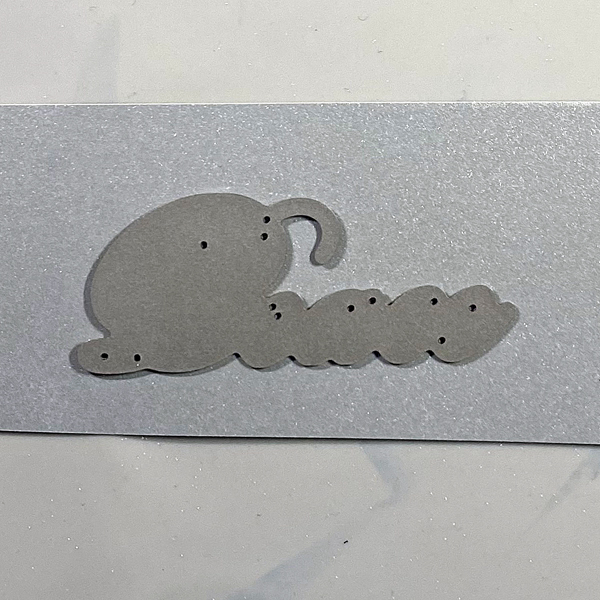
Use the peace die to cut silver metallic cardstock and adhere to the base of the image panel.

Step 9:
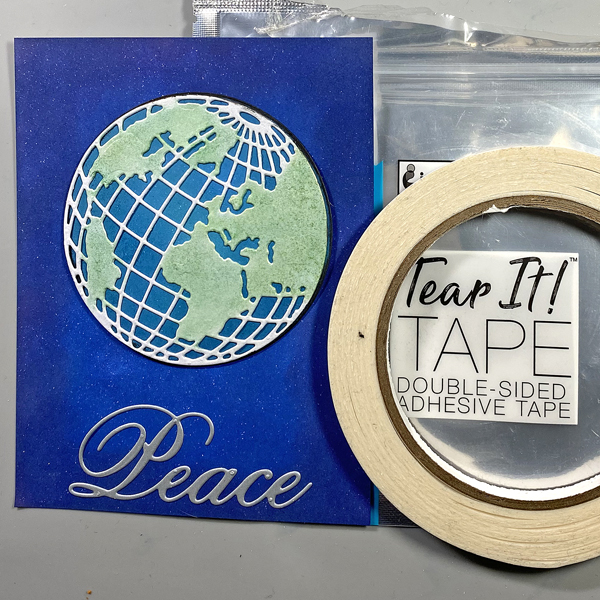
Use Tear It! Tape to adhere the globe/circle combination to the card as shown.

Step 10:
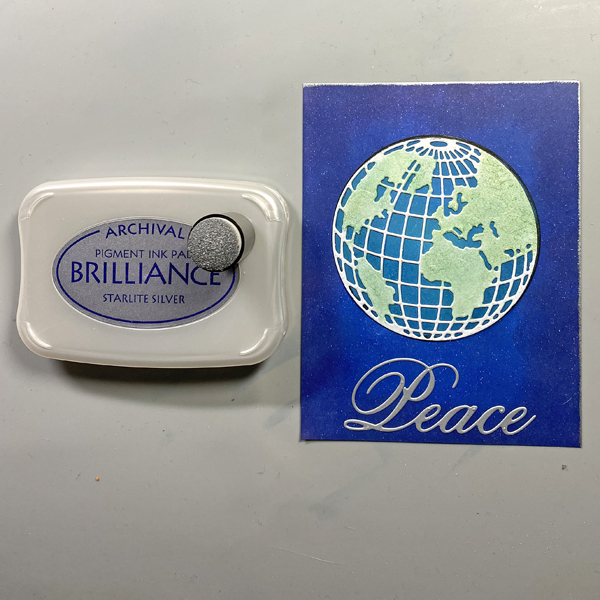
Edge the image panel with Starlite Silver Brilliance ink and a sponge dauber. Heat set.

Step 11:
Use On Point Glue to adhere the doves to the image panel.

Step 12:
Use a sponge dauber to apply Medieval blue to the perimeter of a 4.25” x 5.5” white card. Heat set.

Step 13:
Use Tear It! Tape to adhere the image panel to the inked white card.

Imagine Crafts Supplies:

Other Supplies:

  • Solar White Classic Crest Cardstock by Neenah Papers
  • White Metallic Premium Cardstock by Neenah Papers
  • Silver Metallic Premium Cardstock by Neenah Papers
  • Mini Globe Thinlits Die by Tim Holtz for Ranger Ink
  • Doves Die: Source Unknown
  • Circles Die Set by QuicKutz
  • Peace Die: Source Unknown
  • Heat Gun by EK Success
  • Mini Guillotine Trimmer by Tim Holtz for Tonic
  • Big Shot

We Love Holiday Stamping On Kraft Cardstock

By Kathi Rerek

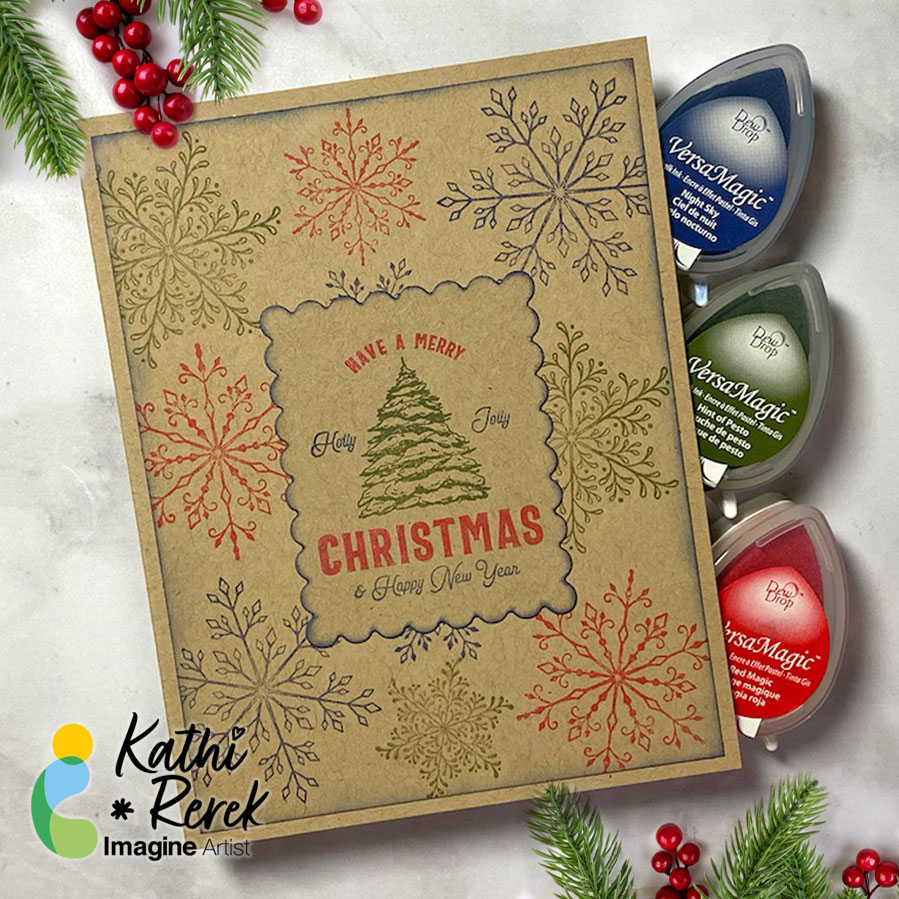
I recently saw a video on Unity Stamps’ Instagram that showed how to use colored inks to stamp snowflakes onto Kraft cardstock. I thought that it would be interesting to try VersaMagic Chalk Inks to see how it would work.

Skill Level: Beginner to Intermediate
Time: 1 hour

Step 1:
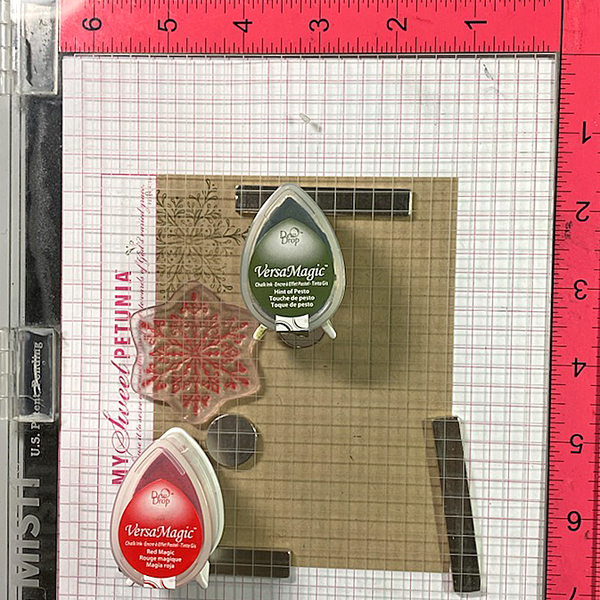
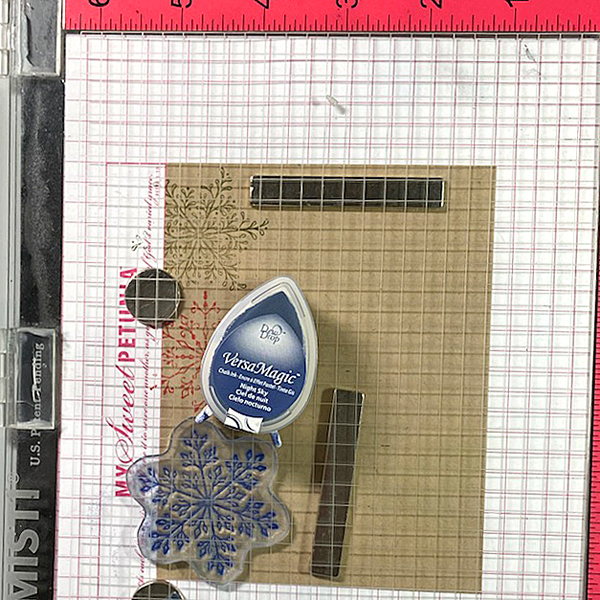
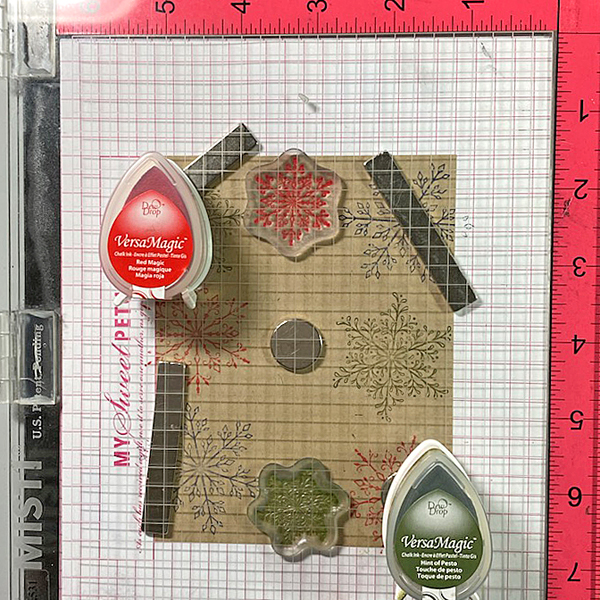
Use magnets to secure a 4” x 5.25” piece of Kraft cardstock onto the base of a stamping platform.

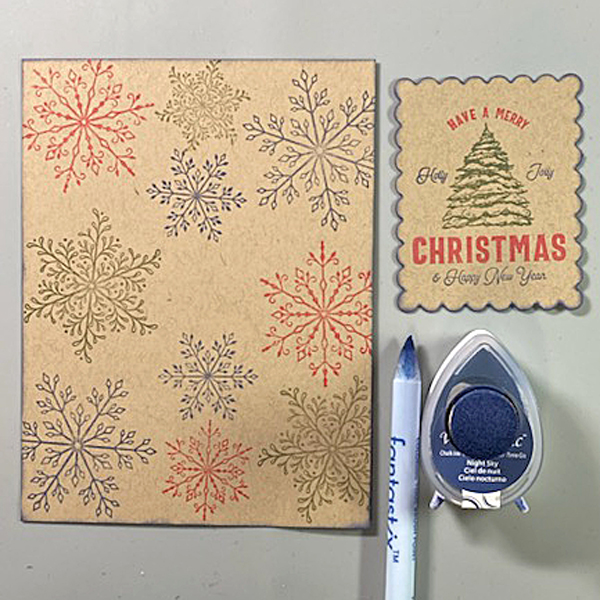
Use Hint of Pesto to stamp the leafy snowflake from the Snowflakes Large Clear Polymer Stamp Set on the top left. Re-ink and stamp again if necessary to create good impression.

Position the spiky snowflake from the set facedown on the image panel below green-stamped snowflake. Use Red Magic VersaMagic ink to stamp the snowflake. Re-ink and stamp again if necessary to create good images. Clean and dry both stamps.

Step 2:
Position the third snowflake stamp from the stamp set facedown on the bottom left of the image panel. Ink the stamp with Night Sky VersaMagic Ink and stamp. Re-ink and stamp again if necessary to create a good impression. Clean and dry the stamp.

Repeat Steps 1 and 2 along the right edge of the image panel as shown in the card photo above.

Step 3:
Position one of the snowflake stamps from the Snowflakes Small Clear Polymer Stamp Set facedown in the center top of the image panel. ink the stamp with Red Magic VersaMatic Ink and stamp. Re-ink and stamp again if necessary to create a good impression. Clean and dry the stamp.

Continue the process of stamping snowflakes from the Snowflakes Small Stamp set with all three colors of VersaMagic Inks  taking care to clean and dry the stamps between colors. Remove the image panel from the stamping panel and heat set.

Step 4:
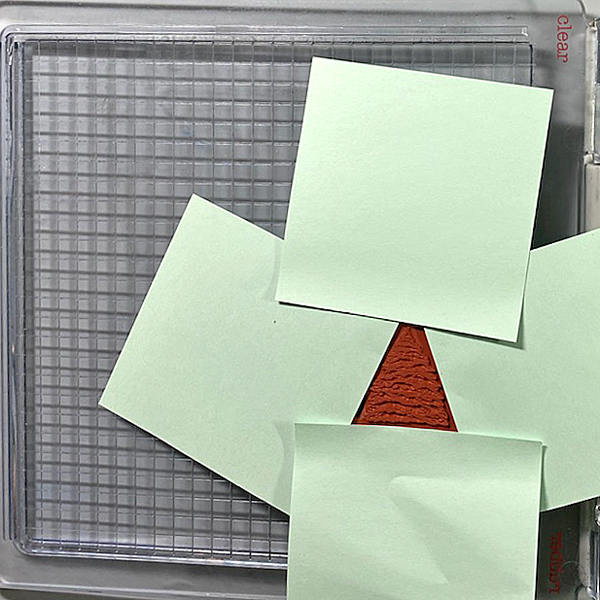
Secure a piece of Kraft cardstock to the base of the image panel. Position the Holiday Spruce Rubber Stamp face-down on the image panel. Press the platform’s lid onto the back of the stamp and lift.

Use Post-It Notes to cover all elements of the stamp except for the Christmas Tree. With the Post-It Notes in place, ink the stamp with Hint of Pesto VersaMagic Ink. Remove the Post-It Notes and stamp twice — once onto the image panel and once onto repositionable sticker paper. Fussy-cut the sticker paper version and place over the stamped tree on the image panel.

Use Post-It Notes to cover each element of the Holiday Spruce Rubber Stamp, ink with one of the the VersaMagic Inks, remove the Post-It Notes, and stamp.

Heat set when the image is completely stamped.

Step 5:
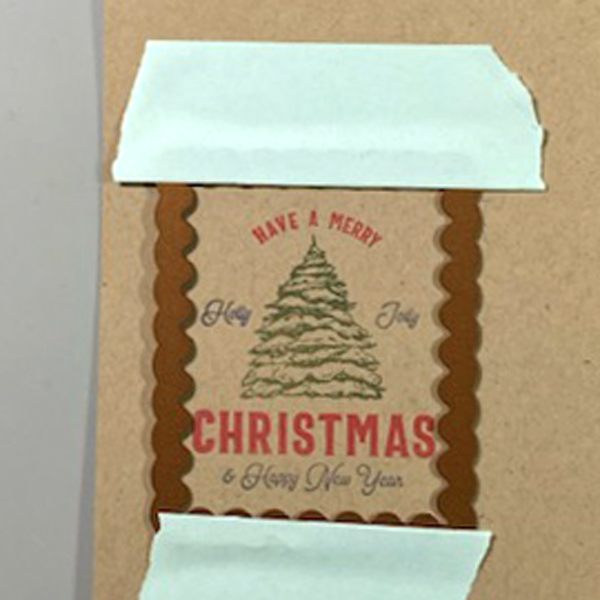
Use low-tack tape to secure a scalloped rectangle die to the sentiment panel. Run the sentiment panel through a die-cutting machine.

Step 6:
Use a sponge dauber and Night Sky VersaMagic Ink to edge both the image panel and the sentiment die-cut. Use a Fantastix to reach between the scallops! Heat set both panels.

Step 7:
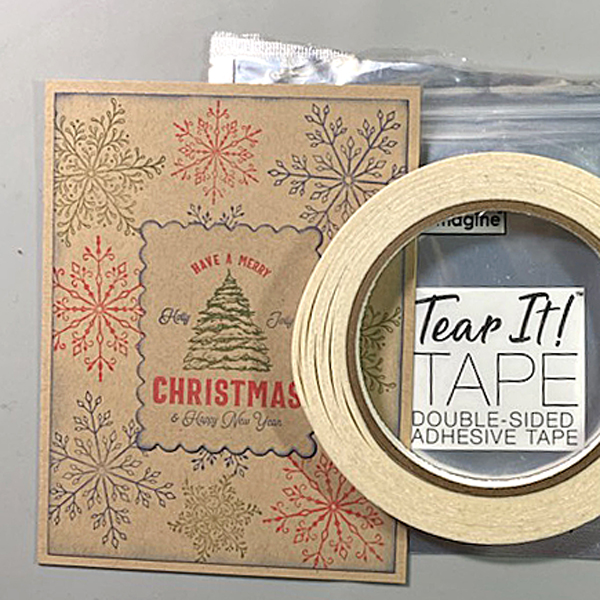
Use Tear It! Tape to adhere the image panel to a Kraft A2 Card. Use Tear-It Tape to adhere the sentiment die-cut to finish the card.

Imagine Crafts Supplies:

Other Supplies:

  • Kraft Cardstock by Bazzill Basics
  • Snowflakes Clear Polymer Stamp Set by Lavinia Stamps
  • Snowflakes Large Clear Polymer Stamp Set by Lavinia Stamps
  • Snowflakes Small Clear Polymer Stamp Set by Lavinia Stamps
  • Holiday Spruce Make a Tag Cling Rubber Stamp by Unity Stamps
  • Scalloped Rectangles Nestabilities by Spellbinders
  • Low-Tack Tape
  • Post-It Notes
  • Heat Gun by EK Success
  • Big Shot

StazOn Opaque Ink With BetterPress

By LV Handcrafted

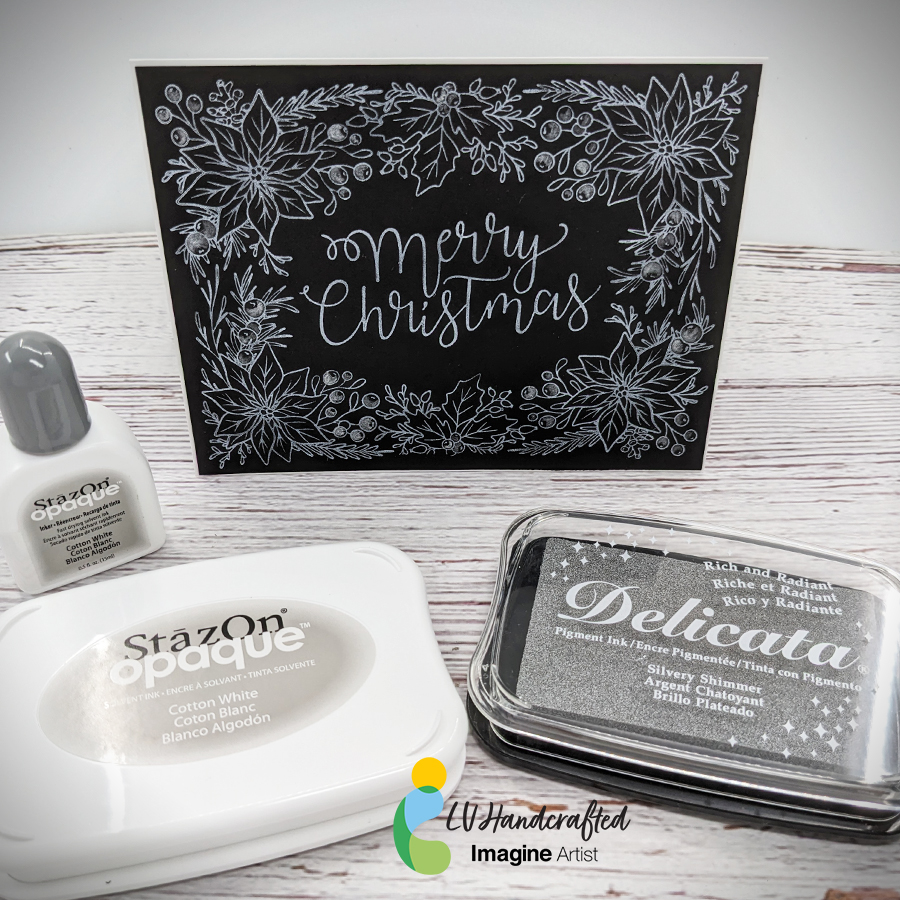
Hello friends! This is Linh (or LV Handcrafted on all the socials). I’m back again with more BetterPress fun!  This time I’m using StazOn Opaque ink in Cotton White and Delicata Silvery Shimmer ink.  The StazOn Opaque ink is wonderful because it’s a solvent based pigment ink that you can use on dark or black cardstock. Look how bright and white that is! It works beautifully with this BetterPress plate and makes a very beautiful holiday card. 

To elevate the design a little bit, I smooshed some Delicata ink onto an acrylic block, watered it down a smidge and painted with it. I did a little partial coloring of the holly berries to add a little contrast to the design. The shimmer is subtle but beautiful and perfect for that extra special touch during the holidays.

Skill: Beginner
Time: 5 minutes

Supplies Used

Other Products Used

  • Spellbinders BetterPress System
  • Spellbinders Note BetterPress Plate
  • Black Cardstock 80 lb Cover

Make a Holiday Gift Box Using Vertigo Translucent Sheets

By Neva Cole –

Vertigo is a beautiful translucent material to use in creating projects, in today’s tutorial, I am sharing tips and hints to make your project shine!  The perfect ink for this box is StazOn,  as it is the only ink that will dry on Vertigo and other plastics. 

Skill:  Intermediate

Time:  1 hour

Directions:

Step1:

Vertigo can be cut with scissors OR with a simple die.  Complex dies do not work well with most plastics, Vertigo included.
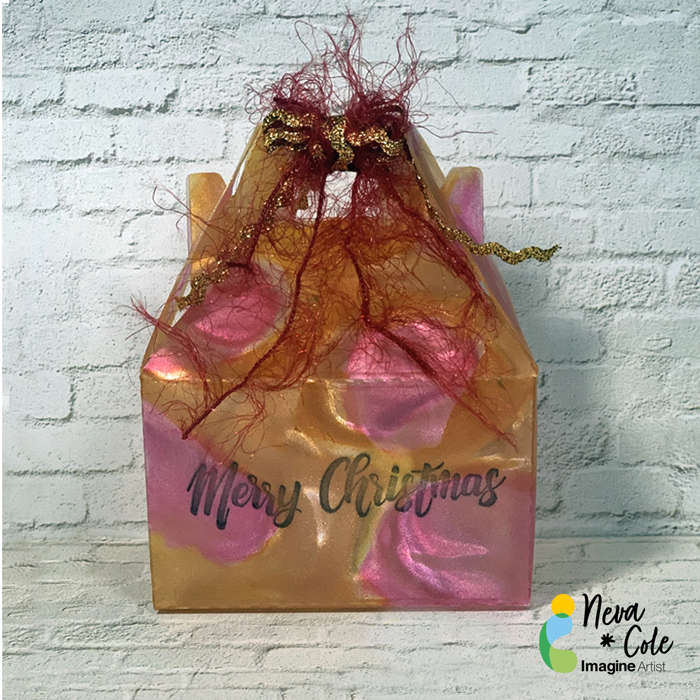
This particular box needed 8.5” by 5” section of Vertigo, 12” x 12” sheets can be purchased directly from Imagine Crafts website.  Recycled packaging may be substituted for Vertigo, however the results will not have the stunning effect the the patterns that Vertigo provides. The Pebbles pattern of Vertigo was used for my box.

Step 2:

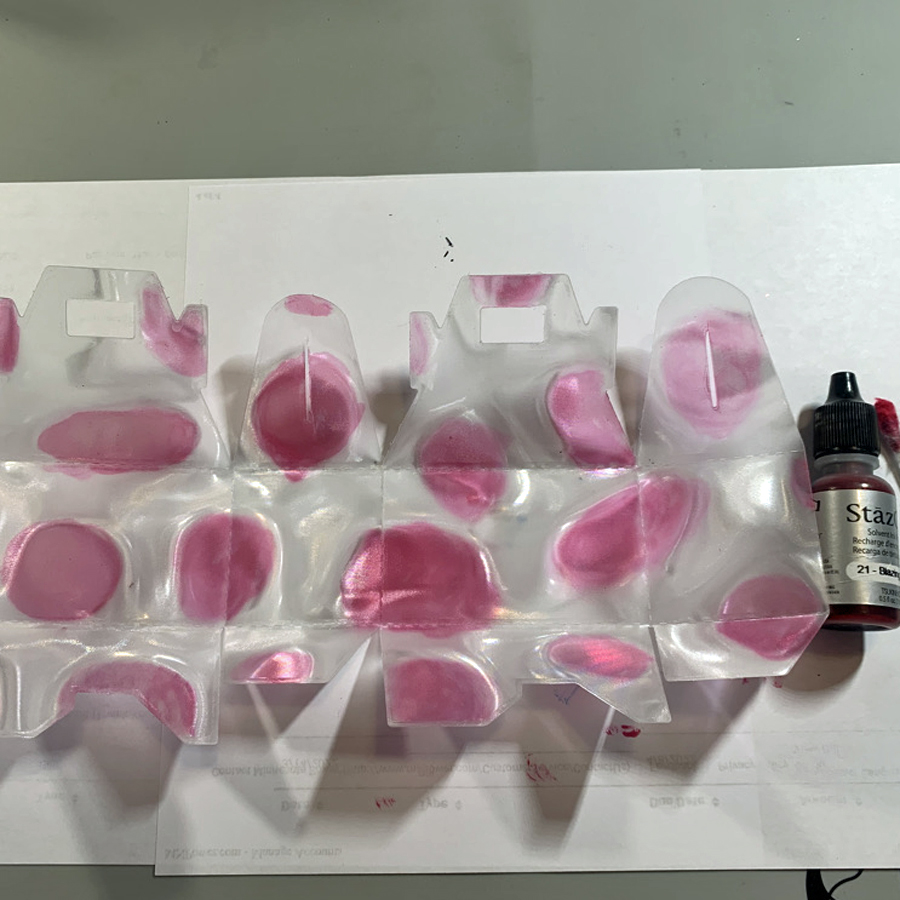
Place a few drops ink from StazOn Blazing Red inker on a plastic surface to use as a palette. 
On the INSIDE  of the box use a cotton swab to color each of the pebbles from the center out. 
A little goes a long way with the translucent colors. 

Step 3:

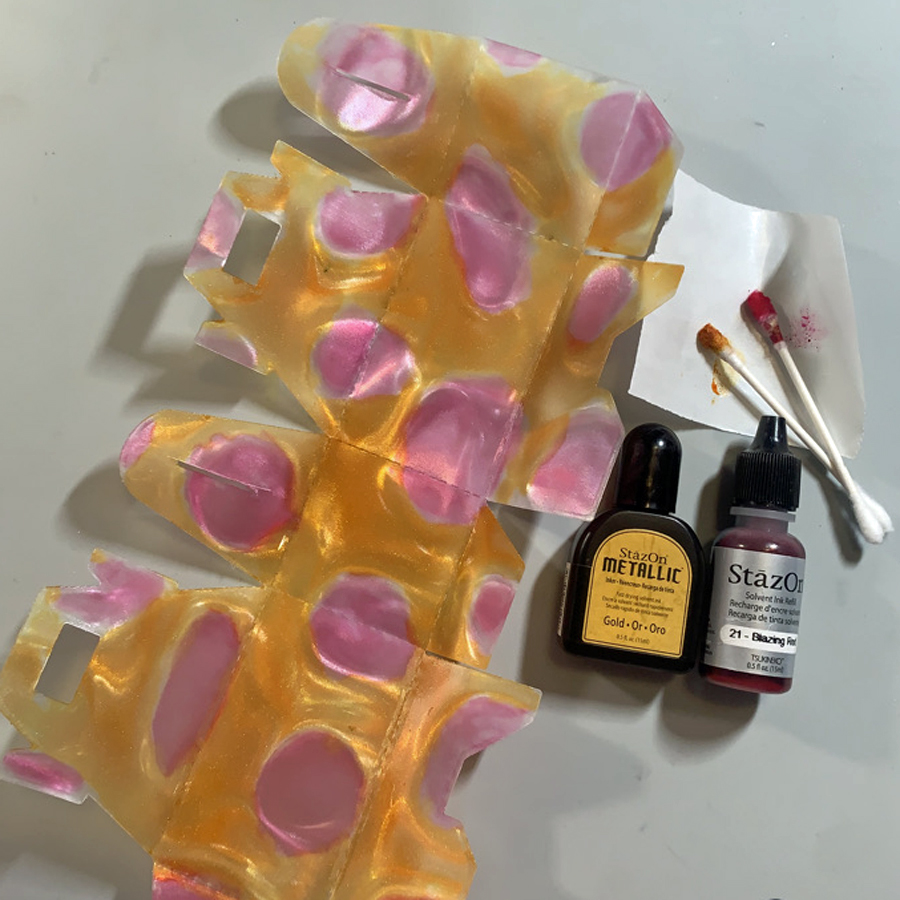
Metallic StazOn ink is slightly less translucent than the other colors. 
To capture more shimmer, apply a drop or two of StazOn Metallic Gold on the INSIDE of the box
and move the ink with a cotton swab to color around the pebbles.

Step 4:

Continue to add StazOn Metallic Gold ink to cover the remaining areas of the inside of the box. 
Set aside to dry, as the Metallic ink is a bit thicker and takes a longer to dry. 

Step 5:

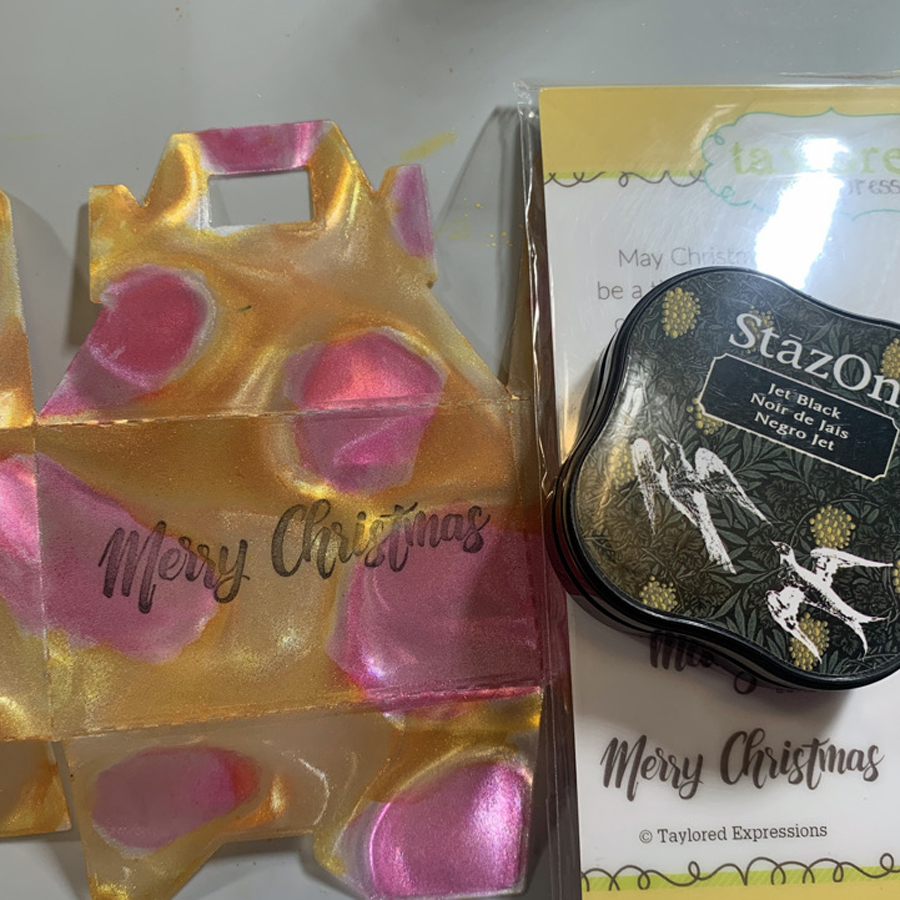
Using StazOn Jet Black, stamp the “Merry Christmas” sentiment on the OUTSIDE of the box.
This keeps the interior of the box ink from lifting and to have the correct orientation. 

Step 6:

Tear It! tape is perfect to hold the bottom of this gift box together. 
Assemble box and determine the best placement for the Tear It! tape. 
Unfold box and add Tear It! tape, my project called for five sections to hold the box in shape.

Remove Tear It! Tape liner and assemble gift box. 

Decorate with matching ribbon and fibers to close the top and keep your gift secure.

Art Supplies

Imagine:

Vertigo–Pebbles 12” x 12” sheet

StazOn Inkers–Blazing Red and Metallic Gold

StazOn Jet Black

 Tear It! Tape

Other:

Bakery Gift box die–Lifestyle Crafts

Cotton Swabs 

Sentiment–Christmas Blessings Taylored Expressions

Misc:  Gold Ric Rac and red fibers

Create A Holiday Tree Ornament Using Creative Medium, Memento and Brilliance Inks 

By Katy Ingram

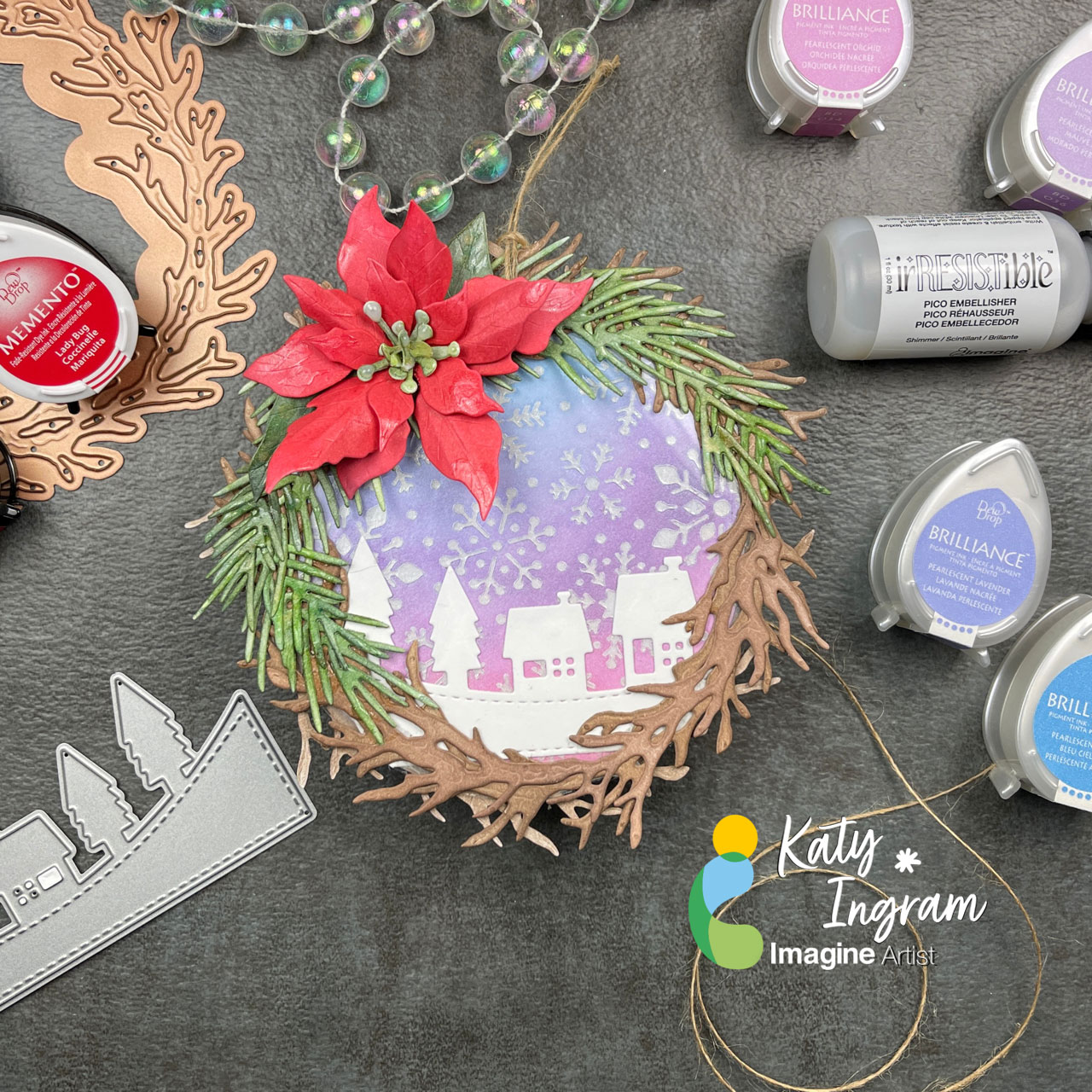
Hello Friends! Katy here and for todays project I thought I would used a variety of products with some die cuts to create an ornament for the Christmas tree. 

In todays video tutorial I explain each layer of the ornament starting with the snowy background which uses the Creative Medium with a snowflake stencil, once dried I applied the Brilliance Ink in Pearlescent Orchid, Pearlescent Purple, Pearlescent Lavender and Pearlescent Sky Blue and was blown away. Check out the video for all the details on how this ornament came together. 

I hope you enjoy and thanks for stopping by. 

Skill Level: Beginner, Intermediate, Advanced

Time: 10 minutes 

Art Supplies

Imagine Products

Poinsettia

– Memento Ink Angel Pink, Love Letter, Lady Bug, Rhubarb Stalk

– Delicata Ruby Red

– Pico Embellisher-Shimmer

Greenery

– Memento Ink Bamboo Leaves, Northern Pine

– Pico Embellisher-Shimmer

Woodland Wreath

– Memento Ink Toffee Crunch, Rich Cocoa, Espresso Truffle

Back Panel

– Delicata Ruby Red

– VersaFine Clair Nocturne

Snowflake Background

– Brilliance Inks

– Creative Medium-Shimmer

On Point Glue

Tear It! Tape

Multi-Purpose Squeegee

Other Products:

Spellbinders Poinsettia Die

Spellbinders Woodland Wreath with Feathered Friends Die

Spellbinders Blizzard Stencil

The Greetery Botanicuts Pine Bough Die

Simon Says Stamp The Magic of Christmas Stamp Set

Kat Scrappiness Holiday Village Slimline Border Die

Honey Bee Stamps Simple Alpha Stamp Set

Lawn Fawn Acetate