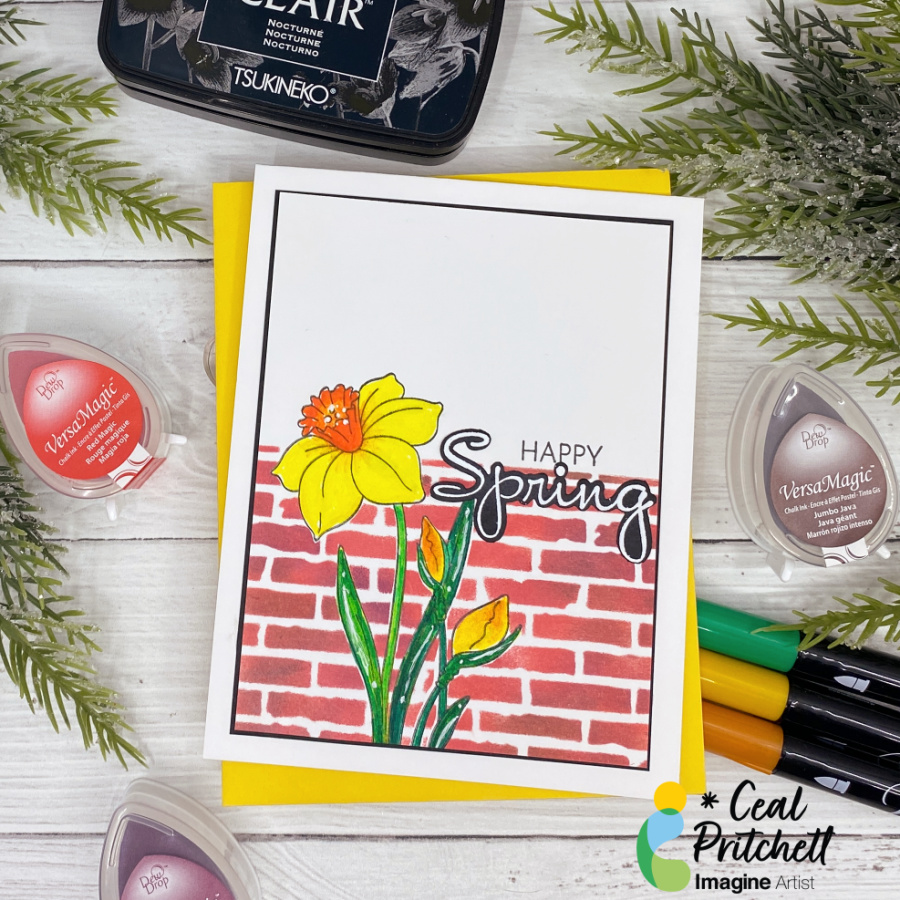
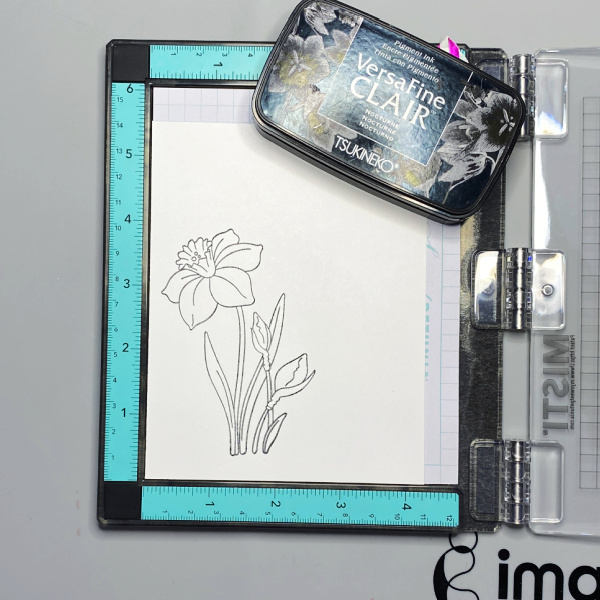
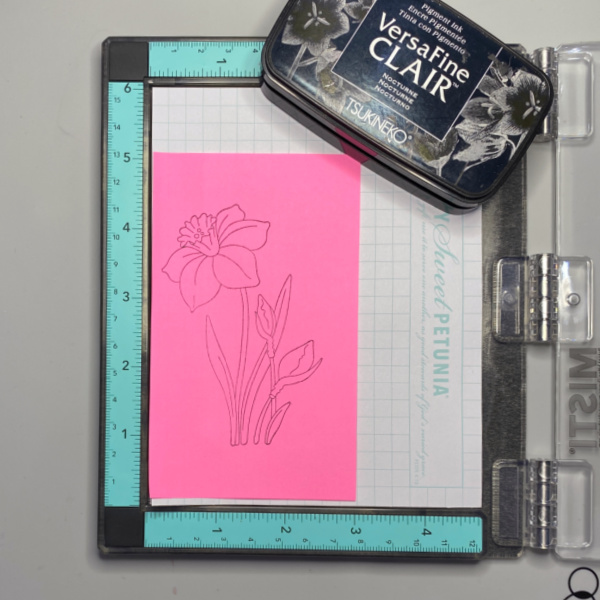
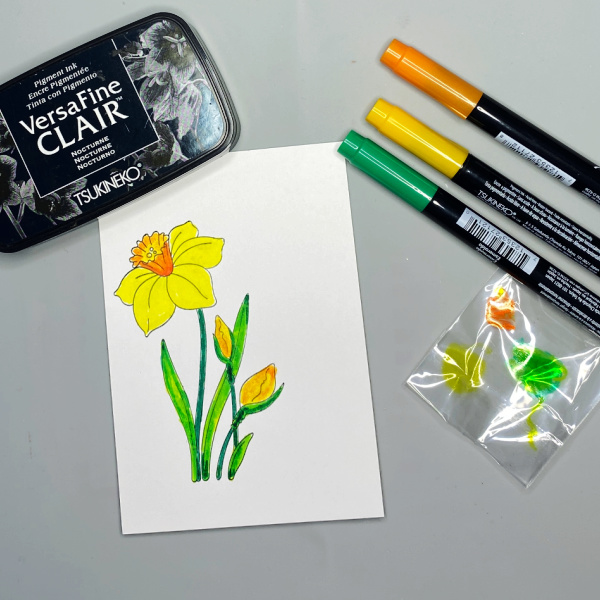
Each year, Imagine selects talented artists for the Artist in Residence program. Our artists create exceptional projects with video tutorials posted on our YT channel and blog. Our team embodies a variety of different styles, from cards to dynamic 3D mixed media pieces.
Here’s a dramatic, yet quick and easy Season’s Greeting’s Card
Skill Level: Beginner to Intermediate Time: 1 hour
Step 1. Use the Mini Globe Thinlits cutting die to cut white metallic cardstock.
Step 2: Use a Fantastix to apply Cottage Ivy Memento ink to the land areas of the globe.
Step 3: Use a circle die to cut white cardstock.
Step 4: Use a sponge dauber to apply Paris Dusk Memento Ink around the outside of the white circle die-cut. Use another sponge dauber to apply Danube Blue Memento Ink from the outside of the circle die-cut blending inwards. Use a third sponge dauber to apply Teal Zeal to the center of the die-cut, taking care to blend the inks together.
Step 5: Apply On Point Glue to the reverse of the glove, spread the glue with your finger, then adhere the globe to the inked circle. Set aside.
Step 6: Use a sponge dauber to apply Medieval Blue VersaFine Clair ink around the edges of a piece of 4” x 5.25” cardstock to create the image panel. Use a sponge dauber to apply Blue Belle VersaFine Clair ink from the center of the inked cardstock to the outside, taking care to blend the inks together. Heat set.
Step 7: Use the doves die to cut white cardstock. Use Copic markers to add details to the doves.
Step 8: Use the peace die to cut silver metallic cardstock and adhere to the base of the image panel.
Step 9: Use Tear It! Tape to adhere the globe/circle combination to the card as shown.
Step 10: Edge the image panel with Starlite Silver Brilliance ink and a sponge dauber. Heat set.
Step 11: Use On Point Glue to adhere the doves to the image panel.
Step 12: Use a sponge dauber to apply Medieval blue to the perimeter of a 4.25” x 5.5” white card. Heat set.
Step 13: Use Tear It! Tape to adhere the image panel to the inked white card.
I recently saw a video on Unity Stamps’ Instagram that showed how to use colored inks to stamp snowflakes onto Kraft cardstock. I thought that it would be interesting to try VersaMagic Chalk Inks to see how it would work.
Skill Level: Beginner to Intermediate Time: 1 hour
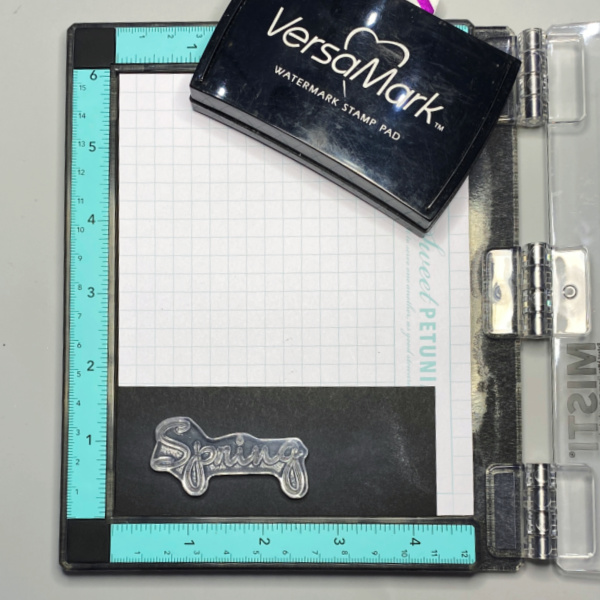
Step 1: Use magnets to secure a 4” x 5.25” piece of Kraft cardstock onto the base of a stamping platform.
Use Hint of Pesto to stamp the leafy snowflake from the Snowflakes Large Clear Polymer Stamp Set on the top left. Re-ink and stamp again if necessary to create good impression.
Position the spiky snowflake from the set facedown on the image panel below green-stamped snowflake. Use Red Magic VersaMagic ink to stamp the snowflake. Re-ink and stamp again if necessary to create good images. Clean and dry both stamps.
Step 2: Position the third snowflake stamp from the stamp set facedown on the bottom left of the image panel. Ink the stamp with Night Sky VersaMagic Ink and stamp. Re-ink and stamp again if necessary to create a good impression. Clean and dry the stamp.
Repeat Steps 1 and 2 along the right edge of the image panel as shown in the card photo above.
Step 3: Position one of the snowflake stamps from the Snowflakes Small Clear Polymer Stamp Set facedown in the center top of the image panel. ink the stamp with Red Magic VersaMatic Ink and stamp. Re-ink and stamp again if necessary to create a good impression. Clean and dry the stamp.
Continue the process of stamping snowflakes from the Snowflakes Small Stamp set with all three colors of VersaMagic Inks taking care to clean and dry the stamps between colors. Remove the image panel from the stamping panel and heat set.
Step 4: Secure a piece of Kraft cardstock to the base of the image panel. Position the Holiday Spruce Rubber Stamp face-down on the image panel. Press the platform’s lid onto the back of the stamp and lift.
Use Post-It Notes to cover all elements of the stamp except for the Christmas Tree. With the Post-It Notes in place, ink the stamp with Hint of Pesto VersaMagic Ink. Remove the Post-It Notes and stamp twice — once onto the image panel and once onto repositionable sticker paper. Fussy-cut the sticker paper version and place over the stamped tree on the image panel.
Use Post-It Notes to cover each element of the Holiday Spruce Rubber Stamp, ink with one of the the VersaMagic Inks, remove the Post-It Notes, and stamp.
Heat set when the image is completely stamped.
Step 5: Use low-tack tape to secure a scalloped rectangle die to the sentiment panel. Run the sentiment panel through a die-cutting machine.
Step 6: Use a sponge dauber and Night Sky VersaMagic Ink to edge both the image panel and the sentiment die-cut. Use a Fantastix to reach between the scallops! Heat set both panels.
Step 7: Use Tear It! Tape to adhere the image panel to a Kraft A2 Card. Use Tear-It Tape to adhere the sentiment die-cut to finish the card.
Hello friends! This is Linh (or LV Handcrafted on all the socials). Did you know you can customize wax seals with Imagine inks? This will have you looking at your stamps in a whole new light! Create fabulous wax seals for the holidays as envelop seals for your greeting cards, tag toppers or seal your gifts with these fun custom stamped wax seals!
Skill: Advance Time: 5-10 minutes (depends on how many you make)
Hello! I’m Alison Heikkila and I’ve got my latest YouTube video for Imagine to share with you today. We’re going to use dye re-inkers on a Gel Press Plate with a pretty stencil to make some cool wintery monoprints. This is one of those instances where I wanted to just keep pulling prints, but I thought you’d want to see a finished card this time.
*Some affiliate links are used in this post. That means that if you shop through these links, I may receive a small compensation, at no cost to you. For more information, please see my Affiliates page, where I also have some coupon codes.
Skill Level: Basic to Intermediate Time to Complete: 20+ minutes, depending on how many prints you pull.
This is a great card for winter birthdays (like mine!), or perhaps you didn’t get around to sending all of your holiday cards. However, this would make a great holiday card too! I hope you pull out your re-inkers and give this a try with some of your stencils. Thanks so much for stopping by. Have an inspiring day!
Hello friends! This is Linh (or LV Handcrafted on all the socials). I’m back again with more BetterPress fun! This time I’m using StazOn Opaque ink in Cotton White and Delicata Silvery Shimmer ink. The StazOn Opaque ink is wonderful because it’s a solvent based pigment ink that you can use on dark or black cardstock. Look how bright and white that is! It works beautifully with this BetterPress plate and makes a very beautiful holiday card.
To elevate the design a little bit, I smooshed some Delicata ink onto an acrylic block, watered it down a smidge and painted with it. I did a little partial coloring of the holly berries to add a little contrast to the design. The shimmer is subtle but beautiful and perfect for that extra special touch during the holidays.