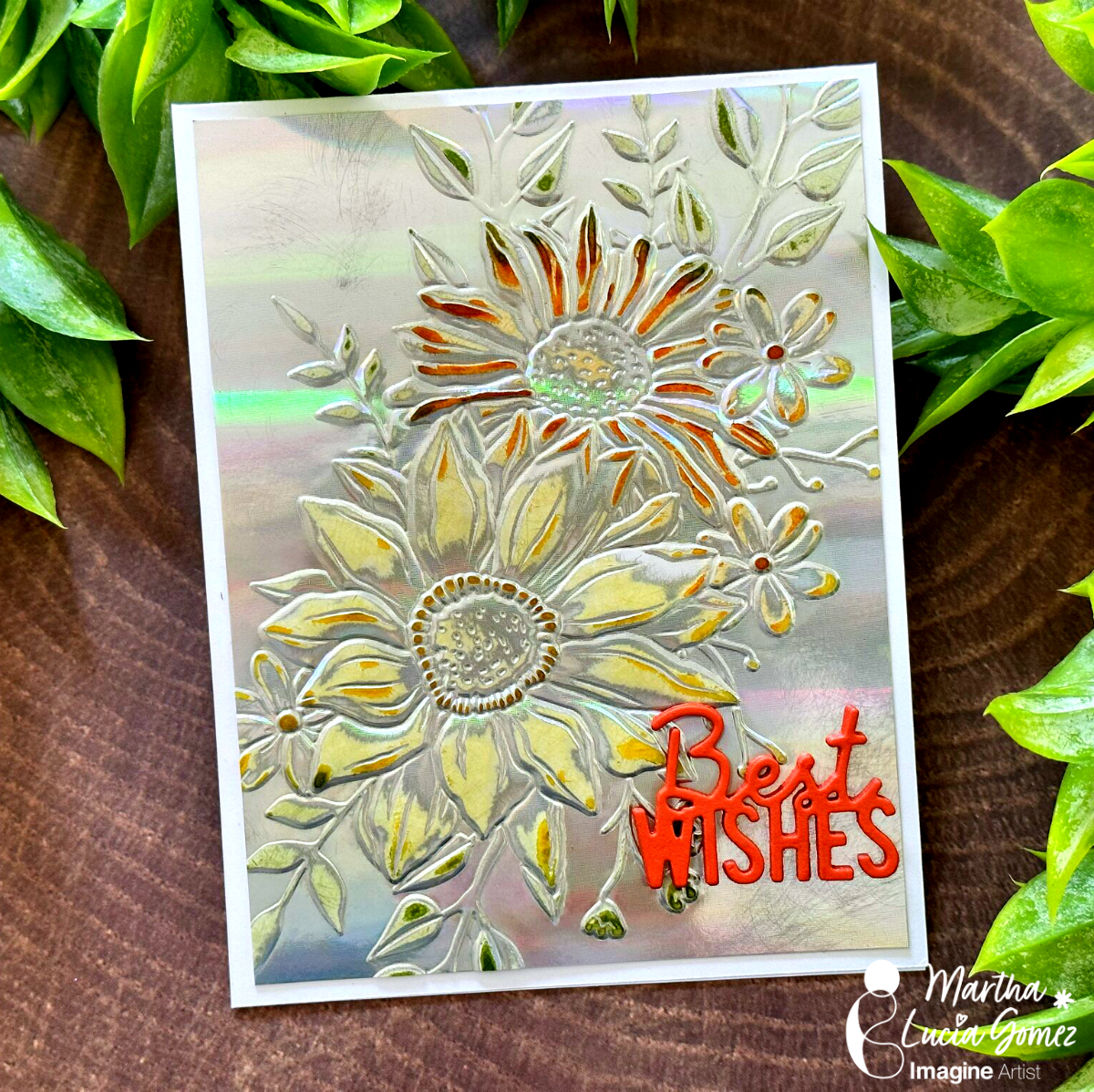
Hello crafty friends! Today, I have a fun tutorial to make a unique congratulations wedding card. Let me share the project with you.
Skill Level: Beginning Time: 60 minutes
Directions:
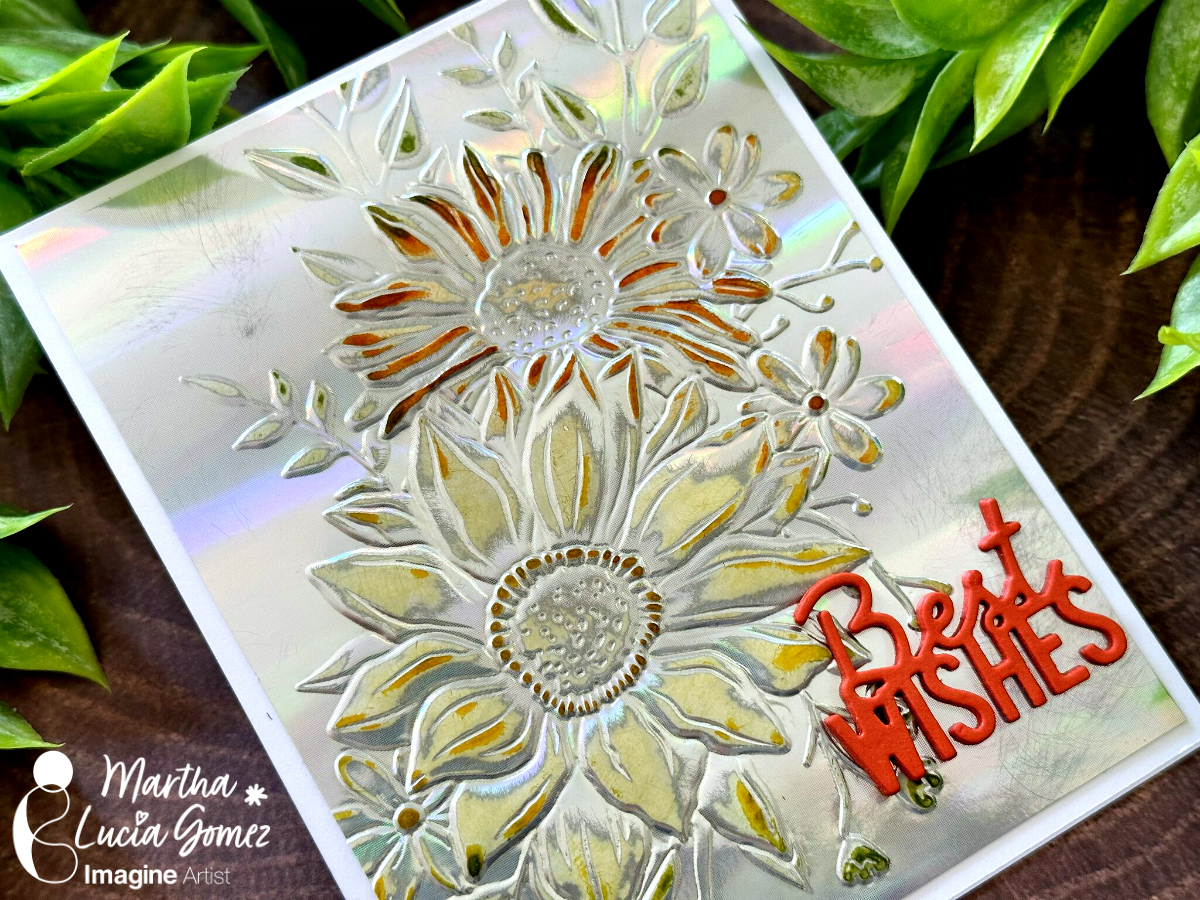
To make this card is important that you use one side metallic cardstock with an embossing folder. This cardstock can be glossy or matte.
Step 1:
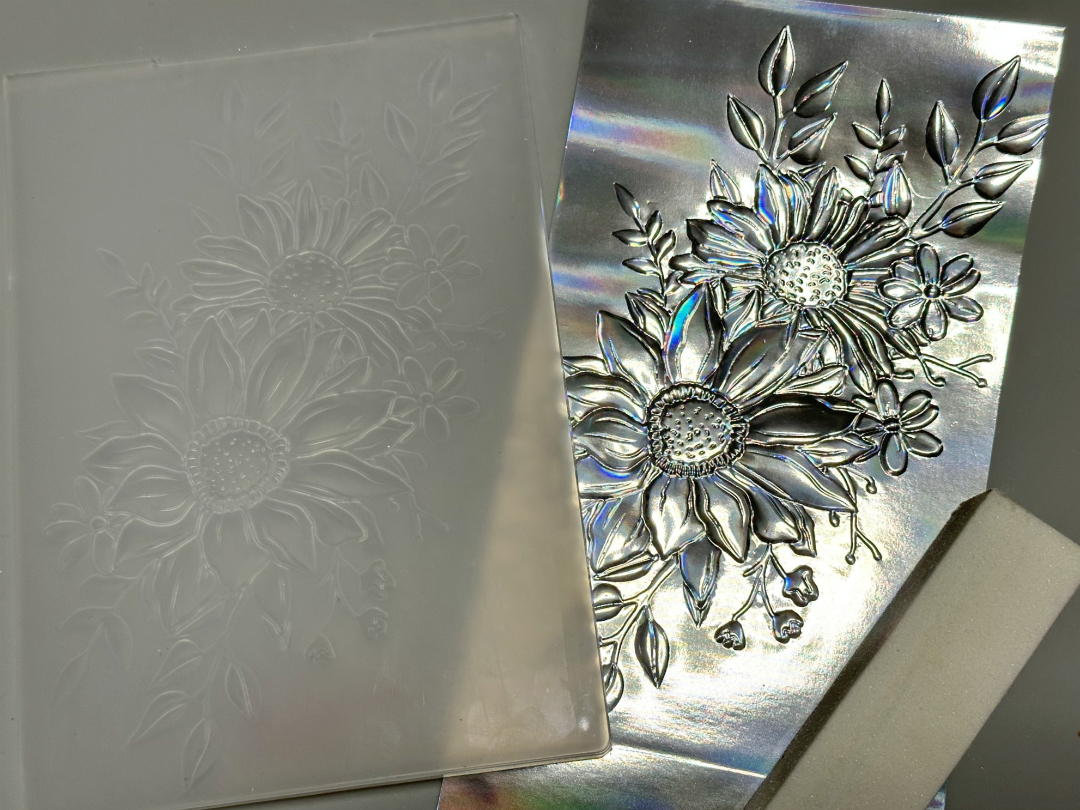
Take a piece of one side glossy silver cardstock and dry emboss it with the embossing folder of your preference.
Step 2:
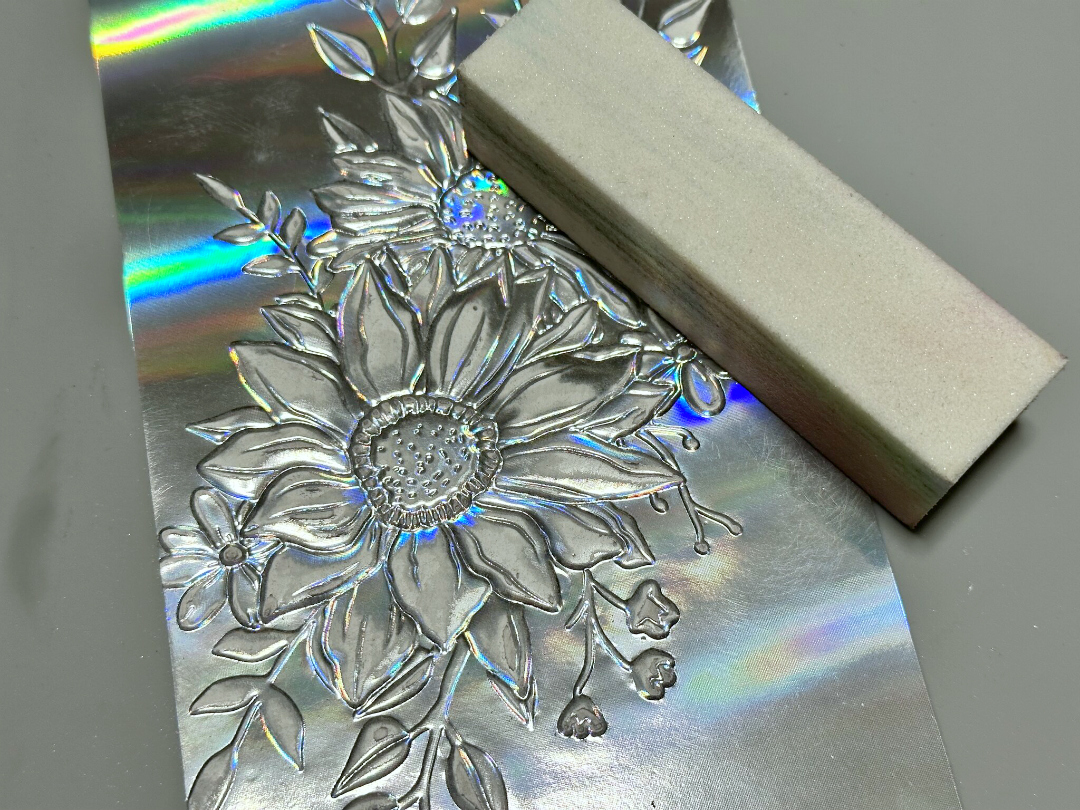
Remove the metallic color over the embossing with a sanding block. Make it soft so that it doesn’t break the cardstock. Clean with a dry cloth.
Step 3:
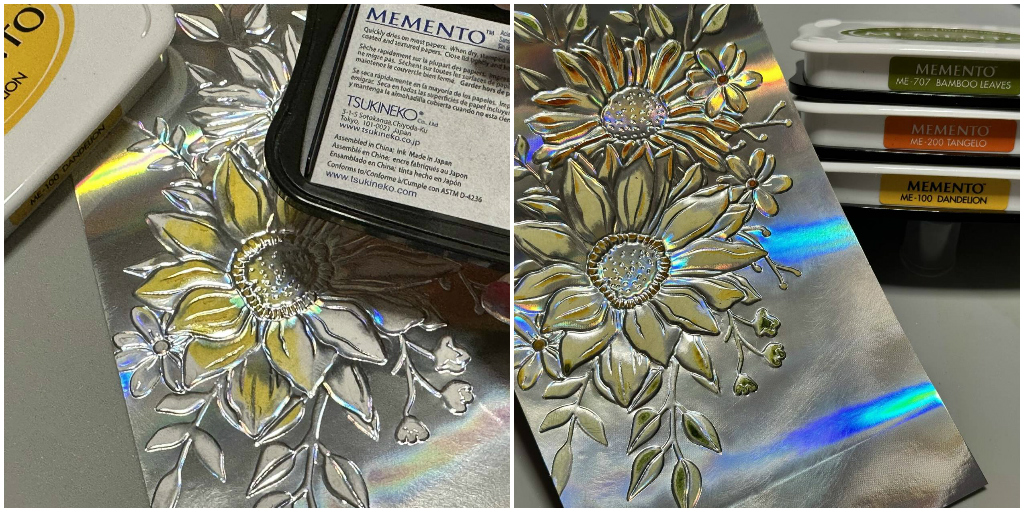
Select the colors of ink that you want to give to the embossing design. In my sample, I am using Memento Ink in colors Dandelion, Tangelo and Bamboo Leaves. Then, apply the colors directly over the sanded areas or use a sponge dauber.
When you are satisfied with the colors, pass a dry cloth over the embossed area to remove the excess ink. Resize the layer and paste it over the card base.
Step 4:
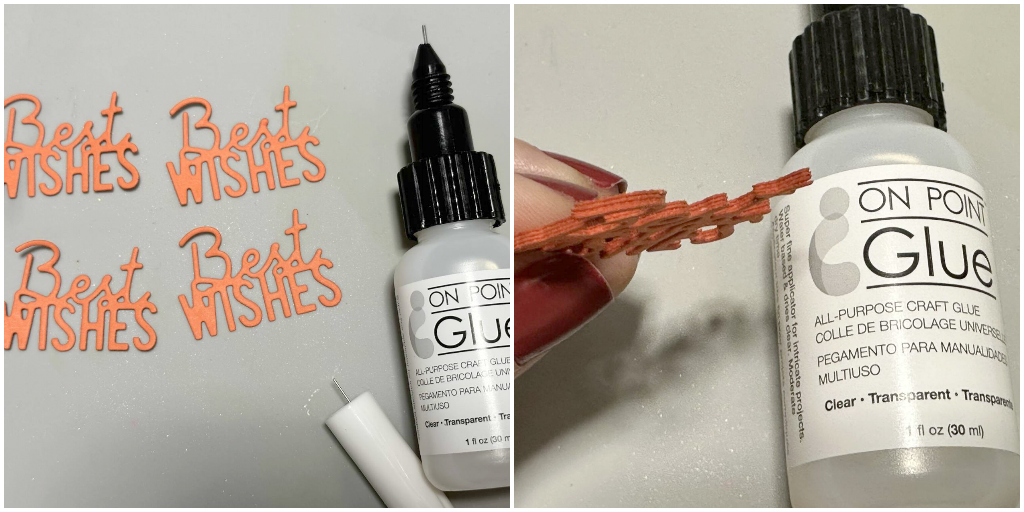
To finalize the card, you can use a die cut sentiment with more dimensions. In my sample, I die cut four times the Best Wishes sentiment using the same color of cardstock and then I paste all of them with OnPoint Glue.
Step 5:
Adhere the sentiment over the card base using the same adhesive.
Thanks for stopping by and remember, you don’t need to create complicated projects. Just use the best inks and let your creativity shine!
Greetings! Its Kathi here to show you how to create an elegant CAS Love card using two colors of Delicata Shimmer ink, a stencil, and two stamps!
Skill: Beginner
Time: 30 minutes
Step 1:
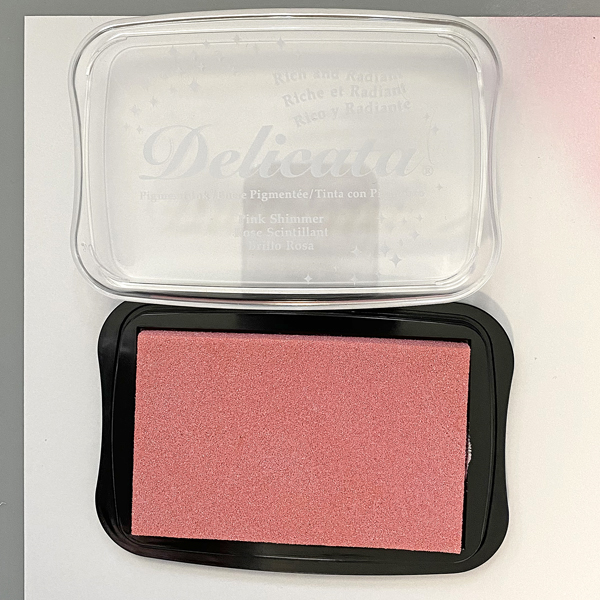
Cut a piece of Mixed Media paper to 5.75” square. Use an Ink Sweeper to apply Pink Delicata Ink to the entire paper panel. I heat set to expedite drying process but you can let it dry naturally.
Step 2:
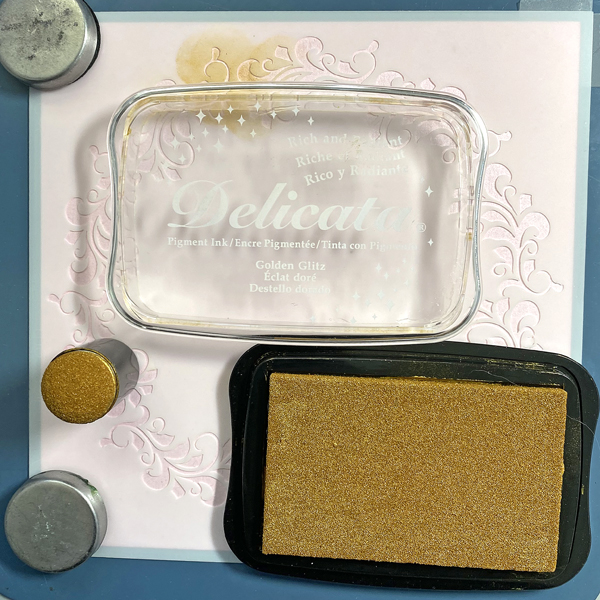
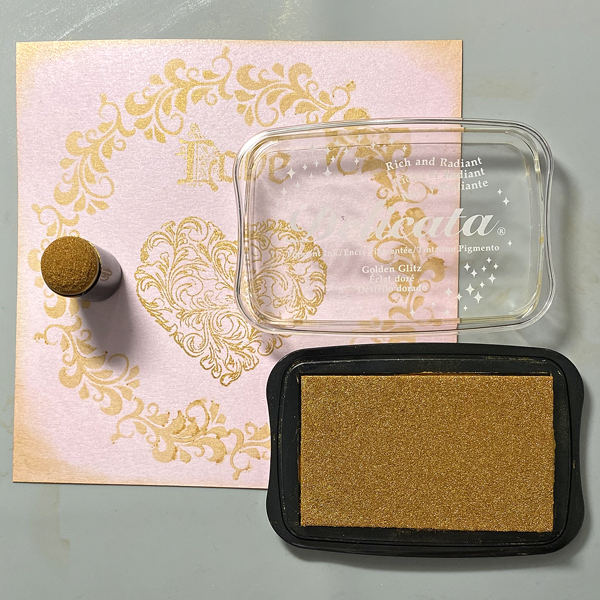
Tape the inked paper panel to the back of the Floral Wreath stencil. Use a Sponge Dauber to apply Golden Glitz Delicata Ink over the stencil onto the ink panel.
Remove the stencil and heat set to dry.
Step 3:
Use Golden Glitz Delicata Ink and a stamping platform to stamp the heart and love within the stenciled Floral Wreath on the image panel. Heat set to dry.
Step 4:
Use a Sponge Dauber to roughly edge the image panel with Golden Glitz Delicata Ink. . Heat set to dry.
Step 5:
Cut a piece of 12” x 12” white cardstock in half. Score at 6” to form a 6” square card.
Place a piece of scrap paper inside the card.
Use a Sponge Dauber to apply Golden Glitz Delicata to the periphery of the front.
Heat Set to dry.
Step 6:
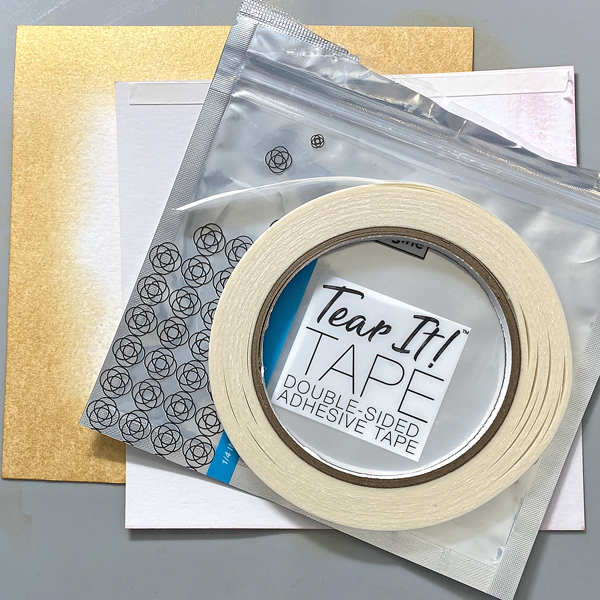
Use Tear It! Tape to adhere to the golden sponged 6” square card.
Hello there! Today’s tutorial is about texture with Fireworks and Embossing Powder! Do you know that you can create a splattered effect with the embossing powder? Let me share the project with you.
Skill: Beginning
Time: 60 minutes
Directions:
Step 1:
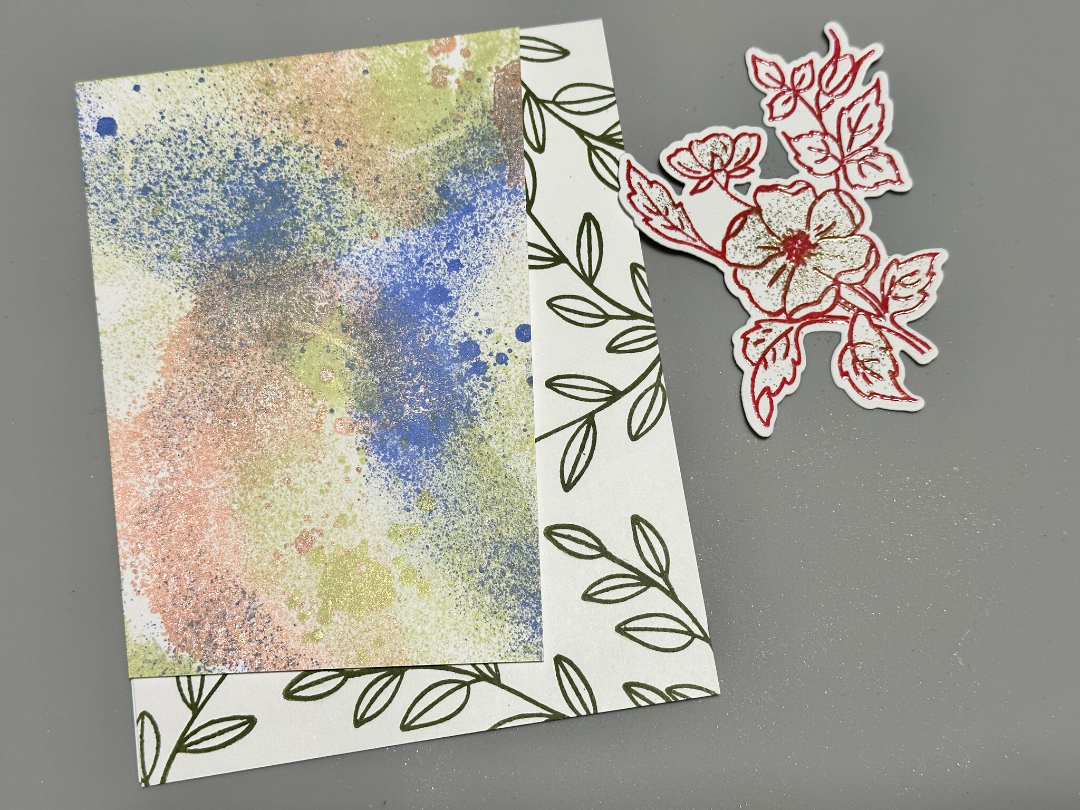
Take a selection of Fireworks! colors of your preference to create the first part of the splatter effect. First, spray a single color over your craft mat. Grab a piece of white smooth cardstock or any type of cardstock and press softly over the mat. Let the paper dry naturally or speed the process with the heat tool if you don’t want to wait a few minutes.
Repeat the above process with all the colors that you wanted to use on your background. In my sample, I used Potter’s Clay, Paris Dusk and Bamboo Leaves.
Step 2:
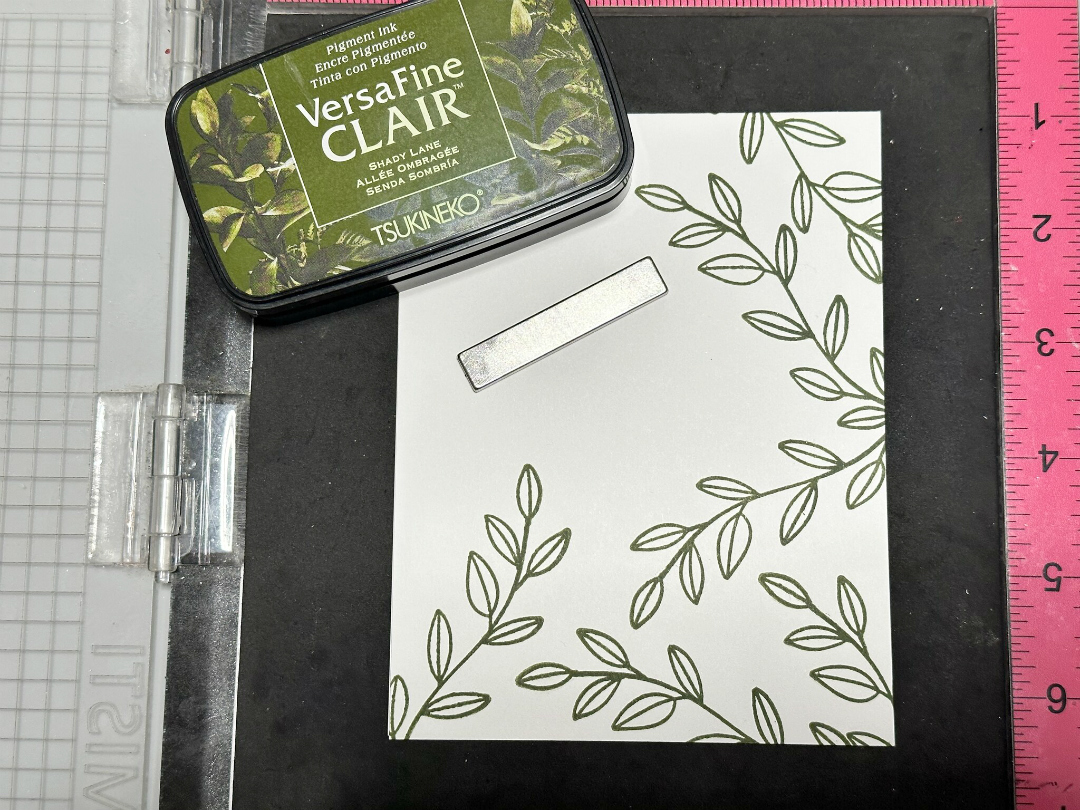
While the background is in drying process, you can work on the card base. Select a color of VersaFine Clair that coordinates with your background. Stamp lineal images over it. If you want, you can emboss it with clear embossing powder. In my sample, I used VersaFine Clair Shady Lane and don’t emboss de leaves.
Step 3:
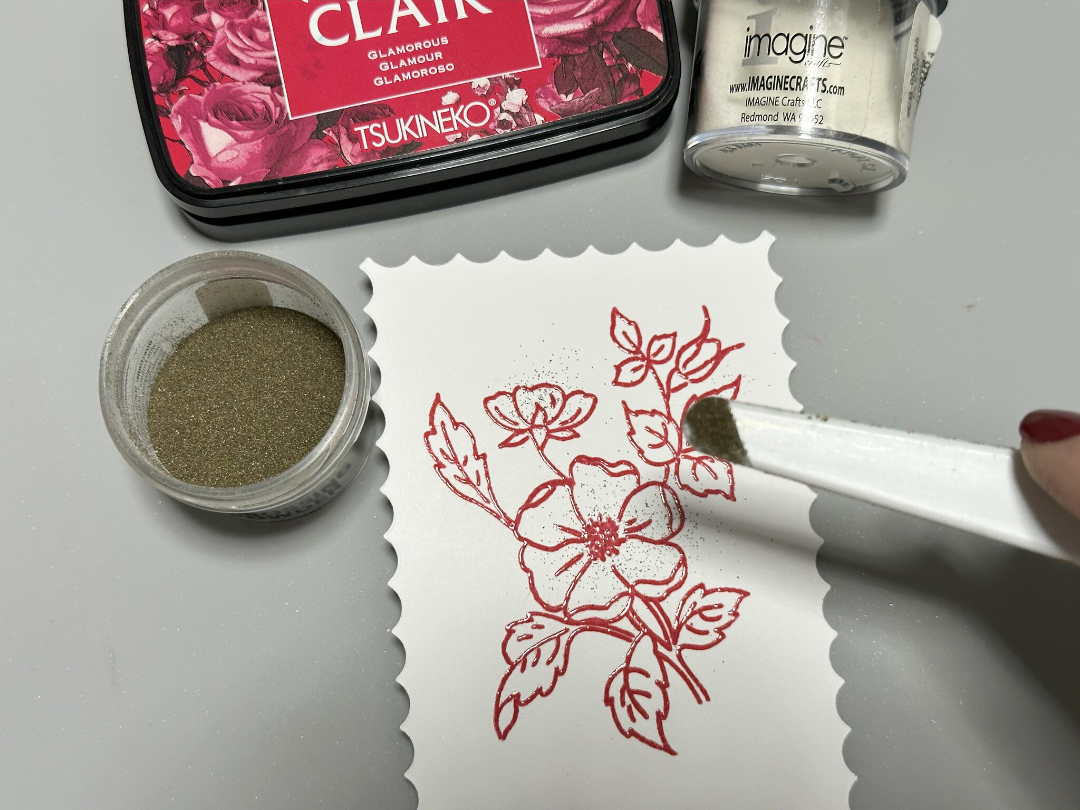
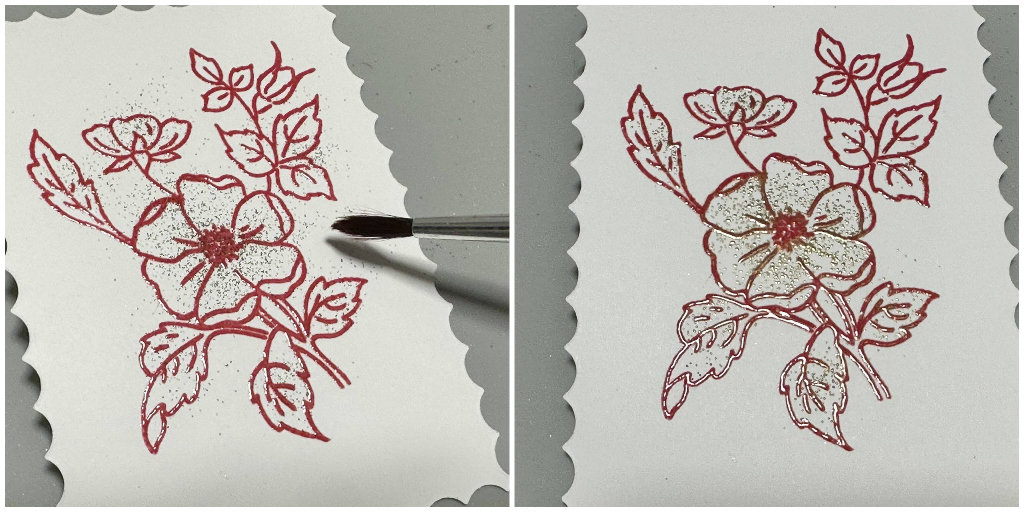
In a separate piece of White Smooth Cardstock, I stamped a floral image with VersaFine Clair Glamorous and then covered it with Clear Embossing Powder. Additionally, with a tiny spoon or spatula, I sprinkle Gold Embossing Powder over the flowers and leaves, trying to keep the powder inside of the lines.
Step 4:
With a paint brush, I removed the excess of the powder around the borders of the flower and then, melted the powder with the heat tool.
As you may have noticed, to create the splattered effect, I didn’t use ink, just the powder.
Step 5:
To continue with the process, I resized the background layer in angle. Then, I die cut the floral image with a coordinated die. Additionally, I pasted all the pieces over the card base using crafty foam tape to add more
dimension to the card.
Step 6:
As final touch, stamp a sentiment in a different color and paste over the decorated card with crafty foam.
Thanks for stopping by and don’t forget that you can use different types of ink and embossing powders to create your own look!
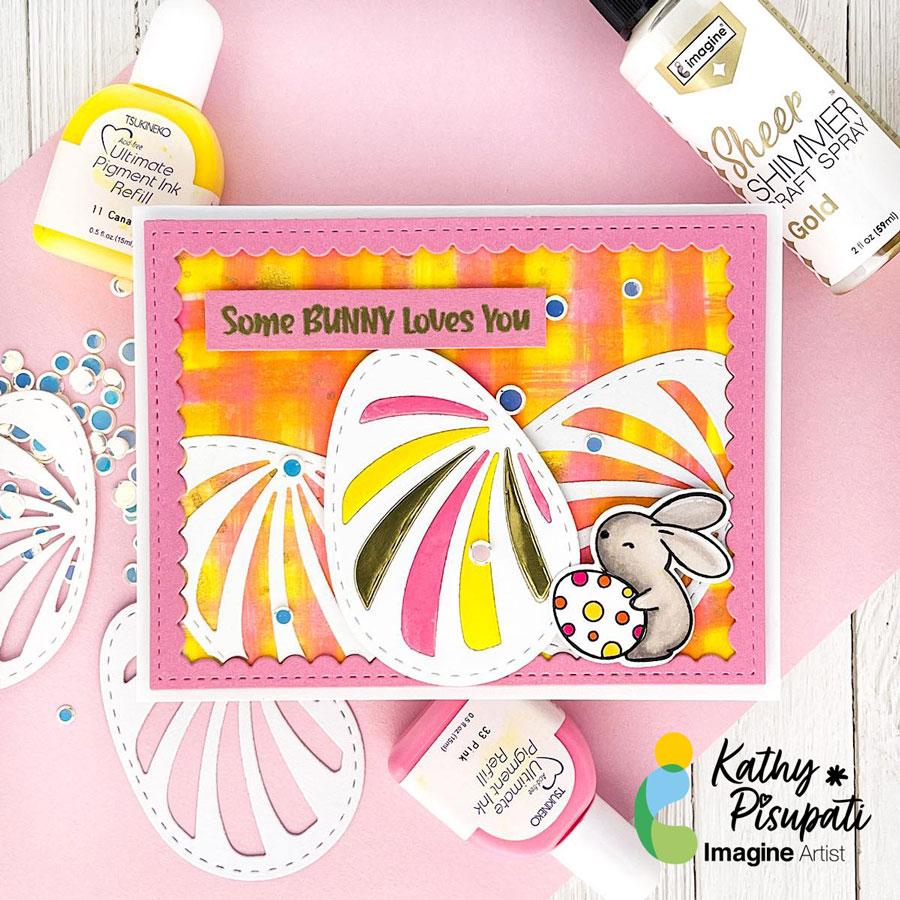
Good morning! Kathy here, creating art for Imagine Crafts! Today I have a new tutorial for you. Today’s project is an Easter card but it is also about creating your own backgrounds with Imagine Craft’s Ultimate Pigment Ink Refills! If you don’t have much patterned paper this is an easy background using the refills and baby wipes!
Skill Level: Easy
Time to complete: 1 hour
Step 1
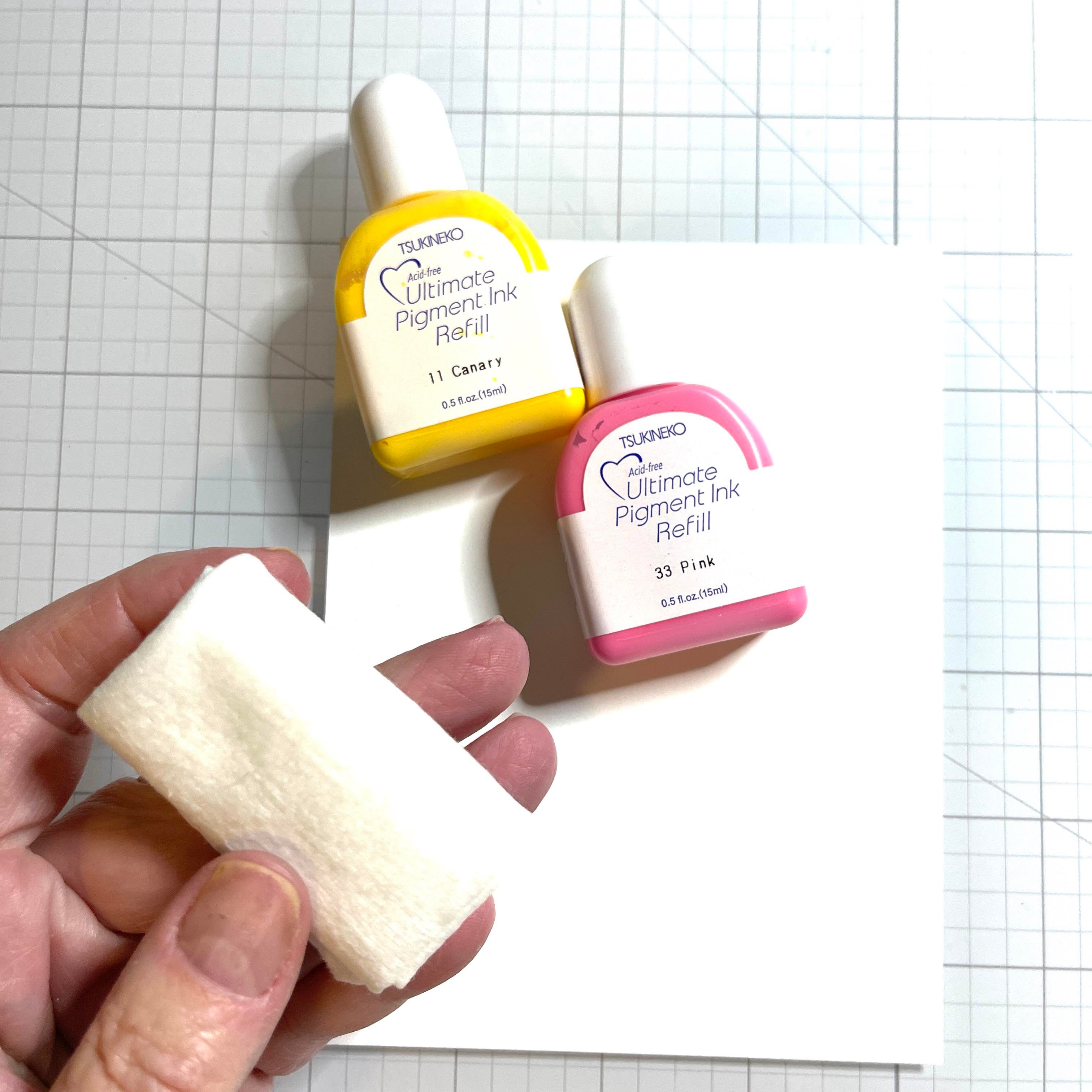
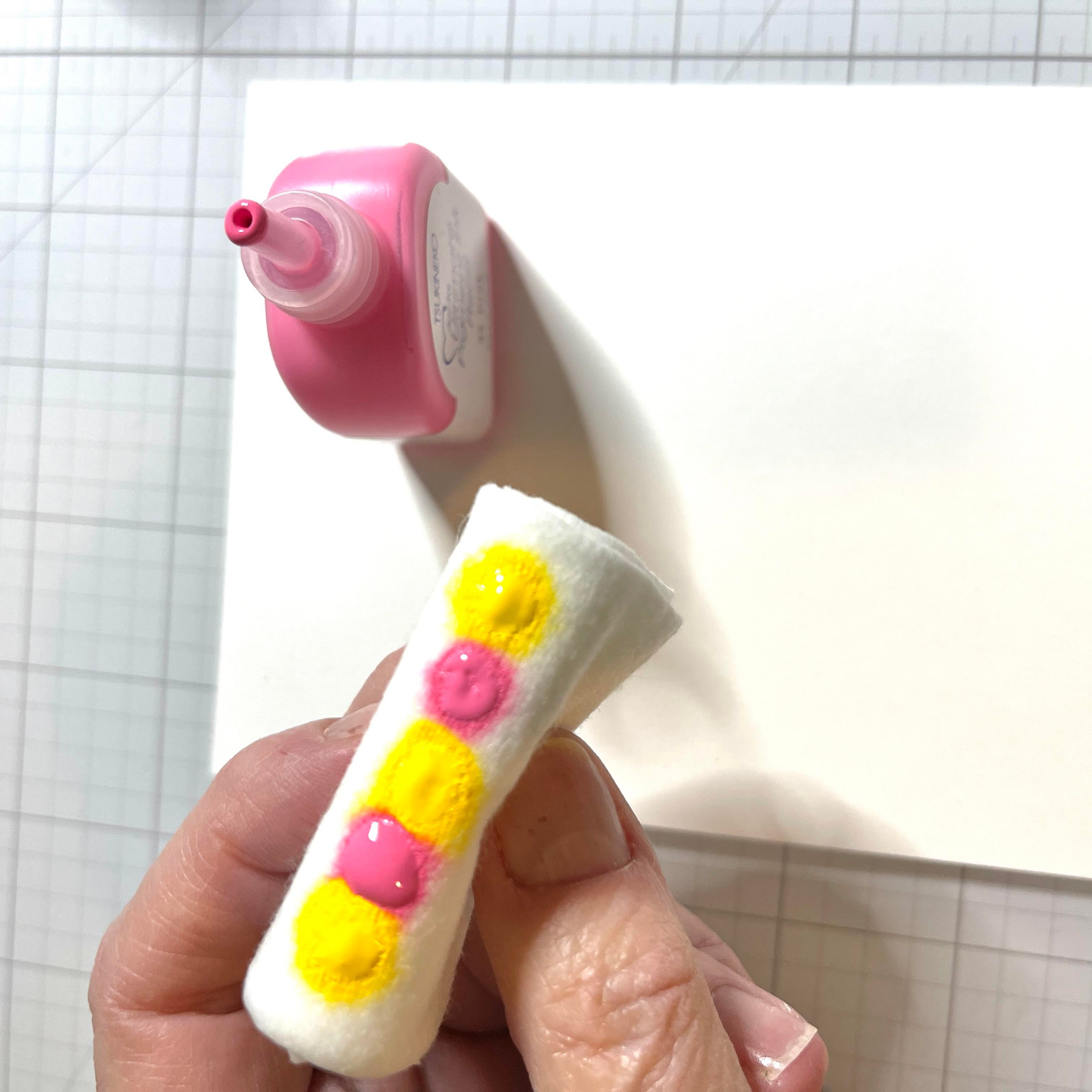
Cut a piece of a layering weight, white card stock to 4.25” x 5.5”. This will be enough for three holders. Grab your favorite ink refills. For today’s card I used Imagine Craft’s Ultimate Pigment Ink Refills in Canary and Pink. Grab a baby wipe and fold it up nicely.
Step 2
Dab your ink onto the baby wipe in an alternating order.
Step 3
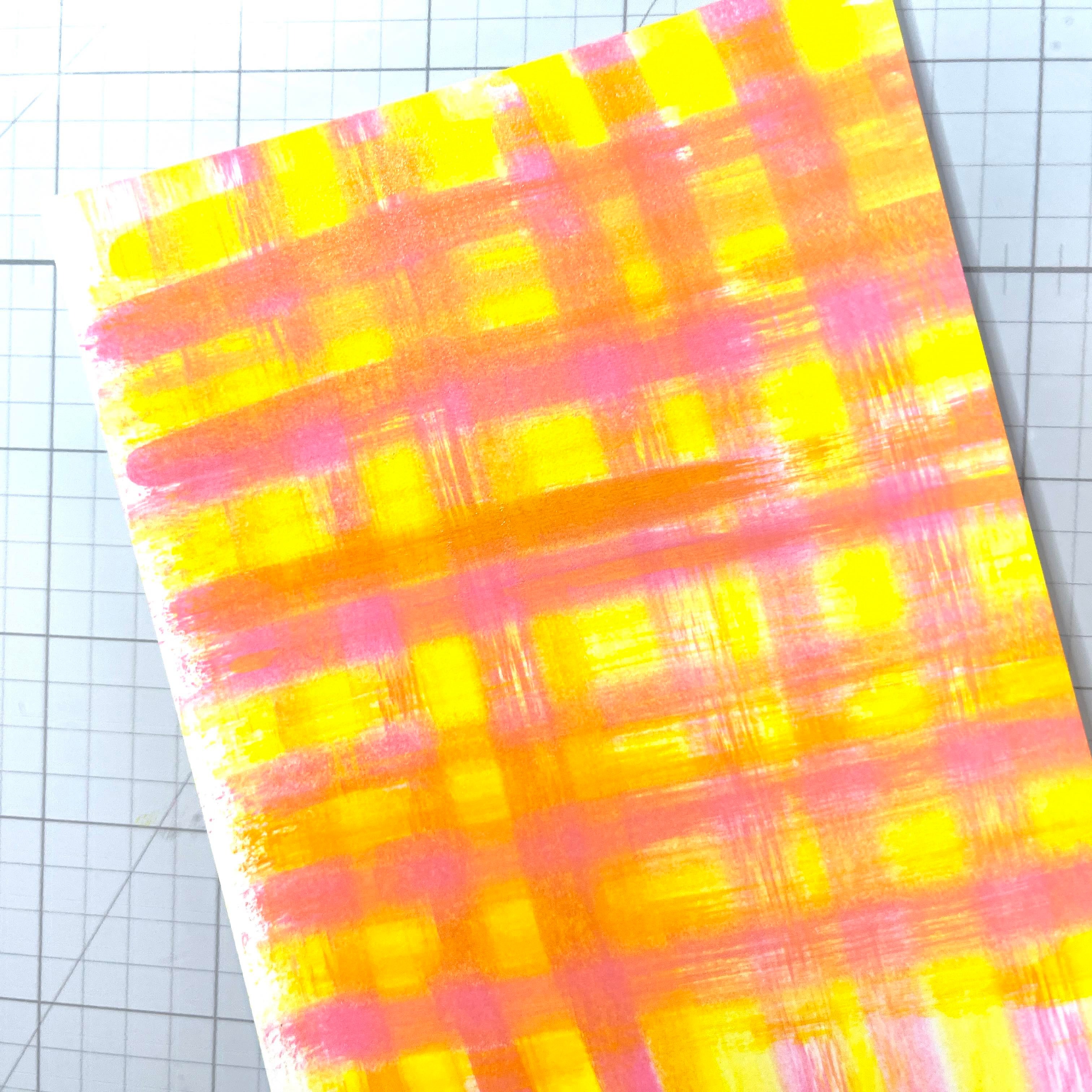
Now just swipe across your card stock. YES you will get messy! But it’s fun. You may need to add some more drops. Make sure when swiping that you line up your baby wipe with the last swiped color as you move along.
Step 4
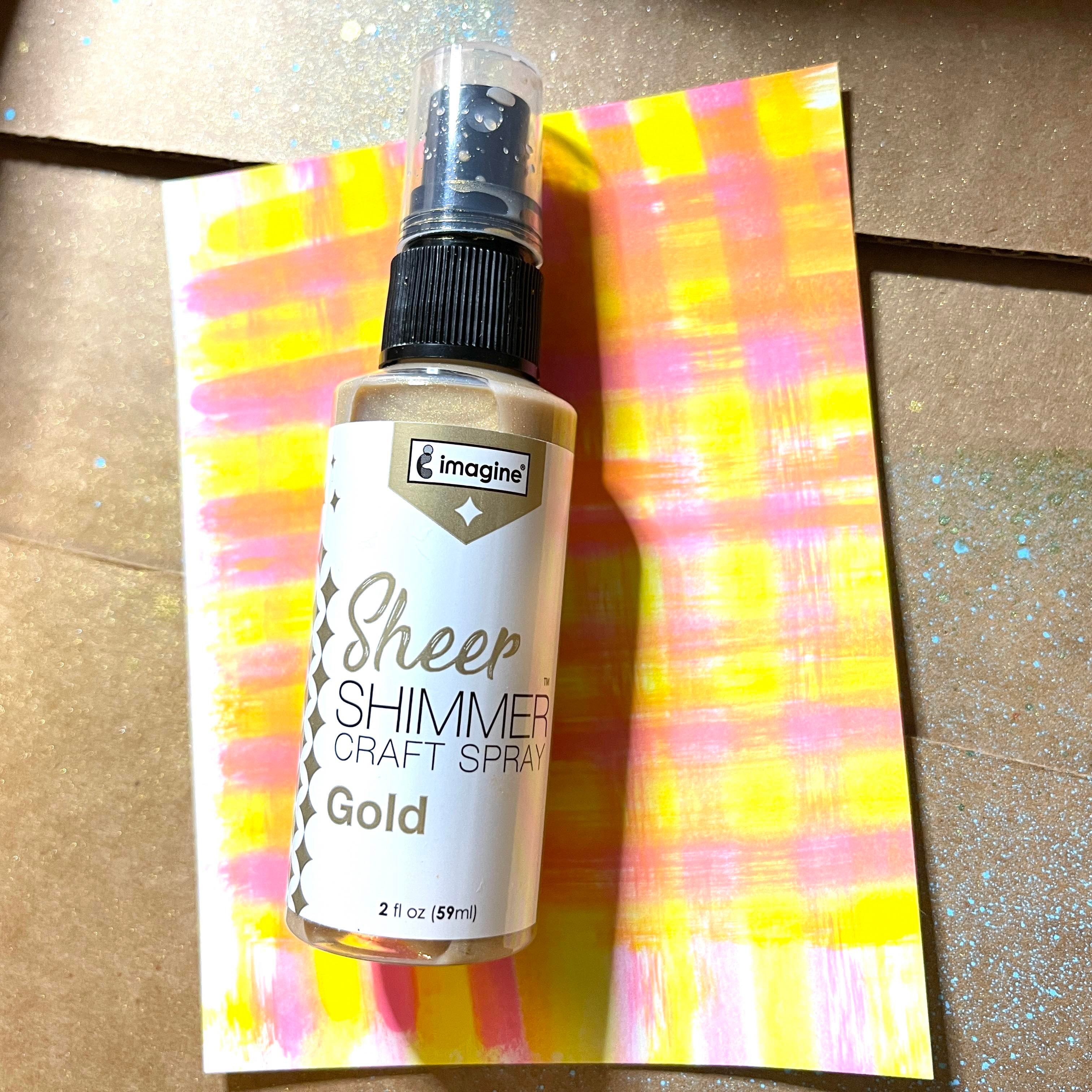
Time to get messy again! We will spray Sheer Shimmer Spray in Gold all over the panel. I use an old box and lay the panel inside. This contains the spray a bit. The sparkle of these sprays is so pretty and available in so many colors!
.
Step 5
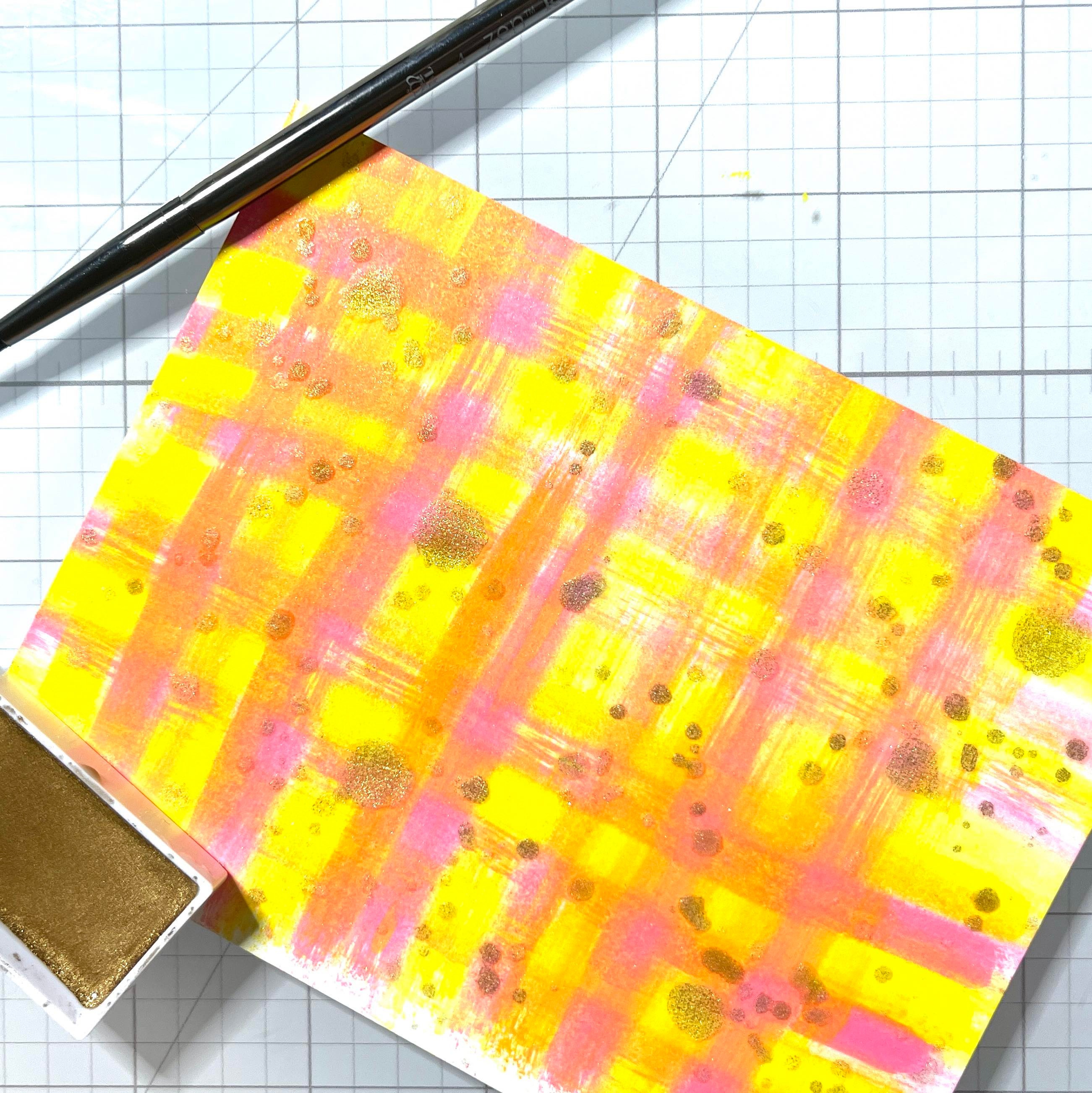
I also unscrewed the top of the Shimmer Spray and splattered some random spots. I splattered some small spots using metallic watercolor paint.
Step 6
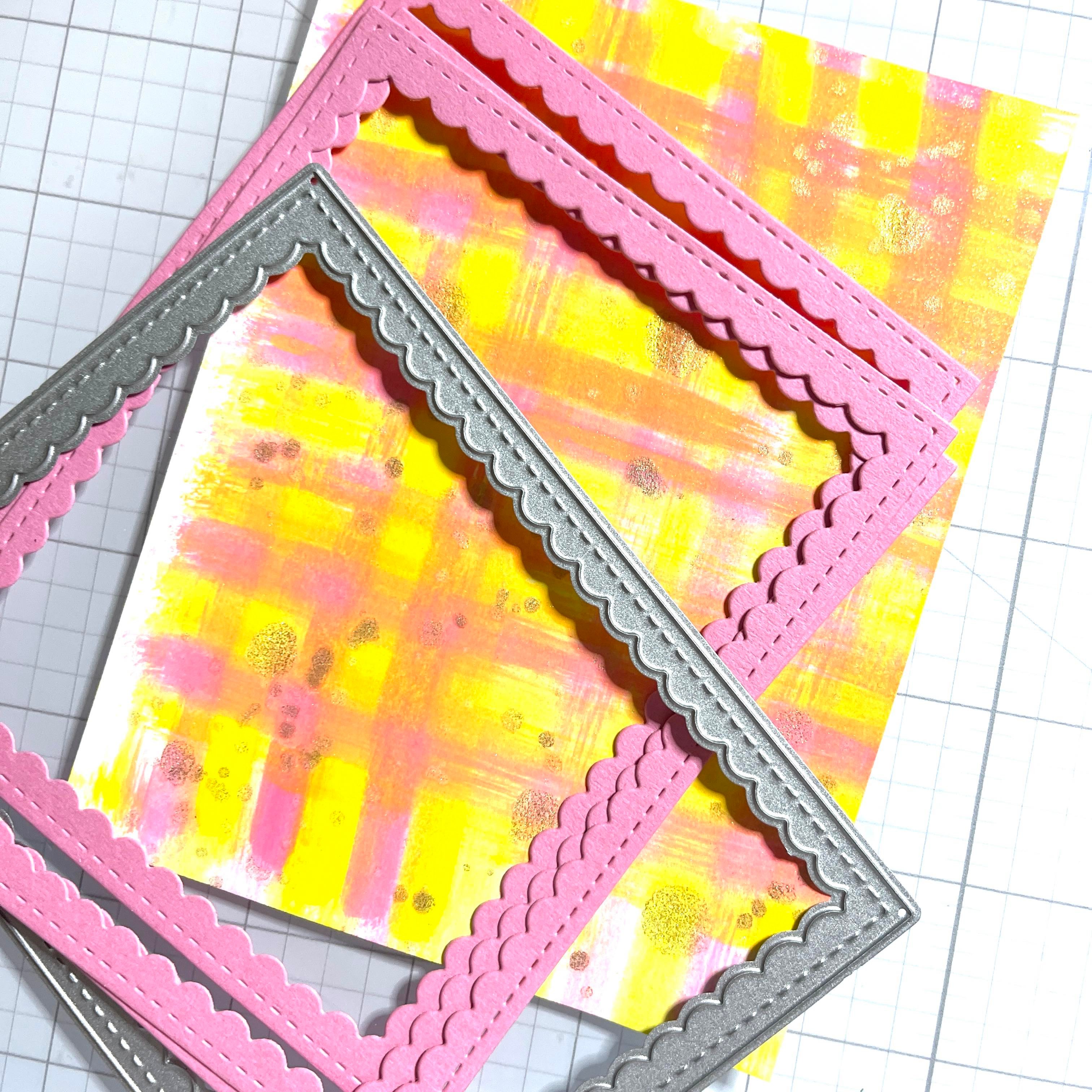
Next, I cut some scalloped frames and glued them together with On Point Glue. I used a coordinating pink card stock. Trim the background panel to fit behind the frame and adhere with On Point Glue from Imagine Crafts.
Step 7
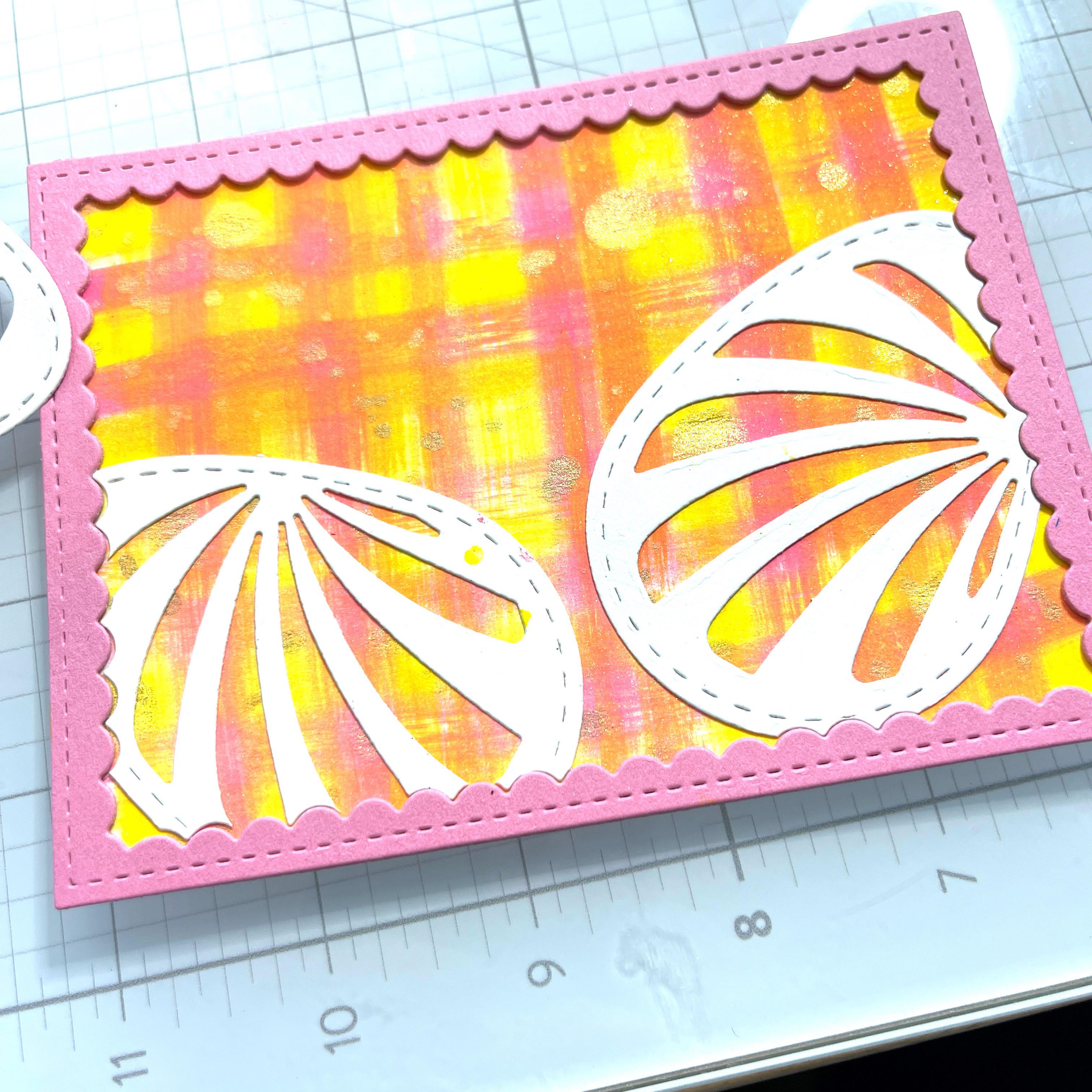
I die-cut some an Easter Egg I had in my stash several times. I used the scalloped frame to die-cut the edges so they would fit perfectly against the frame. I also cut an additional egg to use as the main focal point.
Step 8
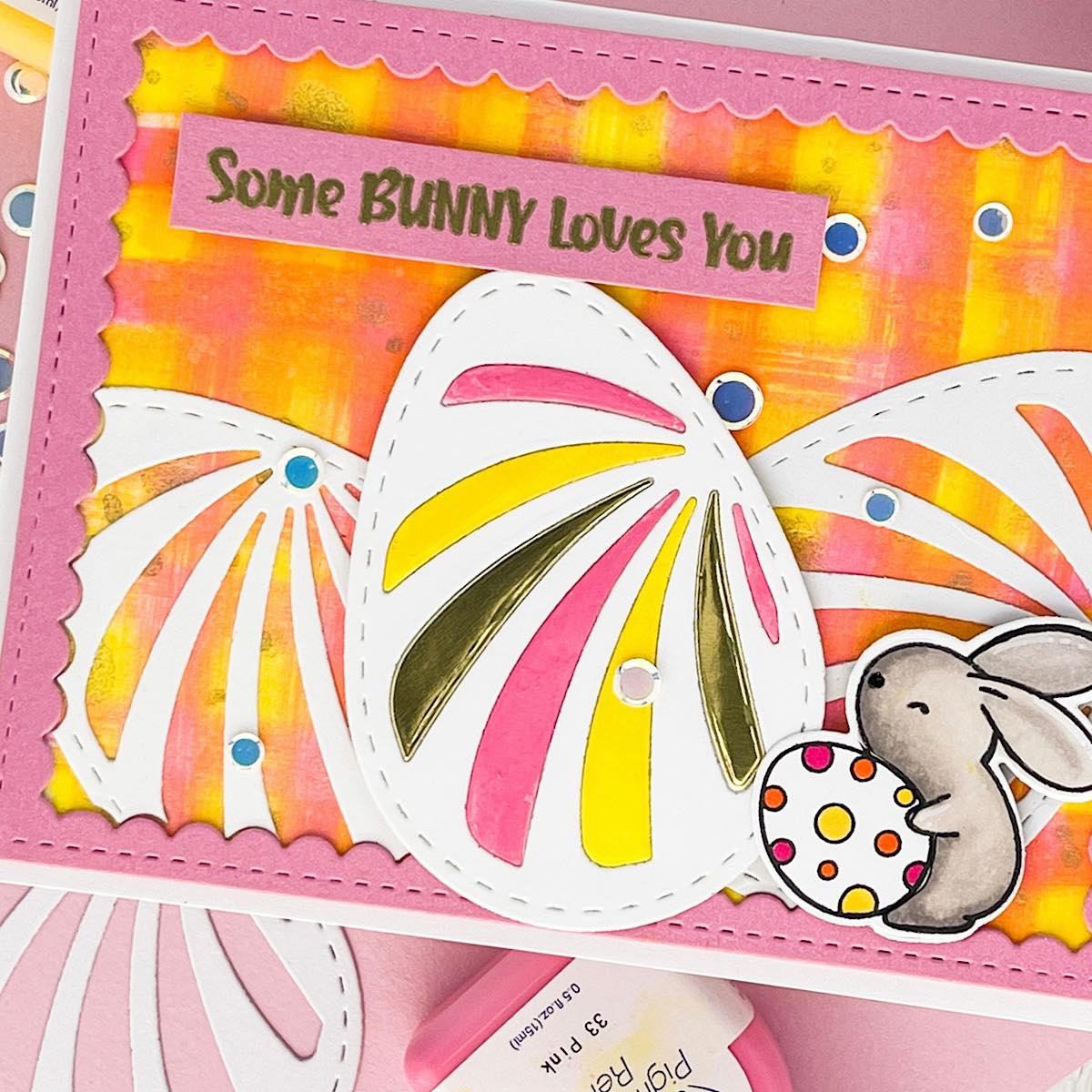
I traced the actual die and cut a solid egg out. I adhered this behind the main egg and adhered with glue. I took the insides of the die cut and just painted some of the pink and yellow refill ink on alternating stripes I also added 2 gold stripes from a metallic card stock.
I stamped, colored and die-cut a cute bunny. I used alcohol markers but any coloring medium will work. I stamped the Easter sentiment on the same pink card stock. I used VersaMark Ink, covered with gold embossing powder and heated. The sentiment, main egg and bunny are popped up with foam tape. The entire panel is added to a horizontal folded A2 card base with foam tape as well. The last thing I did was add a few confetti sequins!
I hope you enjoy this card and the tutorial. Thanks for stopping by I appreciate all of you! Please head over to the Imagine Crafts website to see all the beautiful products. Here is the link IMAGINE CRAFTS.
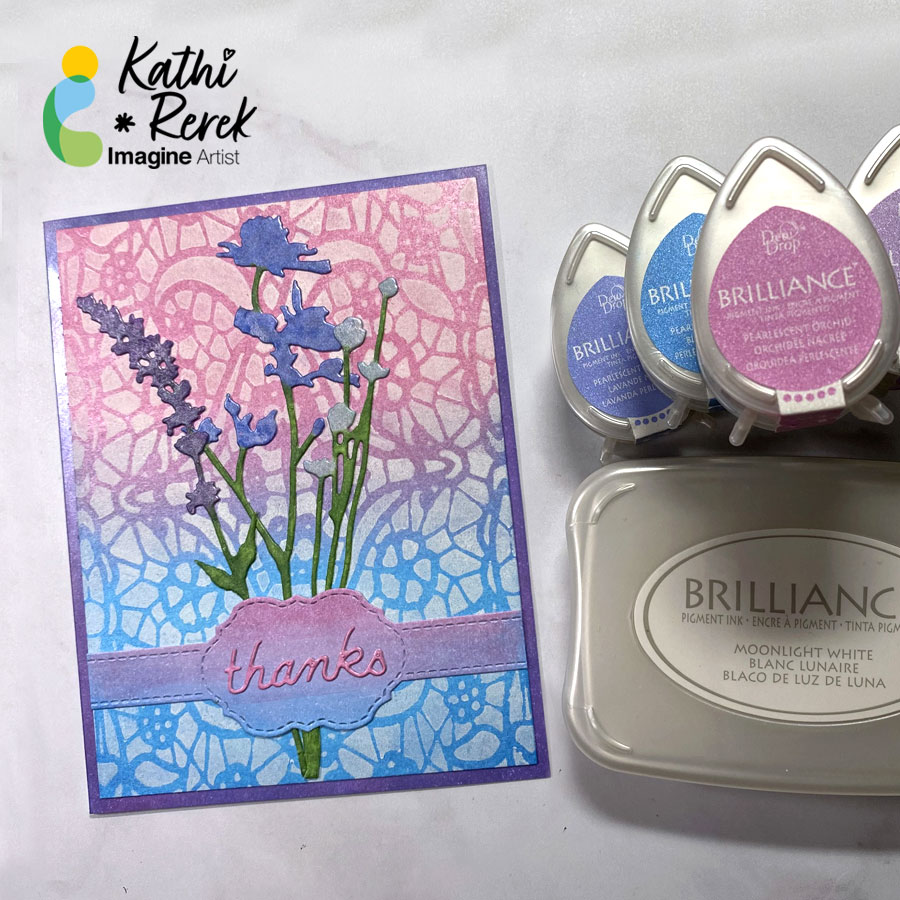
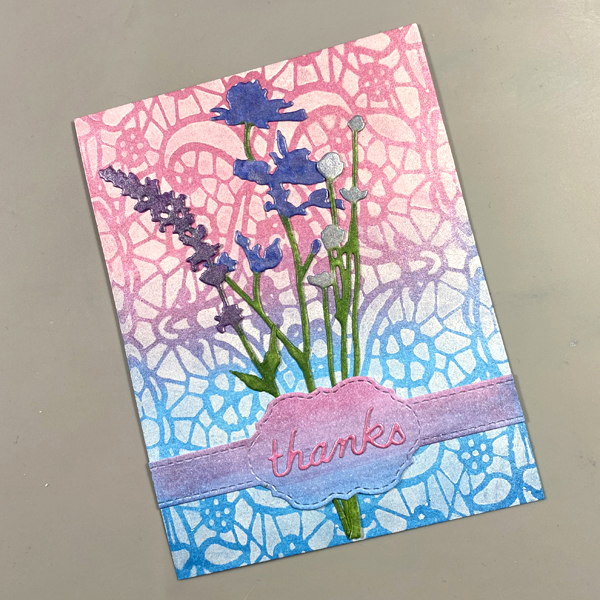
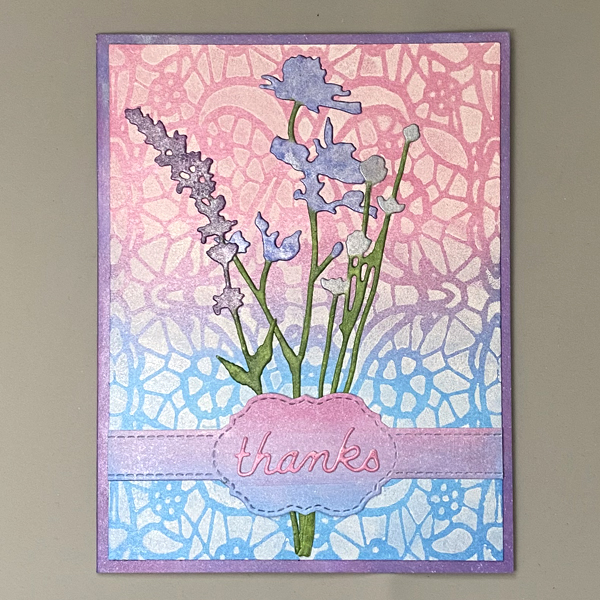
– Greetings! It’s Kathi here. In today’s tutorial, I am going to show you how to create a shimmery Thank You card using multiple Brilliance Ink colors.
Skill: Beginner to Intermediate
Time: 1.5 hours
Directions:
Step 1:
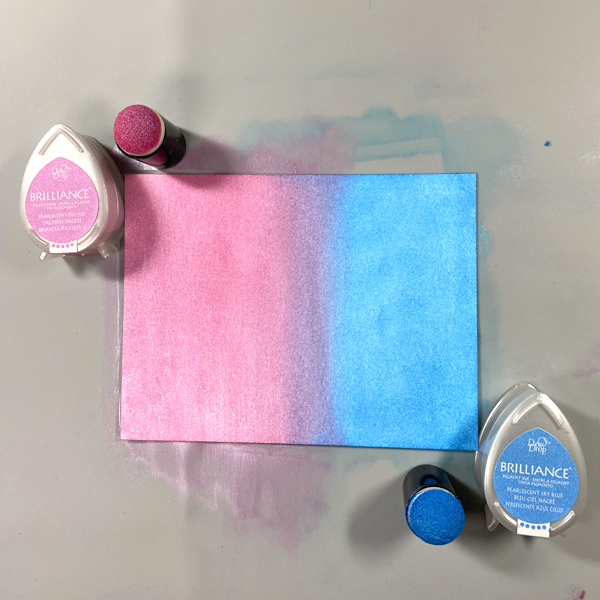
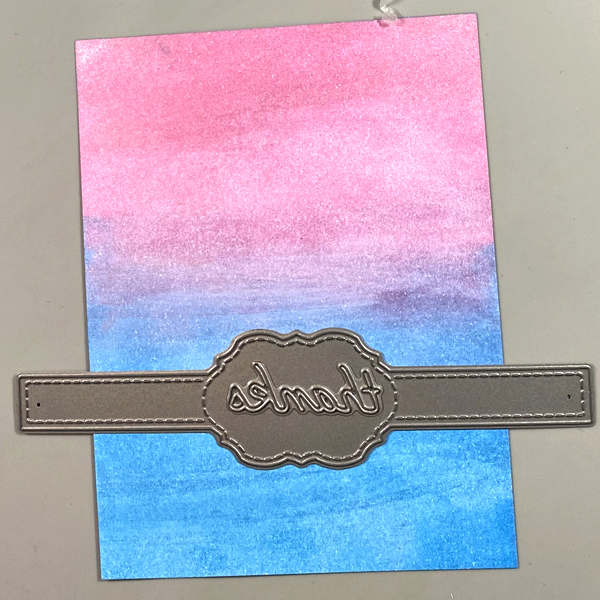
Cut a piece of Mixed Media paper to 4” x 5.25”. Using a Sponge Dauber, apply Sky Blue Pearlescent Brilliance Ink to half of the panel. Use another Sponge Dauber to apply Orchid Pearlescent Brilliance ink to the other side. Blend the two colors of ink in the center.
Repeat this step with a second piece of paper. Set this piece aside to be used later.
Step 2:
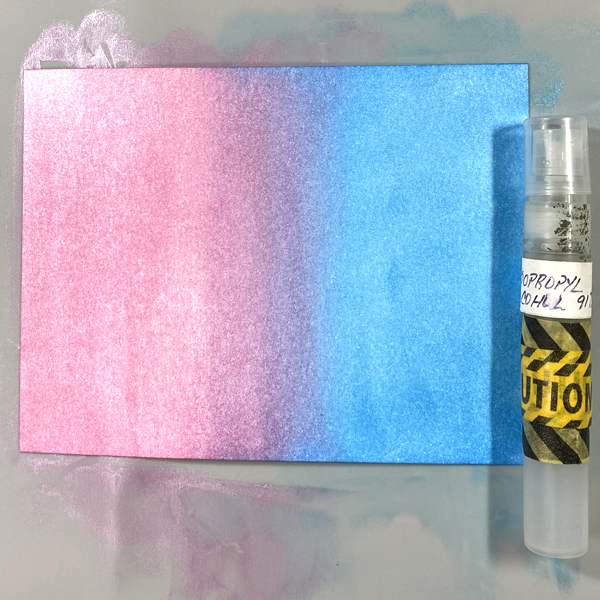
Spray Isopropyl Alcohol onto ink blended paper panel and let sit for a minute. The alcohol will lighten, blend, and add white speckles to the paper. Heat set.
Step 3:
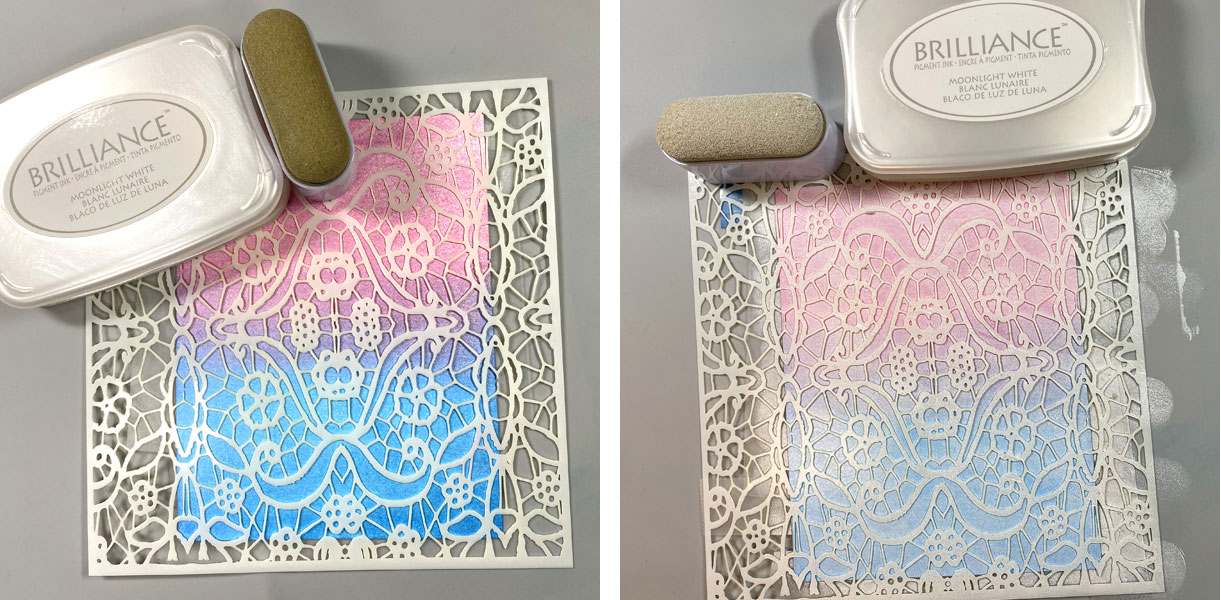
Use Removable Scotch Tape to tape the background panel to the back of the Mosaic Stencil, then use an Ink Sweeper to apply Moonlight White Brilliance ink over the stencil onto panel.
Step 4:
Remove the tape and the stencil. Heat set.
Step 5:
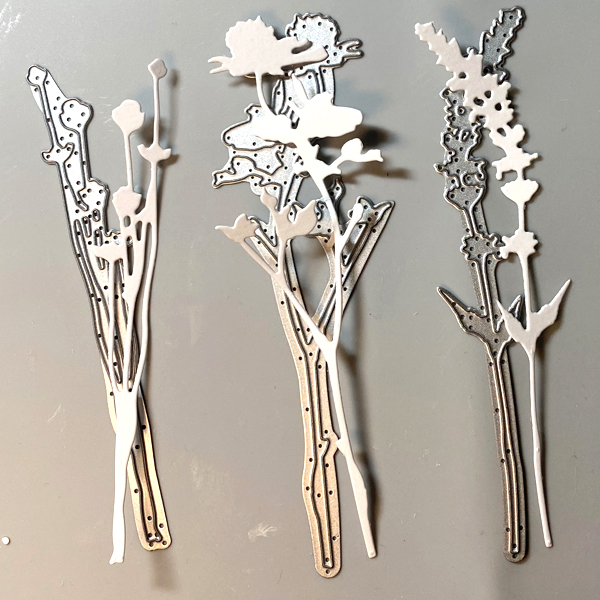
Use three flower dies from the Wildflowers 1 Thinlits Die Set to cut Mixed Media Paper.
Step 6:
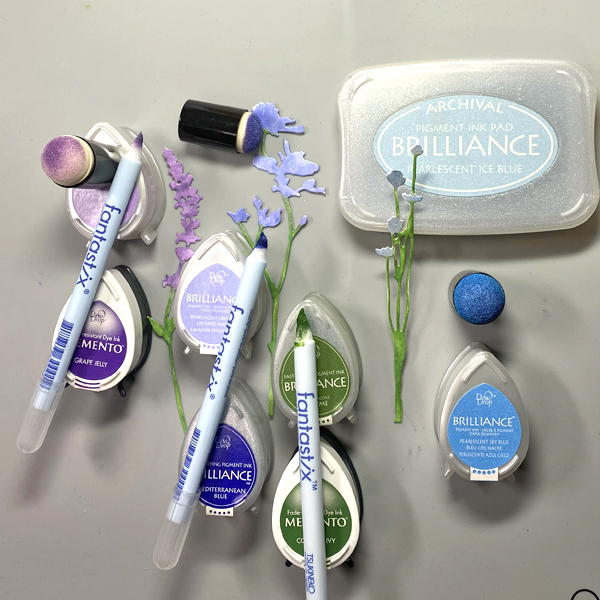
Use Sponge Daubers to apply Pearlescent Purple, Pearlescent Ice Blue, and Pearlescent Lavender to the flowers. Use Fantastix Brush applicators to detail the flowers with Mediterranean Blue Brilliance, Pearlescent Sky Blue Brilliance, Grape Jelly Memento inks. Color the flower stems and leaves with Pearlescent Thyme Brilliance and Cottage Ivy Memento inks.
Step 7:
Use the Belly Band and “thanks” dies to cut the extra panel of paper created in Step 1.
Step 8:
Adhere the flower die-cuts to the stenciled panel. Adhere the Belly Band die-cut over the flower stems. Adhere the “thanks” die-cut to the center ornament of the Belly Band.
Step 9:
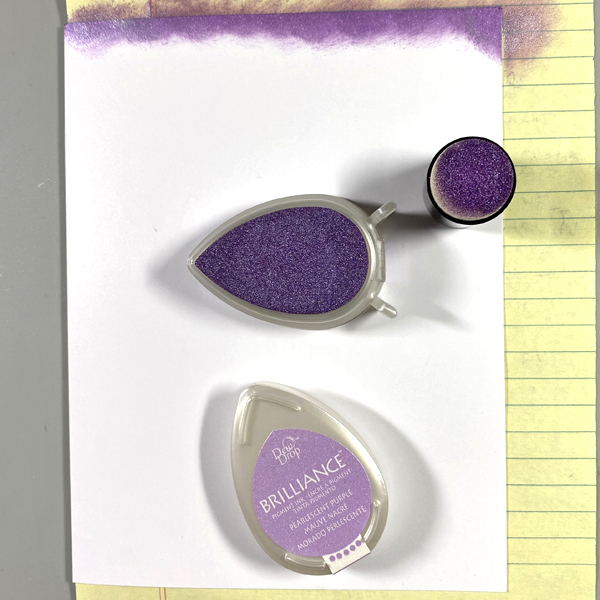
Cut a piece of white cardstock in half. Score and fold to form an A2 card. Put a piece of scrap paper inside the card, then use a Sponge Dauber to apply Purple Brilliance ink around the edges of the front of the card. Heat set.
Step 10: Use Tear It! Tape to adhere the image panel to the card.
Greetings! It’s Kathi here today to share with you a tutorial about how to create an inspirational wall hanging using a favorite quote and your craft supplies. I used Golden Glitz Delicata, Nocturne, VersaFine Clair, and VersaMagic Chalk inks.
Skill: Intermediate
Time: 2 hours
Directions:
Step 1:
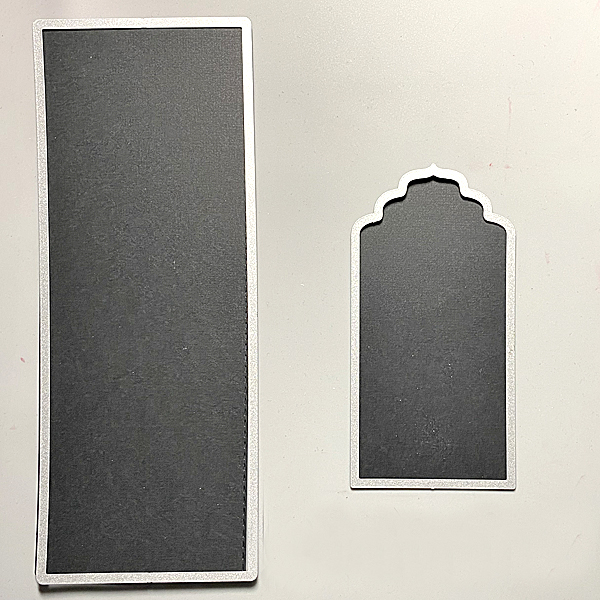
Use a Stitched Slimline Die and a Big Tags cutting dies to cut black cardstock for the panels.
Step 2:
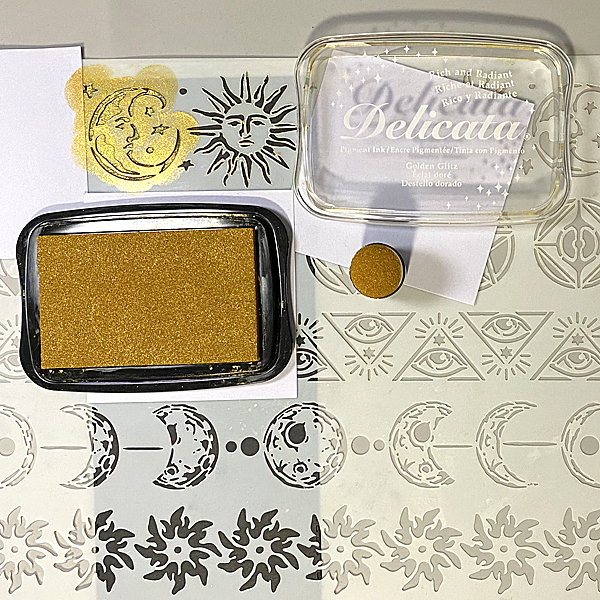
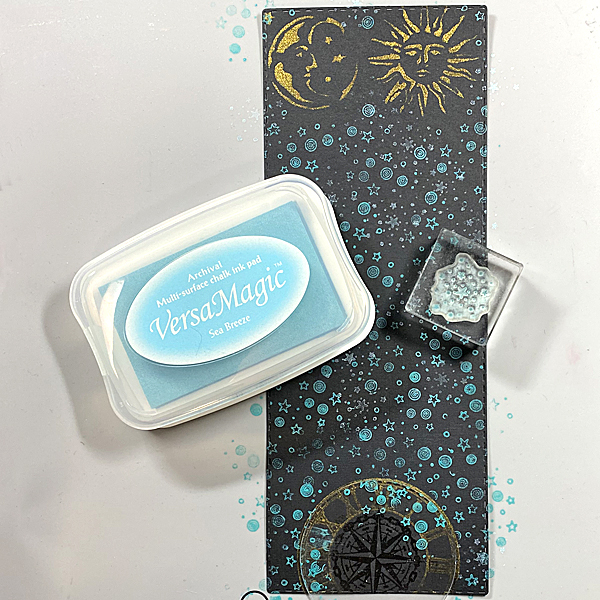
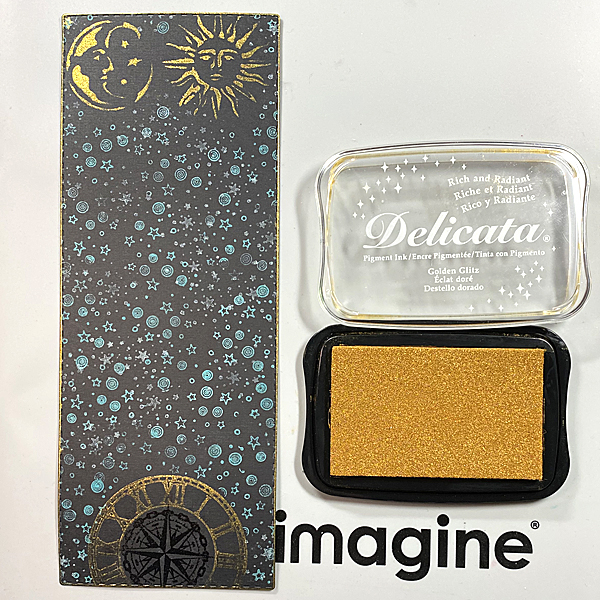
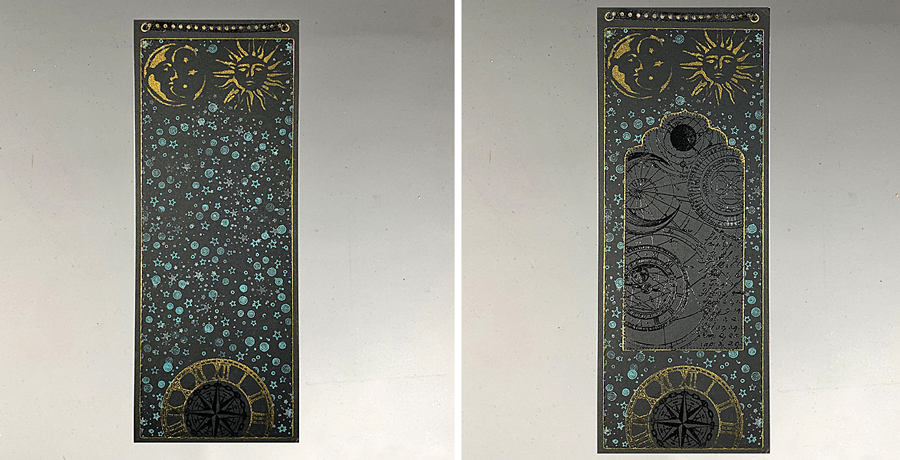
Position the moon and sun from the Alchemy Mixed Media Stencil on the top of the large rectangular die-cut. Use removable Scotch Tape to secure the stencil to the back of stencil. Cover the openings around the sun and moon with Post-It Notes. Use a Sponge Dauber to apply Golden Glitz Delicata Ink over the stencil onto the die-cut. Heat set.
Step 3:
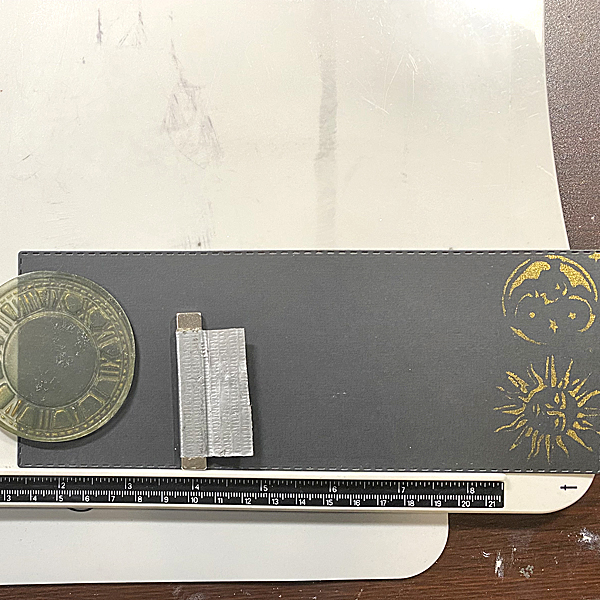
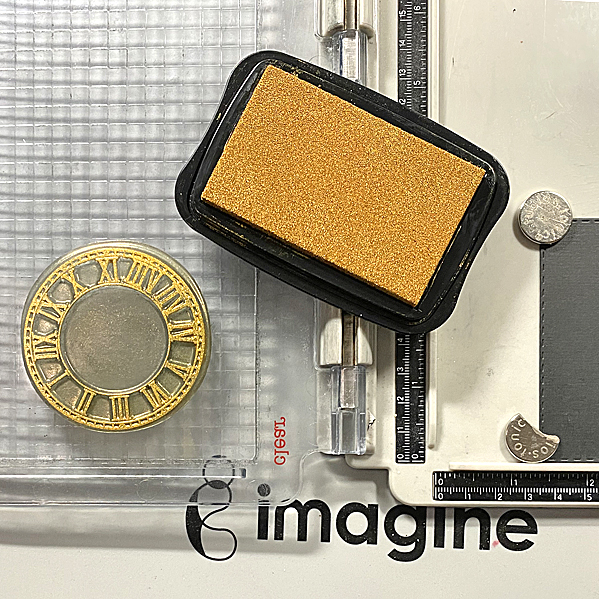
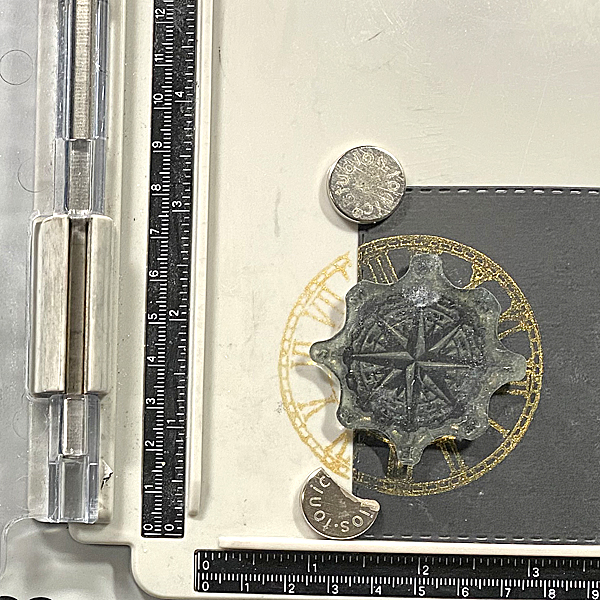
Use a magnet to secure the image panel horizontally along the base of a stamping platform. Position the clock from the ATC Coins Clear Stamp Set 6 facedown on the the panel, so that 12:00 is centered and facing the top of the panel.
Step 4:
Ink the clock with Golden Glitz Delicata ink and stamp the clock along the bottom of the tag. Heat set to bring out the lustre.
Step 5:
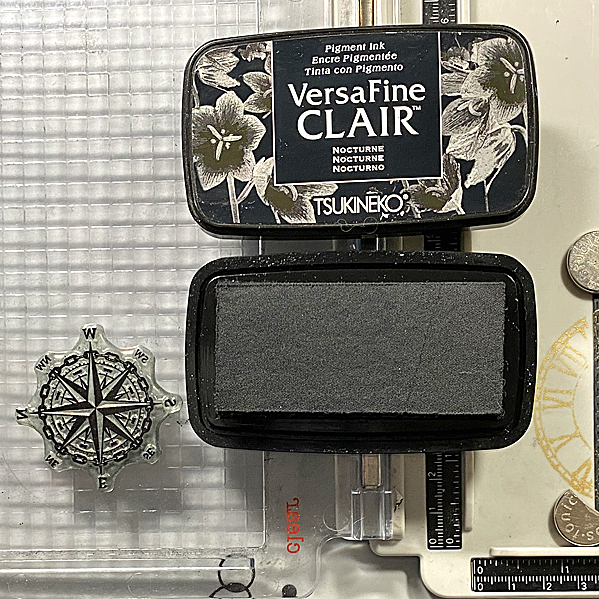
Position the compass from the Small Elements Stamp Set 2 facedown inside the circular opening of the clock with the “N” of North at 12:00.
Step 6:
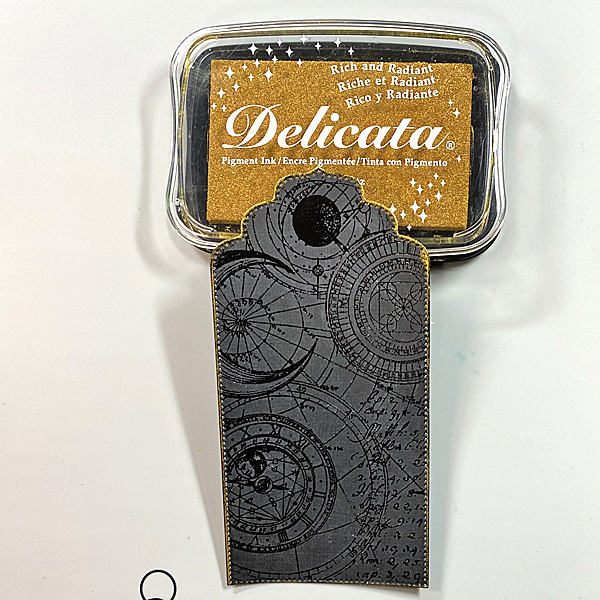
Use Nocturne VersaFine Clair ink to stamp the small compass into the center of the clock image. Cover the stamped image with Clear MBoss Clear and melt the powder with a heat tool.
Step 7:
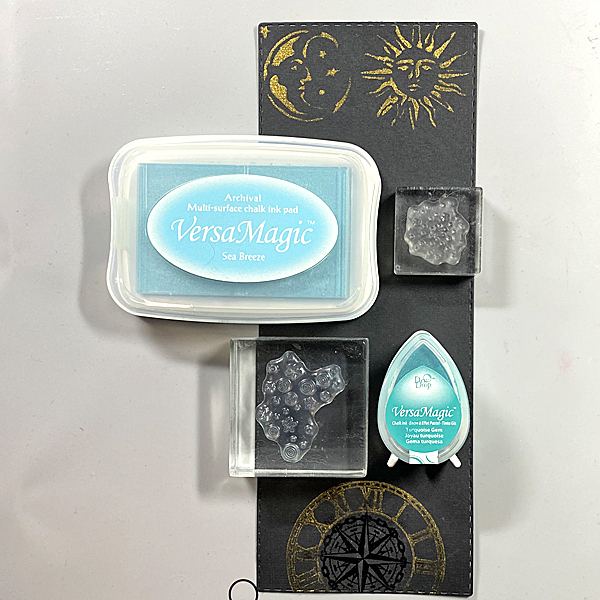
Use Turquoise Gem VersaMagic ink to stamp the swirls and stars from the Harvest Moon Clear Stamp Set and the stars from the Mini Stars Clear Stamp Set around the perimeter of the die-cut. Repeat using Sea Breeze VersaMagic ink. Heat set.
Step 8:
Edge the panel with Golden Glitz Delicata ink. I slide each edge of the piece along the side of the ink pad to create a strong golden edge. Heat set.
Step 9:
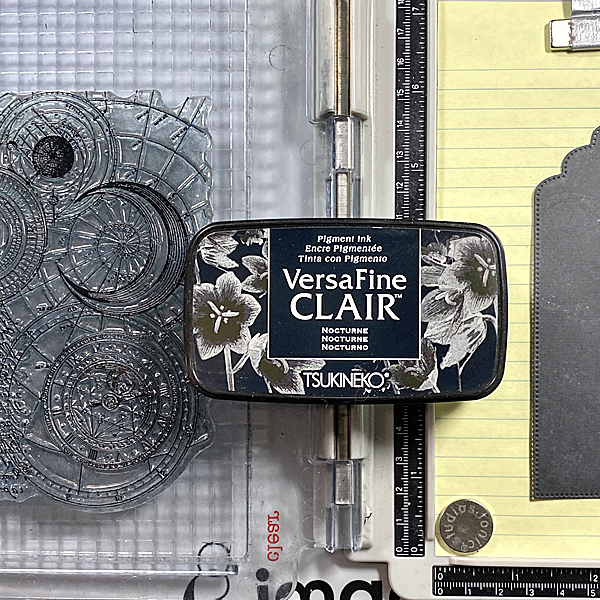
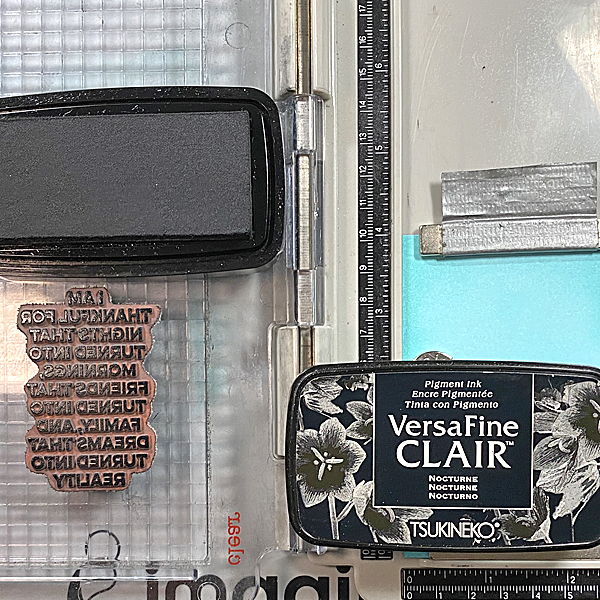
Use repositionable adhesive to secure the black tag die-cut to a piece of scrap paper, then use magnets to secure them to the base of the stamping platform.
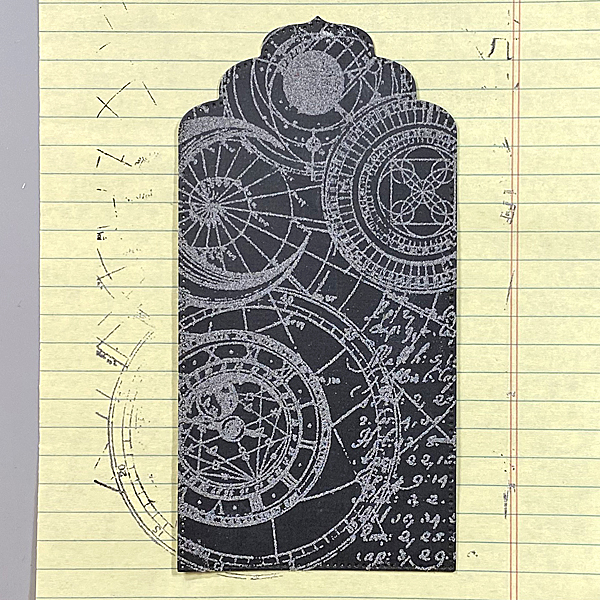
Position the Celestial Navigation Clear Stamp 398 and stamp with Nocturne VersaFine Clair.
Step 10:
Cover the stamped image with MBoss. Melt the powder with the heat tool. (MBoss image application not shown)
Step 11:
Use Golden Glitz Delicata Ink to edge the tag.
Step 12:
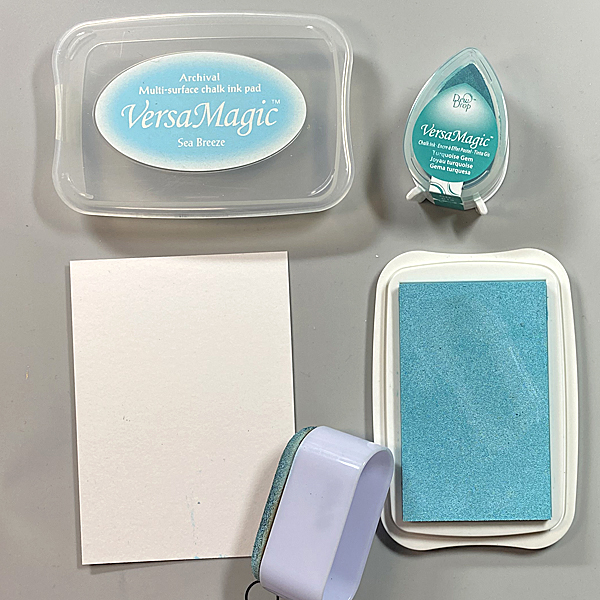
Using an Ink Sweeper, apply Sea Breeze VersaMagic to a piece of mixed media paper.
Step 13:
Use a Sponge Dauber to apply Turquoise Gem VersaMagic around the edges of the paper, then blend using the Ink Sweeper and Sea Breeze VersaMagic. Heat set.
Step 14:
Secure the inked panel to the base of the stamping platform. Position the Ink and the Dog Mini Cling Stamp 109 stamp and stamp with with Nocturne VersaFine Clair. Heat set.
Step 15:
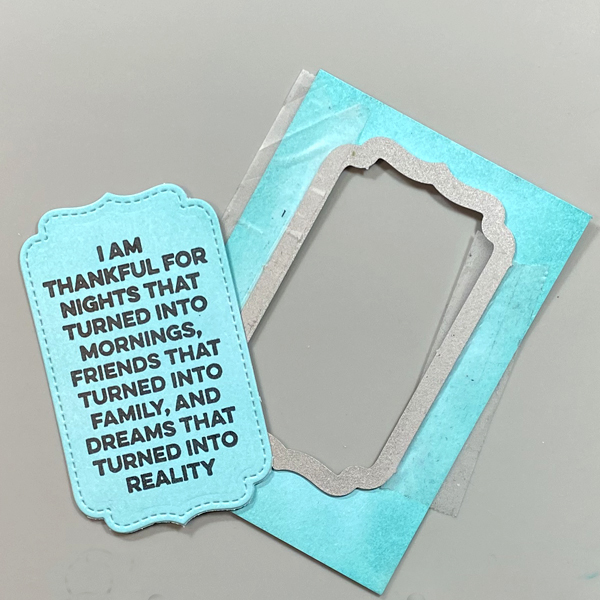
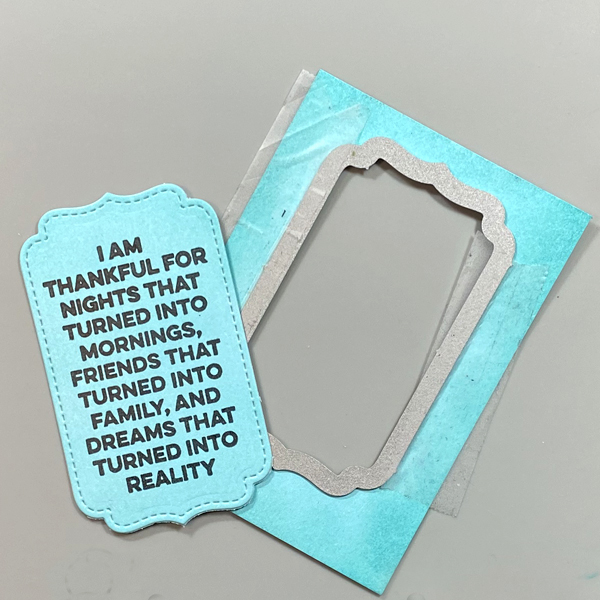
Use the shaped die from the Small Stitched Envelope die set to cut the sentiment panel.
Step 16:
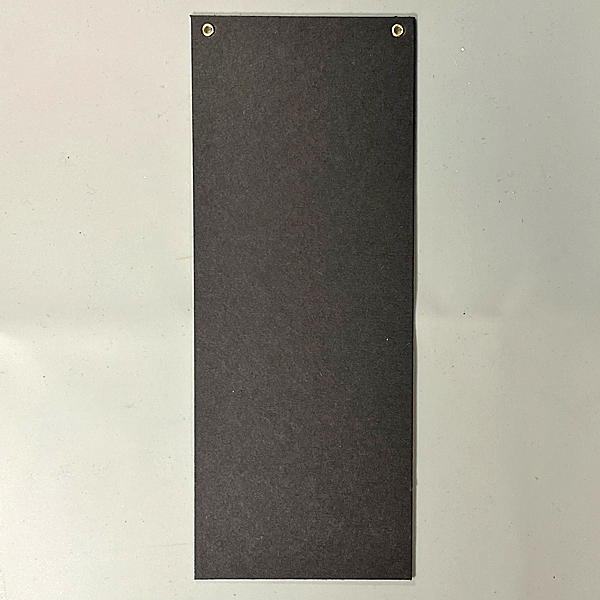
Cut a piece of black chipboard to 3.5″ x 9″. Punch holes in the top, insert eyelets, and thread ribbon.
Step 17:
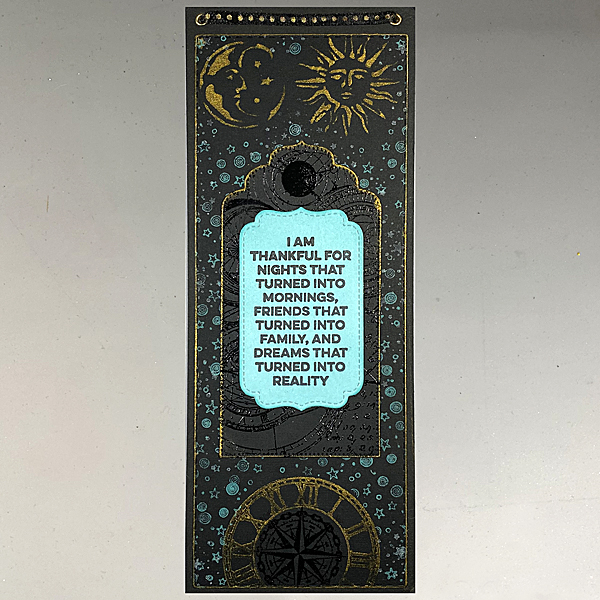
Use Tear It! Tape to adhere the rectangular panel to the chipboard.
Step 18:
Then tape the stamped and embossed tag.
Step 19:
Lastly, adhere the quote die-cut.
Thanks for stopping by. I hope this project will inspire you as much as it inspired me!









 Imagine Blog