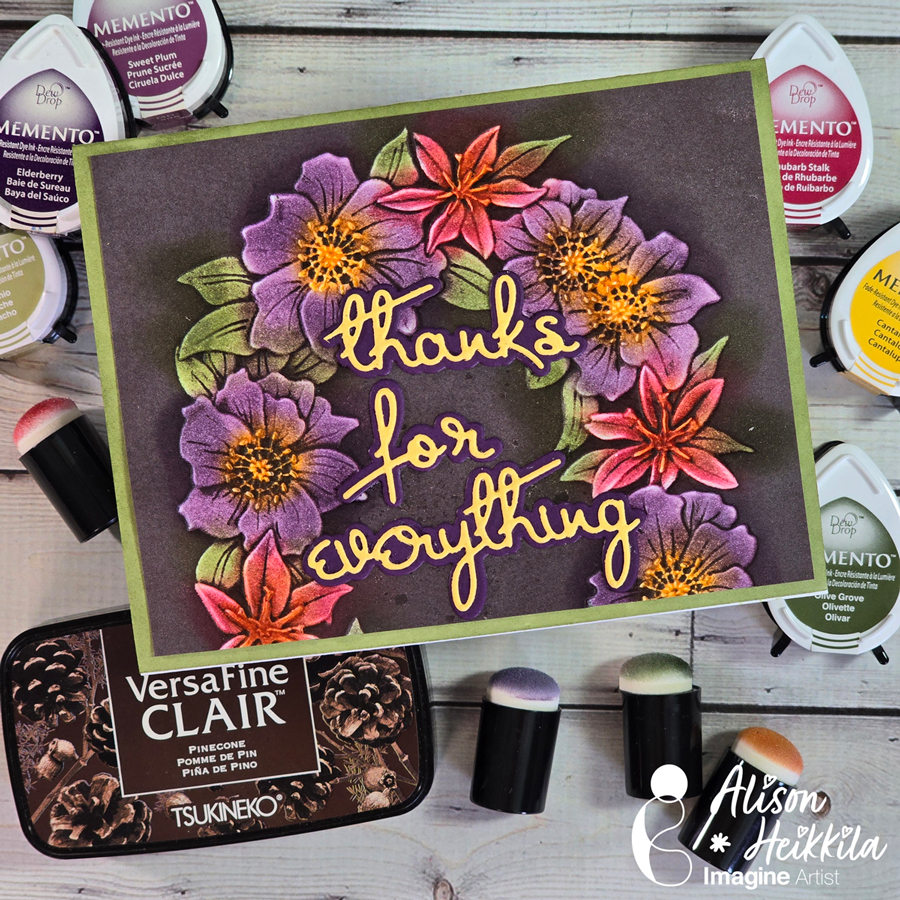
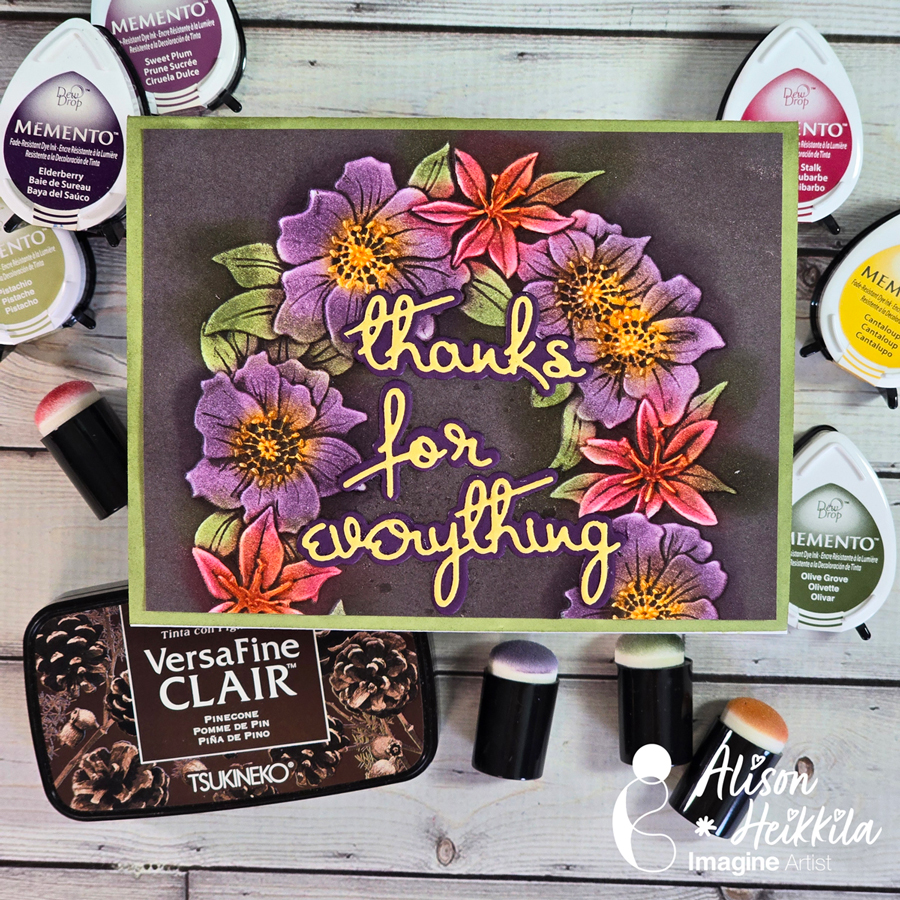
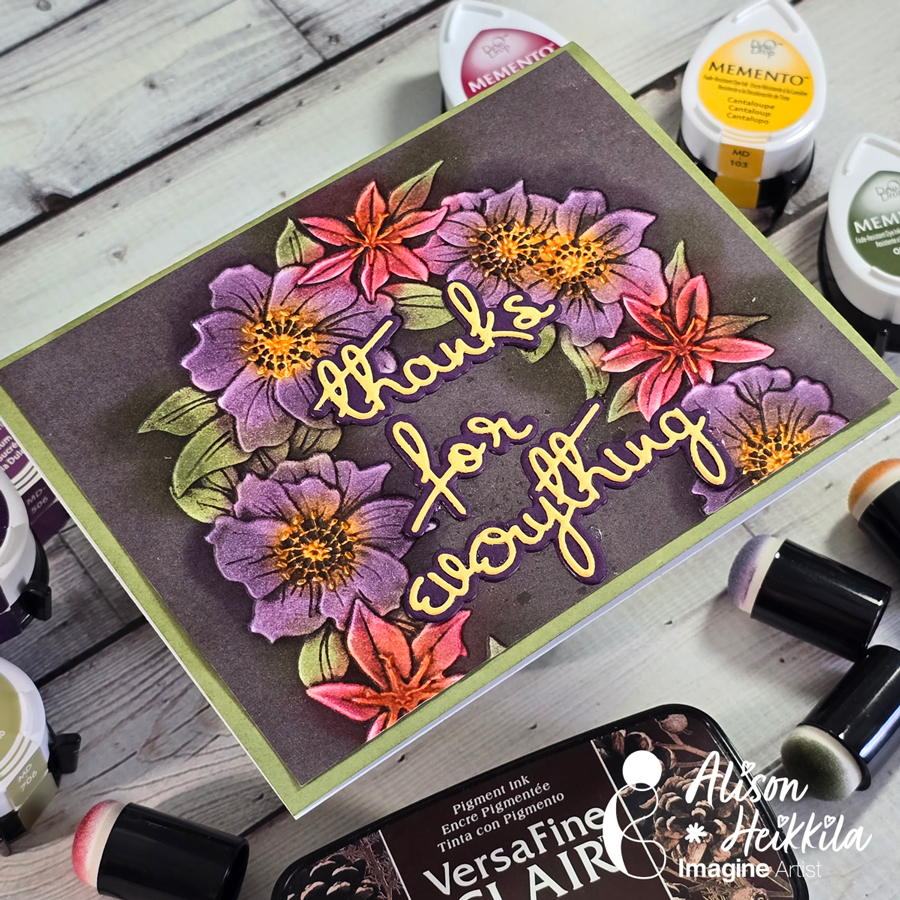
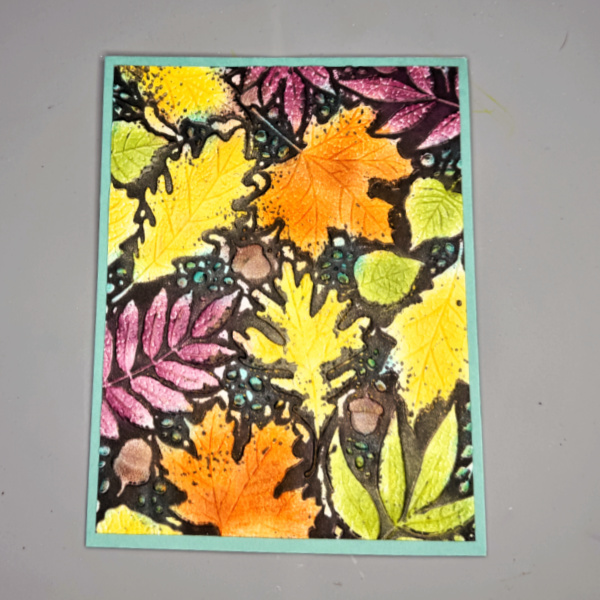
Hello! I’m Alison Heikkila. Embossing folders are so popular right now, not just because of the dimension they create so easily, but because of all the techniques you ca do with them. Today, we’ll be doing a Blackout technique with Memento and VersaFine Clair Inks for Imagine, which is so much fun to do.
*Some affiliate links are used in this post. That means that if you shop through these links, I may receive a small compensation, at no cost to you. For more information, please see my Affiliates page, where I also have some coupon codes.
Skill Level: Intermediate Time to Complete: 20-30 minutes
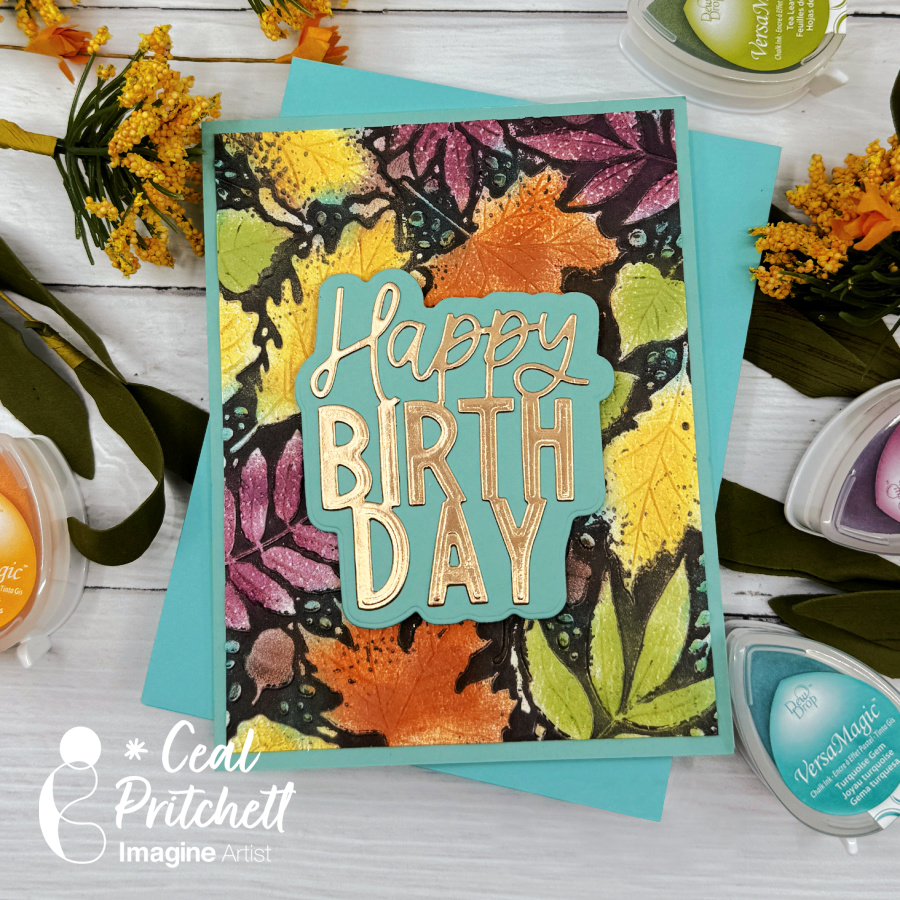
Hey everybody! It’s Ceal, here. Today I am sharing a card using a technique that I am calling “faux watercolor” because the end result look like it was water colored to me.
Skill: Beginner Time: 30 minutes
Directions:
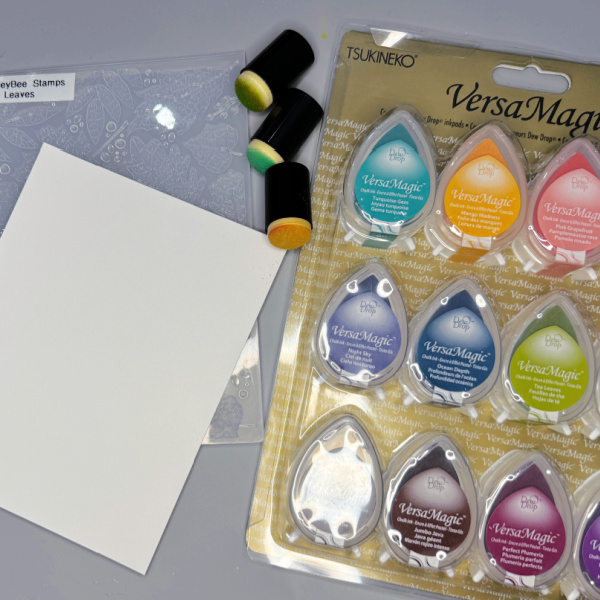
Start by gathering your supplies. You will need a A2 card base, a white panel, a panel of tidepool cardstock, several colors of VersaMagic ink, VersaFine Clair Pinecone ink, Memento Tangelo ink, sponge daubers and an embossing folder.
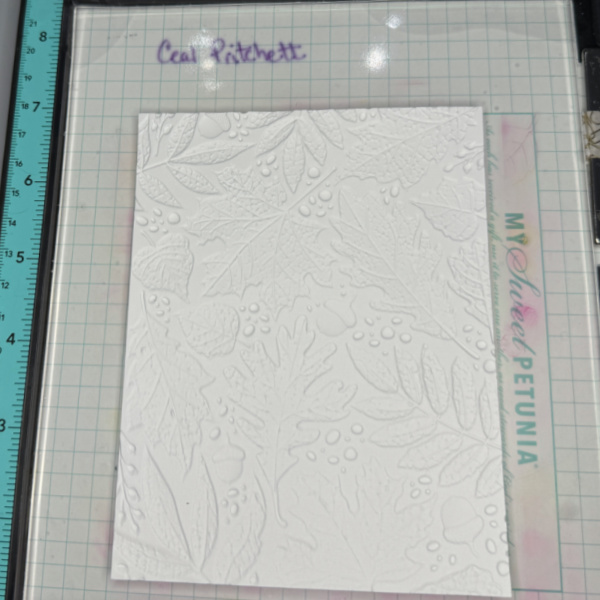
Step 1: Make a dry run of the embossing folder through the die cutting machine.
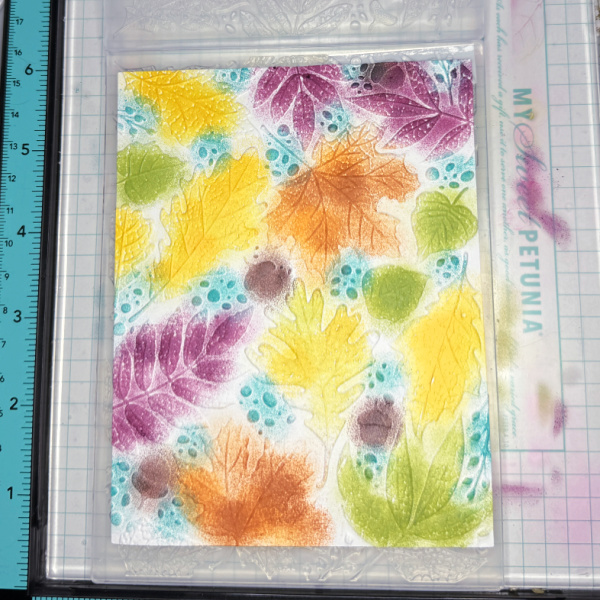
Step 2: This looks like a hot mess, but I promise it gets better. Using a sponge dauber, color the leaves as desired using VersaMagic inks.
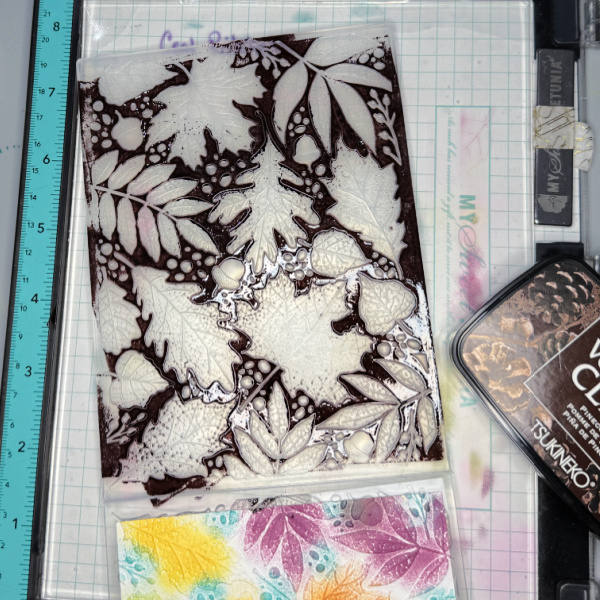
Step 3: Lock the embossed panel back into the folder and generously ink up the debossed side with a dark brown ink. Close the folder and run it through the die cutting machine.
Step 4: Glue the panel down on the card base and add a sentiment. I used a happy birthday die cut.
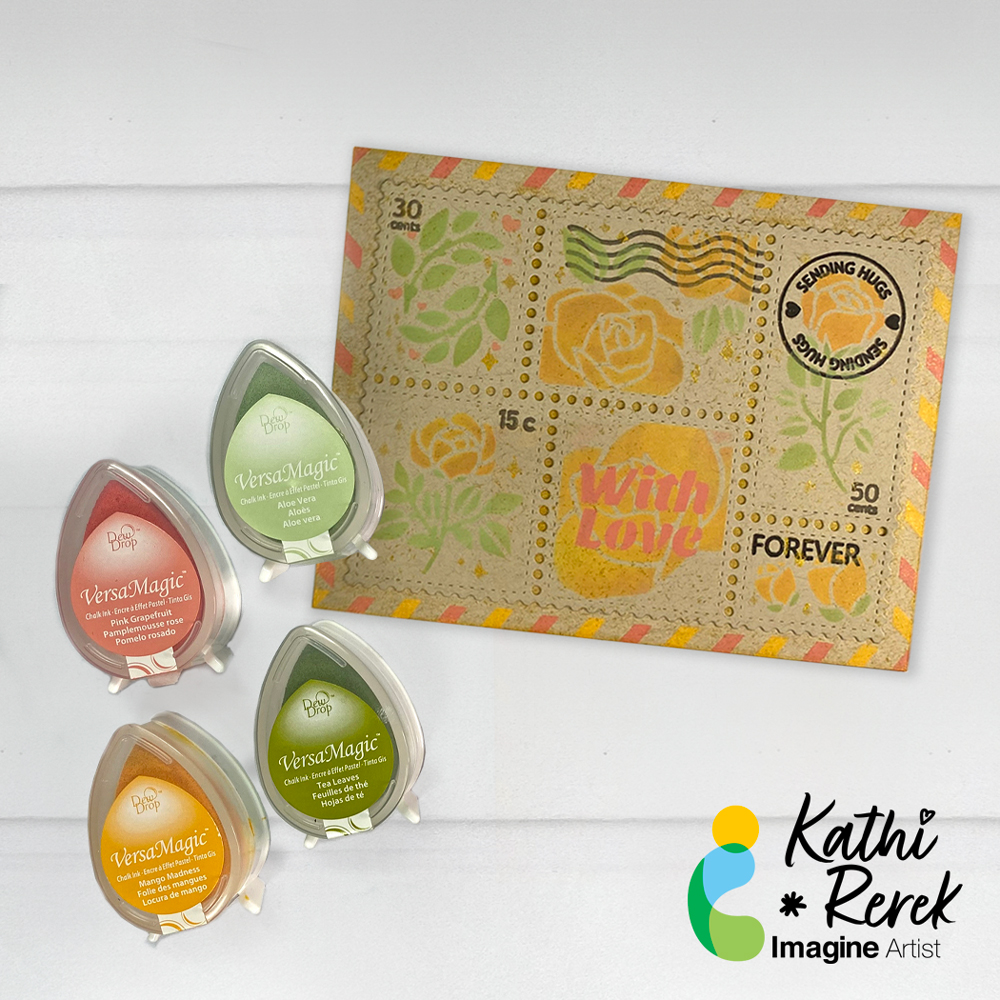
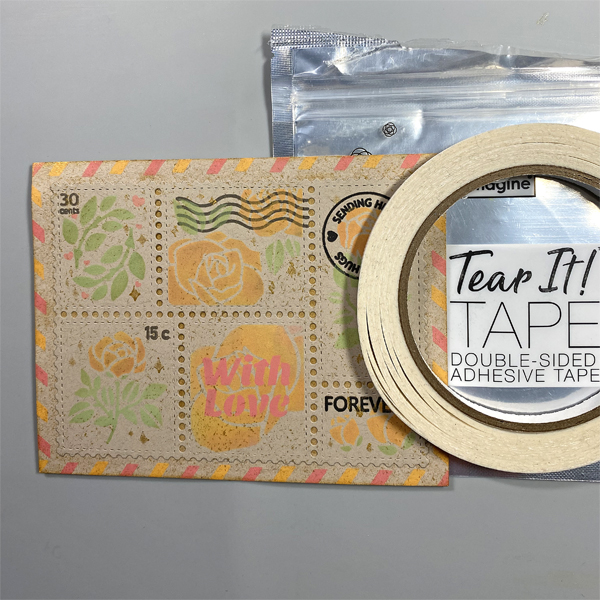
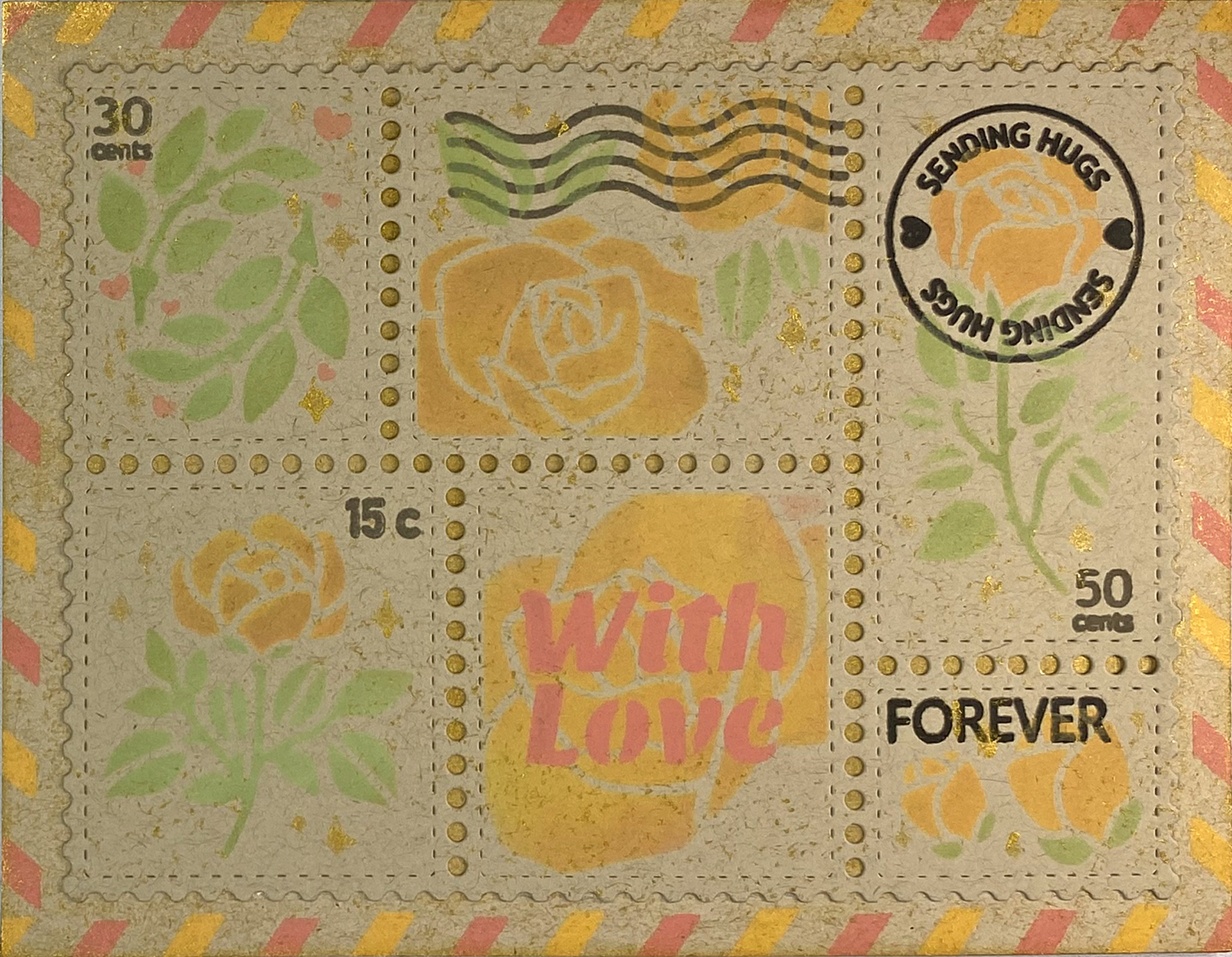
It’s summer and the roses are in full bloom. Let’s make a Rose Postage Card with VersaMagic and Delicata Inks!
Skill Level: Intermediate Time: 1.5 hours
Directions:
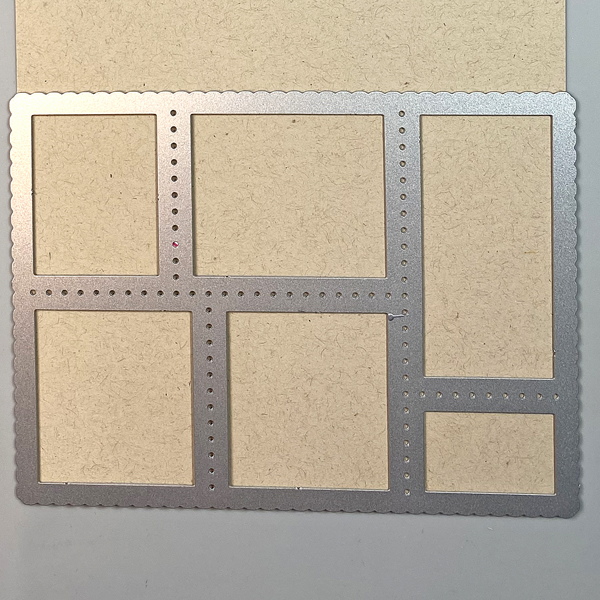
Step 1: Use the Postage Collage die to cut Desert Storm cardstock.
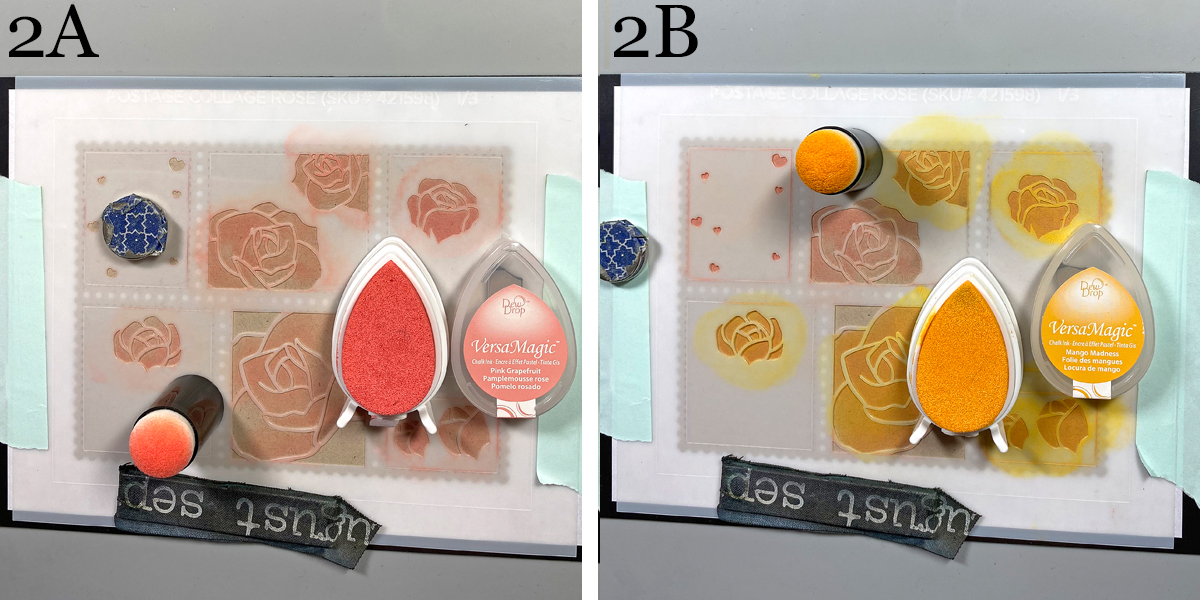
Steps 2A and 2B: Place a magnetic panel onto the cardstock panel. Use temporary adhesive to secure the Rose Postage Collage die-cut to a piece of scrap paper. Use magnets and low-tack tape to secure the first Rose Postage Collage Stencil to the die-cut. Use a Sponge Dauber to apply Pink Grapefruit VersaMagic Ink over the stencil onto the die-cut (2A). Use another Sponge Dauber to apply Mango Madness VersaMagic Ink over the stencil onto the die-cut, blending the ink as you go (2B).
Keep the Postage-Collage Die-cut panel in place. Remove the stencil and clean. Heat set the collage panel.
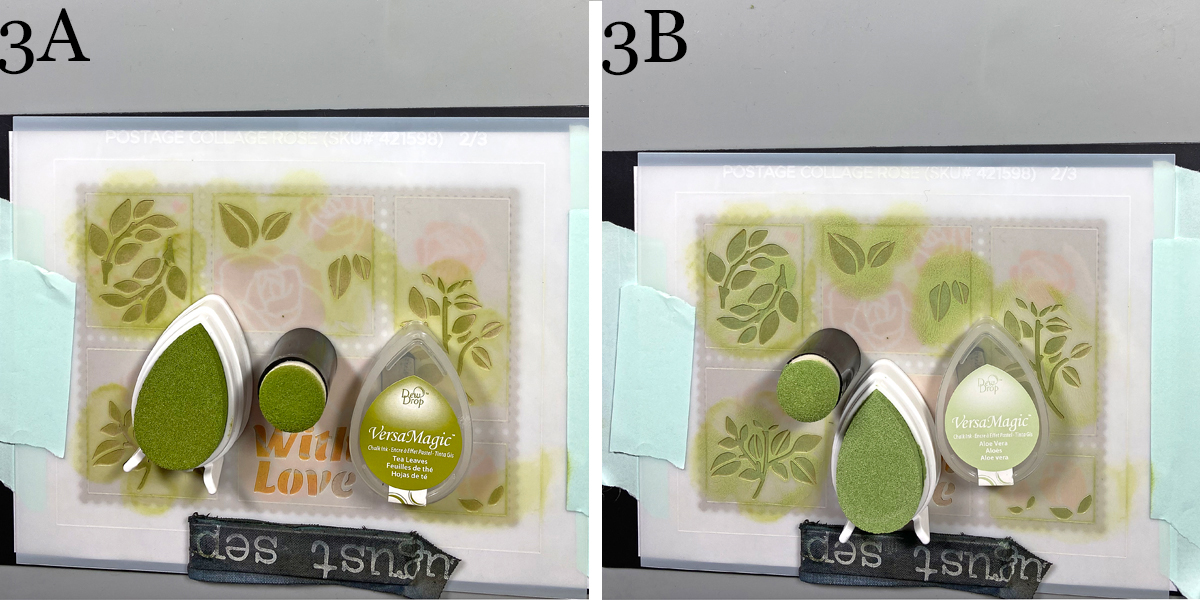
Steps 3A and 3B: Use magnets and low-tack tape to secure the second Rose Postage Collage Stencil to the Postage Collage die-cut. Use a Sponge Dauber to apply Tea Leaves VersaMagic Ink over the stencil onto the die-cut (3A). Use another Sponge Dauber to apply Aloe Vera VersaMagic Ink over the stencil onto the die-cut, blending the ink as you go (3B). Keep the Postage-Collage Die-cut panel in place. Remove the stencil and clean. Heat set the collage panel.
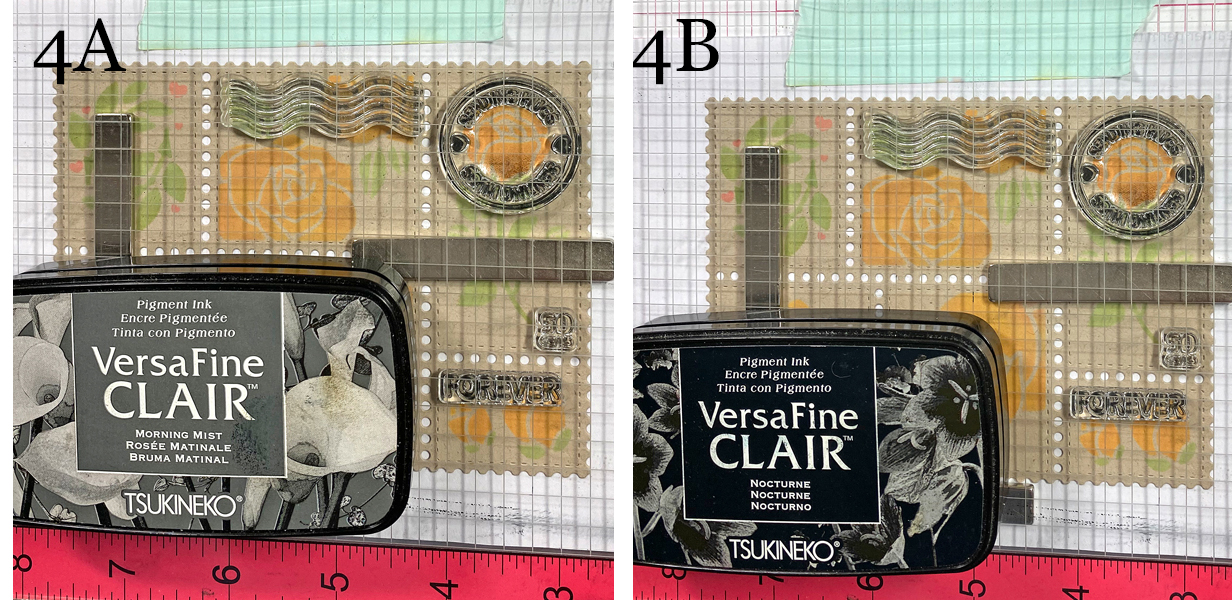
Steps 4A & 4B: Move the Postage Collage Die-cut panel to the base of a stamping platform. Secure with magnets. Position the postmark, cancellation, cost, and “forever” stamps from the Postage Collage Stamp Set facedown on the panel. Press the platform’s lid onto the back of the stamp, lift, ink the stamps with Morning Mist VersaFine Clair Ink, and stamp (4A). I re-inked and stamped some of the stamps with Nocturne VersaFine Clair Ink to add visual weight.
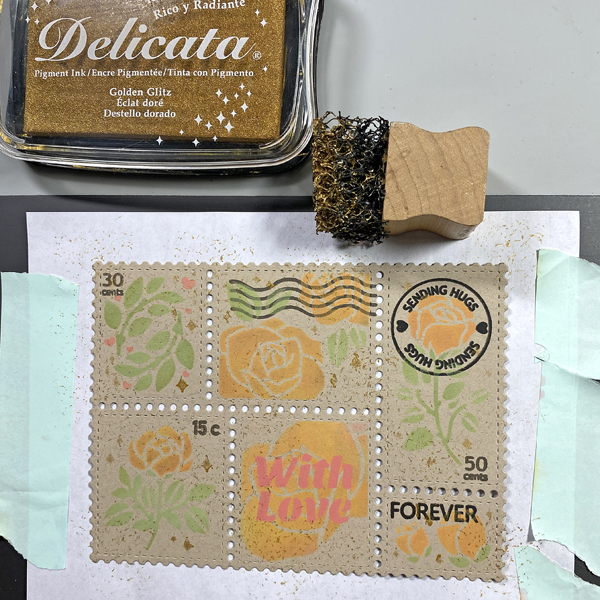
I decided that I wanted to add the words “With Love” from the second Postage Collage Stencil and that I wanted to add more stamped postage items to the collage.
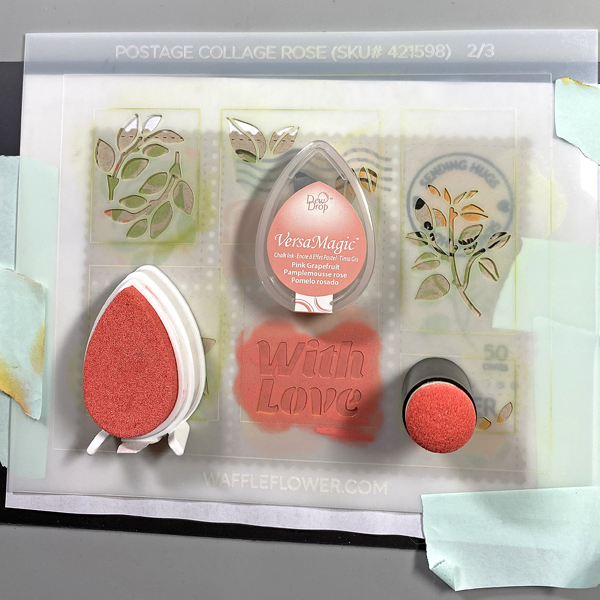
Step 5: Move the Rose Postage Collage Die-cut back onto the magnet panel and secure the second Postage Collage Stencil with magnets and low-tack tape overtop. Re-use the Sponge Dauber from Step 2A to apply Pink Grapefruit VersaMagic Ink over the “With Love” words on the stencil onto the Postage Collage Die-cut panel. When done, lift the stencil, clean it, then heat set the Postage Collage Die-cut panel.
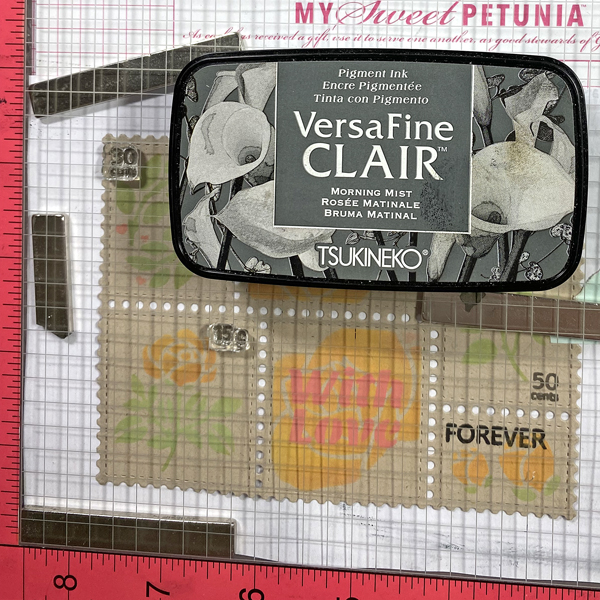
Step 6: Place the Postage Collage Die-cut Panel again onto the base of a stamping platform and secure it with magnets. Place additional postage stamps from Postage Collage Stamp set facedown on the image panel. Press the platform’s lid onto the back of the stamp, lift, ink the stamps with Morning Mist VersaFine Clair Ink, and stamp. When done, remove the Postage Collage Die-cut Panel and heat set.
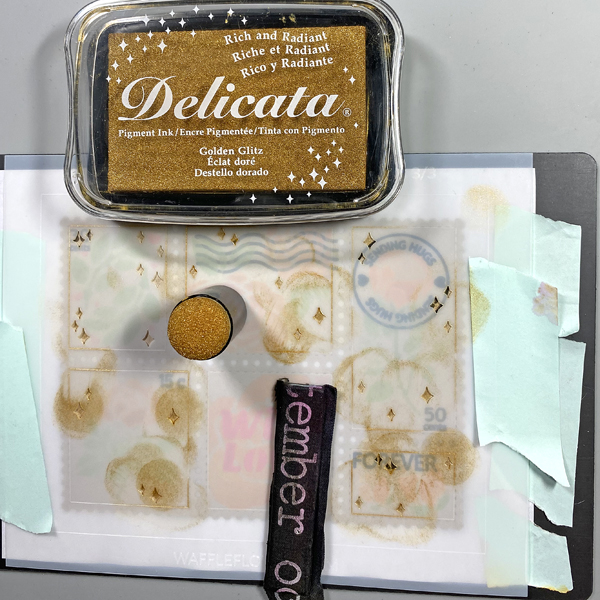
Step 7: Move the Rose Postage Collage Die-cut panel back to the large magnet panel. Use magnets and low-tack tape to secure the third Postage Collage Stencil to the Postage Collage Die-cut panel. Use a Sponge Dauber to apply Golden Glitz Delicata Ink over the stencil onto the Postage Collage Die-cut panel.
Step 8: Use the pouncy tool to apply Golden Glitz Delicata Ink randomly over the Postage Collage Die-cut panel. Heat set the panel and set it aside.
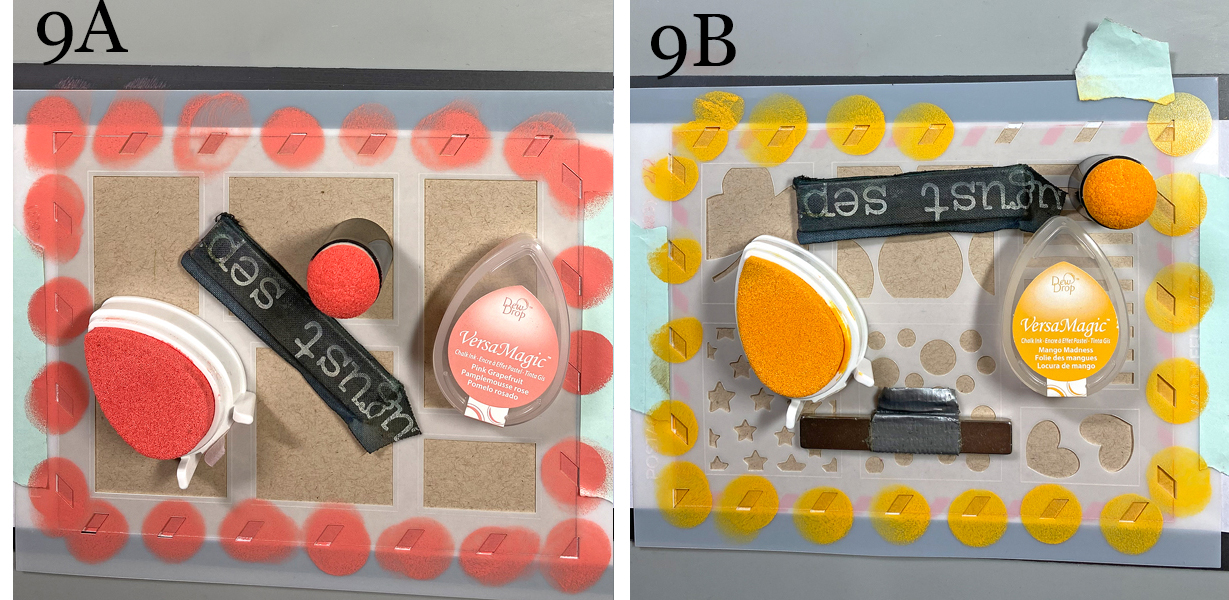
Steps 9A and 9B: Cut a piece of Desert Storm cardstock to 5.5” x 4.25”. Use temporary adhesive to secure this panel to a piece of scrap paper. Use magnets and low-tack tape to secure the first Postage Collage Stencil to the die-cut. Use a Sponge Dauber to apply Pink Grapefruit VersaMagic Ink over the stencil onto the die-cut (9A). Remove the first stencil and heat set the panel.
Use magnets and low-tack tape to secure the second Postage Collage Stencil to the panel. Use a Sponge Dauber to apply Mango Madness VersaMagic Ink over the stencil onto the die-cut (9B). Remove the stencil and heat set the panel.
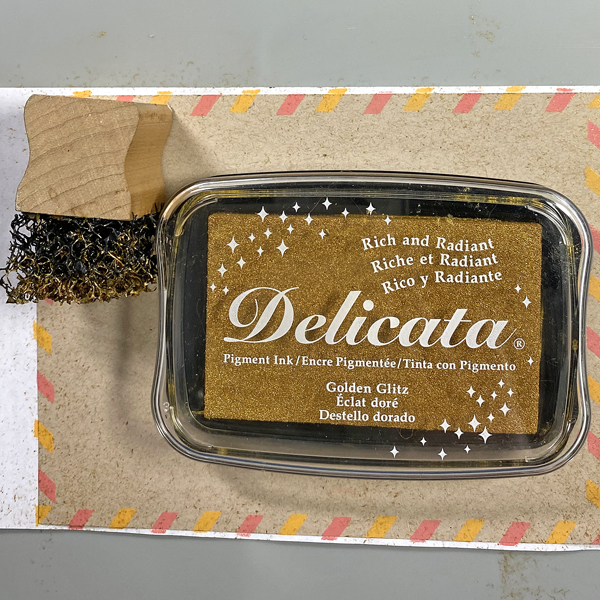
Step 10: Use the pouncy tool to apply Golden Glitz Delicata Ink all over the panel. Heat set.
Step 11: Use Tear-It! Tape to adhere the Postage Collage Die-cut panel to the 5.5” x 4.25” panel, then use to adhere the panel to an A2 card cut from the same cardstock.
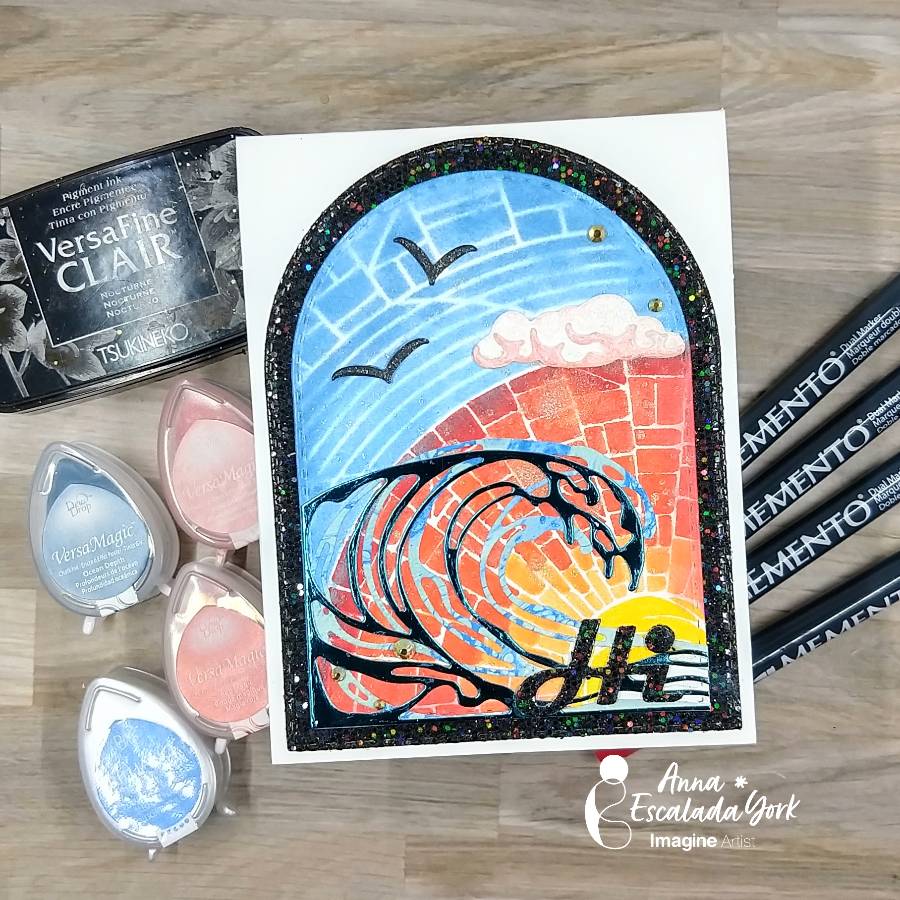
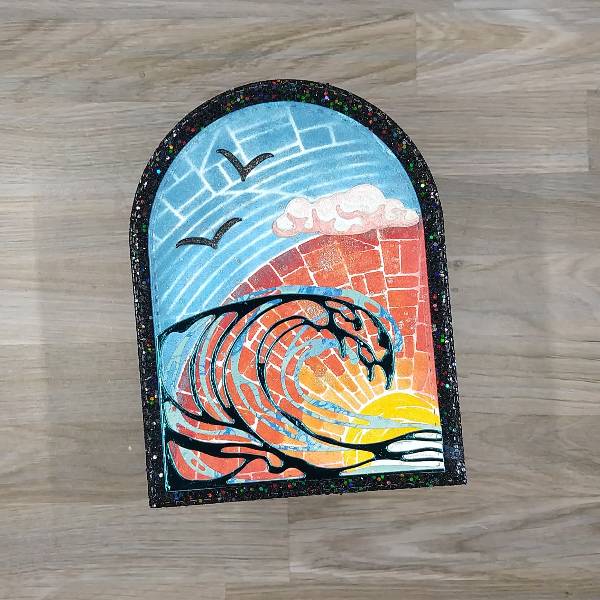
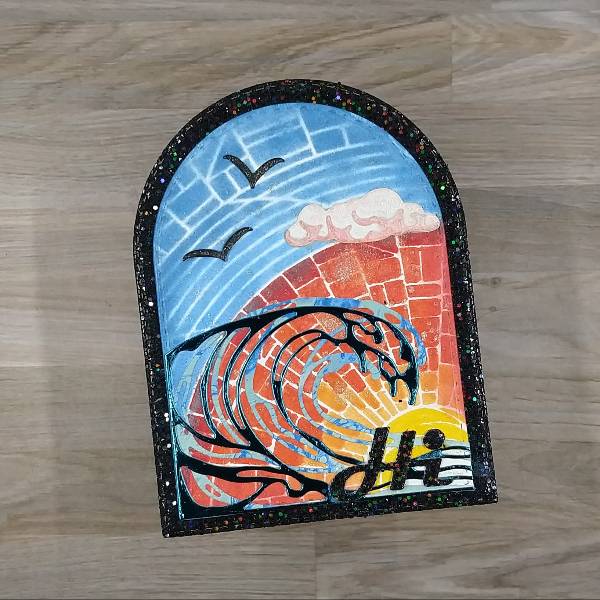
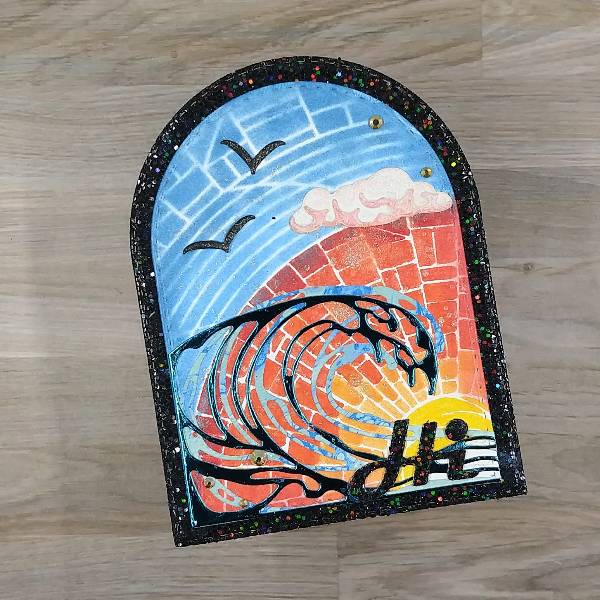
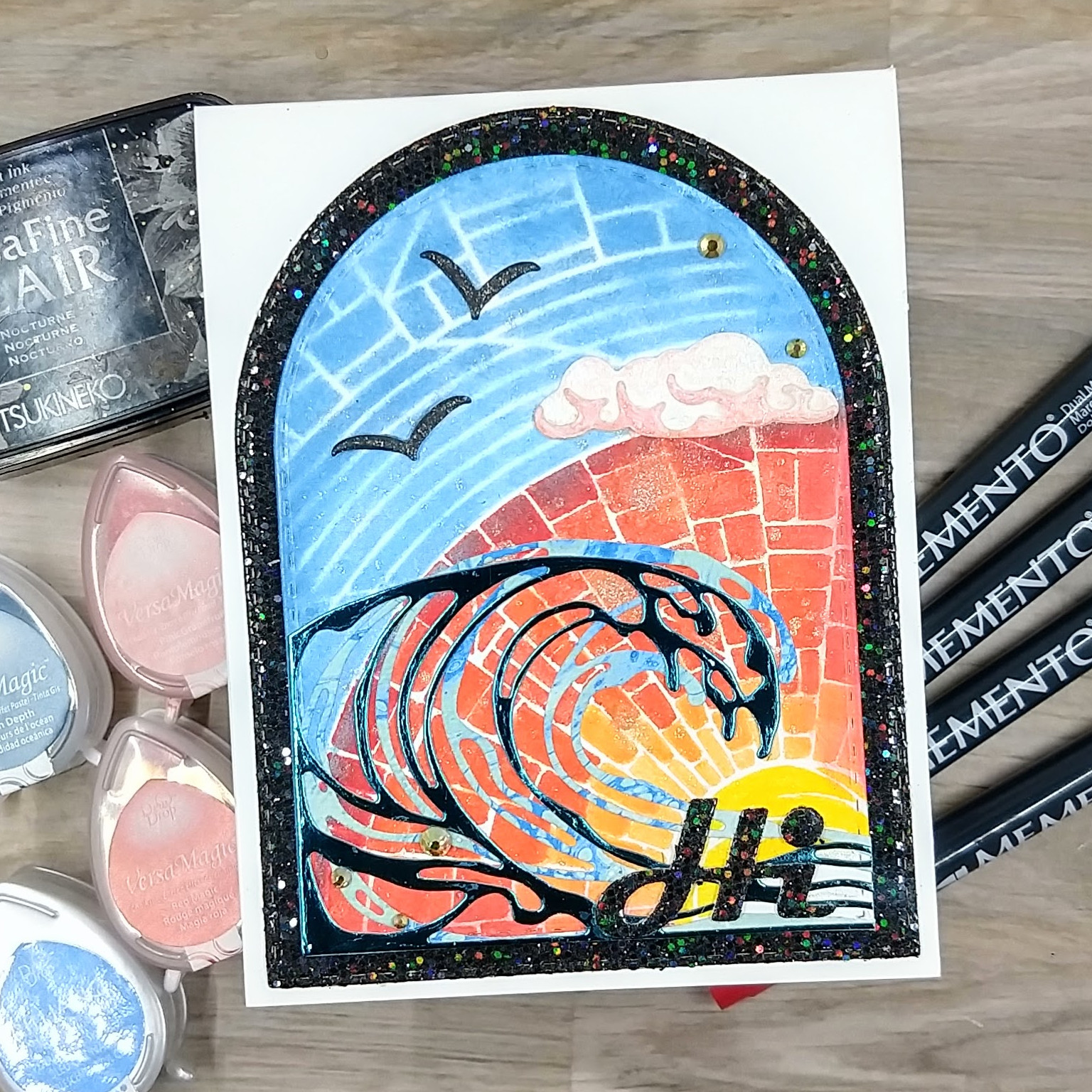
In today’s post, I am sharing a card that features a summer scene.
Skill: Intermediate Time: 1 hour
Directions:
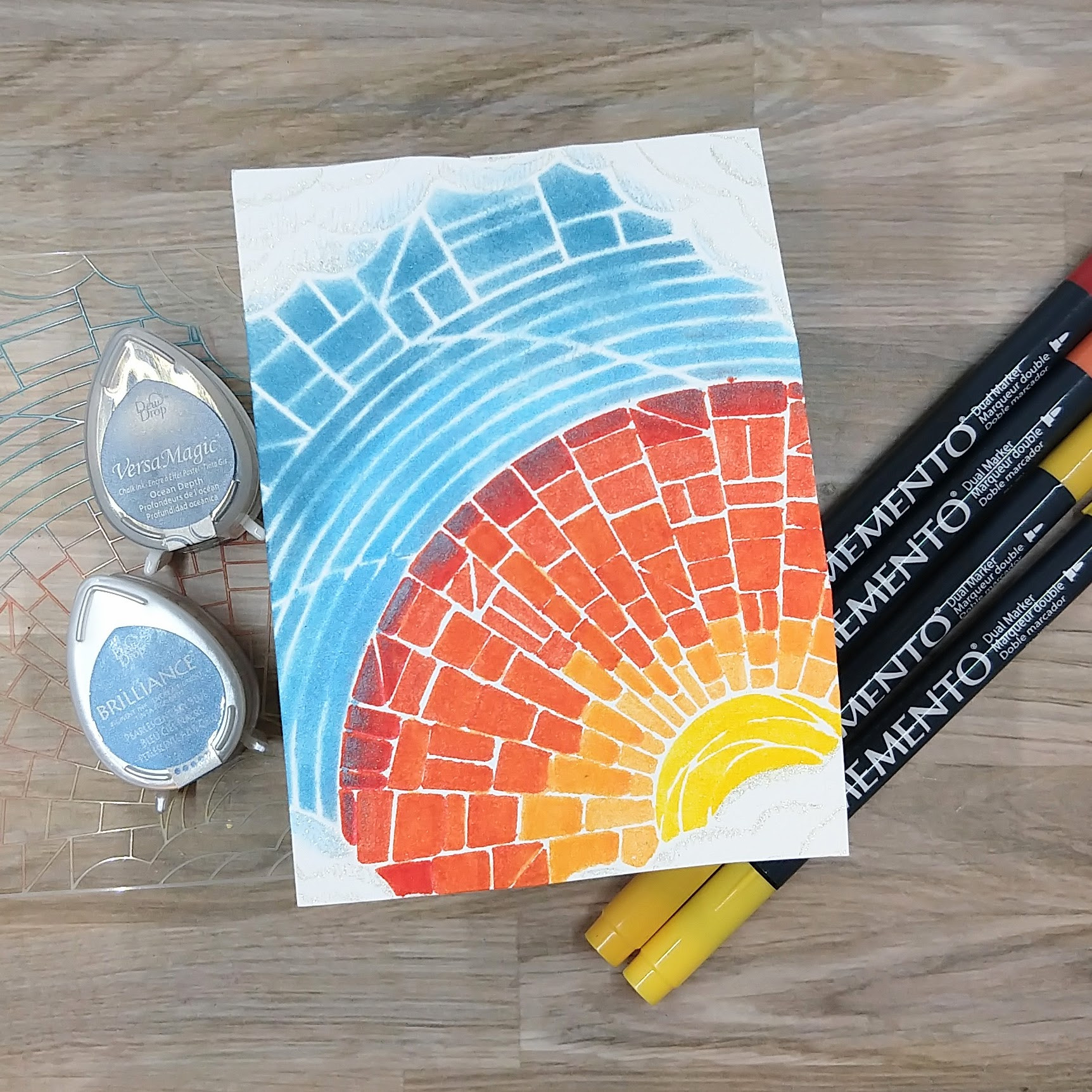
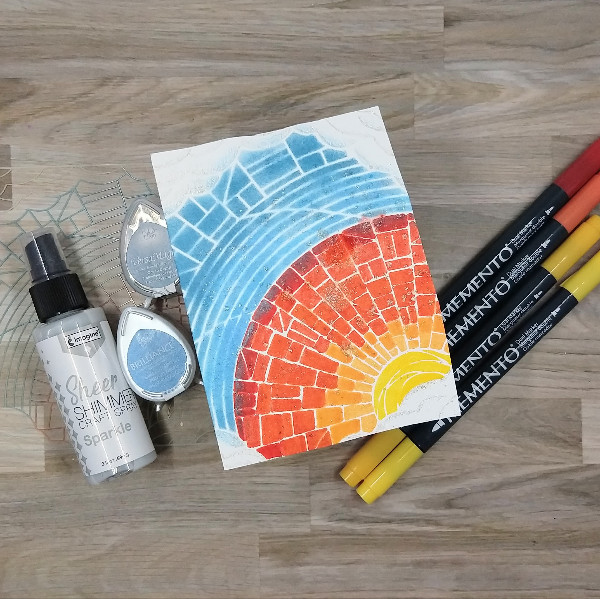
Step 1: Use Memento Markers–Dandelion, Cantaloupe, Morocco and Lady Bug to color the sun and sun rays through a stencil onto watercolor paper. Blend some of the colors together by coloring a lighter color over a darker one to create even more color variety. Use some ink blenders to ink blend the sky with Pearlescent Sky Blue Brilliance (closer to the sun) and Ocean Depth VersaMagic Chalk Ink (farther away from the sun. Use a sparkly clear gel pen to add sparkle to the clouds. (This ended up being mostly die cut out.)
Step 2: Slowly and gently press on the cap of the Sparkle Sheer Shimmer Craft Spray bottle, making sure to only press about half way so that a small amount of splatters go onto the watercolor panel. Allow to dry.
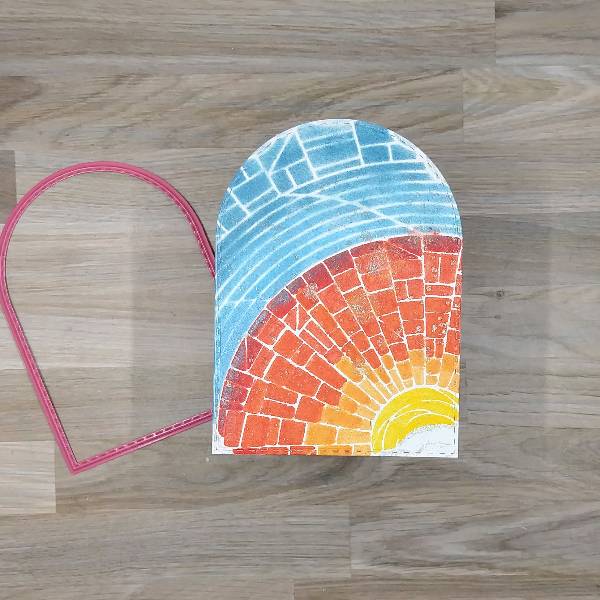
Step 3: Die cut the panel with a mid-sized arch die.
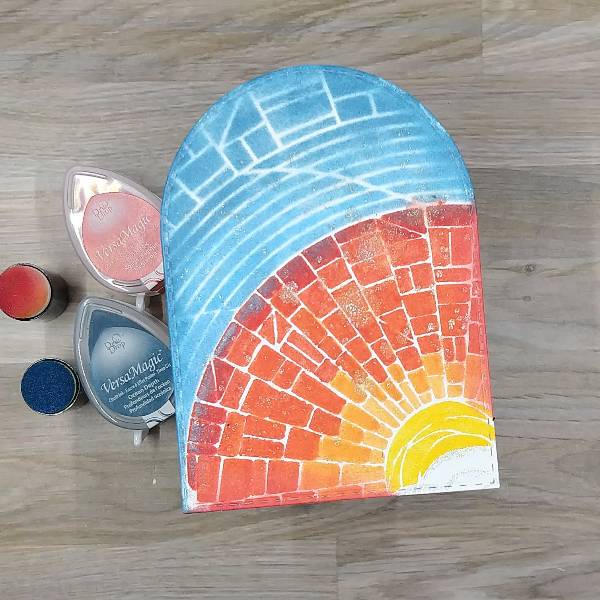
Step 4: Using daubers, ink blend Red Magic VersaMagic Chalk Ink along the bottom and right side of the die cut (where the orange and red rays touch the edges) and more of the Ocean Depth VersaMagic Chalk Ink along the left edge through the upper third part of the right edge (where the blue sky touch the edges). Don’t ink blend the bottom right corner of the panel (with the sun and cloud).
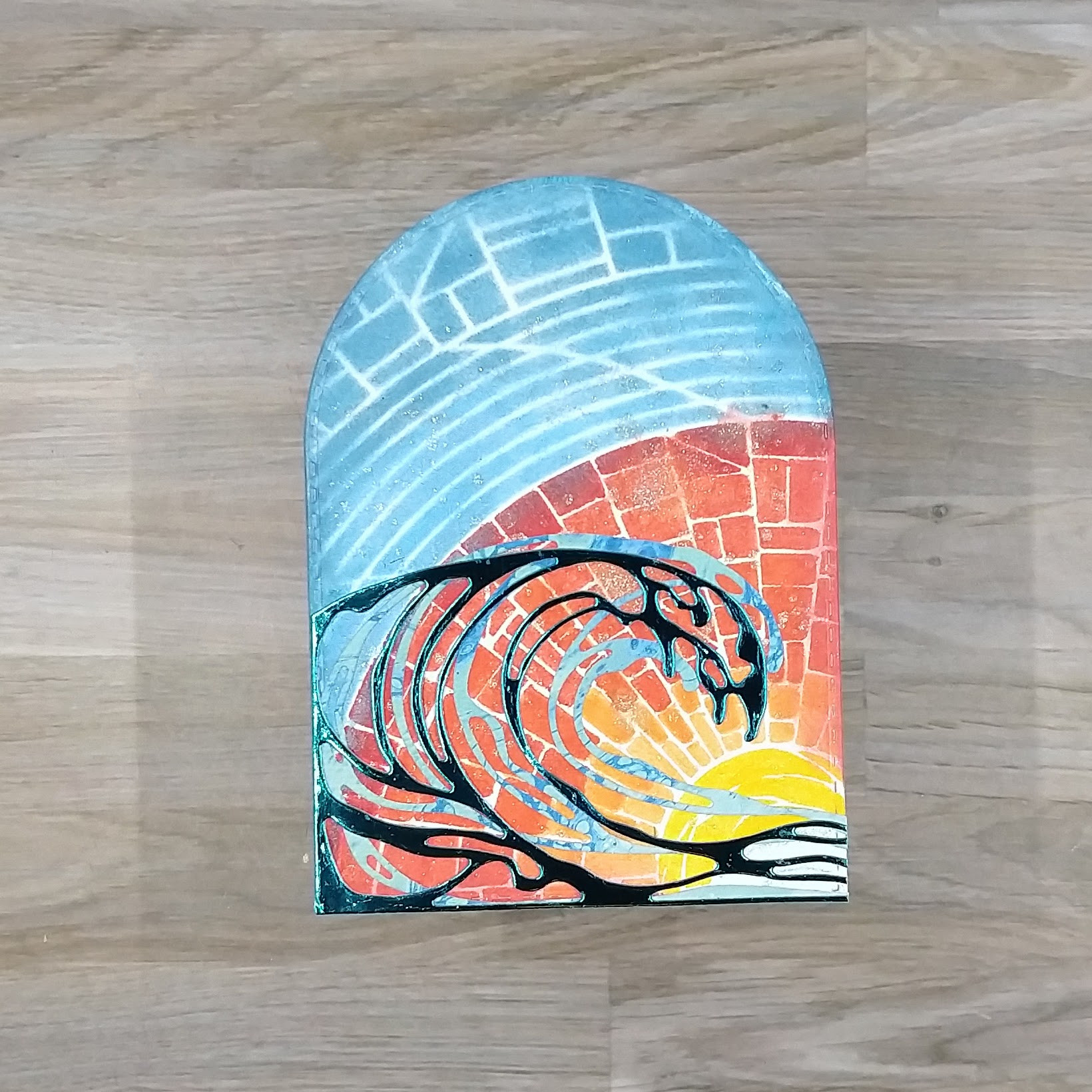
Step 5: Using die two die cuts, die cut some blue and green patterned paper and blue mirror cardstock to look like waves. (I used leftover die cuts from a previous project.) Glue the blue and green cardstock wave first, and then glue the blue mirror cardstock on top of it. Make sure the left side and bottom of both die cuts align with the edges of the arch. Trim the right side of the die cut waves so that they stop along the edge of the arch.
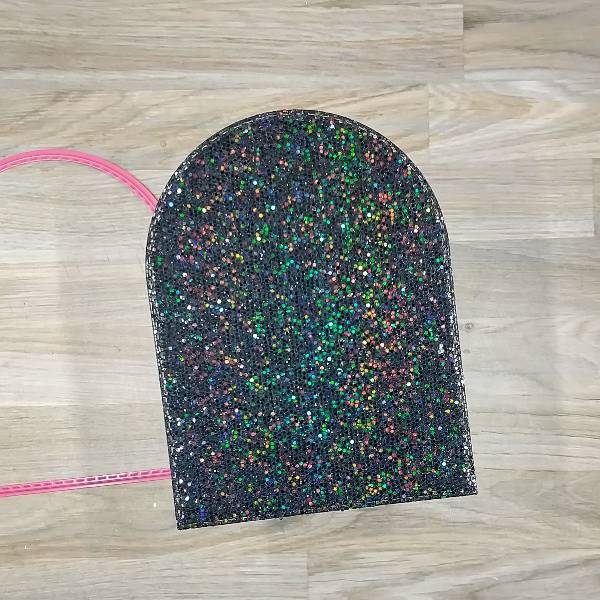
Step 6: Use the largest arch die in the set to die cut a piece of sparkly black cardstock for the matte layer.
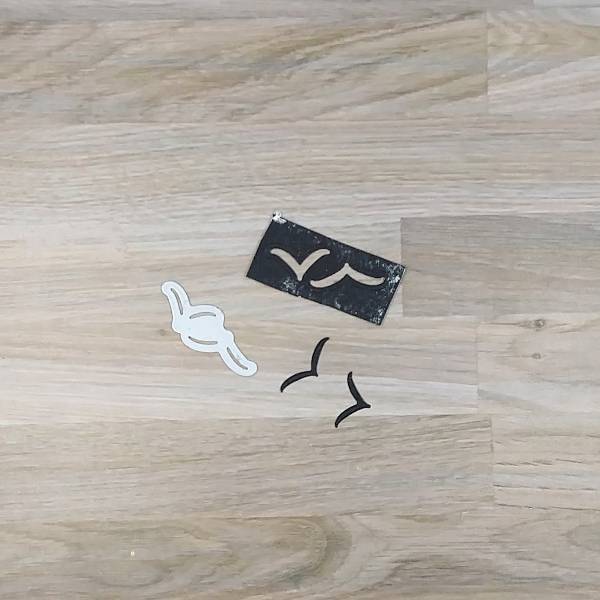
Step 7: Press the Nocturne VersaFine Clair ink onto a small scrap of watercolor paper to create black cardstock. Die cut two small bird silhouettes out of the black paper.
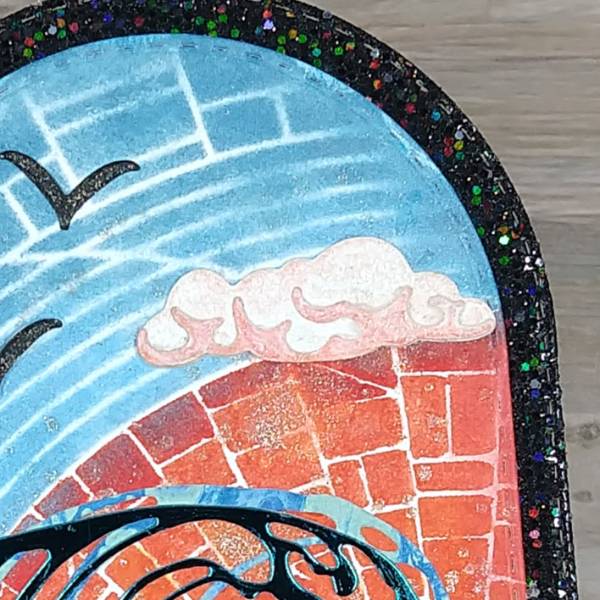
Step 8: Use two die cuts to create two layers of a cloud, both out of watercolor paper. Use an ink dauber to very lightly ink blend Pink Grapefruit VersaMagic Chalk Ink onto the base (larger) layer. Ink blend the upper player with the same Pink Grapefruit VersaMagic Chalk Ink with a heavier hand so the layer is a darker pink. Then spray both layers of the cloud with more Sparkle Sheer Shimmer Craft Spray. After both layers of the cloud are dry, glue them together. Then glue the cloud onto the right side of the card panel. I positioned my cloud to cover a small imperfection from the stenciling.
Step 9: Glue the birds onto the card base. (Optional step: Add glitter to the birds by coloring on them with a sparkly clear gel pen. Then glue the main scene onto the black matte layer.
Step 10: Die cut the sentiment out of the same black sparkly cardstock and attach to the bottom corner of the upper (stenciled) layer. If desired, die cut a second piece of scrap cardstock with the same die to add dimension underneath the stencil or to help make the tittle (the dot on the i) pop up as it doesn’t have layers of die cuts behind it like the rest of the sentiment does.
Step 11: Glue sequins onto the bottom left corner and upper right part of the card.
Step 12: Glue the whole card onto an A2-sized white card base.
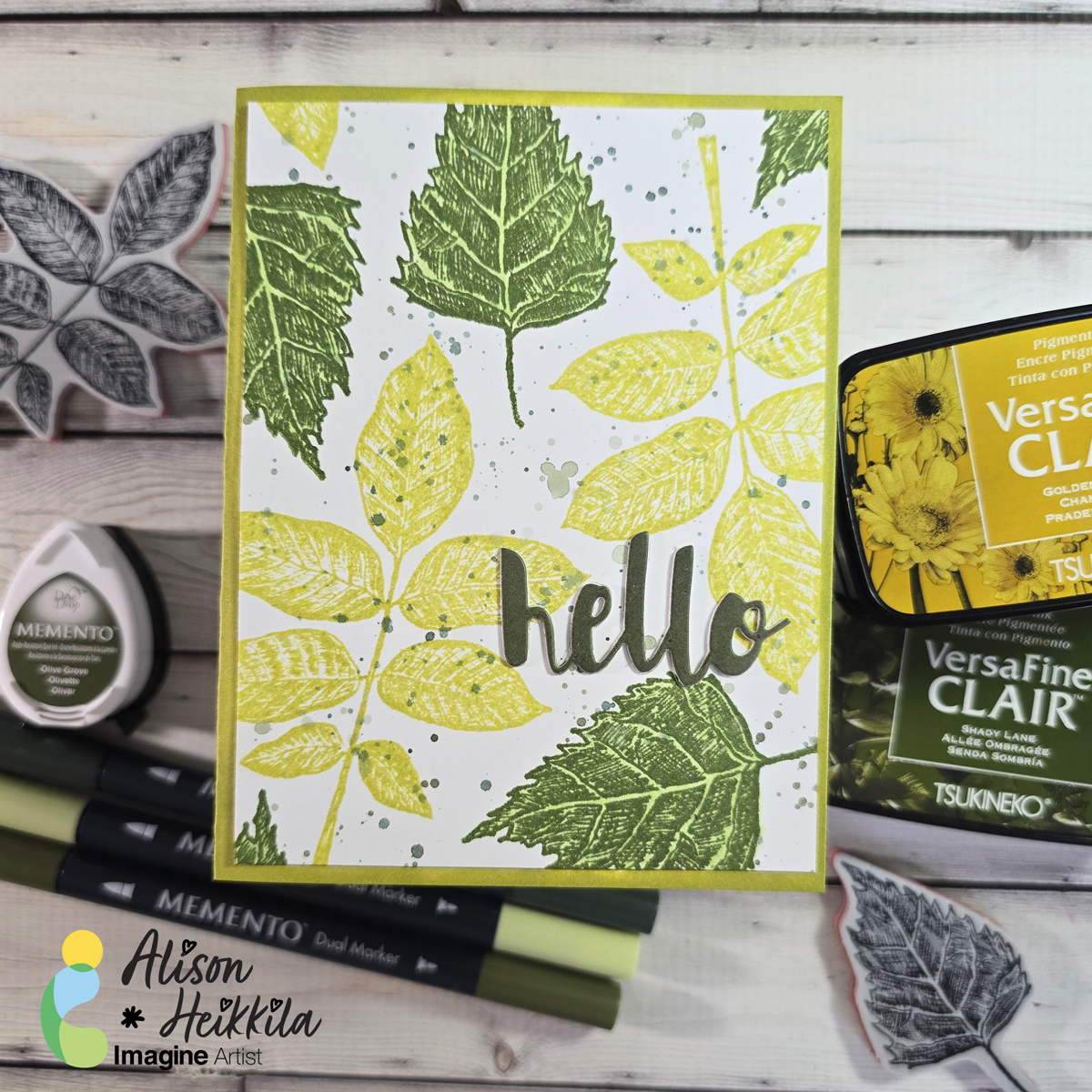
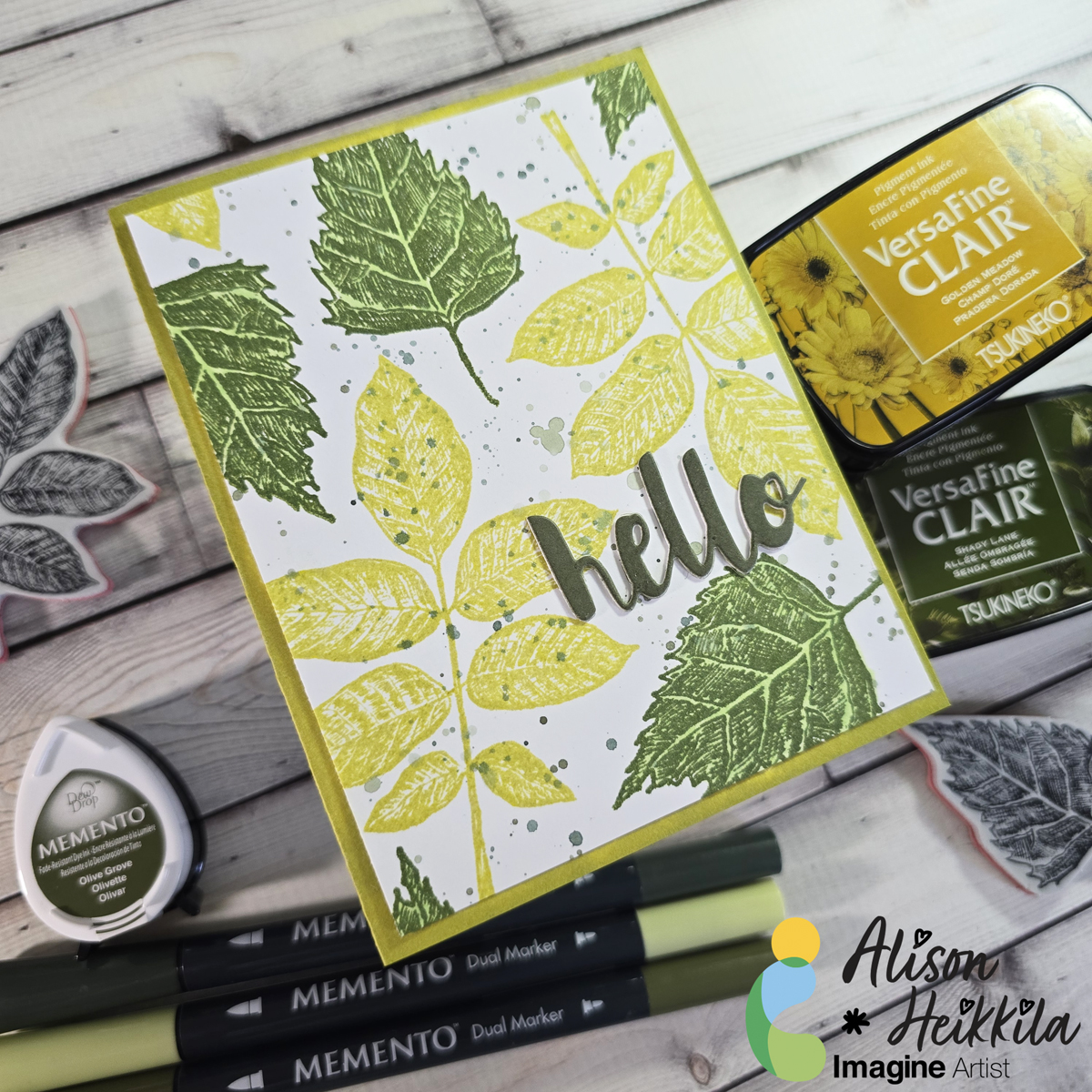
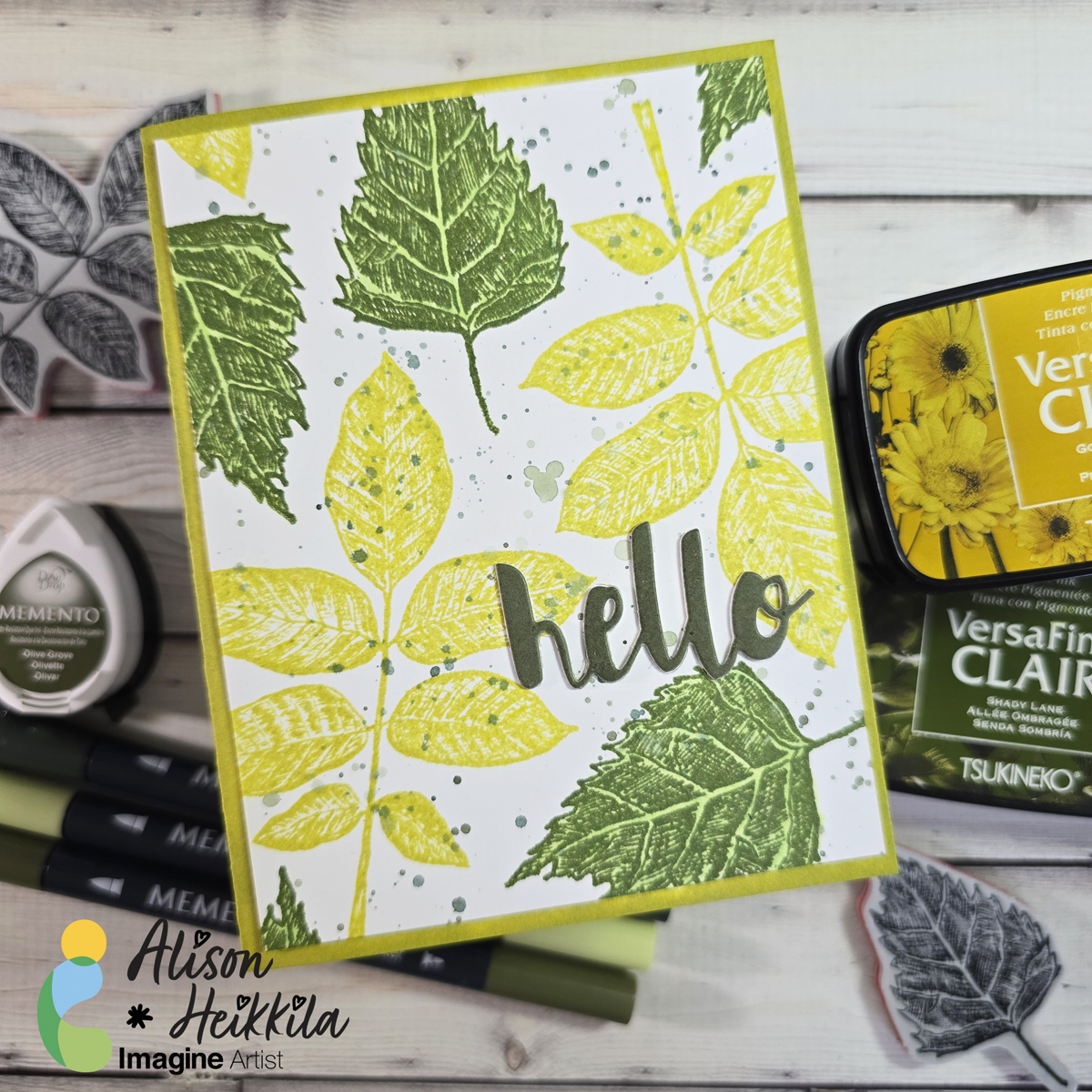
Hello! I’m Alison Heikkila and today I have a fun card with a foliage theme today that you can use for pretty much anyone, and almost any occasion. We’re going to use a variety of greens and a couple of fun tricks.
*Some affiliate links are used in this post. That means that if you shop through these links, I may receive a small compensation, at no cost to you. For more information, please see my Affiliates page, where I also have some coupon codes.
Skill Level: Beginner Time to Complete: 20 minutes
I love how this came out, and it was so fast to make. Wouldn’t it be fun to try it with different colors….even like pinks and purples? That’s it for me today. Thanks so much for stopping by. Have an inspiring day!
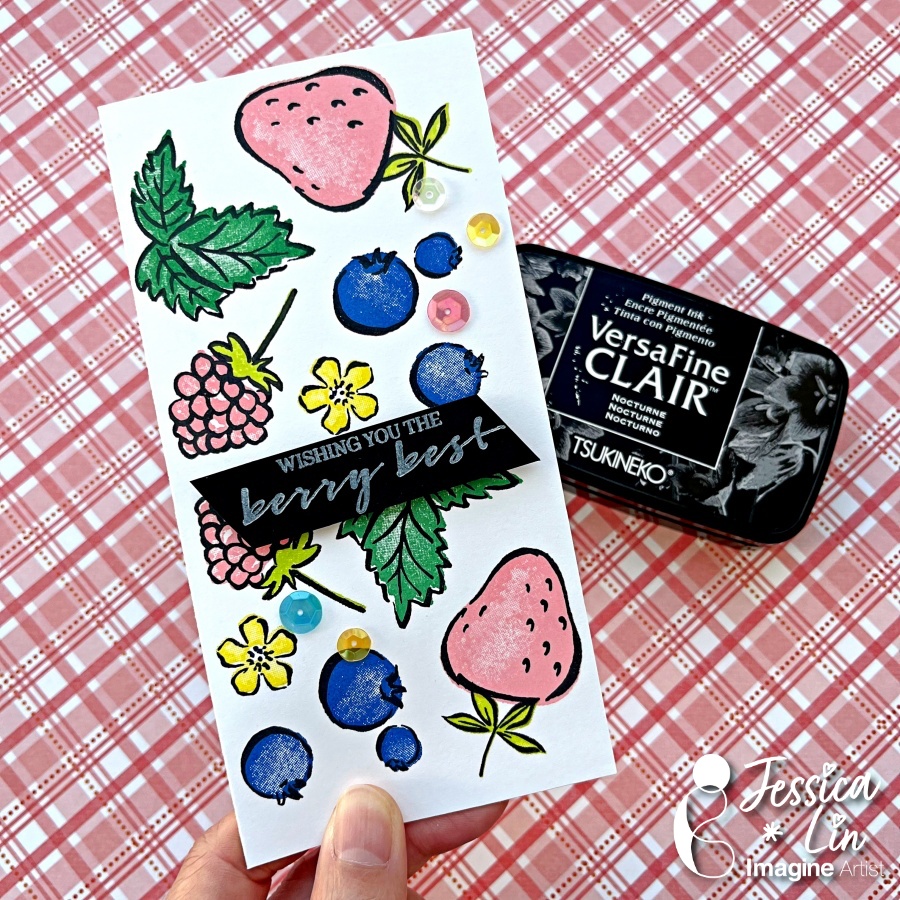
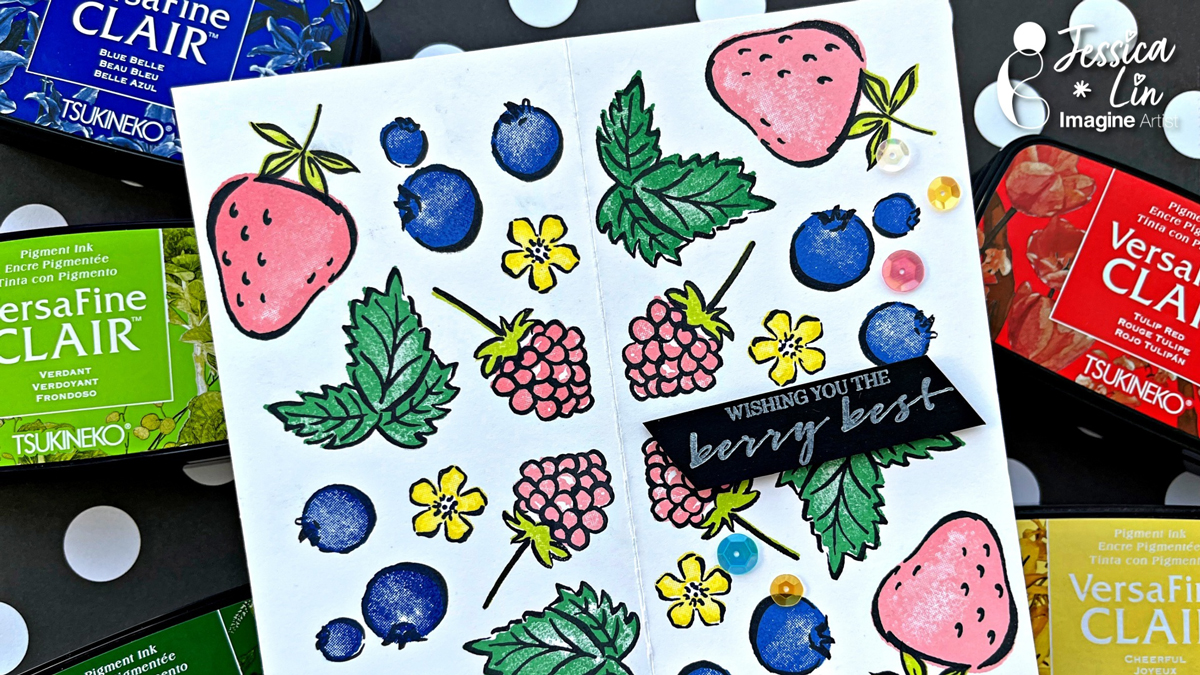
Hi everyone! Summer is finally here and I’m so excited for the sunny weather! What reminds you of summer? I think of pools, ice cream and acai bowls, which is the inspiration for today’s card. Most of my creations are more advanced with lots of tools and techniques, but I thought today I would do a simple card with just stamps and inks.
Skill: Beginner Time: 30 minutes
Directions:
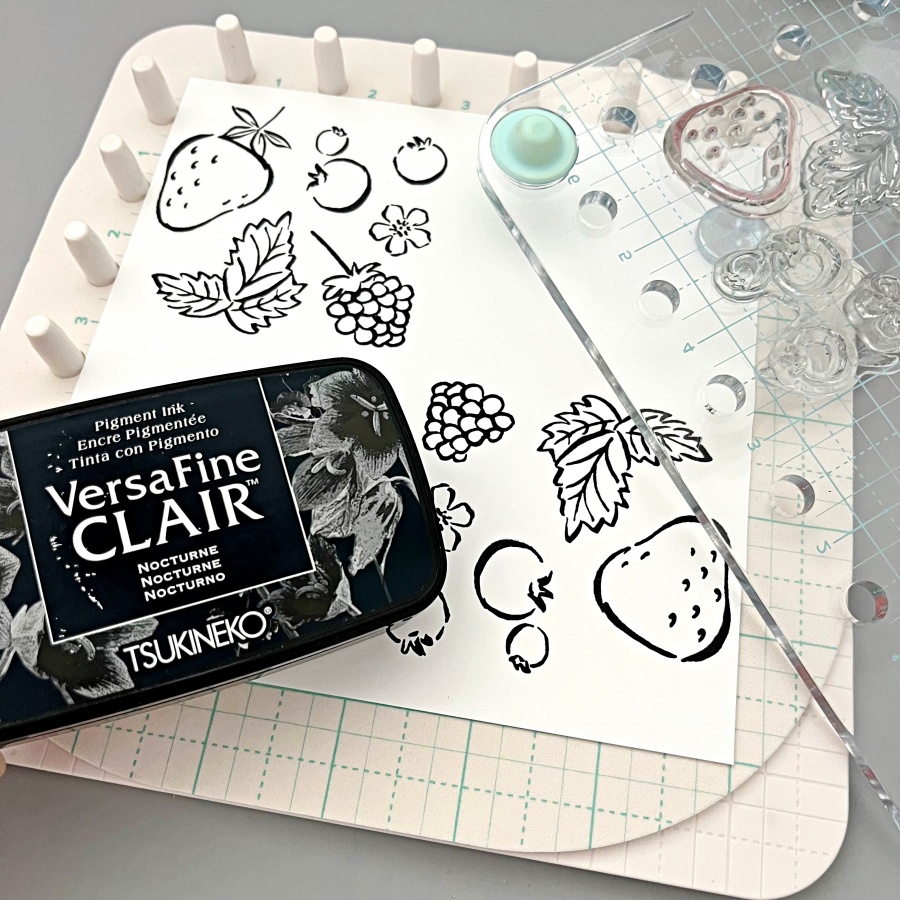
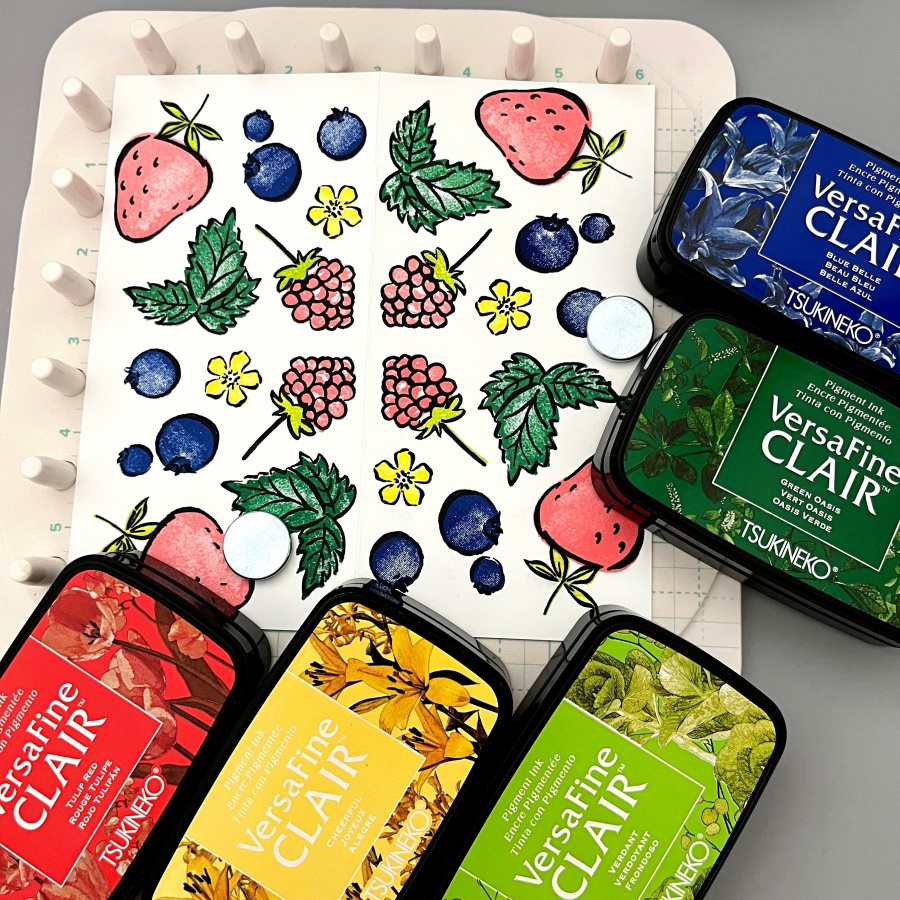
Step 1: I’m using two stamp sets today: Sweet Strawberry and Berry Blessings. I stamped the fruit outline images with VersaFine Clair ink in Nocturne. This is my favorite black ink! Today’s card is a smaller notecard style so I’m stamping on a 6’’ x 6’’ square piece cardstock. I am also trying out a new rotating stamping technique on the We R stamp platform. This is such a fun tool to use to create your own patterned backgrounds. I placed the stamps within the 3’’ x 3’’ grid and rotated the plate 4 times with 90 degrees each time. If you don’t have this particular stamping tool, you could stamp the outlines freehand as well.
Step 2: I then stamped the layering images with these VersaFine Clair inks. I love the bright, bold colors, especially for a summertime themed card.
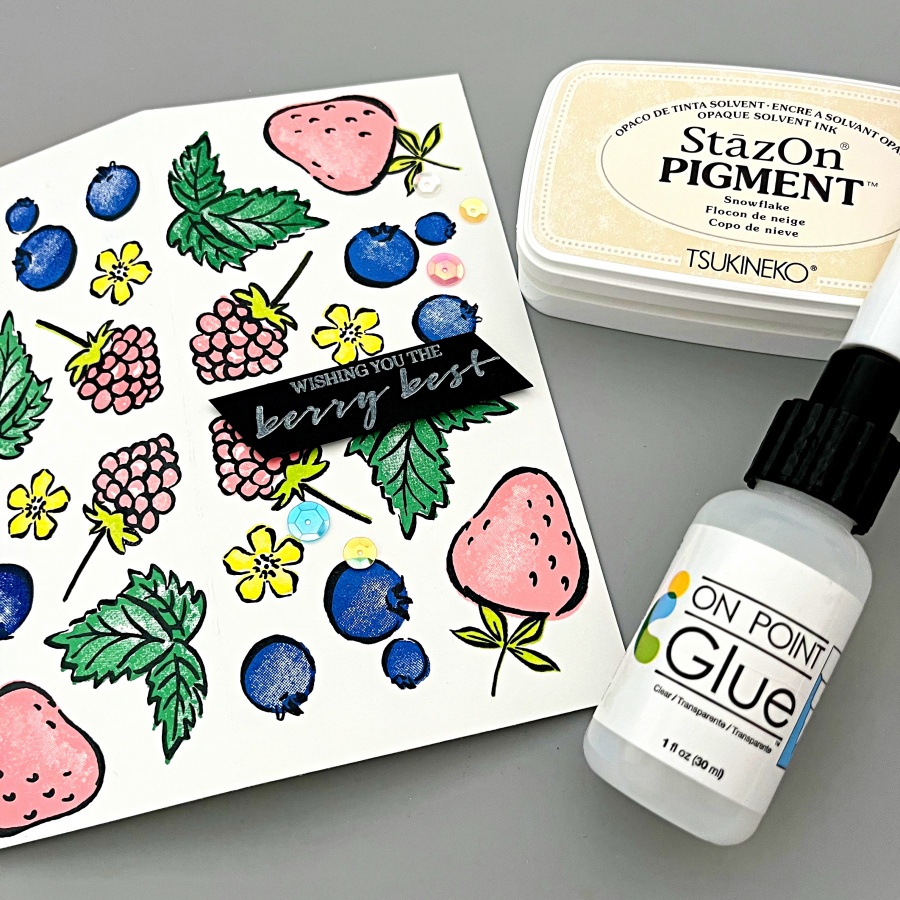
Step 3: To keep the sentiment simple, I used StazOn Pigment ink in Snowflake and stamped it on black cardstock. For a more vibrant look, you could heat emboss with white embossing powder. But the StazOn Pigment ink is a great alternative for beginners with just inks and stamps in their stash. I adhered some sequins with On Point glue as some finishing touches, and a simple summer notecard is complete! Thanks so much for stopping by and I hope you enjoyed this quick project.

 Imagine Blog