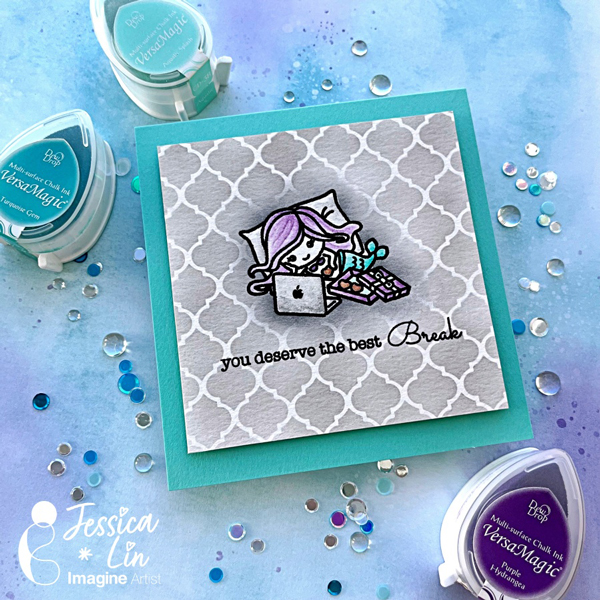
Watercolor with VersaMagic Inks for a Teacher’s Card

By Jessica Lin

Skill: Intermediate
Time: 45 hour

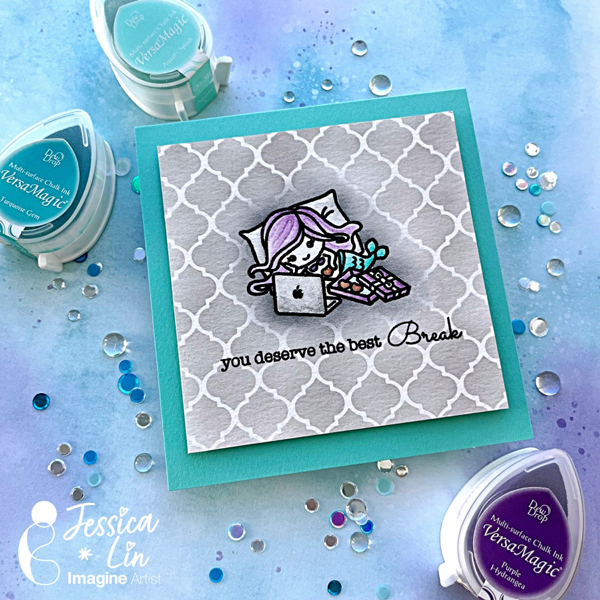
Hello hello! Back to school season is right around the corner, can you believe that summer flew by so quickly? Today I have a Teacher’s card to share with you and we are coloring with some of my favorite ink pads as well!

Step 1:
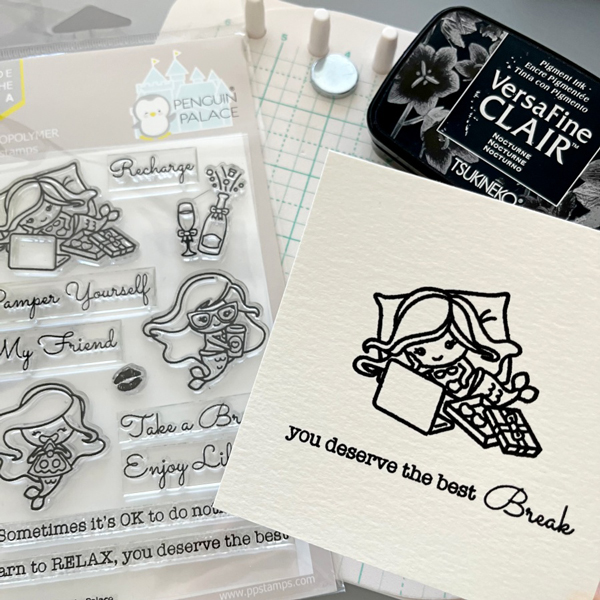
Stamp the mermaid image using VersaFine Clair Nocturne ink pad and heat emboss with clear Mboss powder. I also stamped 2 sentiments partially to create a new phrase.

Step 2:
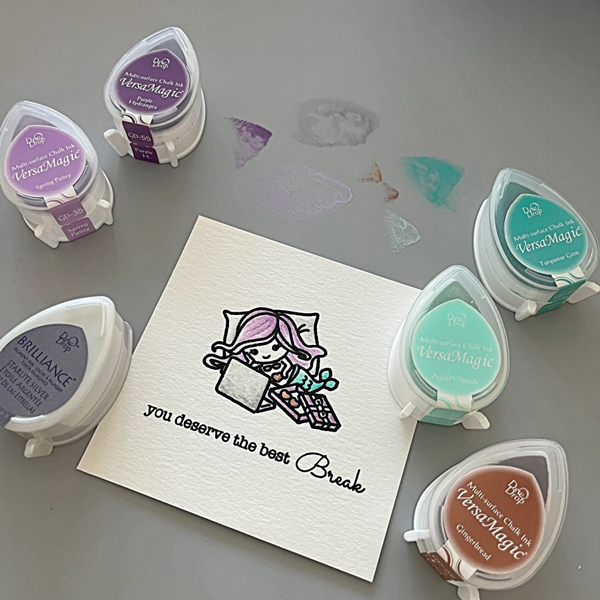
Dab some ink on the Craft Mat and watercolor the image using a waterbrush.

Step 3:
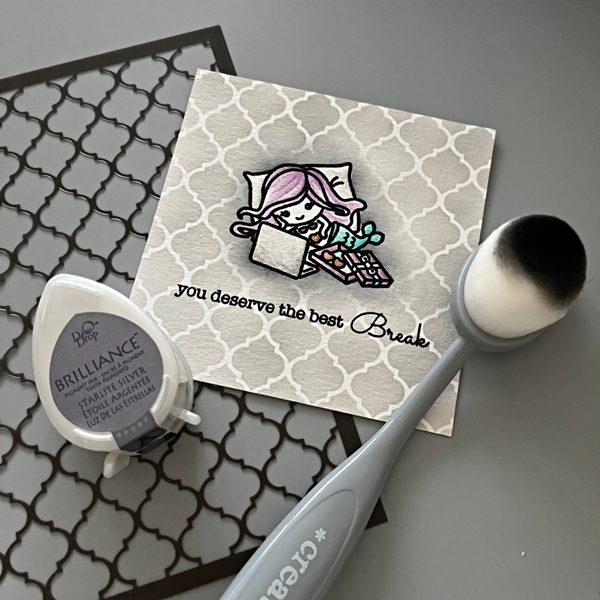
Mask the image with masking tape and blend Starlite Silver ink across the moroccan stencil. I also blended Memento Tuxedo Black ink around the mermaid image to create a shadow-glow effect.

Step 4:
Adhere the front panel to a square cardbase with foam tape, and the card is complete!

Products Used

Imagine Supplies:

Other Supplies:

  • Penguin Palace – Stamps – Take a Break
  • Stampin’ Up! – Stencil – Artistic Mix Decorative Masks
  • We R – Tool – Precision Press
  • Foam Tape
  • Heat Tool
  • Stampin’ Up! – Cardstock – Coastal Cabana

Simple Background Stamping with VersaFine Clair Inks

By Jessica Lin

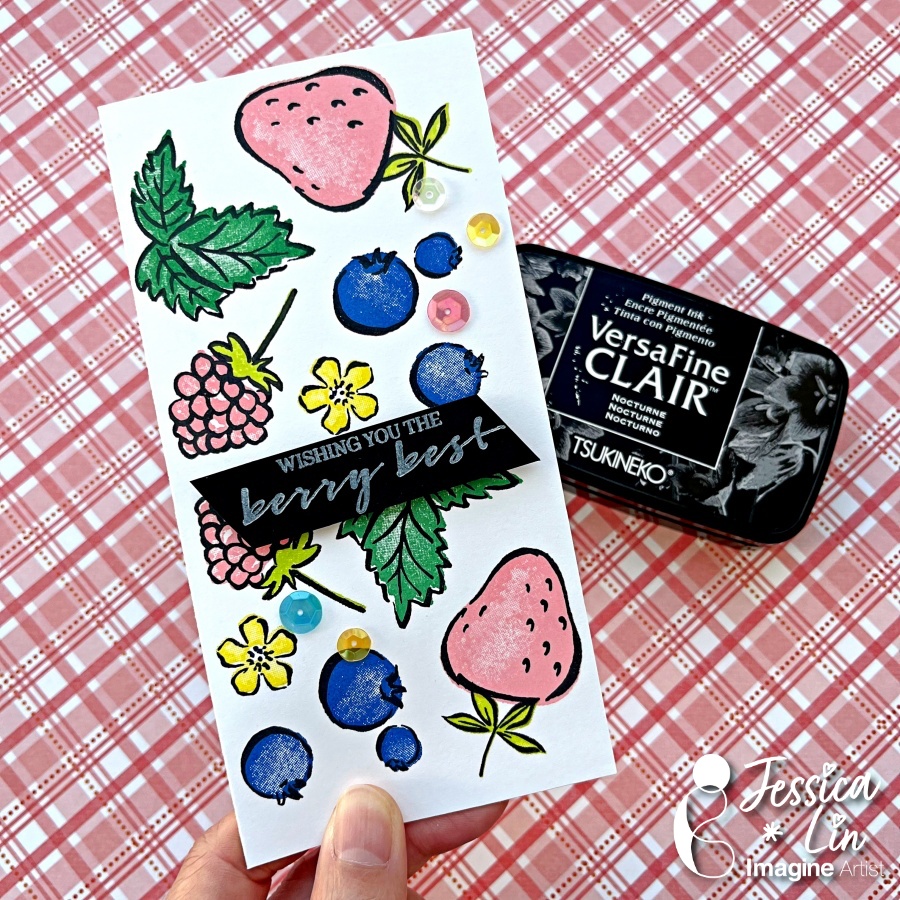
Hi everyone! Summer is finally here and I’m so excited for the sunny weather! What reminds you of summer? I think of pools, ice cream and acai bowls, which is the inspiration for today’s card. Most of my creations are more advanced with lots of tools and techniques, but I thought today I would do a simple card with just stamps and inks.

Skill: Beginner
Time: 30 minutes

Directions:

Step 1:
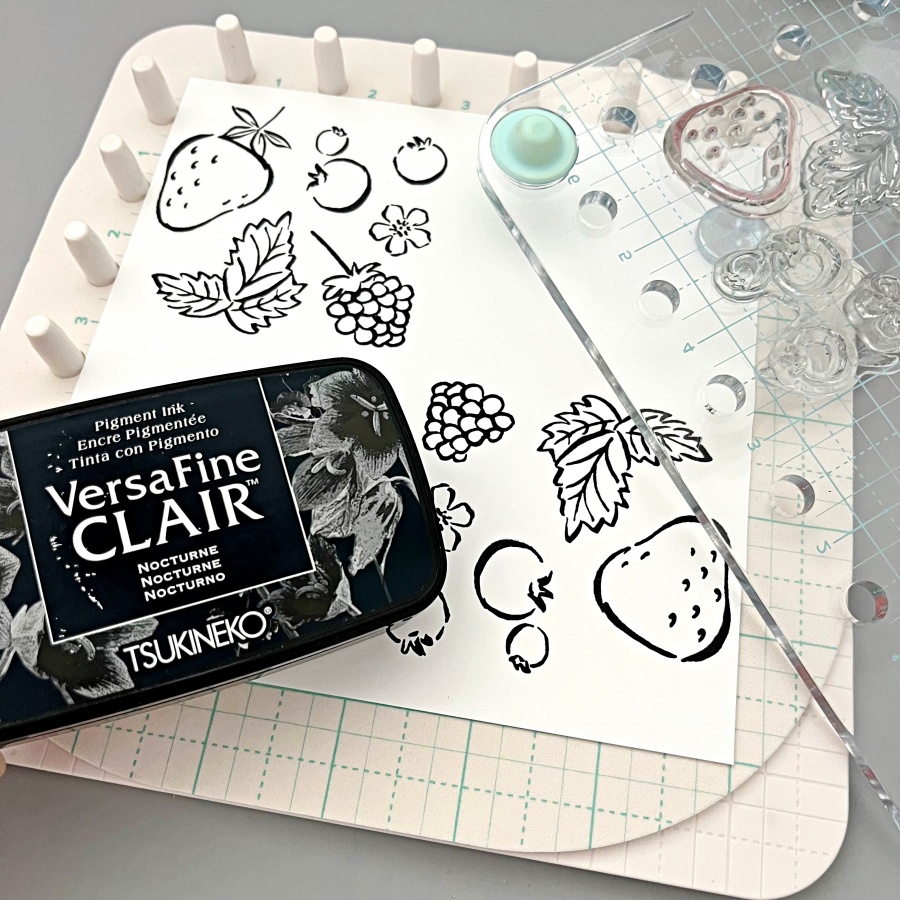
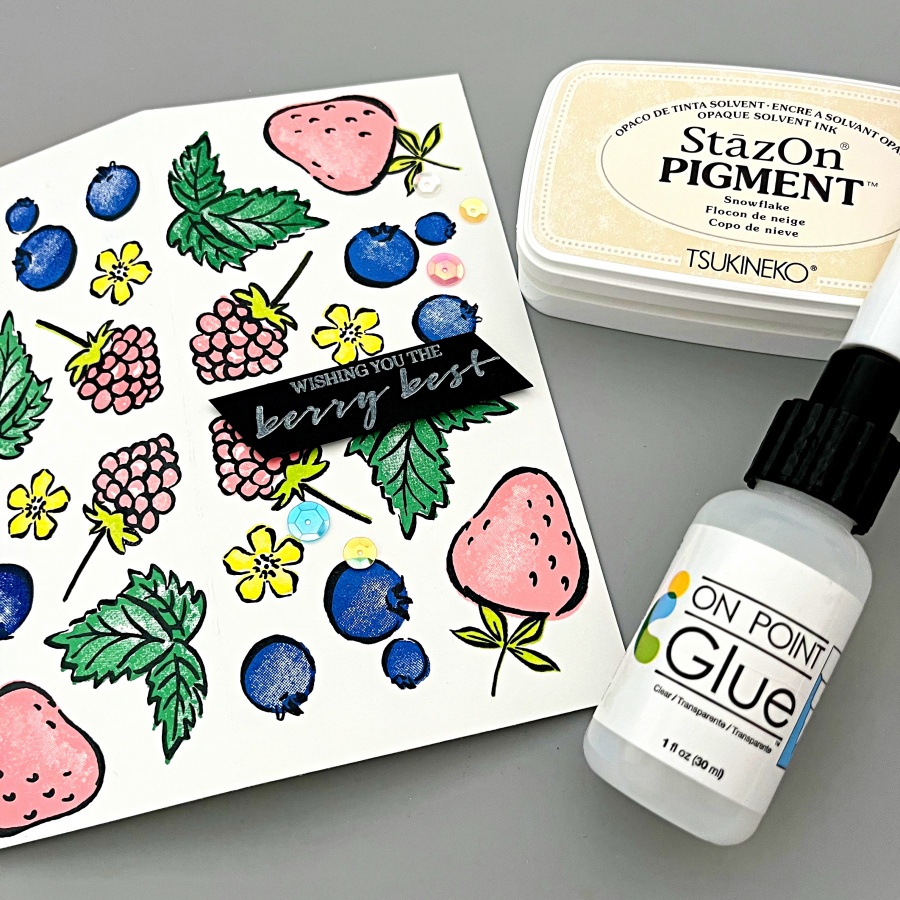
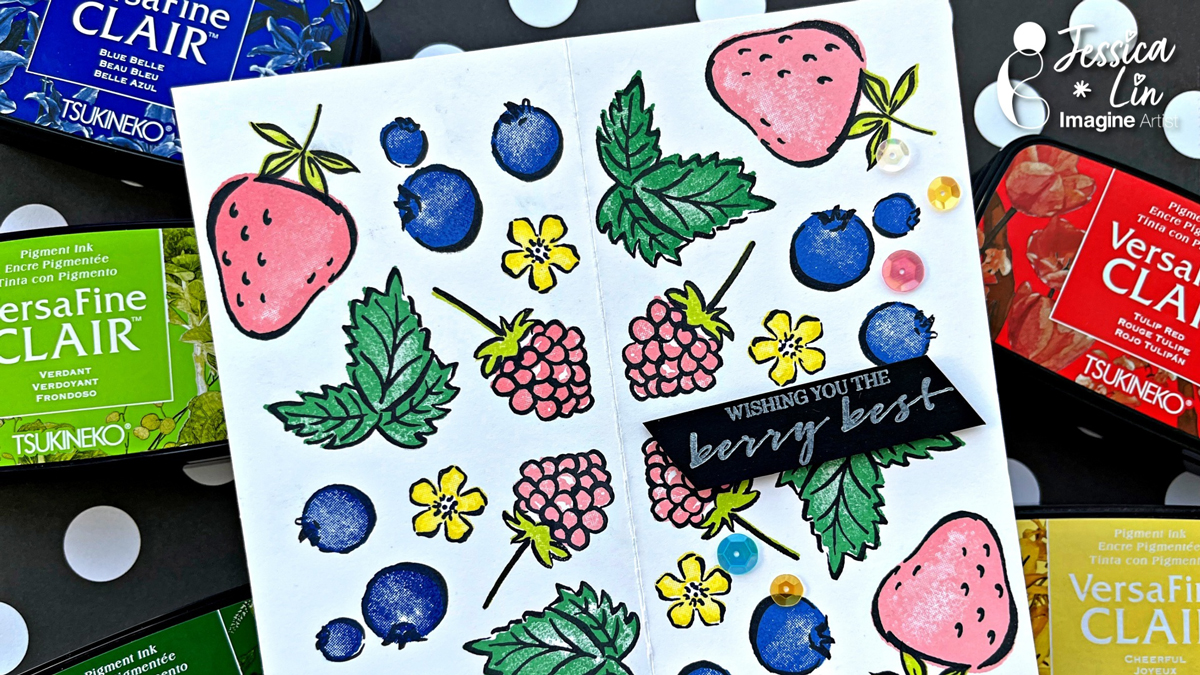
I’m using two stamp sets today: Sweet Strawberry and Berry Blessings. I stamped the fruit outline images with VersaFine Clair ink in Nocturne. This is my favorite black ink! Today’s card is a smaller notecard style so I’m stamping on a 6’’ x 6’’ square piece cardstock. I am also trying out a new rotating stamping technique on the We R stamp platform. This is such a fun tool to use to create your own patterned backgrounds. I placed the stamps within the 3’’ x 3’’ grid and rotated the plate 4 times with 90 degrees each time. If you don’t have this particular stamping tool, you could stamp the outlines freehand as well.

Step 2:
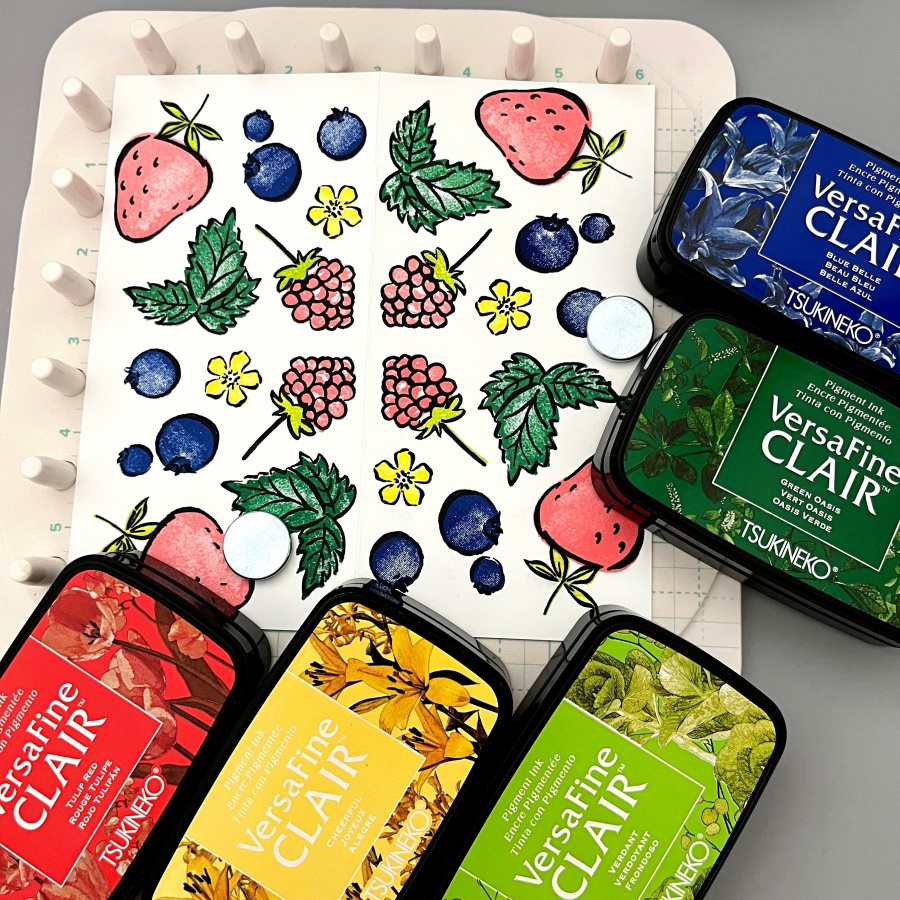
I then stamped the layering images with these VersaFine Clair inks. I love the bright, bold colors, especially for a summertime themed card.

Step 3:
To keep the sentiment simple, I used StazOn Pigment ink in Snowflake and stamped it on black cardstock. For a more vibrant look, you could heat emboss with white embossing powder. But the StazOn Pigment ink is a great alternative for beginners with just inks and stamps in their stash. I adhered some sequins with On Point glue as some finishing touches, and a simple summer notecard is complete! Thanks so much for stopping by and I hope you enjoyed this quick project.

Supplies Used:

Imagine Supplies:

Other Supplies:

  • Stampin’ Up! – Stamps – Sweet Strawberry, Berry Blessings
  • We R – Tool – Precision Press
  • Foam Tape
  • Black cardstock
  • White cardstock

Make a Fourth of July Card with Colorful Heat Embossing 

By Jessica Lin

Hi everyone! Are you ready to celebrate the Fourth of July? I made a sparkly, light-up card to celebrate the occasion. It’s been a while since I heat embossed with colorful embossing powders and I truly miss this simple and fun technique. Be sure to check out the supply list at the end to see the colors I used!

Skill Level: Advanced
Time: 1 hour

Step 1:
Stamp one image from MFT’s Festive Fireworks set with VersaMark ink pad. Then pour on embossing powder with the color of your choice. Repeat the steps if you would like to use different colors of embossing powders, making sure to heat set the powder before moving on to the next color. The colors I used today are Mboss – Valentine, Lucky Stars, Princess Party, and Shimmering Night Sky (not pictured here).

Step 2:
Use Brilliance – Galaxy Gold ink pad to stamp the layering images. I used a stamp positioning tool so that I could restamp a couple of times and get good ink coverage. The gold stamped images look so well against the black background, don’t you think?

Step 3:
I decided to add interactive elements to make this card even more festive! I used Chibitronics LED light stickers to create the light up circuit. If you are interested in making a light up card, feel free to check out the step-by-step video tutorial on my YouTube channel “Craft with Jessica V. Lin” and search for “How to Make a Fireworks Light Up Card with BLACK Cardstock”.

Step 4:
For some finishing touches, I splattered some Sheer Shimmer Craft Spray to the background. I used the brush-over-acrylic-block flicking method, but you could use the spray nozzle to add a fine mist of shimmer as well. Then I adhered some sequins with On-Point Glue, and that completes the card!

Imagine Supplies:

Other Supplies:

  • MFT – Stamps – Festive Fireworks
  • We R – Tool – Precision Press
  • Antistatic Powder Tool
  • Heat Tool
  • Hero Arts – Dies – Infinity Circle (to die cut the small center circles for light to shine through the fireworks images)
  • Chibitronics – Tool – LED sticker and Circuit Tape
  • Foam Tape
  • Black cardstock

“Cheers To The Best Dad” Father’s Day Card

By Jessica Lin

Hi everyone! I think I found my go-to die set for making cards for guys! It’s always been hard for me to come up with masculine card designs. This Brewed die set featuring beers, ale, and wine is gender-neutral and just perfect for a Father’s Day card.

Skill: Intermediate
Time: 30 minutes

Step 1:
Ink blend a gingham pattern using the Artistic Mix masks with Memento Paris Dusk ink. I like to emphasize certain areas and use a light hand for others to create variations of shades.

Step 2:
Die cut the beer and hops elements using different color cardstock.

Step 3:
To add some foamy details to the beer foam, apply a layer of Radiant Neon Amplify! Then heat set with your heat gun until a bubbly texture starts to puff up. I haven’t used these in a long time and was surprised with how well the result looked! There’s no waiting time for drying, either. Just heat set as soon as you apply the liquid layer. 

Step 4:
Assemble the die cut elements with Tear-It Tape and foam tape. I used On Point Glue to adhere the two “Cheers” die cuts. The fine tip nozzle is really handy for applying small amounts of glue to intricate die cuts. For the final step, I heat embossed the sentiment with white Mboss powder and that completes the card!

Supplies Used

Imagine Supplies:

Other Supplies:

  • Stampin’ Up! – Dies – Brewed
  • Stampin’ Up! – Tool – Artistic Mix masks
  • Lawn Fawn – Dies – Scripty Cheers
  • Stampin’ Up! – Stamps – World’s Best Trophy
  • Stampin’ Up! – Tool – Heat Tool
  • Blending brush
  • Color cardstock
  • Vellum

Make a Graduation Gift Card Holder

By Jessica Lin

Hi everyone! It’s graduation season. Do you have a gift card, a ticket, or even a polaroid photo you would like to send to someone who is graduating? Today I’m sharing my favorite way to send a gift card. It’s super easy and versatile; if you are interested, keep reading!

Skill: Advanced
Time: 1 hour

Directions:

Step 1:
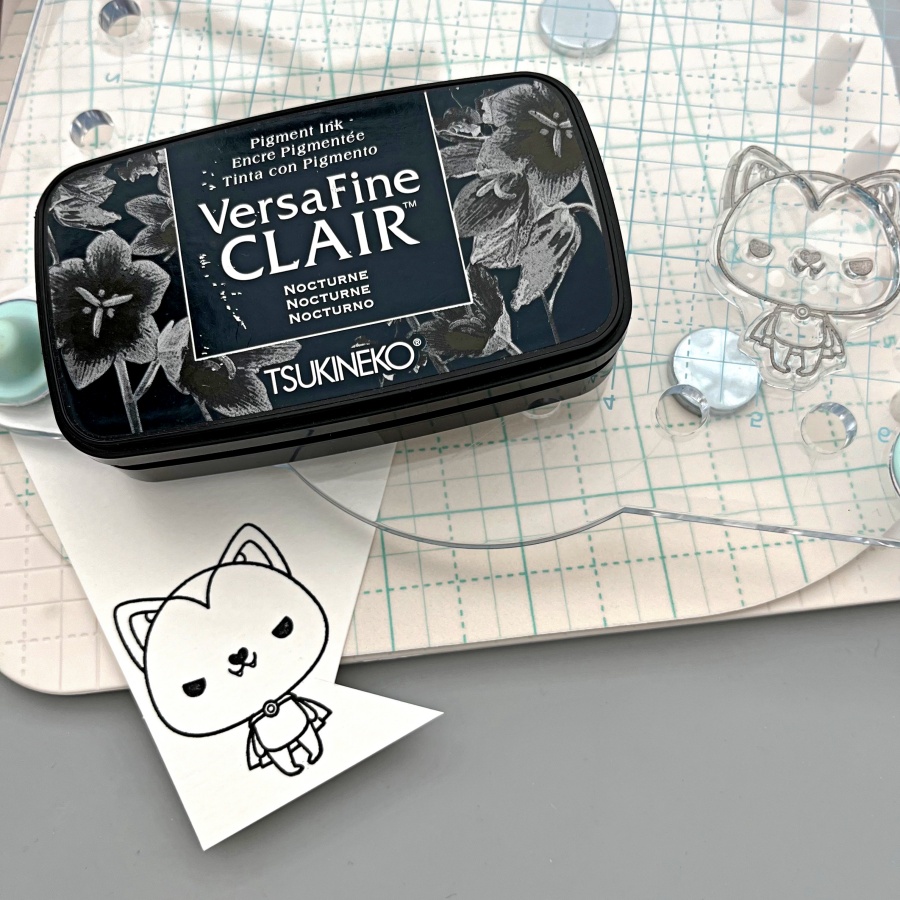
Stamp the images with any waterproof ink. Many Tsukineko ink pads are waterproof when the ink dries; I am using VersaFine Nocturne today. Also, can we talk about how adorable these images are?! They are from It’s a Science stamp set and they’re totally perfect for any science majors. I thought they would look so cute for a graduation card.

Step 2:
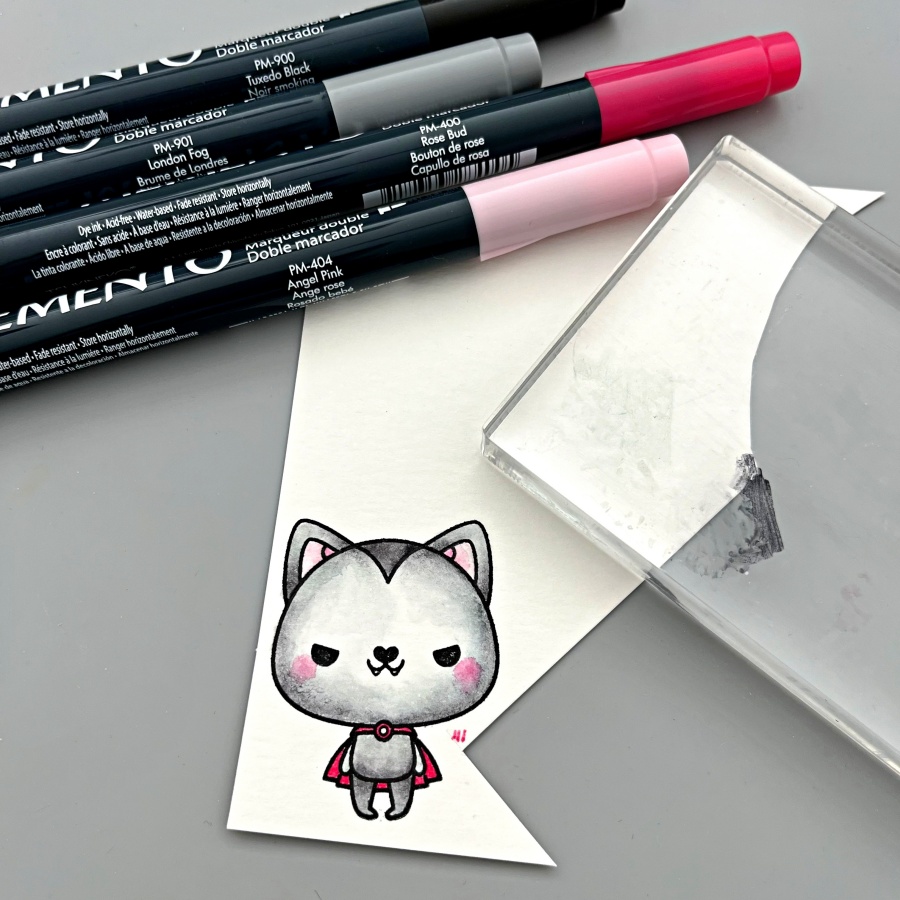
Watercolor with dew drop ink pads. I love to watercolor with my dew drop ink pads. You can choose from the VersaMagic (pigment ink), Brilliance (pigment ink) or Memento (dye ink) lines and they all work great! I smooshed some ink onto my craft mat and colored away!

Step 3:
Fussy cut the images with scissors. If the stamp set has a coordinating die set, you could use that too!

Step 4:
Stamp images with VersaMark ink pad to create details for the background panel.

Step 5:
I actually decided to create a light up card by adding a LED light to the microscope image. If you are interested in seeing a video tutorial, you could follow my YouTube channel: Craft with Jessica V. Lin or search for “Interactive Gift Card Holder that Lights Up”. I’ll edit the video and post it soon.

Step 6:
This is what the LED light looks like when the circuit is finished. It’s really not that complicated, and the result is so worth it!

Step 7:
Finally, for the gift card holder, simply score an A2 card base at 4.5’’, 5.5’’ and 6.5’’. Adhere the bottom edge with Tear-It! Tape (make sure you don’t adhere the entire flap closed). Then, create a gift card opening by die-cutting along the edge of the middle flap. If you don’t have a die that works, you could also cut the opening with scissors.

And the gift card holder card is completed! I love this design since it’s super easy and you could easily swap the gift card with tickets (like the Disneyland ticket shown in step 7) or even a polaroid photo if you decided to keep it as a card instead. I hope you give it a try, thanks so much for stopping by!

Supplies Used:

Imagine Supplies:

Other Supplies:

  • Stampin’ Up! – Stamps – It’s a Science
  • Spellbinders – Dies – Labels 17
  • We R – Tool – Precision Press
  • Stampin’ Up! – Tool – Paper Snips
  • Water brush
  • Chibitronics – Tool – LED sticker

StazOn Stamping on Fun Foam

By Jessica Lin

StazOn is a great, fast-drying ink for stamping on special mediums. They work great for stamping on non-porous surfaces like plastic sheets, but I was surprised with how well they stamp on craft foam. The details are crisp and the ink dries almost instantly. Let’s dive into the process of making a unique tag with craft foam!

Skill: Beginner
Time:  30 minutes

Directions:

Step 1:
Stamp the image with StazOn Timber Brown ink on craft foam. I used a stamp platform with the Doggone Friendly background stamp but did not have to re-stamp twice.

Step 2:
Die cut the craft foam with Gift Tags 2 dies. I like the stitched details around these tag dies.

Step 3:
Add a sentiment. I created a custom “Pawsome Bday” sentiment with the Labeler Alphabet stamp set with VersaMagic Ocean Depth ink pad.

Step 4:
Add additional embellishments like enamel shapes and ribbons. I also adhered a piece of white cardstock to the back of the foam tag for writing messages. Then the tag is done for decorating any gift boxes! 

Craft Supplies:

Imagine:

Other Supplies:

https://www.stampinup.com/products/mini-stampin-cut-emboss-machine?demoid=2164794

  • We R – Tool – Precision Press
  • Paper Smooches – Dies – Gift Tags 2