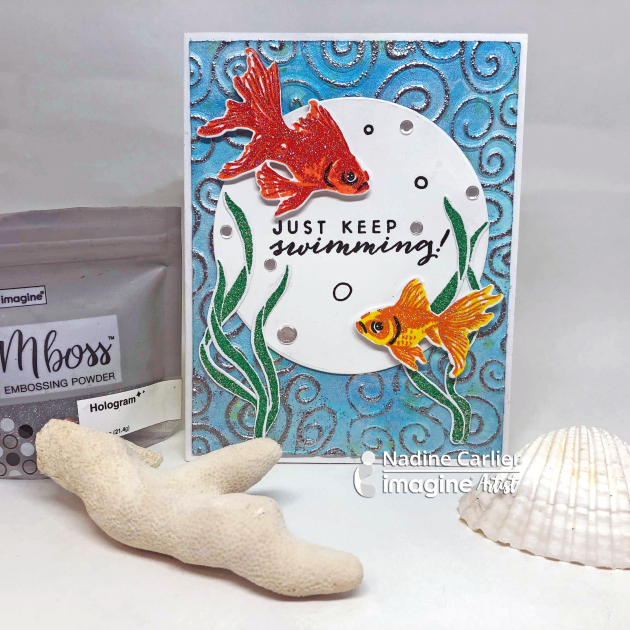
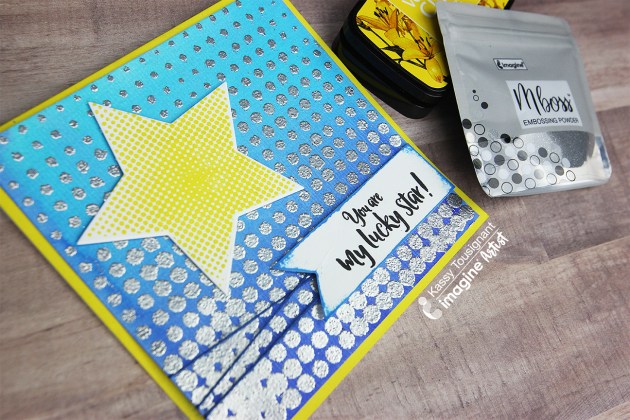
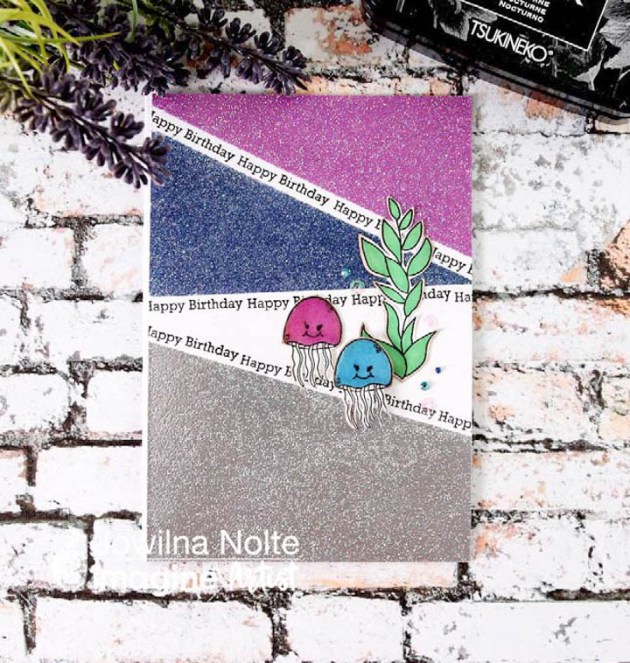
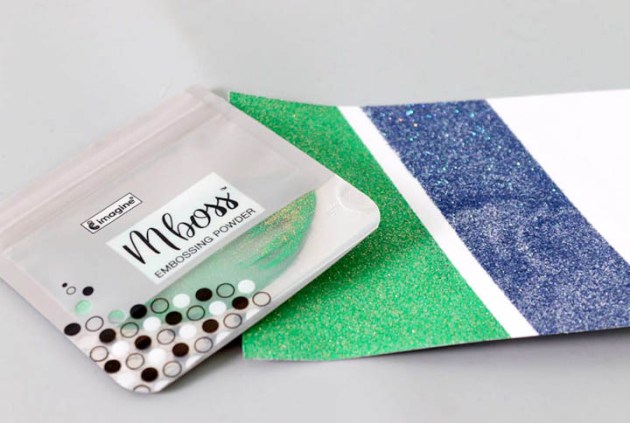
This card is dressed with the new Mboss Embossing Powder from top to bottom.
Watch my video below to see the different techniques I used to create my card. Enjoy!
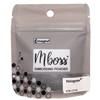
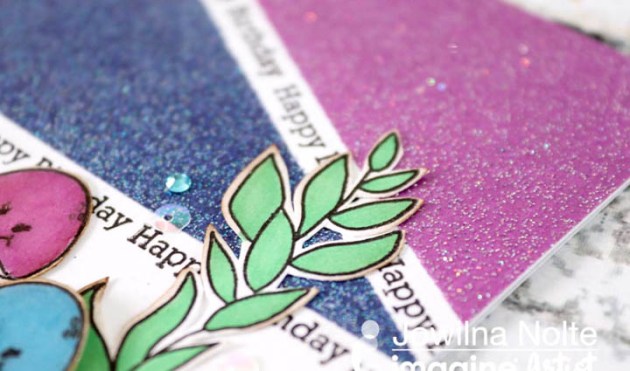
Imagine has released a new, innovative design in embossing powder packaging! It is in a resealable bag! It is so easy to use and clean up after. The gusseted bottom allows it to stand independently on your surface and won’t tip over easily. The fact that you can pinch the bag while you are pouring the powder onto your project allows for greater accuracy too. I used the Hologram MBoss powder on this star card and it really makes the focal point pop!
Thinking back when I did my first heat embossing, it was pure magic. That feeling of amazement and wonder hasn’t left but has been ignited once again with the amazing Mboss from Imagine. The new embossing colors are simply amazing and really are over the top beautiful! You have to get some for your stash to experience true magic! Take a look at how I used mine for a fun color-blocked effect.
Skill: Intermediate Time: 30 minutes
Directions
Step 1
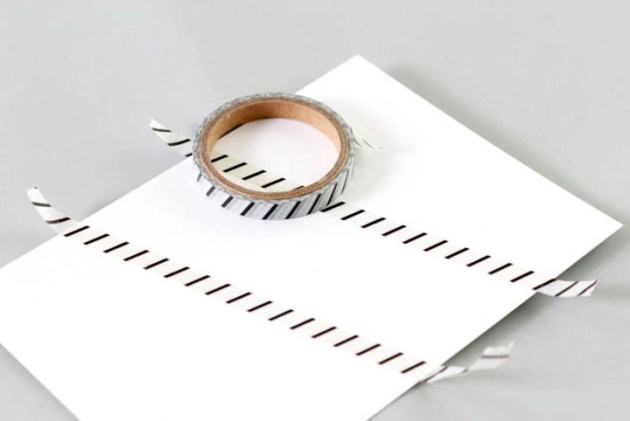
Tape off areas using washi tape on a white cardstock panel.
Step 2
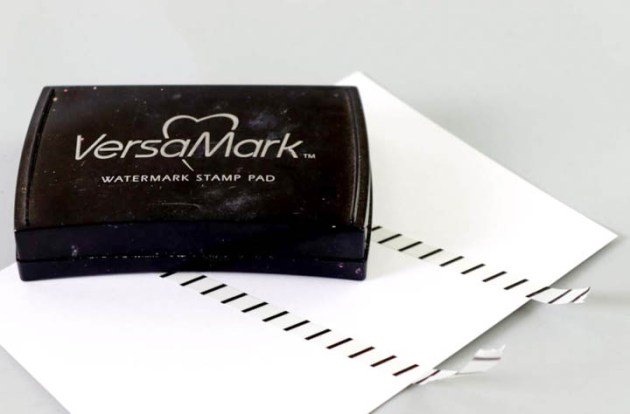
Use your VersaMark inkpad and ink the taped off sections only by tapping the ink pad onto the cardstock.
Step 3
Use the Mboss packet and sprinkle the powder over the inked areas. Peel off the washi tape and then heat set the Embossing Powder using a heat gun.
Step 4
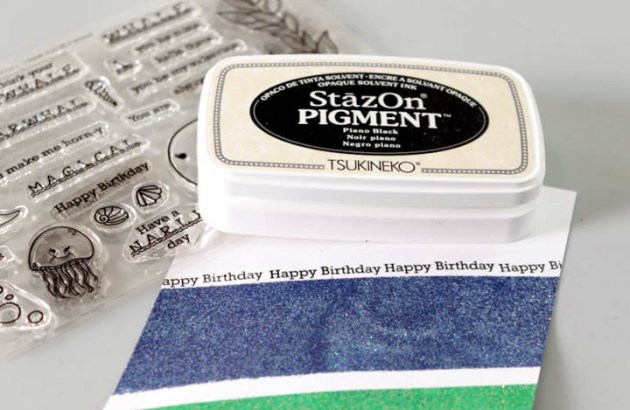
Use StazOn Pigment Piano Black and stamp Happy Birthday sentiment onto a blank area of the embossed panel.
Step 5
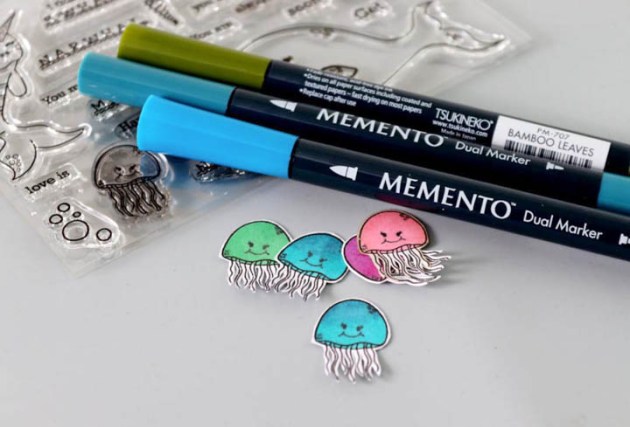
Stamp elements onto white cardstock and cut out. Add a little color using Memento Markers.
Step 6
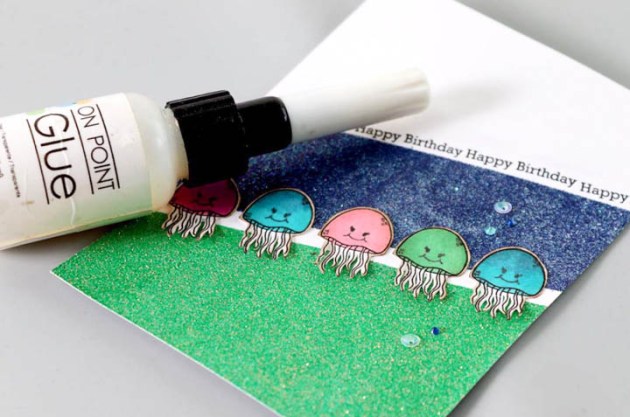
Adhere the stamped elements onto the embossed panel with On Point Glue. Add diamanté and finishing touches.
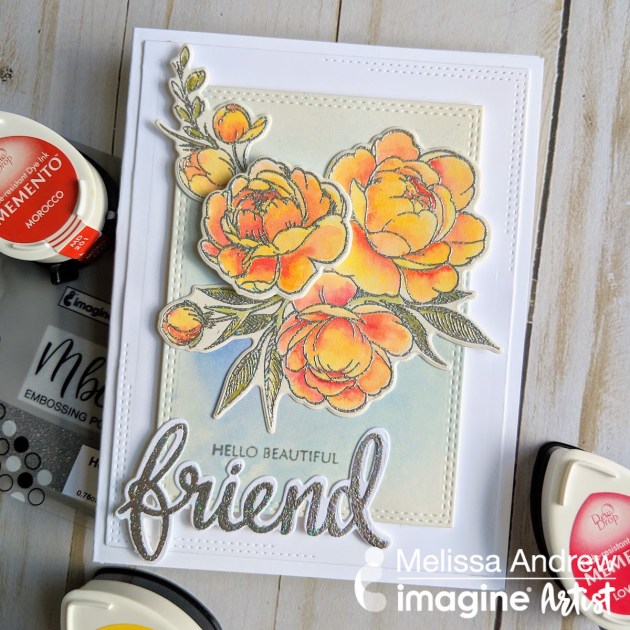
Today I am sharing the fabulous new Hologram Mboss embossing powder from Imagine. This fabulous embossing powder is fine for detailed stamping but also sparkles with colors of the rainbow. In this video, I show you how to stamp, emboss and fill in with a watercolor technique. The Memento inks are perfect for creating the peachy blended look.
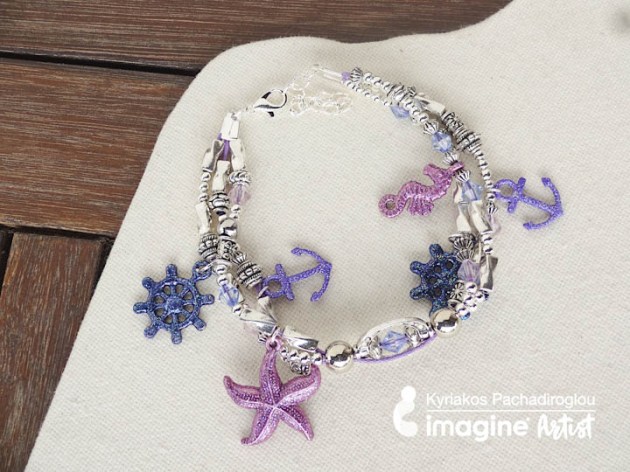
With summer being just around the corner, be ready by making a sea-themed bracelet for your vacation swag. Use the Mboss embossing powders to cover metallic charms, such as starfish, seahorses, and anchors, to add color to them. This tecnique is simple and not too demanding to make; match it to your color palette of choice and add even more Mboss-ed charms.
Skill: Advanced Time: 1 hour
Directions
Step 1
Press the metallic sea-themed charms on the VersaMark watermark ink pad, cover with the different colors of Mboss embossing powders and heat set. The VersaMark is a tacky ink and will stick to the metal charms long enough to receive the embossing powder.
Step 2
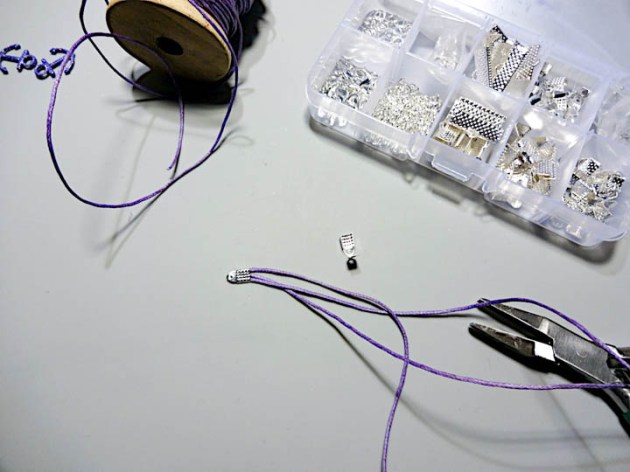
Cut 3 x 10 inch long pieces of the wax cord (you will adjust the length of the bracelet later) and secure them at one edge.
Step 3
Add just a small drop of On Point Glue to the other edge of the cords to keep them from fringing.
Step 4
Start adding beads and the charms you covered with Mboss Embossing Powder in step one to each of the three cords.
Step 5
When you have about 2 inches of the cords filled with beads and charms, place all cords through a large hole bead. This will give your bracelet some nice structure, but it is an optional step. Repeat steps four and five until you have around 7 inches of bracelet.
Step 6
Continue adding beads and charms and at 7 inches long secure the edges and add the closing caps. Adding a chain to once cap will make the the length of the bracelet adjustable. Add the hook to the other cap.
Never made jewelry before? Click here to see a post about some basics of jewelry making.
Supplies
Imagine
Mboss – Shimmering Night Sky, Birthday Party, Princess Party
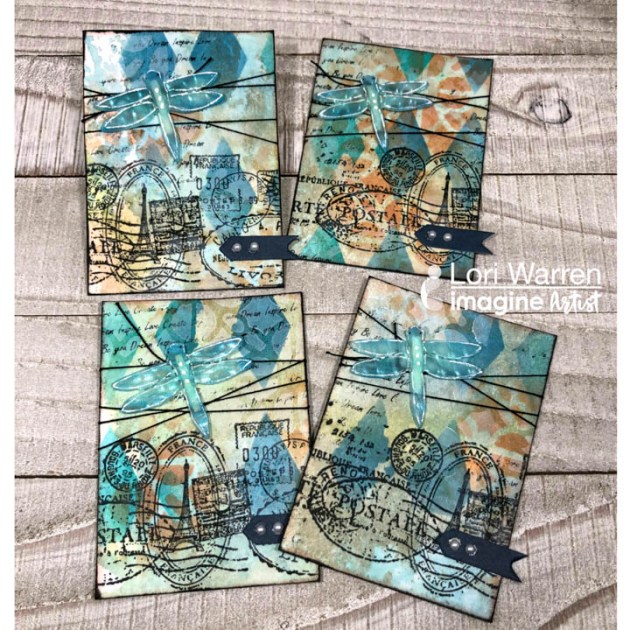
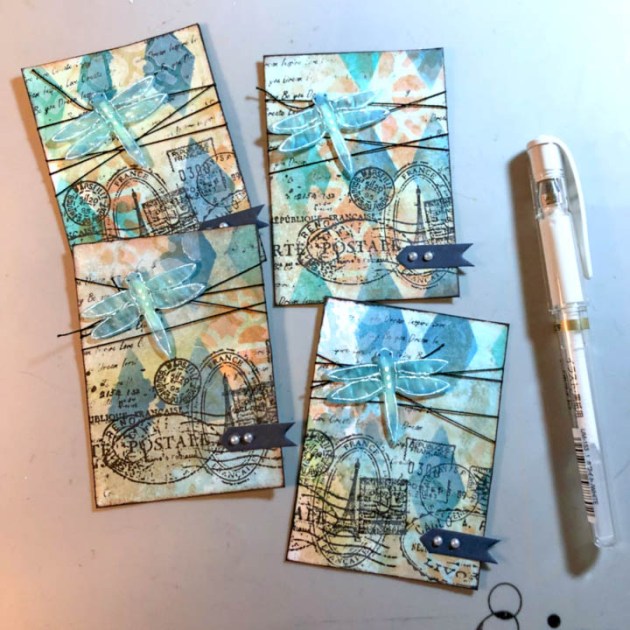
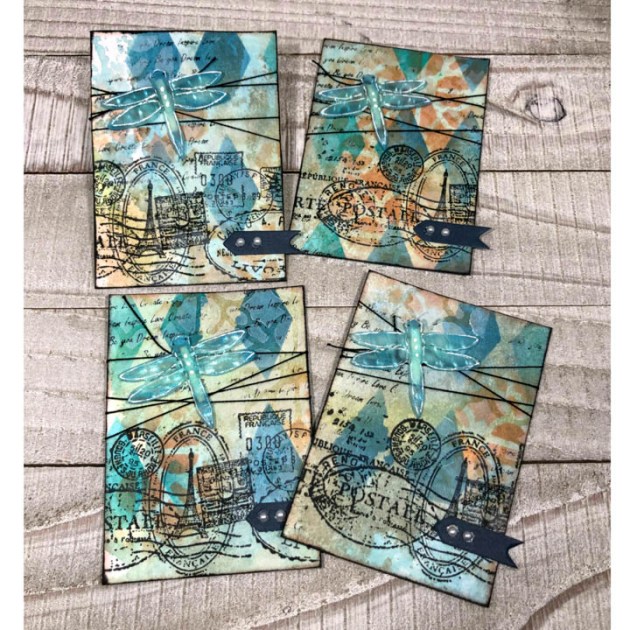
This cardmaking project is all about using layers of ink to create a collage background with stamps and stencils. It’s a great way to build a cool background in order to feature that perfect focal image, like a Vertigo, die cut dragonfly.
Skill: Intermediate Time: 30 minutes
Directions
Step 1
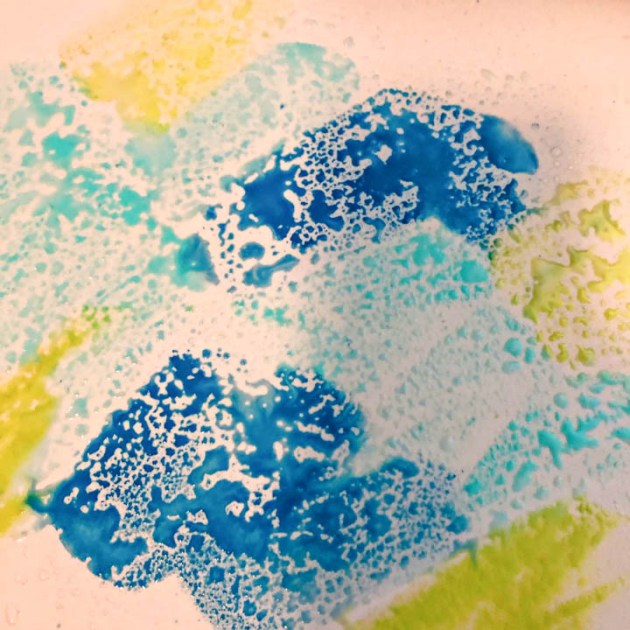
Apply VersaMagic DewDrops to a Craft Mat and add water.
Step 2
Lay 8.5” x 11” piece of cardstock down into the wet ink. Repeat as needed.
Step 3
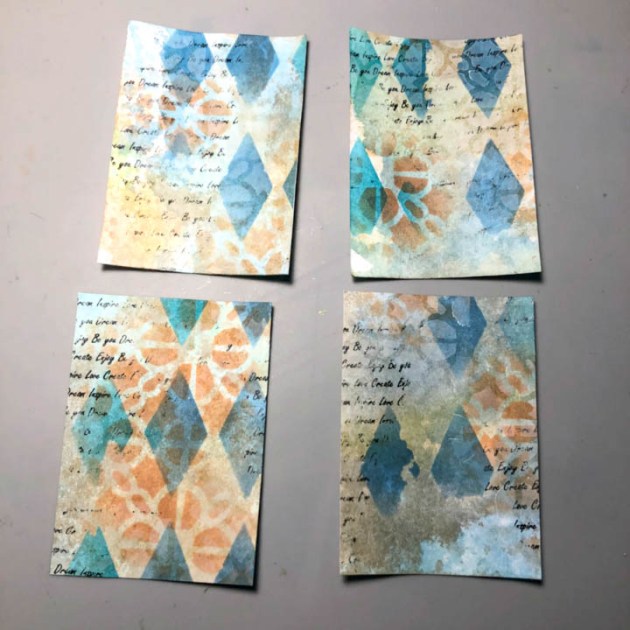
Apply VersaMagic through the diamond shape stencil with a sponge dauber.
Step 4
Stamp script stamp with StazOn Pigment Ink.
Step 5
Apply water and blot with a paper towel, pulling some ink away.
Step 6
Spray panel with Walnut Ink, blot and dry. This gives the paper a vintage or antique look.
Step 7
With a different stencil apply a different color of VersaMagic. This creates a beautiful layered effect.
Step 8
Using the same stencil, apply White VersaMagic to make a bit of a frosty ghost effect.
Step 9
Cut cardstock panel to multiple 2.5” x 3.5” ATCs or Artist Trading Cards.
Step 10
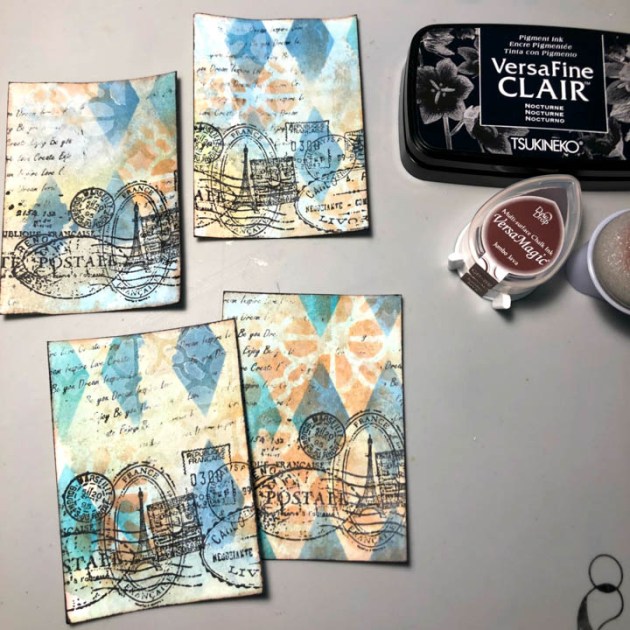
Stamp a vintage postcard image with VersaFine Clair.
Step 11
Edge ATCs with brown and black inks to continue the antique look.
Step 12
Tie string around each card a couple times to give the ATCs to give extra flair.
Step 13
Die cut dragonfly image from Vertigo Prism, color with VersaMagic.
Step 14
Prepare dragonfly with double-sided dimensional tape. This will give each dragonfly the effect of flying.
Step 15
Adhere dragonfly die cut to ATCs.
Step 16
Enhance dragonfly with a white pen and embellish with tag and sticky gems.